theSLAYER
-
Posts
22963 -
Joined
-
Last visited
-
Days Won
1016
Content Type
Profiles
Pokédex
Portal
Technical Documentation
Pages
Tutorials
Forums
Events
Downloads
Gallery
Blogs
Everything posted by theSLAYER
-
Post does not qualify as an event contribution (and additionally we have the Manaphy egg wonder card), thus thread moved. And for the record: ^ this isn't a criteria for legal Pokémon. Point: Shiny Keldeo can go online, but that is not legal... Also, looking at the familiar PID, perhaps you took the PID from the prev shiny Mew you uploaded? Perhaps you don't know how to gen legal Shiny gen 3-4 (origin) Pokémon? ;3 Also, flawless IVs are pointless to hunt, when transferring up to Gen 6 and above. The IVs can be bottle capped.. In any case, if you want to learn about solving PID Mismatch:
-

Version .
788 downloads
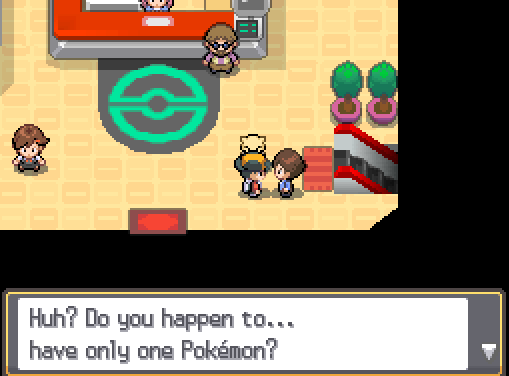
When you only have one Pokémon, which is the one that is in your party, this NPC in Cianwood will give you a Tentacool. It is not necessary to remove Surf/Fly from your remaining party member. This can be done during any part of the story, including after defeating the Elite 4 and Champion. The NPC will continue to give out Tentacool infinitely, as long as you only have one Pokémon. Able to be of either gender or either ability. -
Appears you can do it while you've unlocked Safari Zone. Got the file uploaded. It now makes me wonder if they did this to any other game..
-
 Check our downloads section
 -
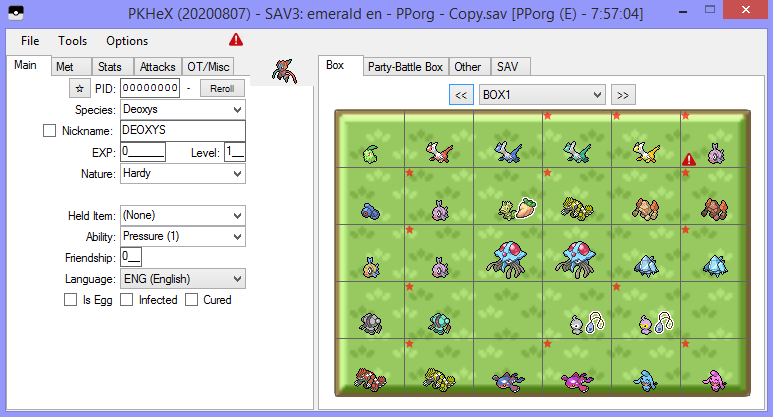
Perhaps save size is wrong, or maybe you're using a savestate (not a save), or you're doing something wrong. For example, here's a image of a copy of my save loading up in PKHeX just fine. As you can see, it works. Send over a copy of your send from VBA, I'll take a look and tell you what's wrong.
-
00000001.sav is a console encrypted save. PKHeX deals with console decrypted saves. Use JKSV or Checkpoint to get such a save... Additionally, Emerald save in that folder and format would suggest you're playing a fake VC inject GBA game. Not sure if those kind of games can have their save extracted. All you can do is try.
-
Need Furfrou Trims That Show Up In Home
theSLAYER replied to mranonymous's topic in Saves - Files and Requests
Send over the Furfrou with forms FROM SMUSUM. The forms can be deposited into the PC. -
No idea why . In any case, this isn't the thread for such a discussion.
-
Based on that image above, they did not specifically say they'll put a flag. If you have any other source, indicate that as well. In that image, they just said they'll work on dealing with "altered Pokémon in Pokémon HOME". We don't have an idea how they'll implement it. We don't know if it's specific mons that were found to be illegal, or just a server block (like illegal species such as shiny dada Zarude blocked from entering HOME; it already can't be traded on main series games, thanks to server checks). Until it's done, we really don't know. Yeah for all we know, they're just simply stating what they're already doing normally. We just do not know
-
It's bad news to people who use illegal crap, such as gen 8 mon transferred from gen 7, for example. Tho realistically, I wonder how well can such a system be. Probably really rudimentary. We'll see. They may accidentally stop some legal mons, but as long as you're playing it legal, won't have much to worry bout really.
-
You can PKHeX non-galar origin mons as pk7 to your SMUSUM game, then transfer over. If you try to downgrade pk8 to pk7 then transfer, that will likely not work.
-
Yes. HOME subscription and Bank subscriptions are separate things. That means having HOME subscription would presently not give you a free Bank subscription. Gonna need to apply for both if you want both. Some options: Pay for Bank subscription Use PKHeX to load the mons into a gen 8 format, then have a sysbot trade it to you (this assumes you don't have a CFW Switch, and that your OFW Switch has NSO) [if species exist in SWSH] Wait for Bank subscription to be free again. Maybe during HOME anniversary. Or maybe they'll never do it again. Who knows really.
-
Trying to Get a shiny Manaphy from pokemon Ranger in gen 4
theSLAYER replied to 4rine's topic in Pokémon Legality
It has to be traded (ie. change egg met location to traded). Manaphy straight from Ranger cannot be shiny. However if the egg was traded to another player that could hatch it shiny (think ESV and TSV), it can be. So you won't have the change the PID that PKHeX creates for you, just change the egg met location, TID and SID. -
Past gen 2? I do not recall any sources for these, will look it up eventually. Gen 3: RS would glitch and you can encounter Celebi at the Route before Lilycove. edit: While I've never seen this page before, it seems to be talking about some part of it. In RS, after having 100 rocket launches in Mossdeep, you can take the rocket to space to get Deoxys . (Edit: just noticed this was already posted) Gen 4: Cursed plate for Arceus existing. (It does not) edit: Looks like a discussion for the ??? plate, cause it was known that ???-type form exists. Gen 5: Victini encounter isn’t shiny locked. Gen 6: XY, new entry animation where the mon appears monochrome, then thought to be rarer than shinies (supposedly it was later discovered that a texture error when model loading?) Discussion page XY, Zygarde not being shiny locked. Breeding Dream ball into Aegislash, or Friend Ball onto Meowstic (lol) Gen 7: Pokémon Stars (SM remake?) for Nintendo Switch Presumably the report that started it all.
-
My guess is that it’s a server based game. I have no proof for it, besides the game not being able to function offline. In reality, some parts may not require server connection, but a common practise for these kind of games is to make everything calculated/determined by the server. As a result, I reckon what you’re asking for being unlikely to exist.
- 1 reply
-
- 1
-

-
 To @shinykitty, @Funsparce, and many others out there, REVIEWS ARE NOT THE PLACE TO ASK FOR HELP RELATING TO YOUR PROBLEMS. Maybe start a thread and ask for help. Or maybe leave a comment, see if the author gets back to you. Imagine a Yelp review. You can say why something is good or bad, but you can't say "I have issues with your app/the shop/whatever, please help me".
- 29 comments
-
- 1
-
-
- pokemon rumble
- wiiware
- (and 2 more)
-
Version 0.0.4
1070 downloads
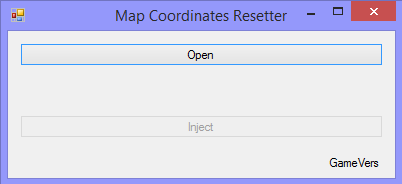
Maybe you've did some glitch and got stuck in a map? Maybe you've edited the map coordinates and somehow it went wrong? This tool aims to fix it. This tool will warp you to a somewhat starting area. Note: Only for DP, Pt, XY, ORAS, SM, USUM Note 2: Kinda works for DP and Pt. Gen 4 recognition depends on a) having either Male or Female gender b) the journey was started with one of the proper starters. Instructions: 0. Keep a safe backup of your save. This program will not create a backup. 1. Launch the program 2. Open/drag&drop the save onto the open window 3. Press the Inject button 4. Close the program 5. Now open PKHeX, drag your save into it 6. Save the progress in PKHeX (should fix the checksums) 7. Now restore the save back into your game, and launch the game :3 8. When the game loads properly, but you're in black screen, enter the Bag/Pokédex/Party to reload the map of the overworld. To fix NPCs, enter and exit a building. -
Edit Pokemon Rewards from Totem Stickers (USUM)
theSLAYER replied to LosingTouch's topic in Generation 7
because they are alt forms, and they technically use the same sprite as their base species. You wouldn't be able to tell the difference at a glance, hence darkened sprites were used. -
You probably loaded the wonder card into the wrong game, or received it via some modified unintended way. Whatever the case was, know that the Membership card was only distributed for Platinum. Granted, one can find a way to hack the card into DP, but it ain't receiving it legally. And granted, the location does exist in Diamond and Pearl, but you can't get to it legally. There's only so many ways I can say that you cannot get to the island legally in Diamond and Pearl. Please understand.
-
Sounds like you cheated. There is no way to legally get to Newmoon Island on Diamond. It's there, but one cannot get to there legally (in DP).
-
(The first one and the second one are the same, you know. Just showcasing what will happen if there's 3 prefect IVs and are random, and 0 EVs.)
-
Blurb Porygon2 will be distributed to players via common serial code. Serial code will only work until August 31, 2020. Broadcast info Starting at 11am PDT on August 22 and August 23, 2020 Source: https://www.pokemon.com/us/pokemon-news/receive-a-battle-ready-porygon2-celebrating-the-pokemon-players-cup/
- 1 reply
-
- 2
-
-
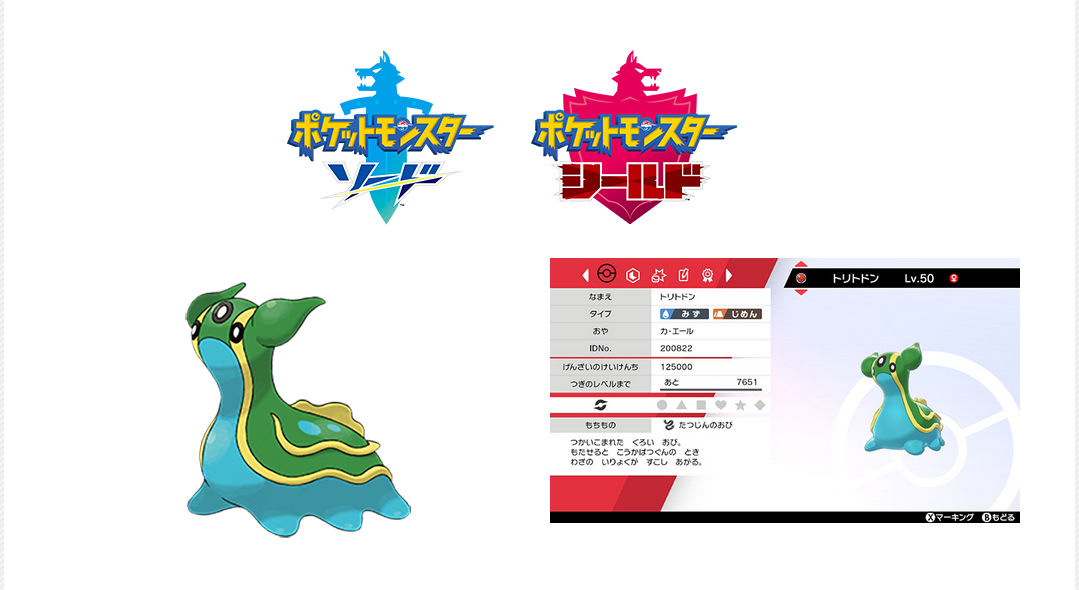
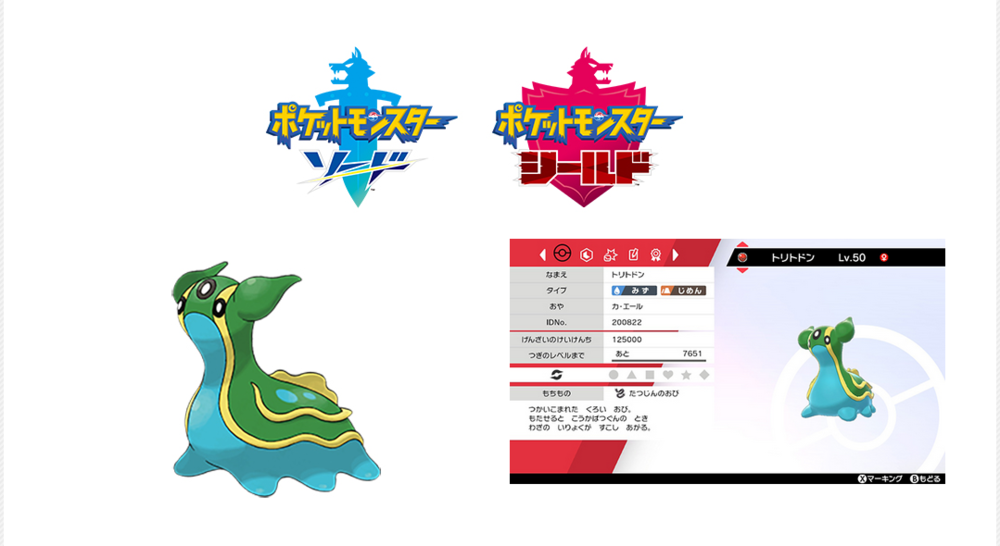
During the live stream of the Pokémon Japan Tournament 2020, a Gastrodon based on PJCS2019 Champion's Gastrodon will be given away. It appears this giveaway only applies during the duration of the livestream. Broadcast Info: Saturday, August 22 Junior category around 10AM JST Senior category around 1PM JST Master category around 16PM JST (Broadcast links in the source) Source: https://www.pokemon.co.jp/sp/tournament_2020/
-
a) We don't support piracy. Looking at the title of the game, I reckon it's a pirated game. b) Don't load a 3DS file into PKHeX. It's supposed to be a save.
-
FULL EVENT GEN I-GEN VII SAVE FILE?
theSLAYER replied to darkrai_shiny's topic in Saves - Files and Requests
I think someone uploaded a save with all the events in the user contributed saves section. Otherwise just download all the wonder cards and event files here. Also, I removed your thread in Events Contribution. 1) you weren't contributing an event 2) there's no need to repeat a thread in multiple spots in the same forum.