theSLAYER
-
Posts
22961 -
Joined
-
Last visited
-
Days Won
1016
Content Type
Profiles
Pokédex
Portal
Technical Documentation
Pages
Tutorials
Forums
Events
Downloads
Gallery
Blogs
Everything posted by theSLAYER
-
This tutorial actually teaches you so: It has pictures to guide you along, in case you prefer something visual.
-
As Chaostic mentioned, we have a link (which he linked) If you can't download from there, try Right Click and Save target as (or whatever the equivalent is for your browser)
-
ditto as above
-

Transferring my Legit Gen 1 Pokemon to Pokemon Bank
theSLAYER replied to Allegedly137's topic in Saves - Files and Requests
You can place the save directly into your VC game. As far as I'm aware, they have yet to ban people for doing this kind of save manipulation. (If anything, they ban the 3DS for a) piracy detected or b) CFW on 3DS detected) Would I recommend it, no. There's no real point, since any mon as can manipulated via a bunch of glitches, tho I do see that some people feel emotional value and wanna transfer it up. I mean, it would certainly be better to bring a non-CFW 3DS online, to prevent your CFW 3DS from being banned, but presently if your CFW (presumably LUMA) is updated, it appears you can bring it online just fine (as long as you don't have piracy and other crazy stuff on it). I've been using my hacked 3DS for Pokémon Bank, haven't been banned yet. Well, whatever you choose to do, at your own risk -
1998 Nintendo Power 'MARIO' Mew Distribution
theSLAYER replied to Gridelin's topic in Event Contributions
The save was too big, and wouldn't open on PKHeX. Luckily, splitting it in half was enough Contains 2 LUIGIW Mew from @Allegedly137. It appears one is untrained. pokemon_red_dex_2mews1.sav -
Do Pokemon still have their gen6 OT memories?
theSLAYER replied to Farfetchd's topic in Generation 8
I've had a conversation relating to this: So, I do not know what happens if a mon goes to Gen 7 first from Gen 6, But, mons that Gen 6 - > Bank -> HOME -> SWSH keeps their OT memories. I can't be sure, but I think they're wiped. You can export the mon's file in PKHeX for a Gen 6 -> Gen 7 transfer and check.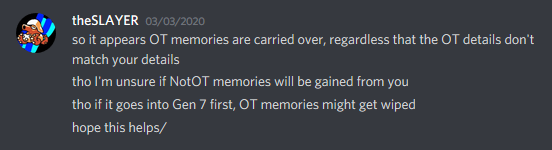
-
I appreciate your efforts for this translation! Also, it reads like a scam e-mail XD All that is missing is to send $1000 to Bill to validate the transaction, so that he can send the Celebi over ><
-
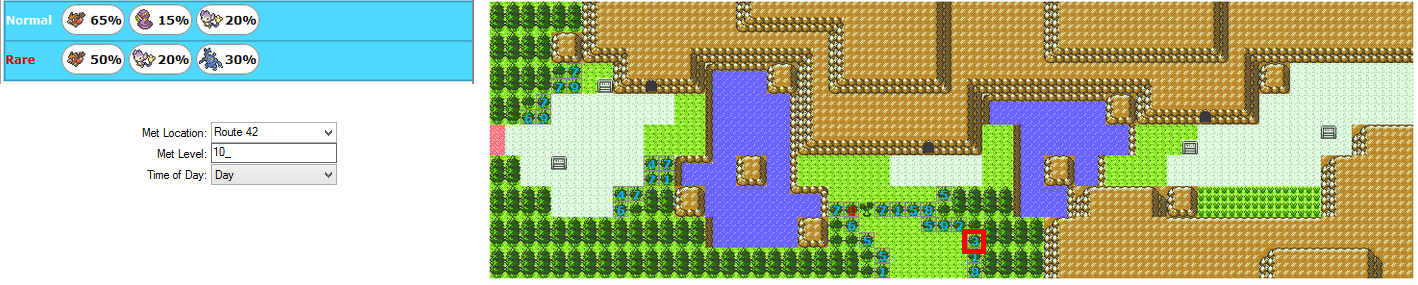
Looks okay to me: For Aipom, Not that this check matters, since Aipom can be normal and rare tree spawn. Next, for Heracross, Referring to previous image above, rare tree is possible for that Route.
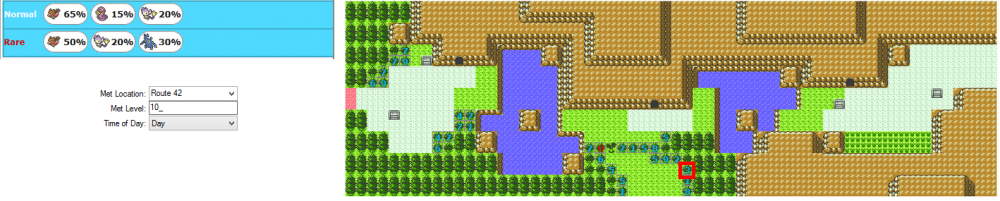
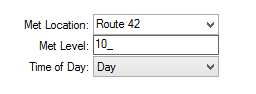
-
As per usual, events, including wild area news, is updated manually, and thus has to be added before PKHeX is released. If you check the date, this version of PKHeX came out before wild area news was released. Thus..
-
First Time Checkpoint User - Have I cocked up?
theSLAYER replied to Chinapiggy's topic in Saves - Editing Help
This is what you need to find out: 1. Can said save, the one presently on your SD card, be opened by PKHeX? 2. If it could, are you sure it's named "main" (no extensions), AND nothing else is in the same folder? Anyhow, read: https://projectpokemon.org/tutorials/save-editing/managing-3ds-saves/troubleshooting-corrupt-saves-r92/ -
@Zan I don't have real experience dealing with ranch saves, aside for pulling out some of the event mons. (and besides, I don't remember what I did too) I probably used this. You should familiarize yourself with it and give it a try. (Also, it looks like the data is encrypted, so it won't be a simple hex searching and pulling drop. You probably need to find a program to decrypt it, if the tool above doesn't help)
-
Let's Go connect: Gigantamax Eevee
theSLAYER commented on Project Pokémon Bot's file in Sword & Shield (Base Game)
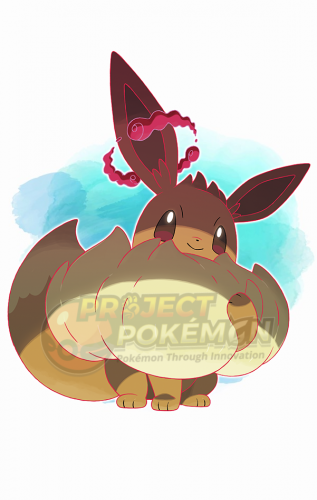 Non-HA. Whatever ability it has, ability capsule works to toggle either one, so it doesn't matter as long as it's non-HA
 -
User says it only happens after modifying tho
-
@Kaphotics I'm out of clues, unable to replicate the issue, need your help.
-
you mind telling me what specific modifications you done that caused the error. I'll see if I can recreate it.
-
You did not say anything about the save file being one that has modification done to it. How did you obtain the original save file then? Can the original be opened by PKHeX? When you modify it, is the save file location on your computer, or was the saving done via USB-C connected to the Switch?
-
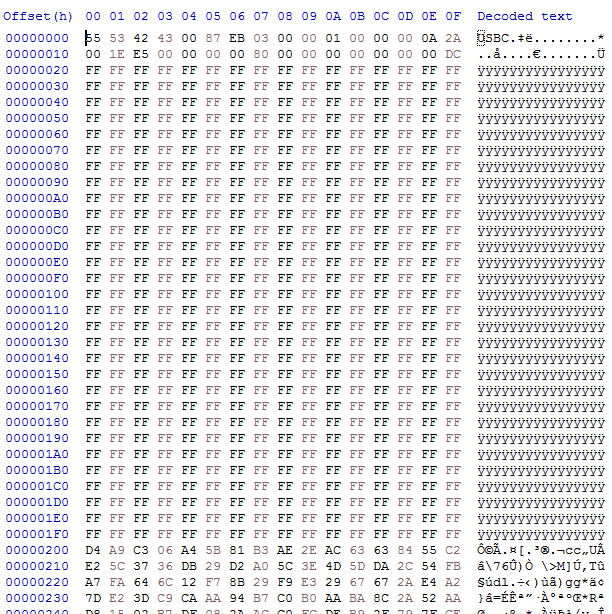
I don't think save files should be like this. Having the lines of 0xFF and a visible "USBC" is not normal, and not what a SWSH save file looks like. How did you obtain such a save file again? edit: It looks like the bytes from 0x200 onwards might contain data for a save file, but trimming this file is useless, as it was cut off at the address where the save file would have ended. Since this file is padded with 0x200 of nonsense, but the file ends at the correct spot, that means the theoretical "actual save portion" in the file is smaller than normal. With that in mind, the save cannot be decrypted properly, even if we remove the padding. So once again, how are you obtaining this "save" file?
-
If you keep the hacked switch off the internet, No.
-
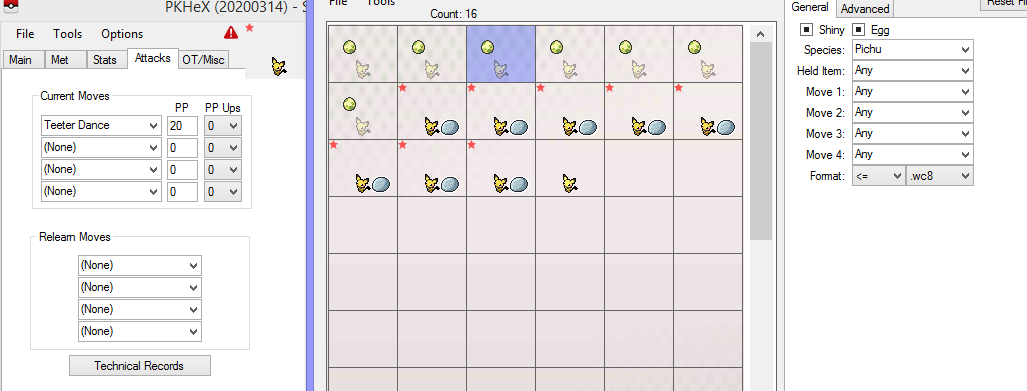
Does anyone have Stamp Teeter Dance Pichu?
theSLAYER replied to ArtemiSerebii's topic in Pokémon Requests
don't limit your search to gen 8 only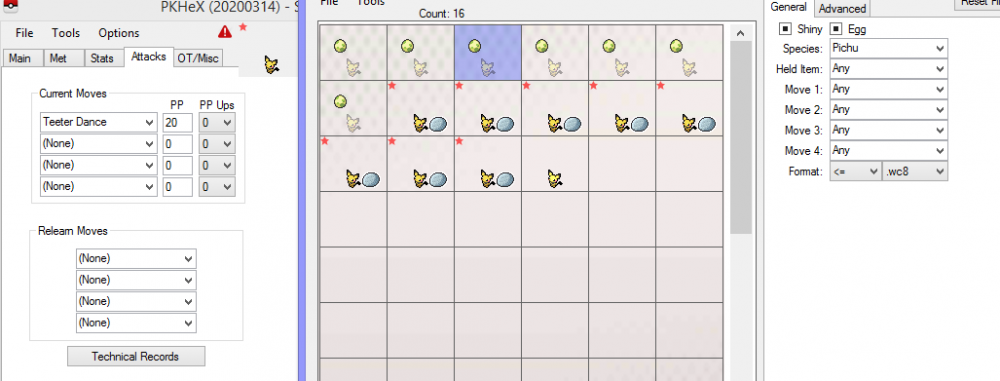
-
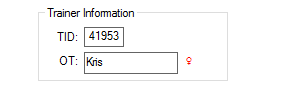
OT gender. It’s determined when the mon is generated, and we know how it matches up. Since PKHeX doesn’t check for it, you may end up with a illegal mon if the OT Gender is incorrect, even if all other details looks correct.
-
You mind sending me a screenshot of the insides of the folder you're trying to import from? The screenshot needs to have the save inside it.
-
Which system, 3DS or Switch? If it's the Switch, am I right to guess that your Pokemon received by trade is done on OFW, and checkpoint dumping is done via CFW? If your situation is indeed as I described, your OFW and CFW profiles have unlinked. It is not known how they unlinked, but I can only imagine you've done some kind of update (maybe game, firmware etc) that caused them to unlink. Thus, your CFW and OFW saves are different now. If the above isn't your described issue, ignore the paragraph, and report to us all the details. (Device? using CFW? Using emunand? etc)
-
PK8(sword & Shield Files to PK7 (Ultra sun/moon)
theSLAYER replied to Matt_27494's topic in Miscellaneous Help
I know, but that's the most risk-free method. Else, learn how to handle risk. -
Provide a before save, an after save, and the pkm file, thanks.