Kaphotics
-
Posts
7957 -
Joined
-
Last visited
-
Days Won
476
Content Type
Profiles
Pokédex
Portal
Technical Documentation
Pages
Tutorials
Forums
Events
Downloads
Gallery
Blogs
Everything posted by Kaphotics
-

Pokémon Sword save file corrupted after using PKHeX
Kaphotics replied to PixlGlitch's topic in Saves - Editing Help
Transfer the save file to your Nintendo Switch and use homebrew to import it. -
Pokémon Sword save file corrupted after using PKHeX
Kaphotics replied to PixlGlitch's topic in Saves - Editing Help
Try restoring it to your console's save data rather than an emulator file archive. -
Adding new megas to Pokemon X and Pokemon Y with the pk3ds tool
Kaphotics replied to F2P_AGL's topic in ROM - 3DS ROM Hacks
Megas are just forms. https://www.pokecommunity.com/threads/guide-for-adding-additional-formes-to-usum-extension-of-axyns-work-for-xy-along-with-improved-streamlined-tool.527586/ -
Assuming you are editing a wild capture, I suggest you familiarize yourself with the mechanics in obtaining hidden ability (via chaining, if I recall correctly). By doing the mechanic, you also get 31 IVs for free. If you have hidden ability, then you must also have the IVs that would come with it.
-
Use the development build; has been reported and fixed. Revise event flag block fetch · kwsch/PKHeX@d774e48 https://projectpokemon.org/pkhex-dev/
-
1. Your uploaded file is "MAIN", not "main". Do not rename save game files, as the game wants that specific file, and nothing else it doesn't expect. If you have uploaded to your save container on the console/cart an unrelated file, then the game will treat your data as corrupt. Delete your save data on your hardware, and start a new game. Then import "main" to overwrite the new file.
-
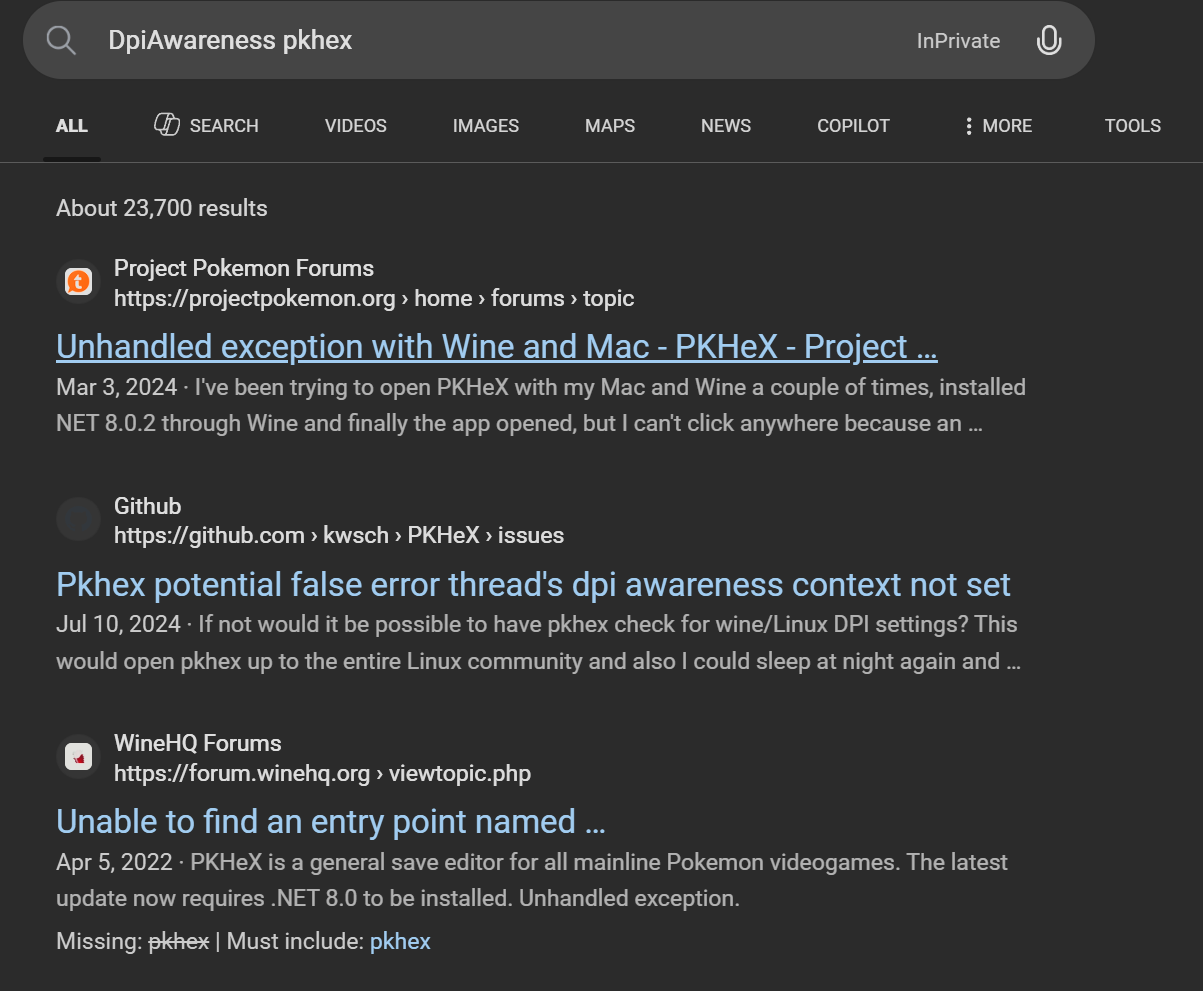
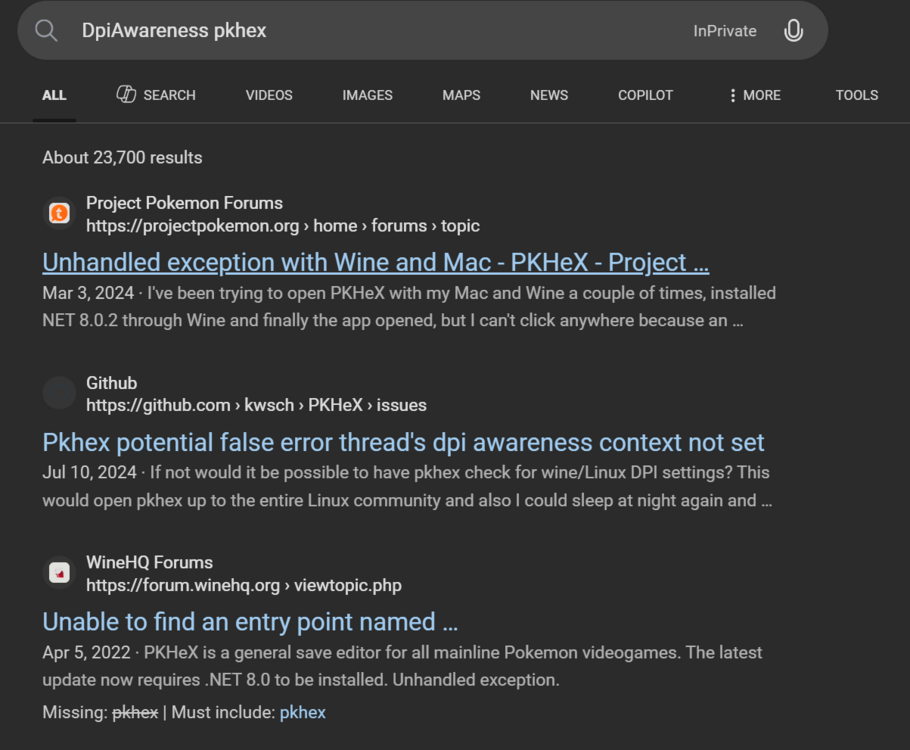
Update your version of Wine. This is an easy google search:
-
Transfer the save file back to your console/cartridge and play it on actual hardware.
-
Pokémon Black 2 - Victory Road 2F Error
Kaphotics replied to Pocket Monsters's topic in Saves - Editing Help
If the trainers behave like they've already been defeated, then part of the Event Work save block has been corrupted to. Or, it's a cheat code changing how the game behaves. We don't know what cheats you have active, if any. -
Pokémon Black 2 - Victory Road 2F Error
Kaphotics replied to Pocket Monsters's topic in Saves - Editing Help
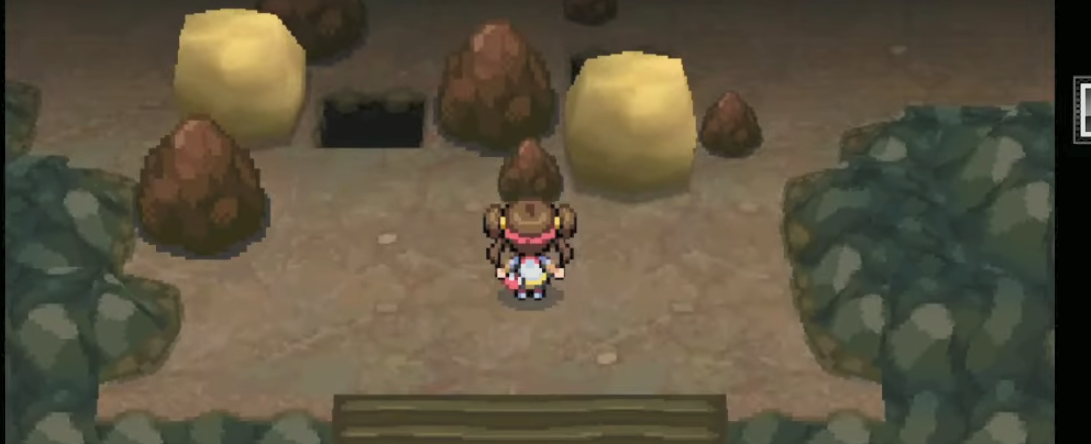
Probably corrupted the Strength Boulder block in your save file, which isn't documented. The map is normally set up like so: You're using an emulator. Just use a walk through walls cheat, because you've assumedly used cheats before (leading to said corruption).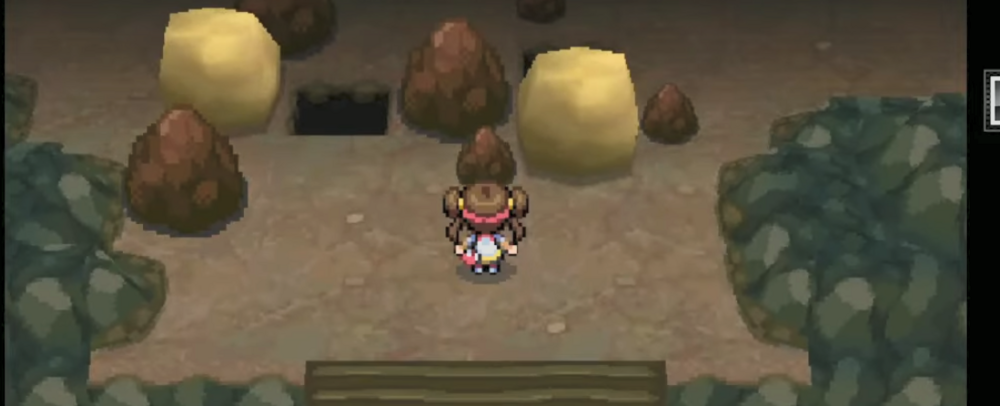
-
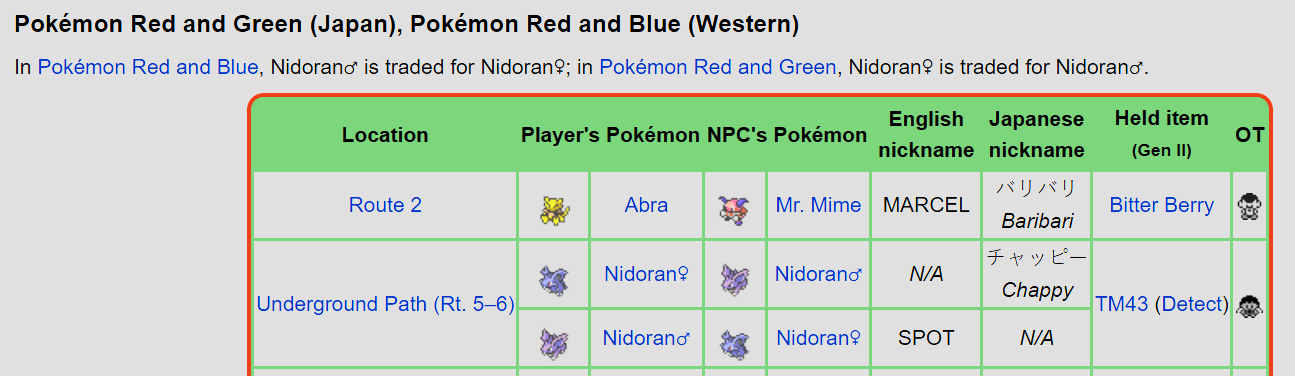
Thanks, fixed on latest commit: Swap gen1 trade nidoran jp/int species · kwsch/PKHeX@ac777ba
-
Not researched/documented, not implemented at this time. Cosmetic edits such as Hall of Fame which have no impact on gameplay are pretty much the lowest priority/interest for development.
-
Pokemon Emerald Sav File Issue - Can't Open on PKHeX
Kaphotics replied to DiamondEspe49's topic in Saves - Files and Requests
Again, YOU open it in a hex editor yourself. You're just uploading the same kind of junk file. I'm not going to look at any more of your files. Do what I said in my first reply. -
Pokemon Emerald Sav File Issue - Can't Open on PKHeX
Kaphotics replied to DiamondEspe49's topic in Saves - Files and Requests
Open it in a hex editor and compare it to any other valid save file from the same version. You'll notice that it is entirely different, random junk. The files you uploaded are a bad dump, either it's dirty contacts, or it's a fake cartridge that your dumper isn't dumping the savedata correctly for. -
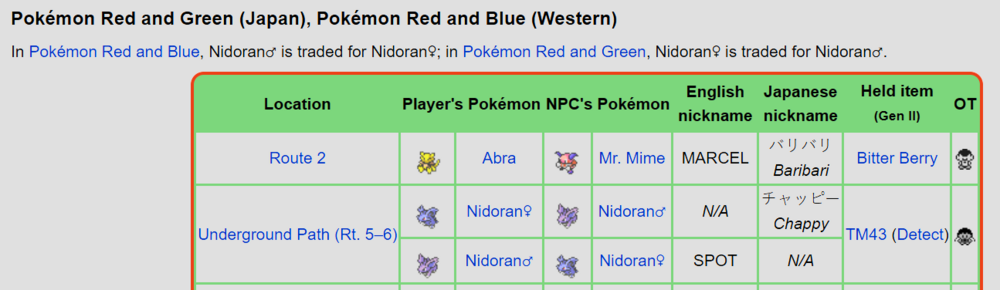
There is no in-game trade where the player receives a Nidoran-Male in Japanese Red/Green. You're supposed to receive a Nidoran-Female. In-game trade - Bulbapedia, the community-driven Pokémon encyclopedia If you hold control when requesting the legality report, you'll notice that the program does not match it to an in-game trade (as it does not exist). It matches it to a Wild Encounter. You cannot select the {TRAINER} character code via text input (indicated by the * in the OT text box which you didn't screenshot) in the player name creation screen at the start of the game. Therefore, the error message you see is correct, given the context explained above.
-
Literally no, it does not. There are zero plugins pre-installed; you must provide them yourself to the downloaded exe available on the site.
-
Unrelated to this post. The program tells you to report plugin errors to the person who maintains the plugin; it's not something PKHeX itself is responsible for.
-
Wrong PID type, which PKHeX correctly indicates. It should not be "Method 1".
-
The IVs, Nature, ability needs to be entered into the program along with the PID.
-
You need the PID, IVs, Nature, Ability to match, not just the PID.
-
PKHeX doesn't assign them a Version while they exist in Gen 1/2. The hover preview shows the matched encounter data it could have originated from.
-
Generation 1 & 2 PKM formats do not store the version they were obtained on. When transferring to Gen 7, they will be assigned a version ID based on the version it was transferred from.
-
Attempted to load an unsupported file type/size
Kaphotics replied to anon73's topic in Saves - Editing Help
PKHeX does not support ROM hacks that modify the save data structure. -
Save file has been deleted Pokémon Ruby! Help
Kaphotics replied to sw4gz1ll4's topic in Pokémon Requests
Release Initial Release · projectpokemon/RecoverSaveGen3 Since the file loads as a "Japanese" save with 0 played time / OT name, it indicates there was corruption in Block 0 that stores your trainer data. Seems like the Box/Party data is intact though. Pokemon - Ruby Version (USA, Europe) (Rev 1).sav.fixed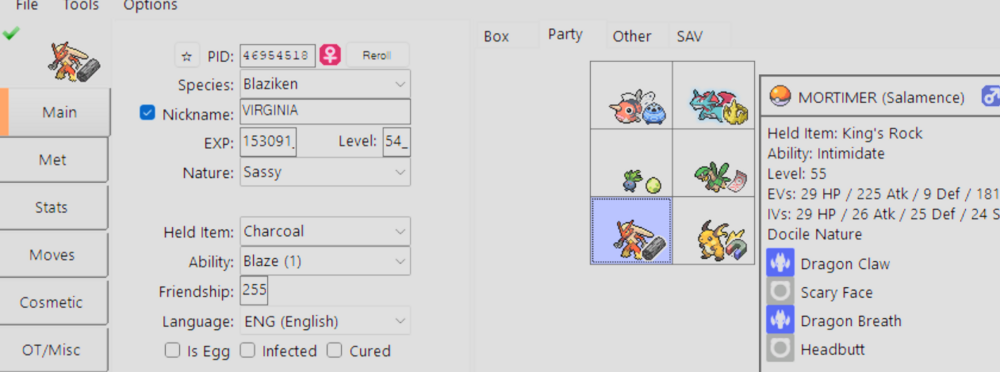
-
pkNX: Nintendo Switch ROM Editor & Randomizer
Kaphotics replied to Kaphotics's topic in ROM - Switch Research and Development
It's extra logic required to recalculate the exact selection that was previously applied. It's not a simple thing like 'read the value at offset and that is the re roll count'. The program is open source, you can submit a pull request with whatever improvements you feel are useful.