theSLAYER
-
Posts
22961 -
Joined
-
Last visited
-
Days Won
1016
Content Type
Profiles
Pokédex
Portal
Technical Documentation
Pages
Tutorials
Forums
Events
Downloads
Gallery
Blogs
Everything posted by theSLAYER
-

My hacked 3ds die and my pokemon in there are trapped (?)
theSLAYER replied to DinkoxD's topic in ROM - 3DS Discussion & Help
Decrypted saves. What the OP gave are encrypted saves. Without the original 3DS or the original NAND dump, they aren’t exactly usable -
Gold save files don't hold a 'back up' save as part of the data structure. So if you've overwritten all saves, and state saves can't load what you want, then it is likely gone.
-
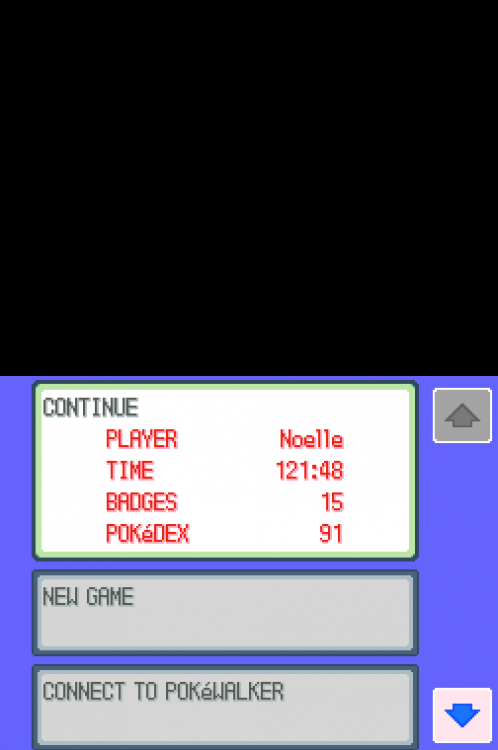
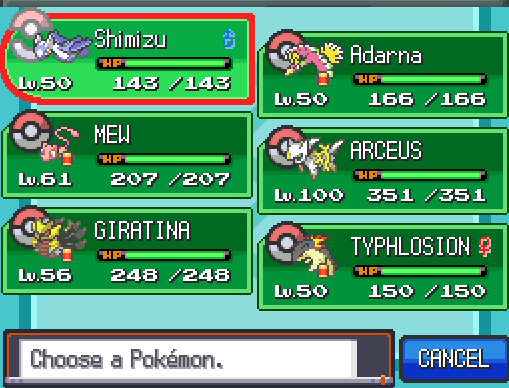
@Mihanya I was able to use your RAW save (one not even opened by PKHeX; the untouched very first copy you've uploaded) in my game. So there's nothing wrong with your save. Probably emulator settings.
-
No worries, I understand how frustrating something like that would be. If even the combinations won't work then yeah, something broke. Probably something along the lines of access to the flash memory, since you can't properly dump that, and checkpoint was able to recognize it to be a HeartGold cart I imagine if you open up the carts and find the right pins, you may still have access to the save, but that is beyond what this forum usually does
-
Hmm odd. Probably could try to transfer progress over later, if I remember when I get home ><
-
Do me a favour and stop multi-posting when you’re the latest reply. Just edit into your latest unreplied message. honestly even if the dumping failed, you probably should have stopped trying to overwrite into your cart, as you very well may have overwritten it. Also your screenshot for GodMode9 shows rom, not save. if you’ve given up getting the save, could try just simply try deleting the save (the combination keys in-game)
-
You might be missing a step. open it in PKHeX. Export it from PKHeX (this step is important, as it fixes any broken checksums). only then do you restore the exported save into your game. Lemme know how that goes
-
I don’t deal with crash dumps. Also make sure you run it in the correct mode (3dsx vs cia). If I’m not mistaken, one requires a certain other game, and one doesn’t. Read the GitHub page to be sure which one you should download. after all that, if it still doesn’t work, then you may need to find some other way to attempt to dump the save.
-
You can only attempt to ‘transfer progress’ if your save even works. to check if there’s anything in the save, have you tried opening it with PKHeX? At a glance quick glance in a hex editor, there is data, but I’m not at a computer to test if it’s valid.
-
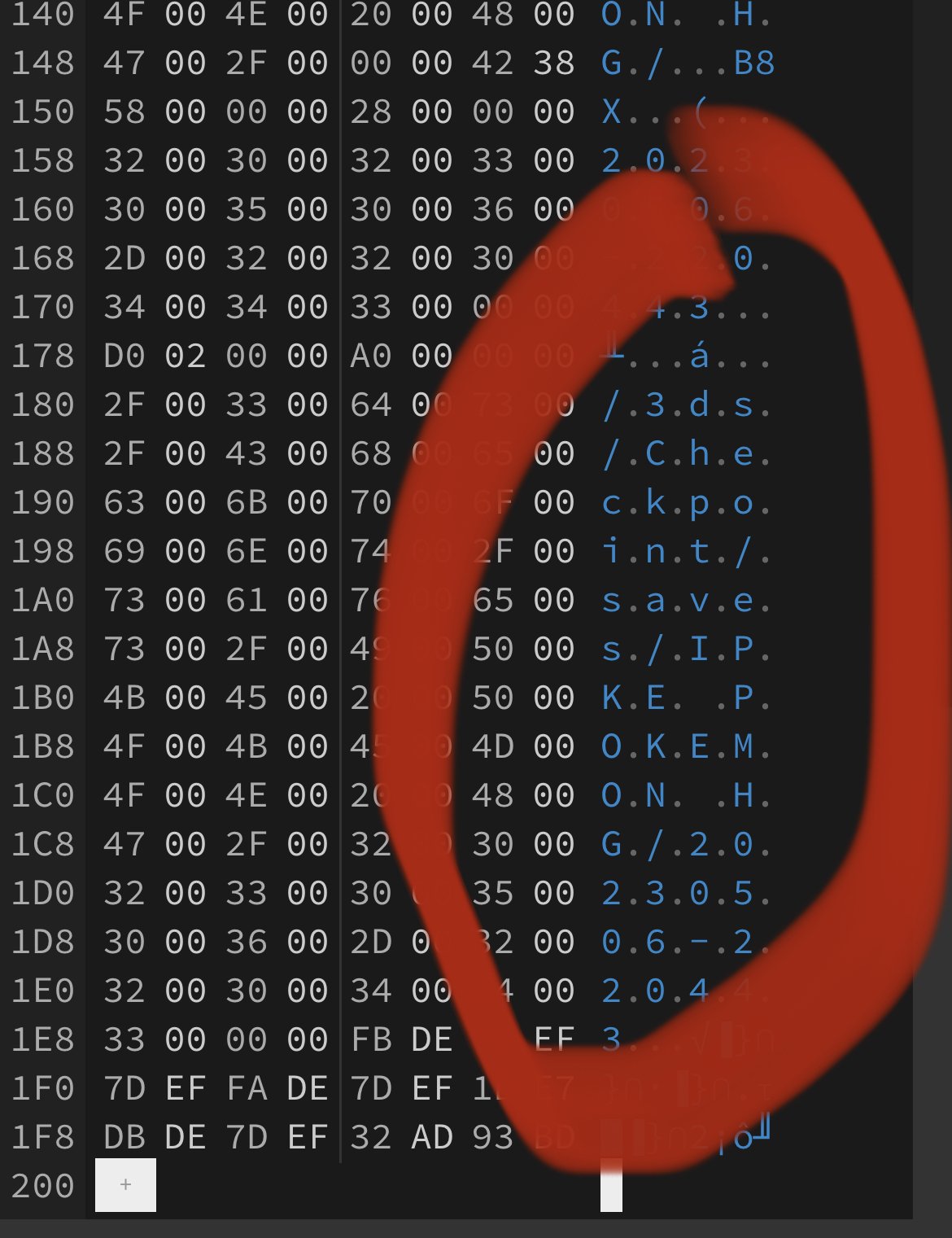
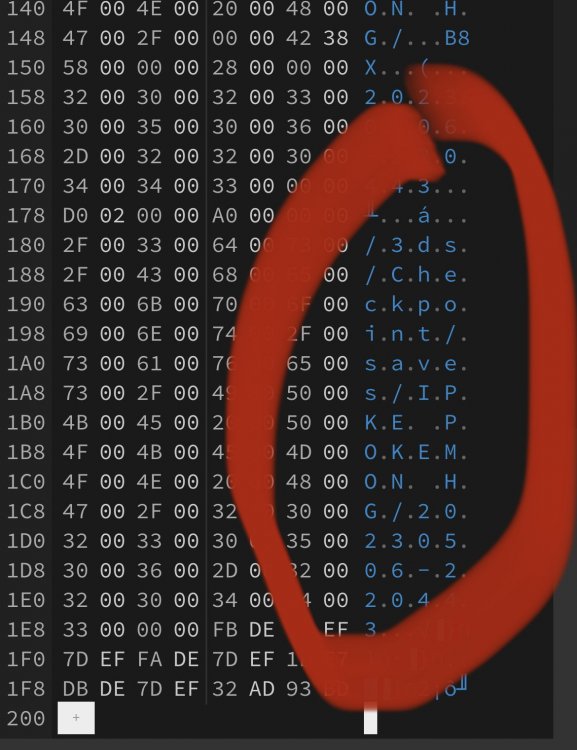
@KJB file that was uploaded is too small to be a Pokémon save. also, has weird gibberish that clearly states 3DS/checkpoint I’ll say attempt to dump it with another tool, like TWLsavetool
-
Not possible. There's no real transfer method into those games at the moment, hence why there's no legal copy of the previous gen legendaries.
-
HeartGold/SoulSilver - Action Replay - always shiny pokémon
theSLAYER replied to TylerD007's topic in RAM - NDS Cheats
Cool, so your code creates legal shinies, that is fun! given it’s before the encounter slot, wonder if it affects encounter rates. -
 We aren’t devs of PKSM. I’m unaware if they support Gen 3 wonder card injection.
 -
https://3ds.hacks.guide/dumping-titles-and-game-cartridges.html
-
Is your save male or female? There are slight difference between those 2. Anyways good work
-
No, that’s not what I’m saying. it seems like the emulator is rejecting your ROMs. Redump your ROMs. Get the games running first, before thinking about save replacements.
-
My file is curupted, can't open it in pkhex or in game
theSLAYER replied to mirsad's topic in Saves - Editing Help
File is thoroughly blank. Not sure how you extracted it, but definitely not a save file. Also, for the record, unless mods ask you for it (for good reason), you shouldn’t share working saves online (starting from PLA). These games have online verification in the save. If you share it, it would impact you if someone else brings the save online.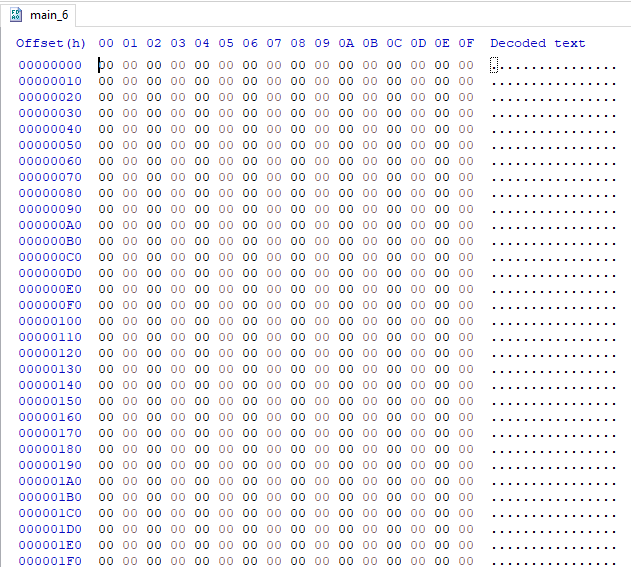
-
Hey all! Following up from our previous announcement relating to this project, we are moving the help, discussion, and submission portal, to our own Discord server (https://discord.gg/66PzPgD). Once you are in the server, scroll down to the #dream-world-revival channel. Keep in mind all rules on-site, as well as on Discord, still apply. Cheers! View full article
-
even before we tackle the save issue, it looks like Citra doesn't wanna load your ROMs?
-
Genned BDSP shinies but with extra steps
theSLAYER replied to Desmondcsz's topic in Saves - Files and Requests
I hope you get someone to trade them to you. Also I think I fixed the error with the Overworld8 plugin for Roaming8B -
Yeah so it’s generally a preservation channel but not strictly for Dream World. I’m in talks with the guys to see if a proper Discord can be set up just for it EDIT: We set up a channel in our own Discord
-
Theoretically yes. If injecting your save on CFW then switching back to stock works, no reason why BCAT wouldn’t.
-
Genned BDSP shinies but with extra steps
theSLAYER replied to Desmondcsz's topic in Saves - Files and Requests
It would be easier to get someone to make files and let them have a valid HOME tracker, then extract those files, pass it to you, then get sysbot to trade it to you That’s one scenario I can think of off the top of my head -
yeah should be sometime the devs can deal with
-
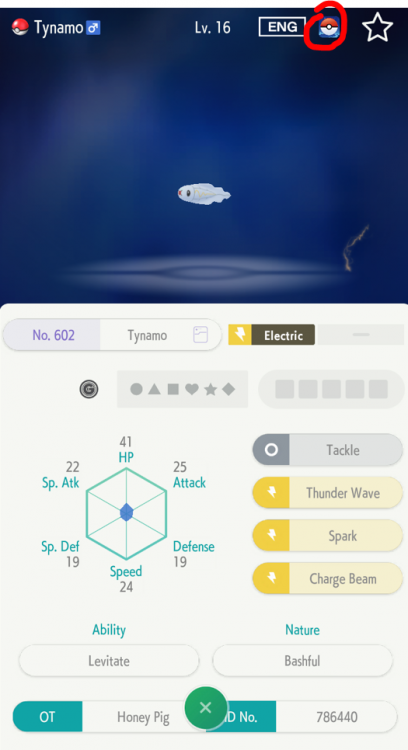
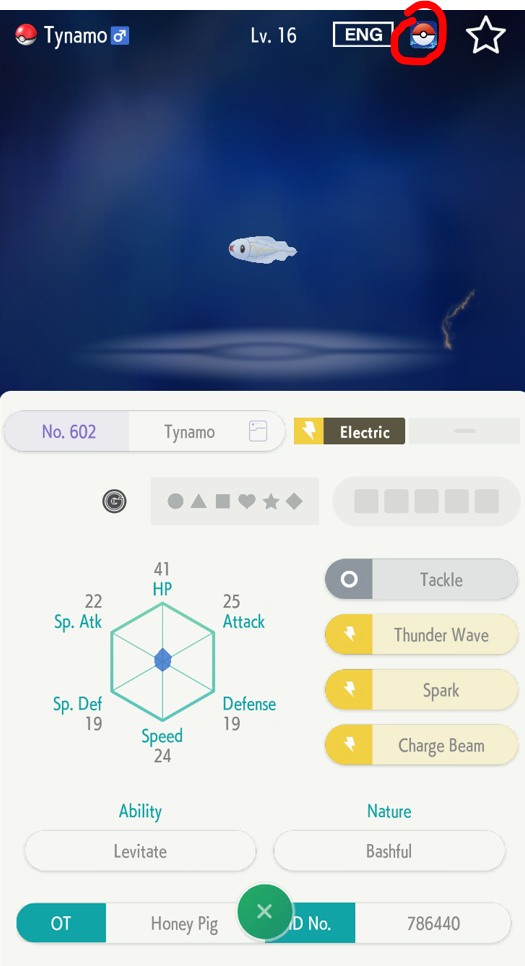
Cool thanks! I confirm that with the GO sticker in HOME (meaning unwithdrawn [not that Tynamo can be withdrawn]), the TSV is 0. 602 - Tynamo - 965049D6CDE5.pk8 (Extracted via HOME viewer)