theSLAYER
-
Posts
22961 -
Joined
-
Last visited
-
Days Won
1016
Content Type
Profiles
Pokédex
Portal
Technical Documentation
Pages
Tutorials
Forums
Events
Downloads
Gallery
Blogs
Everything posted by theSLAYER
-
 It’s normal to have unlearnable moves when transferred from HOME. You can go to the move reminder in-game to learn a move over it.
 -
 I don’t know if that’s a translation error, or it literally says link. Can you show and image of the screen with the text. It’ll give clues to where I should look for the text..
 -
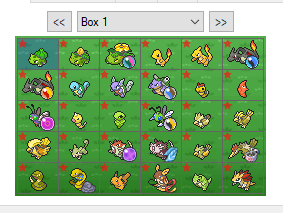 @RubyMilo87 if you have an issue, please leave a comment, not a review. Can you show us the screenshot of the folder that you import back into the game?
 -
Not link, Bank.
-
If people trade you Zeraora with tracker 0, it's probably hacked or cloned. If you can't accept that, then there's nothing else to say.
-
If I understand what someone else said, tracker codes would only exist if you deposit a mon into HOME. Breeding would not generate a tracker code.
-
Not this again. read:
-
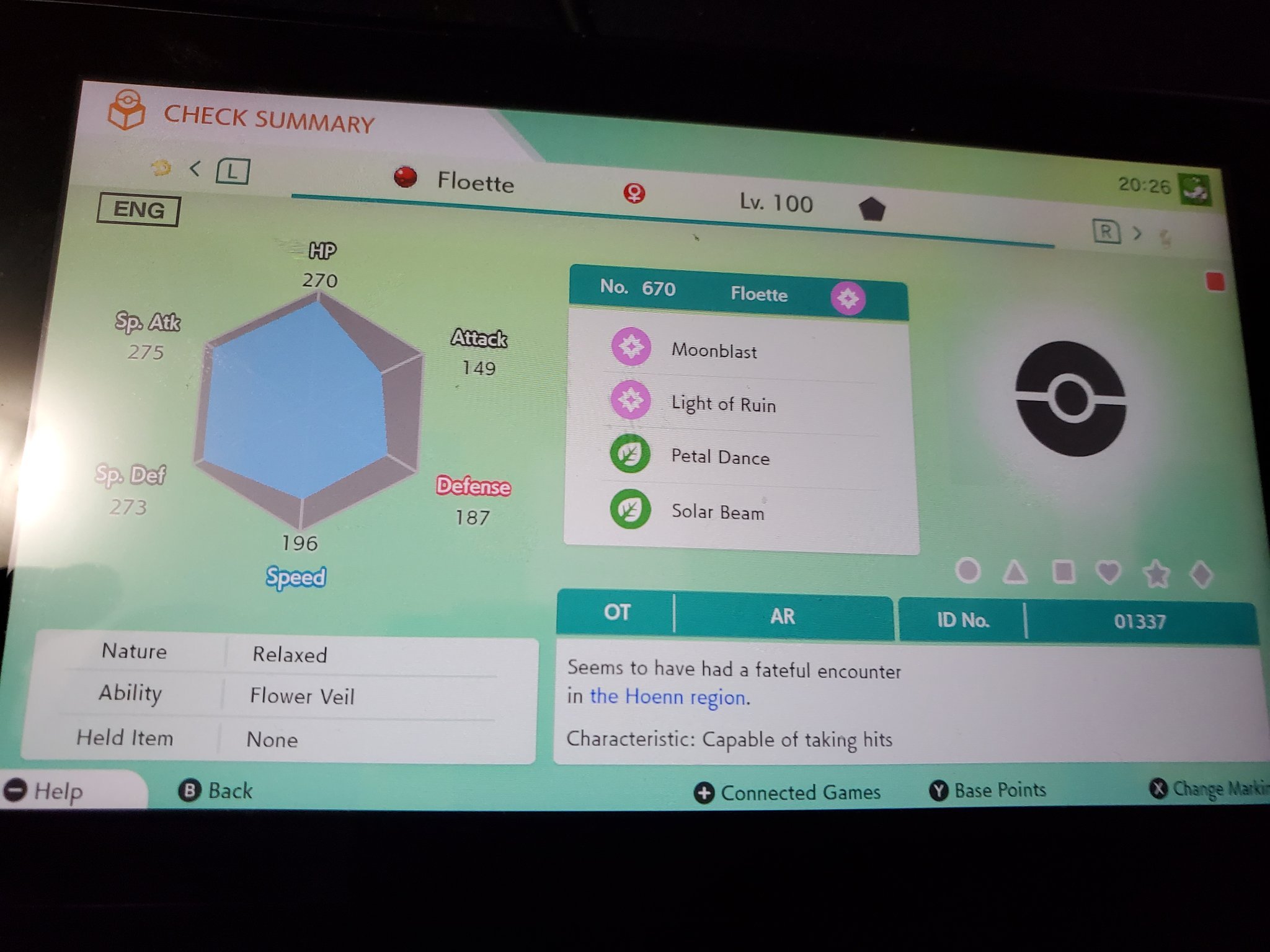
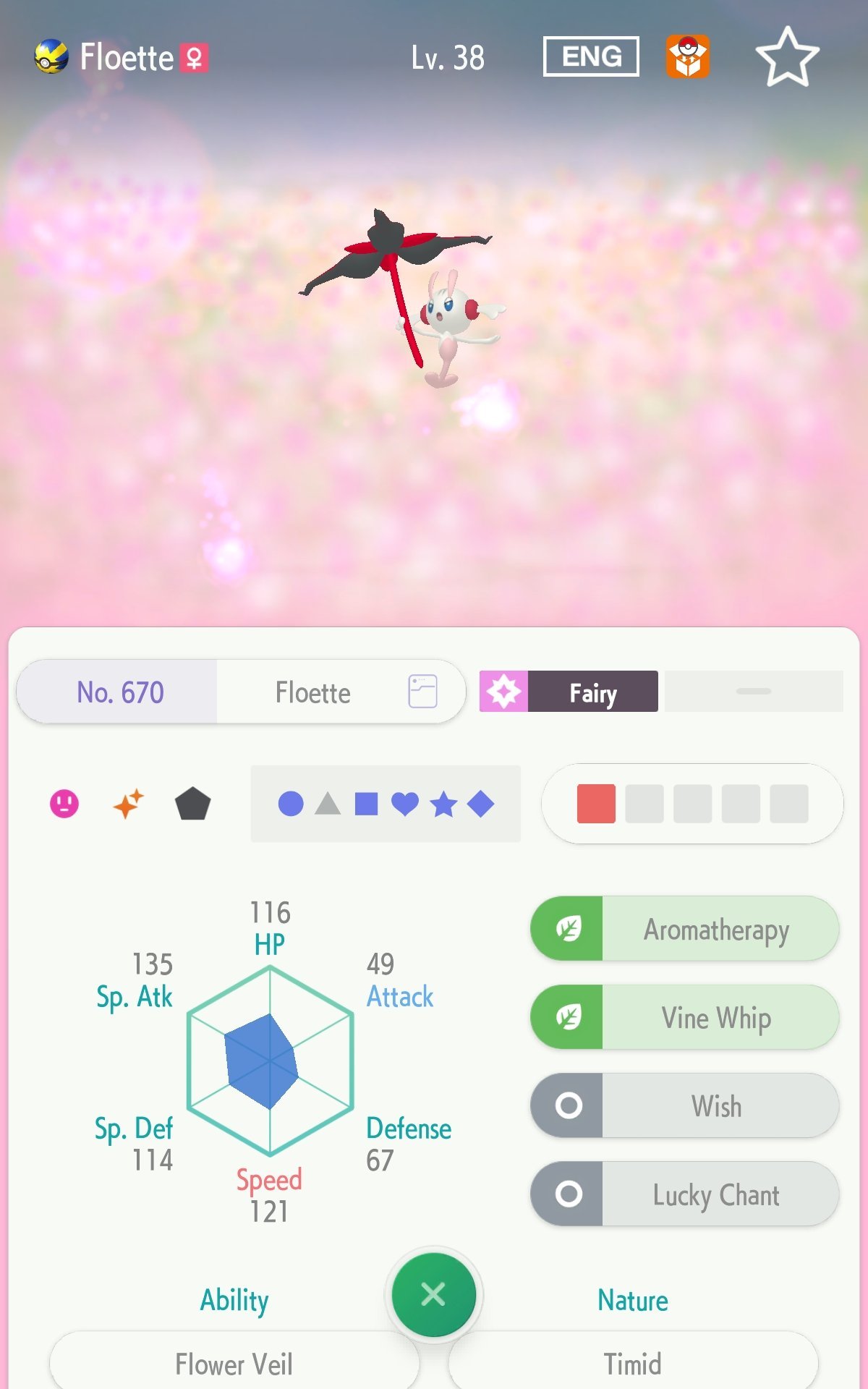
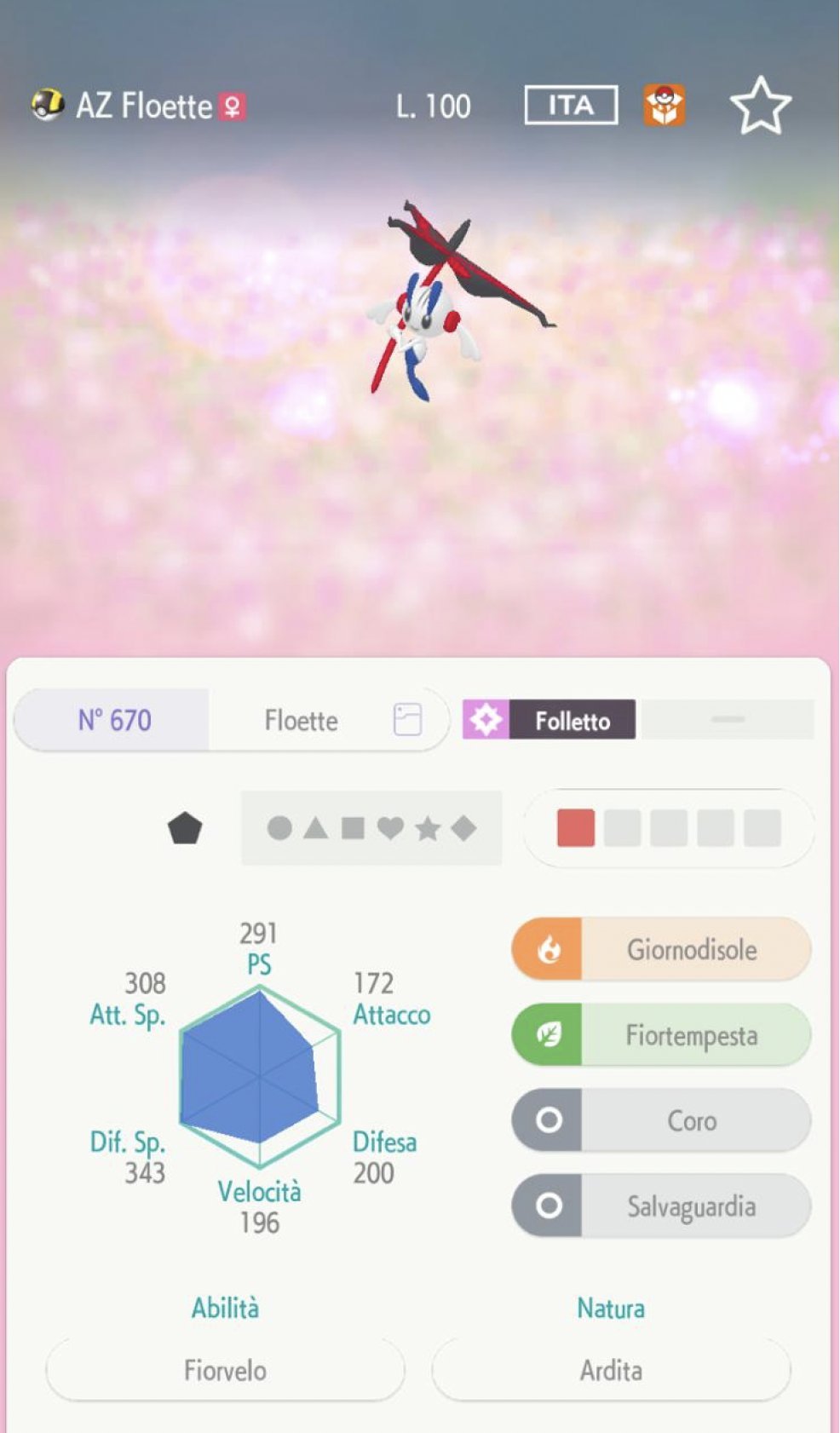
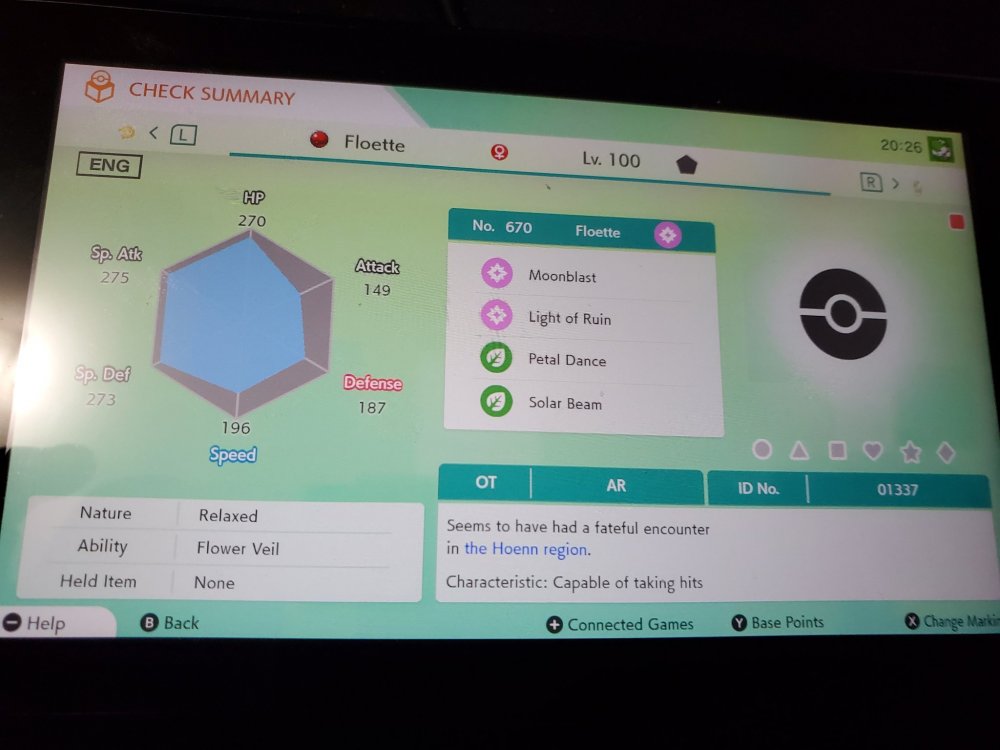
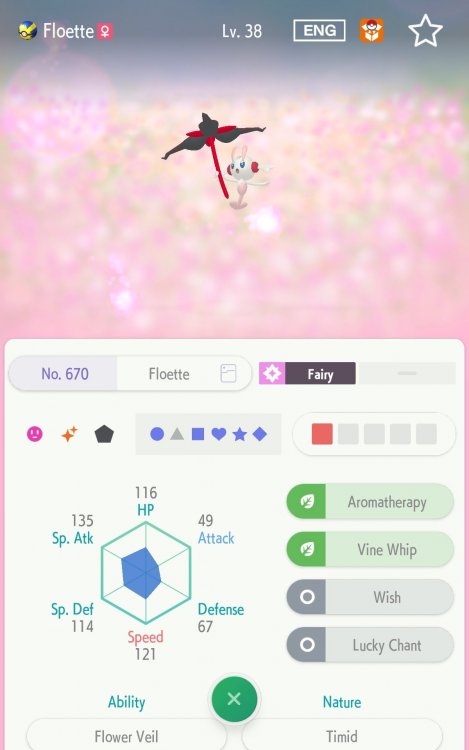
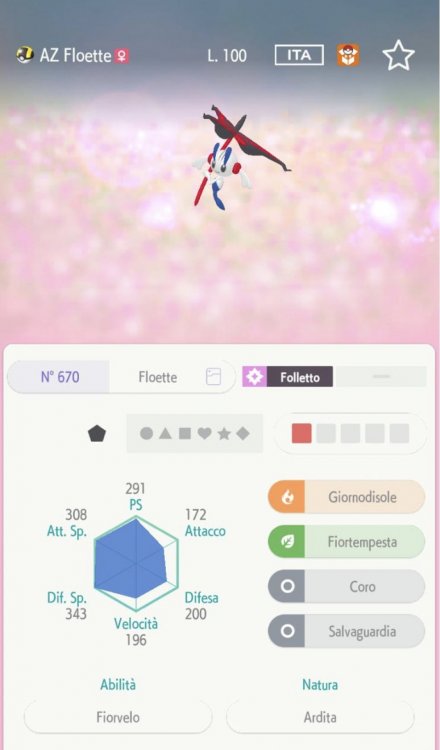
Note: It's not an error. Presently, HOME is programmed to display that ball for Eternal Flower Floette, though it's 3D Model still exists (by the mobile version).
-
Pokemon sword saves softlock bypass for story
theSLAYER replied to Dapperford's topic in Saves - Files and Requests
don't pirate the game. -
https://bulbapedia.bulbagarden.net/wiki/List_of_items_by_index_number_(Generation_VIII)
-
you don't. All you need to know is if the origins of the mon is legit (or hacked to be legal), then it is legal. If their server incorrectly flags it as illegal, that isn't our problem, as it is server side, You could try to join online raids, and see if you get kicked out of the raid. That's a good indicator.
-
read: There's nothing anyone can do about it until they unblock Necrozma online. Additionally, Pokémon with Classic Ribbon cannot be used on GTS, since the good old days, so don't bother.
-
This mon wasn't transfered by someone with HOME.
-
since we don't work for them, we don't know what advice would or wouldn't lead to bans. either use your own (and release the donor) or steal it, or randomly make up some. Your call. We don't even know whether they track the trackers..
-
we don't work for the maintenance staff of HOME, so who knows what would be legal for the long run to them. If you're going by FFFFFFFFFFFFFFF1, you are probably intending to steal the tracker from one of the files I uploaded. at the very least, it's not 0 of all Fs.
-
Invalid: Incorrectly transferred from previous generation
theSLAYER replied to StrangeGuy999's topic in Pokémon Legality
I had to make the height and weight 0, as well as remove pkrus to make it legal.