theSLAYER
-
Posts
22855 -
Joined
-
Last visited
-
Days Won
1000
Content Type
Profiles
Pokédex
Portal
Technical Documentation
Pages
Tutorials
Forums
Events
Downloads
Gallery
Blogs
Everything posted by theSLAYER
-
 To @shinykitty, @Funsparce, and many others out there, REVIEWS ARE NOT THE PLACE TO ASK FOR HELP RELATING TO YOUR PROBLEMS. Maybe start a thread and ask for help. Or maybe leave a comment, see if the author gets back to you. Imagine a Yelp review. You can say why something is good or bad, but you can't say "I have issues with your app/the shop/whatever, please help me".
- 28 comments
-
- 1
-

-
- pokemon rumble
- wiiware
- (and 2 more)
-
Version 0.0.4
974 downloads
Maybe you've did some glitch and got stuck in a map? Maybe you've edited the map coordinates and somehow it went wrong? This tool aims to fix it. This tool will warp you to a somewhat starting area. Note: Only for DP, Pt, XY, ORAS, SM, USUM Note 2: Kinda works for DP and Pt. Gen 4 recognition depends on a) having either Male or Female gender b) the journey was started with one of the proper starters. Instructions: 0. Keep a safe backup of your save. This program will not create a backup. 1. Launch the program 2. Open/drag&drop the save onto the open window 3. Press the Inject button 4. Close the program 5. Now open PKHeX, drag your save into it 6. Save the progress in PKHeX (should fix the checksums) 7. Now restore the save back into your game, and launch the game :3 8. When the game loads properly, but you're in black screen, enter the Bag/Pokédex/Party to reload the map of the overworld. To fix NPCs, enter and exit a building. -

Edit Pokemon Rewards from Totem Stickers (USUM)
theSLAYER replied to LosingTouch's topic in Generation 7
because they are alt forms, and they technically use the same sprite as their base species. You wouldn't be able to tell the difference at a glance, hence darkened sprites were used. -
You probably loaded the wonder card into the wrong game, or received it via some modified unintended way. Whatever the case was, know that the Membership card was only distributed for Platinum. Granted, one can find a way to hack the card into DP, but it ain't receiving it legally. And granted, the location does exist in Diamond and Pearl, but you can't get to it legally. There's only so many ways I can say that you cannot get to the island legally in Diamond and Pearl. Please understand.
-
Sounds like you cheated. There is no way to legally get to Newmoon Island on Diamond. It's there, but one cannot get to there legally (in DP).
-
(The first one and the second one are the same, you know. Just showcasing what will happen if there's 3 prefect IVs and are random, and 0 EVs.)
-
Blurb Porygon2 will be distributed to players via common serial code. Serial code will only work until August 31, 2020. Broadcast info Starting at 11am PDT on August 22 and August 23, 2020 Source: https://www.pokemon.com/us/pokemon-news/receive-a-battle-ready-porygon2-celebrating-the-pokemon-players-cup/
- 1 reply
-
- 2
-
-
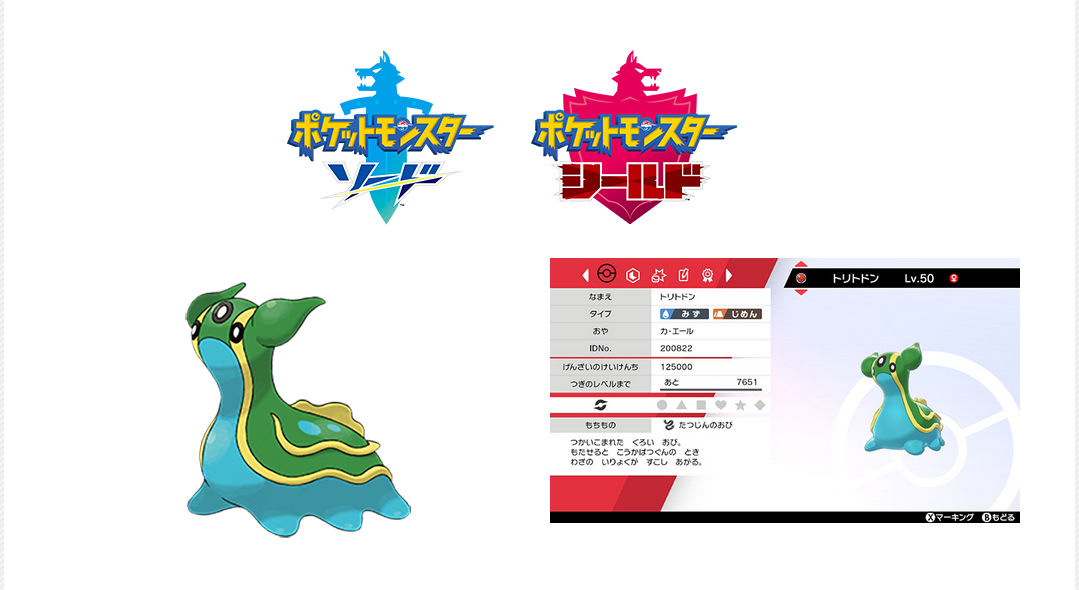
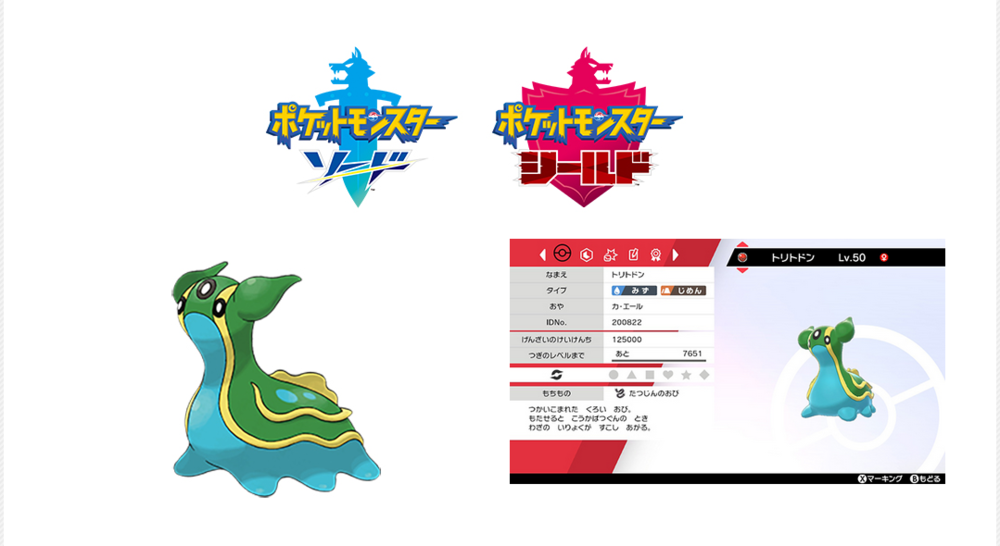
During the live stream of the Pokémon Japan Tournament 2020, a Gastrodon based on PJCS2019 Champion's Gastrodon will be given away. It appears this giveaway only applies during the duration of the livestream. Broadcast Info: Saturday, August 22 Junior category around 10AM JST Senior category around 1PM JST Master category around 16PM JST (Broadcast links in the source) Source: https://www.pokemon.co.jp/sp/tournament_2020/
-
a) We don't support piracy. Looking at the title of the game, I reckon it's a pirated game. b) Don't load a 3DS file into PKHeX. It's supposed to be a save.
-
FULL EVENT GEN I-GEN VII SAVE FILE?
theSLAYER replied to darkrai_shiny's topic in Saves - Files and Requests
I think someone uploaded a save with all the events in the user contributed saves section. Otherwise just download all the wonder cards and event files here. Also, I removed your thread in Events Contribution. 1) you weren't contributing an event 2) there's no need to repeat a thread in multiple spots in the same forum. -
Does this work? edit: also moved your post. You're not contributing anything creative, nor are you discussing any kind of creative product.
-
that probably means your save isn't valid. Something something you used the wrong file or something.
-
Bootleg With Save Chip
theSLAYER replied to sobbingsobble's topic in Systems, Flashcards, and Emulation
does my program generate two saves? I can't remember frankly. Maybe your cart keeps a backup. who knows at this point. As long as you can check the values on the saves, what does it matter? It's not like I am the authority of bootleg carts XD Also, I'm kinda confused by what you said. Using my program to extract saves from your ROM dump is not the same as editing said ROM dump with a Hex editor. -
Are you sure you used the right save? I've got it working on my end.
-
No idea what you did, so I tried to fix it by importing a few of my blocks. (typically the same process to fix bad map edits) main
-
Yeah please be clearer. I don't look at every save file that is posted on our site, just take a look. Also moving your thread to save requests.
-
you didn't say that in your first post. You only said and that's what I gave you.
-
Look harder.
-
Bootleg With Save Chip
theSLAYER replied to sobbingsobble's topic in Systems, Flashcards, and Emulation
I don't think there is one. Note: what I'm about to say only applies to bootleg copies that stores the save as a sector of the rom dump. Not every bootleg treats saves this way. For starters, learn how to find a save in your rom dump using hex editor. Once you get that done, learn how to replace the save in your rom dump using hex editor. If you cannot get the above 2 points done, no point worrying about restoring the save. -
"Legit save file". If the save file can be sent to your as a PC file, it's not legit. At most legal. Our forums have lots of save files, just grab one from there, then gen in a Treecko.
-
Bootleg With Save Chip
theSLAYER replied to sobbingsobble's topic in Systems, Flashcards, and Emulation
As in back into a Bootleg GBA cart? I'm not sure if you want to. I'm unsure if the bootleg GBA memory [for that particular kind of bootleg] (which stores the ROM + save) can be reflashed. Given that it can be reflashed by the cart itself to store the save, you would think that the memory chip can be reflashed. However if you screw up, you'll also lose any playability (cause the sector that contains the game is gone). If you want to risk it, you'll gonna have to place the edited save back into where part of the ROM dump where it was stored, then use whatever tool you used to dump the ROM to restore the ROM. Basically not a methodology I'll recommend to people who don't know what they're doing. Stick to real carts, not bootleg carts.. Once again, if your bootleg cart stores the save as part of the ROM, refer to the first part of my answer. Treat it as impossible for your technical level. -
Help Us With Binary Incompatible Save Issue
theSLAYER replied to KMSteter_88's topic in Miscellaneous Help
No worries. To explain what Kaphotics said to you (which I assume went over your head). hex editor: a piece of software that can view the raw data of any file. (all files are made up of raw data) When the save you uploaded was viewed using a hex editor, it is completely garbled, which should not be the case for a gen 3 save file. Which means (a) the save is encrypted or (b) the save is garbage. PKHeX deals with console decrypted saves (and not garbage), which is why it will neither load (a) nor (b). Hence he was presumably saying (without actually stating it) to use a proper save file. I guess people who have some technical knowledge would logically reach that conclusion, but maybe you weren't one of these people hence you didn't see it. [Contents uploaded are garbage, hence PKHeX won't load it -> So grab a proper save, and PKHeX will load it] Also, as for VBA, don't use state saves and export save battery file (or something close to that). As for your Myboy emulator, no idea what the issue is. Make sure you save in-game, and if you have questions, load that save here. -
Help Us With Binary Incompatible Save Issue
theSLAYER replied to KMSteter_88's topic in Miscellaneous Help
Reload the page, and read what I said. I've made that edit quite a while ago. Based on what you're quoting, you've missed what I edited in.- 9 replies
-
- 1
-
-
- binary
- Incompatible
- (and 2 more)
-
Help Us With Binary Incompatible Save Issue
theSLAYER replied to KMSteter_88's topic in Miscellaneous Help
@KMSteter_88 it basically means you (and other parties you mentioned) didn't attach a proper save file. Nothing wrong with PKHeX. You mentioned you're using a repro cartridge? For your case, the save is stored in the ROM (cause it's a bootleg isn't it. That's how some store saves). Dump the ROM and run it through this program. Reminder: do not upload the ROM here.- 9 replies
-
- 1
-
-
- binary
- Incompatible
- (and 2 more)
-
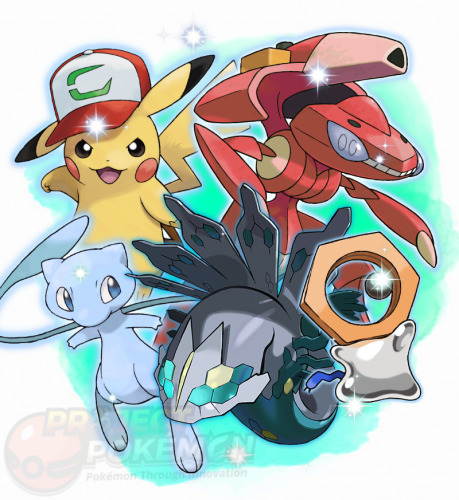 wait. It's already there, in the gen 8 folder. The listing of "gens" is based on released gen. (all the files match the generation file type they're in. For example, pk8 for gen So Zeraora was released Shiny only in Gen 8.