All Activity
- Past hour
-

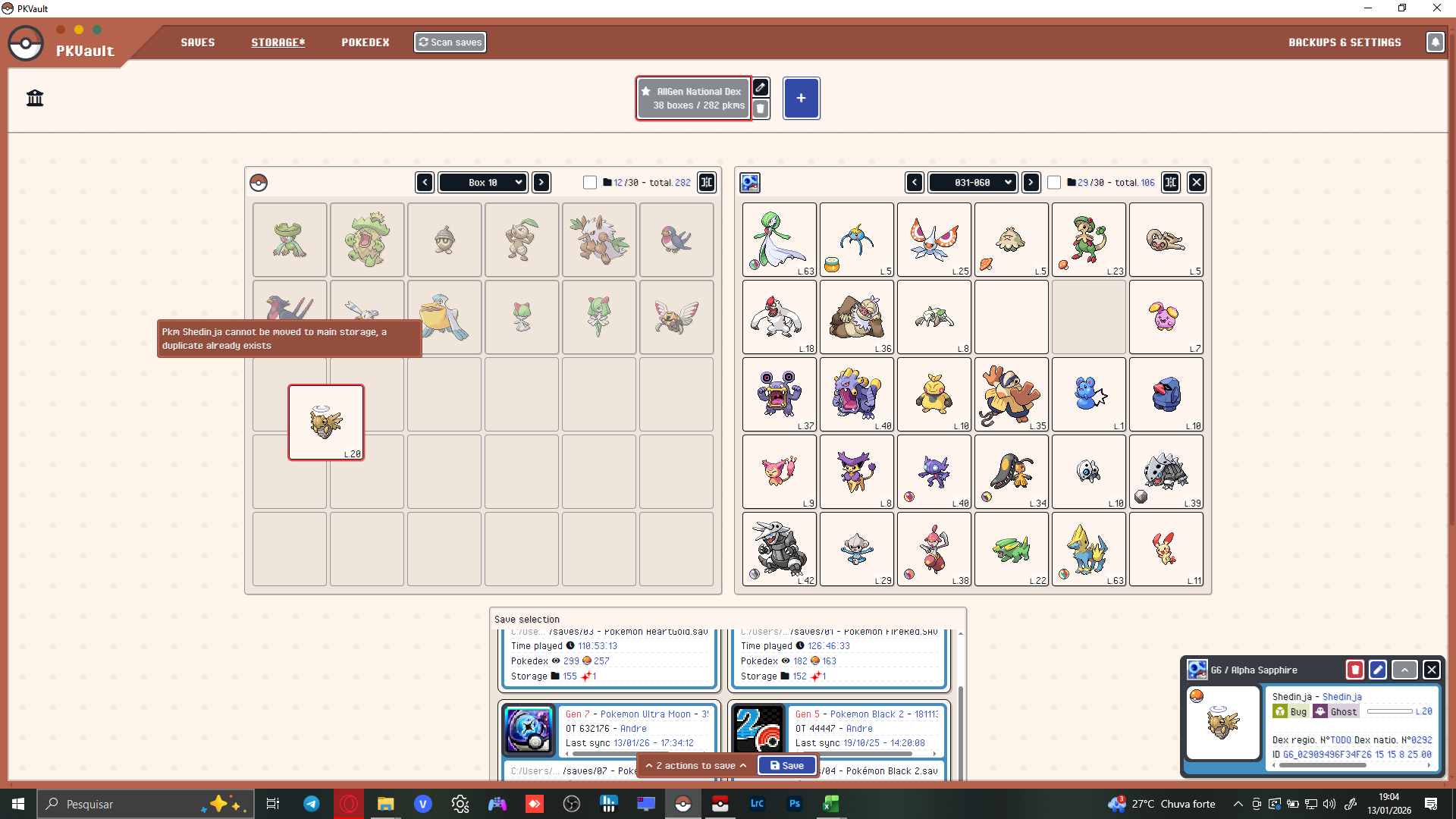
PKVault - Centralized pkm storage management & Pokedex app
Andrebarrzz91 replied to chnapy's topic in Saves - Tools
I solved the problem by catching another Ninjask and evolving it — something simple to fix in-game — but thanks for the update.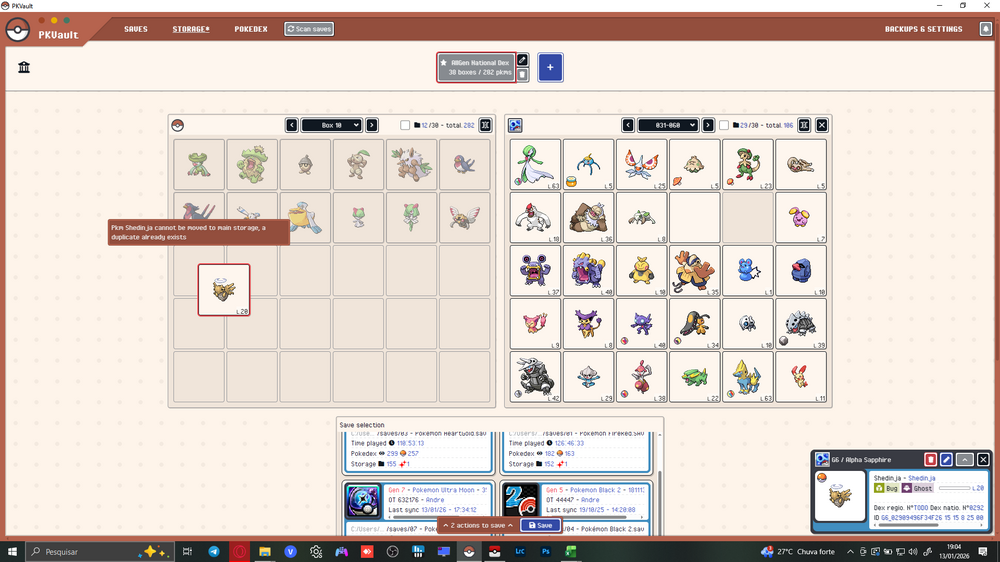
- Today
-
The forum was created in 2009... Is this information still relevant?
-

Discord invite link isn’t working?
theSLAYER replied to TomStridon79's topic in Project Pokémon Feedback
What is your Discord's username? -

PKVault - Centralized pkm storage management & Pokedex app
AnHeroGold replied to chnapy's topic in Saves - Tools
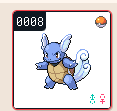
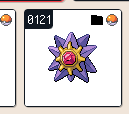
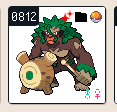
No worries, I was testing some stuff in the dex part, the filters specifically Looking at pokemon shows their region dex number as "todo", so I'll ask but I know it's a way off, can we have a filter by regional pokedex rather than by region? Is there a sort order for "From Games" option as mine seem to be at random? When I add Forms/Genders and then filter out to not caught/not owned, I have a single form or one of the genders it removes the whole set which can make a full living dex harder to work out, i.e . this becomes just, when I would expect it to show Female Venusaur as well, however given the design choice of grouping them together this is probably also a big ask and a bunch of work I've just realised after writing this as well that mega/primal pokemon don't show up in the ZA dex nor gmax at all (the above screen shot is filtered to ZA game with Forms and and Genders turned on) It shows all the other forms and shows mega/primal when no game is selected except the new ZA megas for example Hopefully my message is clear enough, once again thanks for the work, super useful and easy to use program excited to fill it up
-

Discord invite link isn’t working?
InsaneNutter replied to TomStridon79's topic in Project Pokémon Feedback
Try sign in to Discord via your browser and copy + paste the invite link in to a new tab. If not did you previously get banned from the server? The link above certainly works:
-

Discord invite link isn’t working?
TomStridon79 replied to TomStridon79's topic in Project Pokémon Feedback
Well… it isn’t working for me. -

Discord invite link isn’t working?
Kaphotics replied to TomStridon79's topic in Project Pokémon Feedback
Just tested, works fine. Be sure you are using the one from the navigation menu. https://discord.gg/66PzPgD -
(Note: I’m sorry if this is the wrong area to post this, I’m still fairly new to the site.) I’m trying to use the Project Pokémon Discord server’s invite link to go straight to there, but it keeps saying it’s expired or invalid. What is the problem with it? Can someone help?
-

Corrupted Pokemon Emerald File
Tafarino replied to 3rd Gen Expert's topic in Saves - Files and Requests
Please, do you think you could help me with my save file? I have the same problem, and the save file was 64kb. I went into HxD and managed to find some save data, but I don't know how to interpret it, and I can't recover my Pokémon :( POKEMON EMER.sav -
open ur citra and right click on your mystery dungeon game in citra there should be smth called open mod path. there should be a few numbers. the same numbers are in the file that u just created under modpack/output/SDCard/luma/titles get the ones from this modpack and replace the one in your mod folder with them
- Yesterday
-
Just FYI all, I'm doing some work on the design tools, and in doing so I introduced a bug that results in the app looking wonky. I'm working on it and should have it fixed soon.
-
 eqp48 changed their profile photo
 -
Radical Red Save Editor (Web) Live site: https://radical-red-save-editor.netlify.app/ GitHub repo: Caleb-Lite/radical-red-save-editor
-

PKVault - Centralized pkm storage management & Pokedex app
BilKoChal replied to chnapy's topic in Saves - Tools
Hi Sort feature have issues It just make first space of each box blank and start from second space. -

Pokemon Mystery Dungeon: Explorers of Fortune
hushy replied to WindchildWhimsy's topic in ROM - NDS ROM Hacks
yes. -

Pokemon Mystery Dungeon: Explorers of Fortune
melon1601 replied to WindchildWhimsy's topic in ROM - NDS ROM Hacks
Thanks a bunch for the link. So i run that in my pc, i apply the patch then move the patched file from pc to tablet? Sounds like something i can manage to do -
HOME Menu Sprite Index is missing Bloodmoon Ursaluna
theSLAYER replied to NeoBones's topic in General Development
done, thanks -
Thanks for sharing it, you made my day.
-

PKVault - Centralized pkm storage management & Pokedex app
ekoin replied to chnapy's topic in Saves - Tools
Hey, the app started to block all my Gen3 Pokemon to enter Gen4, even when I got them into HeartGold with the Pal Park. I was forced to get them all in Emerald again, losing the entire day of progress into this. Sorry, I have no screenshots or files, just venting. It was telling me that my Pokemon weren't compatible with Gen4 even when I used the legal way to get them there originally. - Last week
-
Pokemon Mystery Dungeon: Explorers of Fortune
hushy replied to WindchildWhimsy's topic in ROM - NDS ROM Hacks
okay. so, you need this to apply the patch: Romhacking.net - Utilities - Delta Patcher you however stated you are on android, yes? xdelta patcher must be run on a pc as it is an executable. hence, if you do not have a pc you cannot apply the patch. -
Pokemon Mystery Dungeon: Explorers of Fortune
melon1601 replied to WindchildWhimsy's topic in ROM - NDS ROM Hacks
Im sorry but i have no idea what you are talking about. Could you explain this assuming i am your grandmother? If not thanks for the help -
 Hi, I’m having an issue with first going to waterfall cave going from 7F to 8F the screen just goes black and stays that way after the transition screen saying 8F. Anyone have any ideas with what’s wrong?
 -

ZPower-ring not showing up on male model for US
Tropicalsea replied to Tropicalsea's topic in Saves - Editing Help
Never mind I pretty sure I figured it out -
So I had an old save file that I wanted to complete, but I wanted to change the gender so my player is a guy. I was able to obtain the model, but the Z-ring won’t appear in the overworld model or in battle/cutscenes. I was wondering if anyone else was having this problem and if there is a way to fix it.
-
Just disables following pokemon in all the maps, I don't know if that causes issues as I haven't had the time to do a full playthrough. Patch a dump of the USA version of the game no_following_hg.xdelta
-
I figured it out, the only catch being you're gonna have to edit someone else's save file because it requires an actual DS to have connected at least once. Basically, you're gonna want download a suitable save file, I used this one. Then you're gonna download this set of tools from 2014, which, despite being discontinued, are barely enough for the job. Then you're gonna put the borrowed save file in the bin folder of PR-Tools and use "PR-IDchanger.exe" It's gonna ask you for TID and SID. It is also gonna ask you for a HEX string that's going to replace the previous save file owner's name, for that you might find to use this python function to figure out what the HEX for your trainer name is: def decode_pokemon_string(hex_str): name = "" # We look at 4 characters (2 bytes) at a time for i in range(0, len(hex_str), 4): chunk = hex_str[i:i+4] # Convert Little Endian (e.g., '3A01') to an integer (0x013A) # We swap the first byte and second byte value = int(chunk[2:4] + chunk[0:2], 16) # FFFF is the end of the string, so we stop there! if value == 0xFFFF: break # Uppercase logic (A-Z) if 299 <= value <= 324: name += chr(value - 234) # Lowercase logic (a-z) elif 325 <= value <= 350: name += chr(value - 228) else: # If it's a special character or space, we can add more logic here! name += "?" return name Once that's done, it's going to generate a savedata-new.bin file, drag it over "PR-Hashupdate.exe" and it's going to generate "savedata_hashed.bin" in the same directory, that's your new save file that you're gonna drag back into the save directory that dolphin is going to read from. Rename it "savedata.bin" and you're done. The trainer for that save file now has your own name and you can edit the caretaker Mii in-game to match. Now that you have a save file with your trainer name you're gonna want to get rid of all the previous owner's Pokémon so you can start anew with your own, you might be already familiar with this process: Open savedata.bin with PKHeX Clear all boxes of Pokémon, you can easily do this by using the "Load Boxes" option and loading an empty folder while agreeing to clear subsequent boxes. Leave all but ONE Pokémon for Hayley, if she doesn't have at least one Pokémon for herself the game will freeze when she attempts to talk to you, that's because the game can't find Pokémon in memory to pull next to her. Save the empty ranch save file Open the game save file where your own Pokémon are and export the boxes you wish to deposit as batches of PKM files. Batch edit the cluster of PKM files you exported to include these strings: .OwnershipType=1 .OwnershipStatus=2 .HandlingTrainerTID=*The TID you put earlier in PR-IDchanger* .HandlingTrainerSID=*The SID you put earlier in PR-IDchanger* .HandlingTrainerName=*The Trainer Name you put earlier in PR-IDchanger* 6.Once you edited the batch to include the strings, open the empty ranch save file you prepared and import your boxes there, overwrite the save and you're done. You should now have a Pokémon Ranch save file with all your Pokémon assigned to a trainer with your own name! It's not quite like starting fresh but it works, miracolously.