All Activity
- Past hour
-
 Or you could have went through the trouble of reading post history and see for yourself that gendered abilities are bugged.
 - Today
-
 Nvm, i just needed to do 3 mission days lmao
 -

PKVault - Centralized pkm storage management & Pokedex app
chnapy replied to chnapy's topic in Saves - Tools
Hi, thanks all for your feedbacks, I just pushed a release mainly dedicated to fixes & stability improvements (legality, edit actions, etc). @Vladcik I fixed the issue with attached pkm evolve action. Same for your layout issue. @BilKoChal I added persistence over navigation, and fixed storage clickable buttons in Pokedex. @AnHeroGold I fixed battle-revolution saves name, and added an icon. You should see it now in your save list. About your issue with Gen 4 it's from PKHeX. Sometimes PKHeX cannot deduce exact game version (diamond or pearl for instance). I cannot do much about that, sorry. Happy holidays -

The ultimate guide on how to run PKHeX on Linux [updated 12/2025]
InsaneNutter replied to Taku86's topic in PKHeX
I can confirm that does fix the problem on Fedora Kinoite 43, however PKHeX is then no longer skinned with your KDE theme. An alternate fix I found is to leave "Allow the window manager to control the windows" enabled, then in winecfg set the "Windows Version" as "Windows 8" on the applications tab. PKHeX then seems to work fine and is still skinned like any other native app: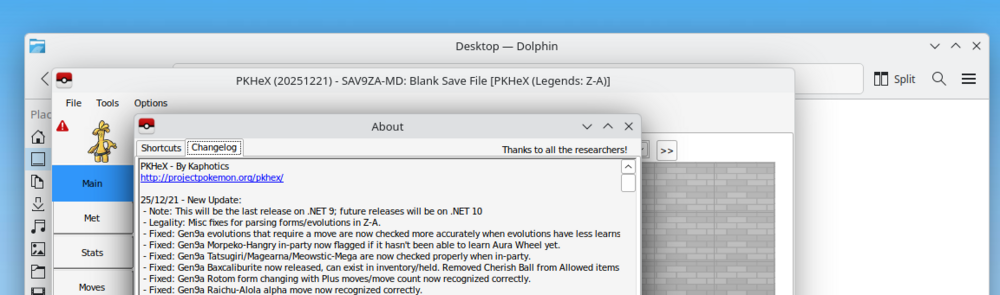
-
Hello! How can i unlock the torkoal quest, fire field and world abyss? I've already unlocked zero isle center, finished the mysterious geoglyph with scizor, collected all 18 type globes, and achieved earth rank.
-
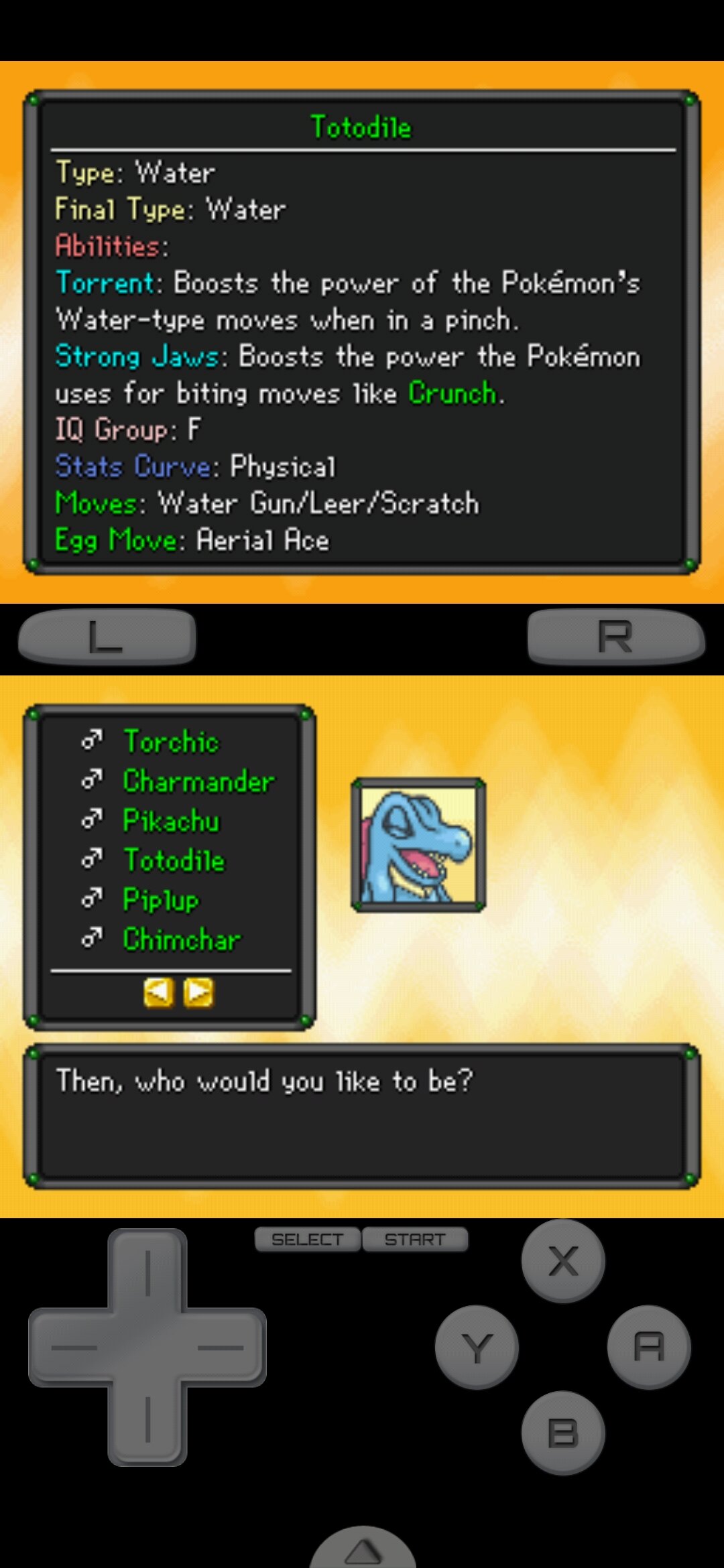
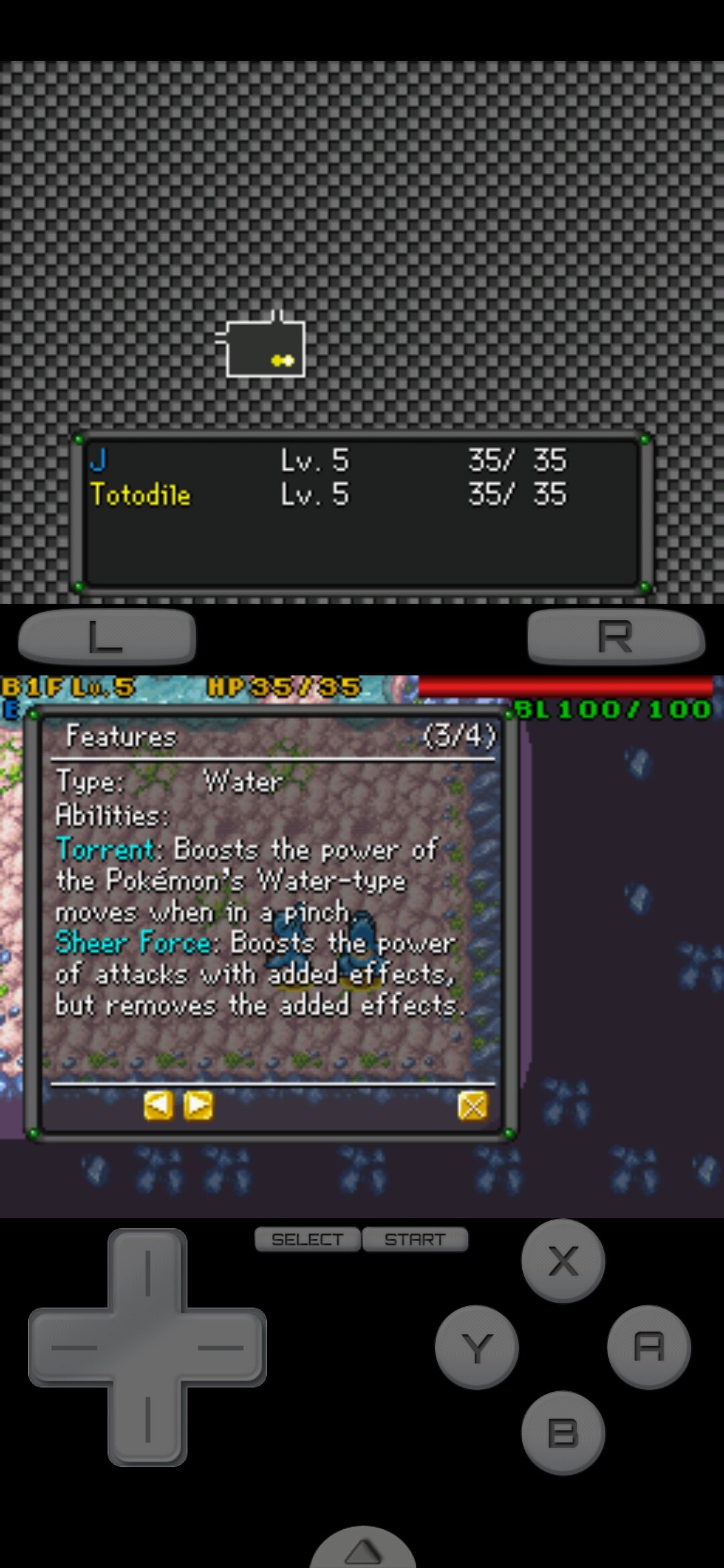
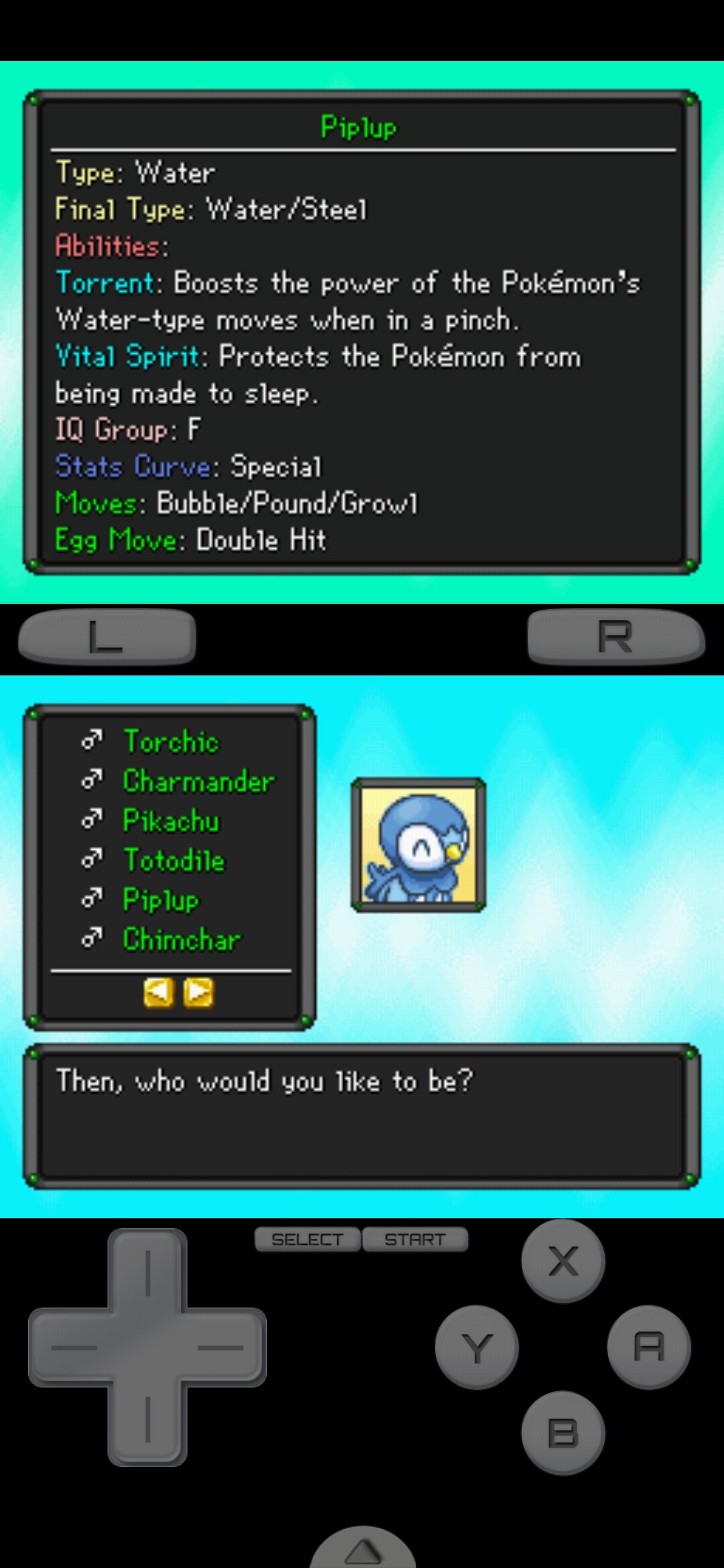
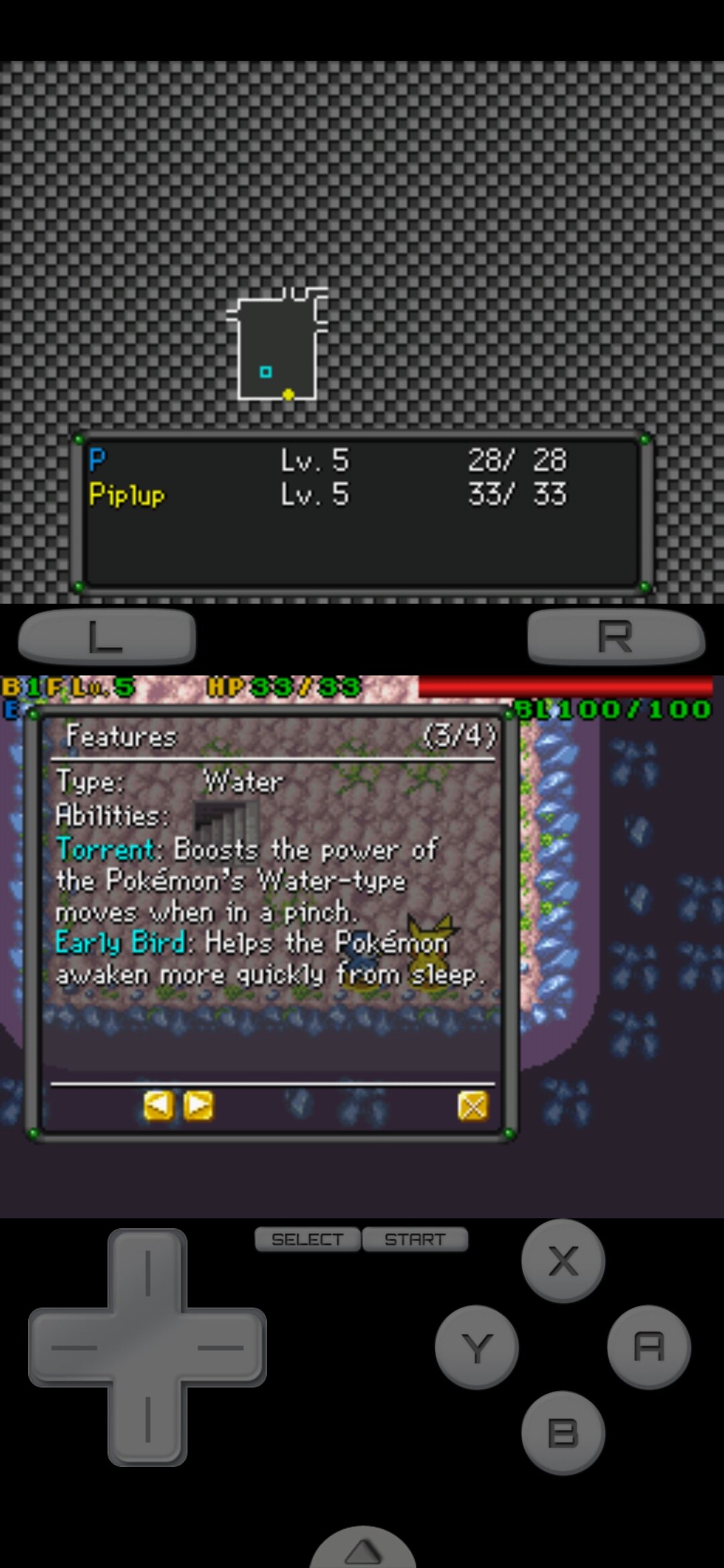
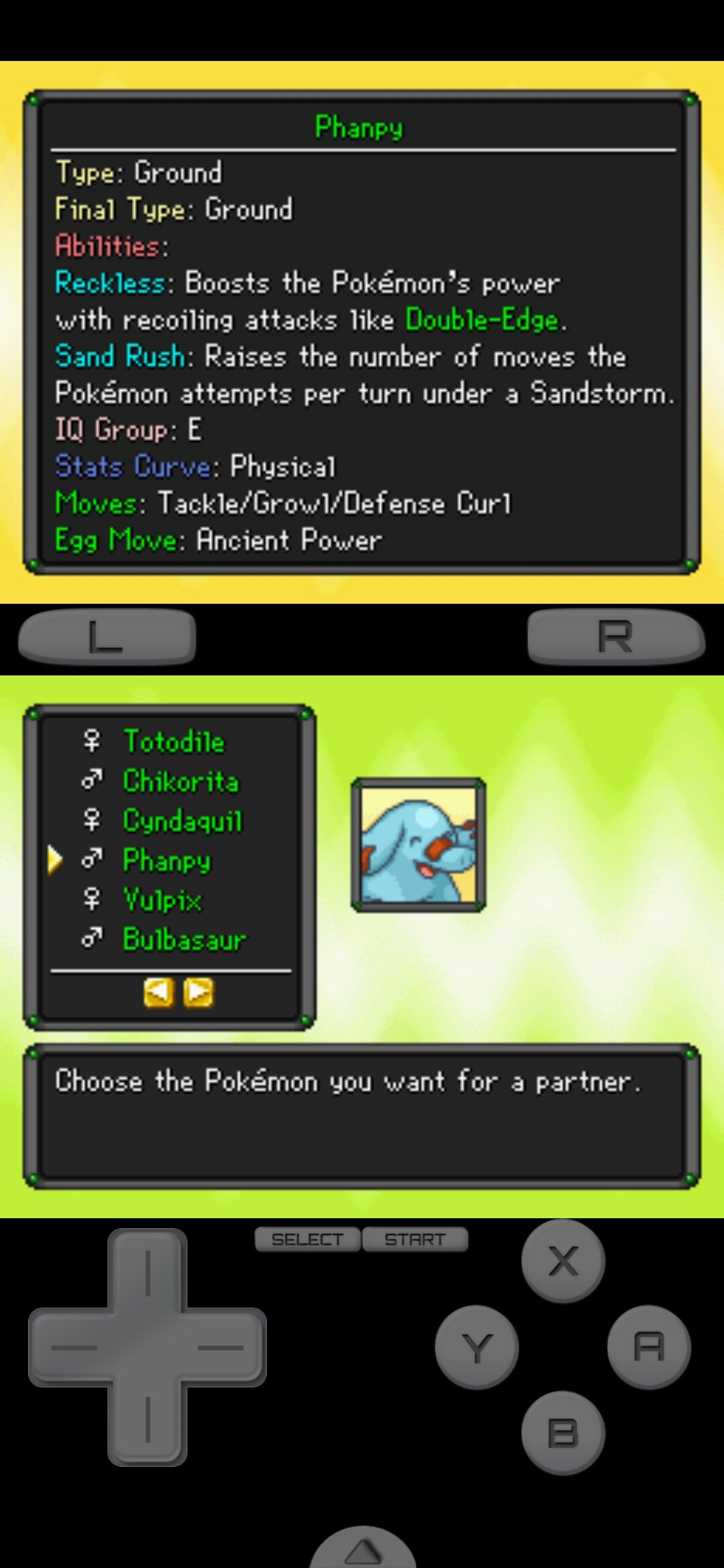
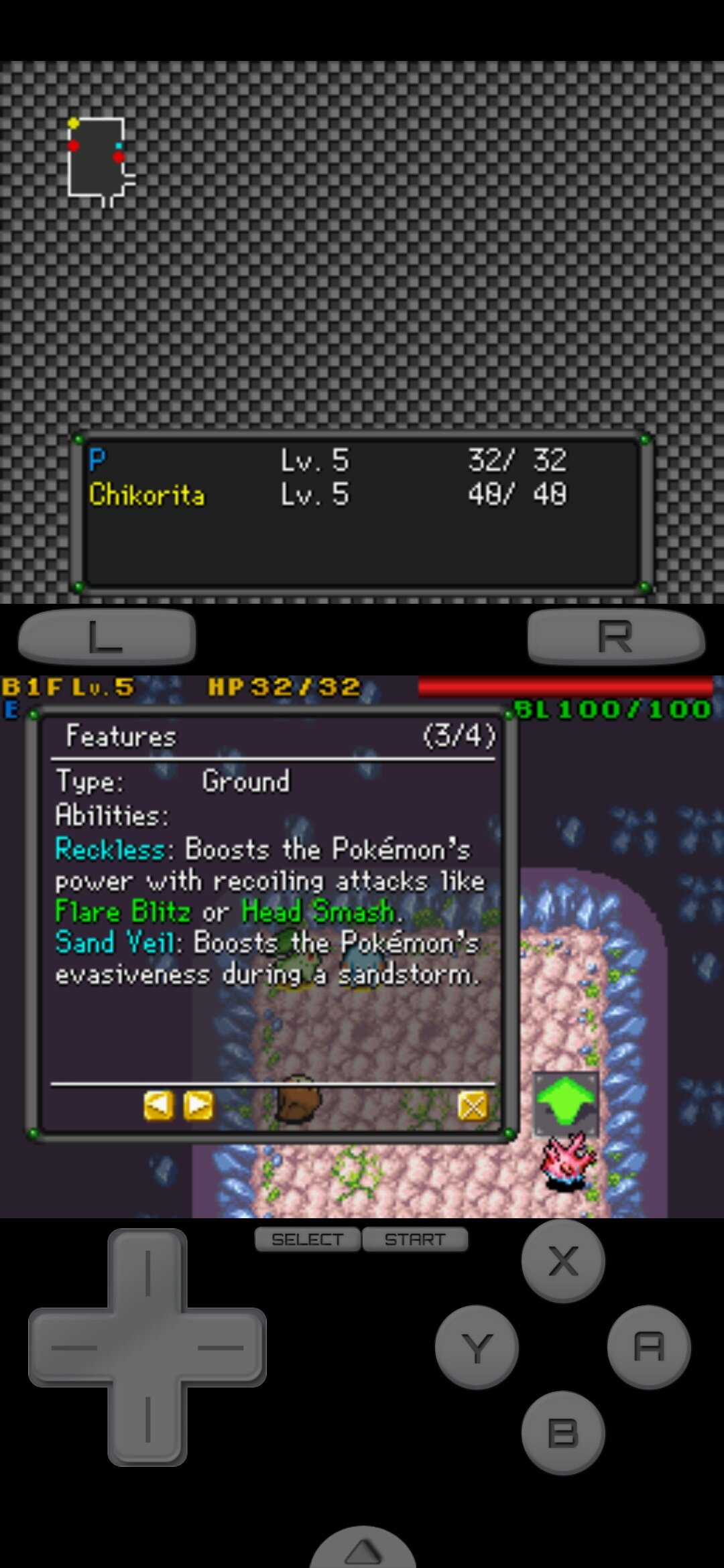
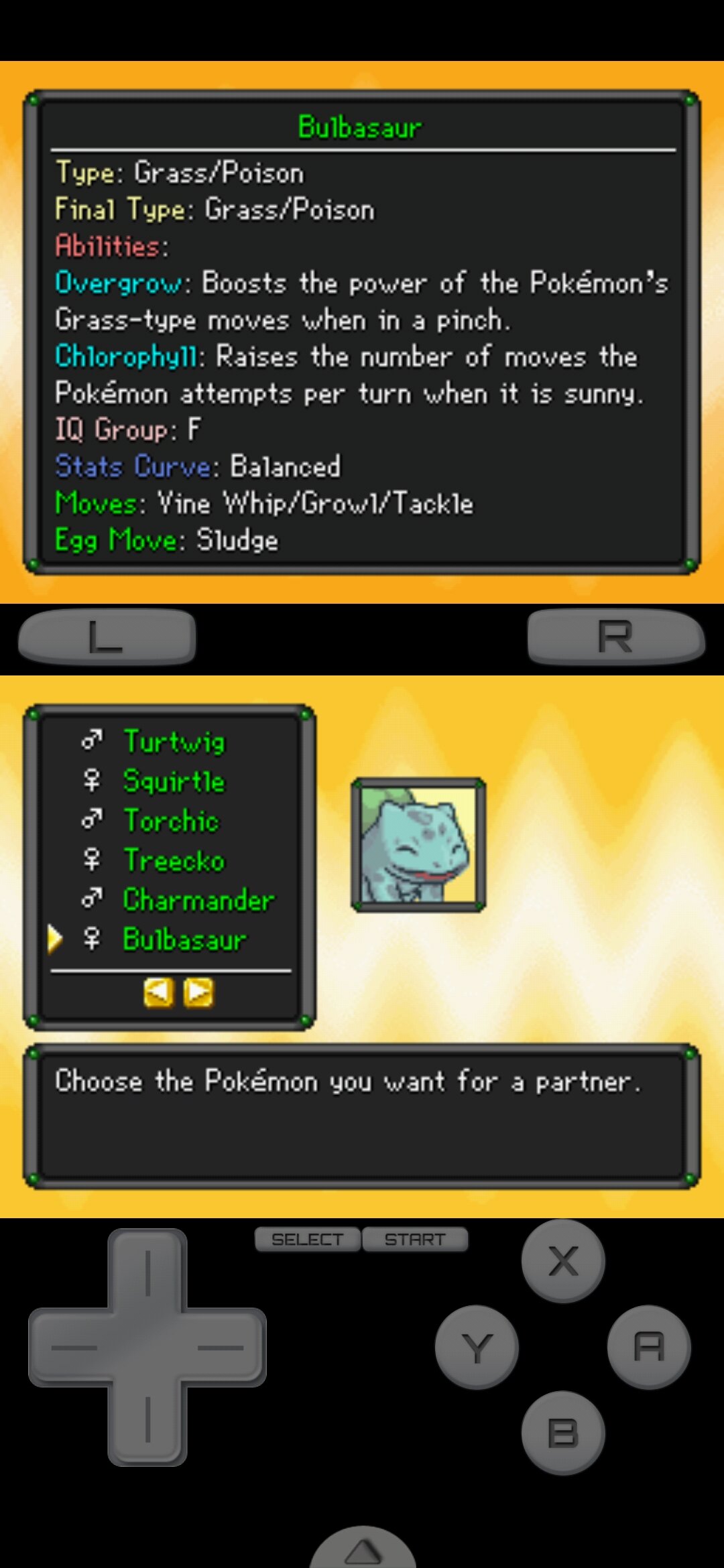
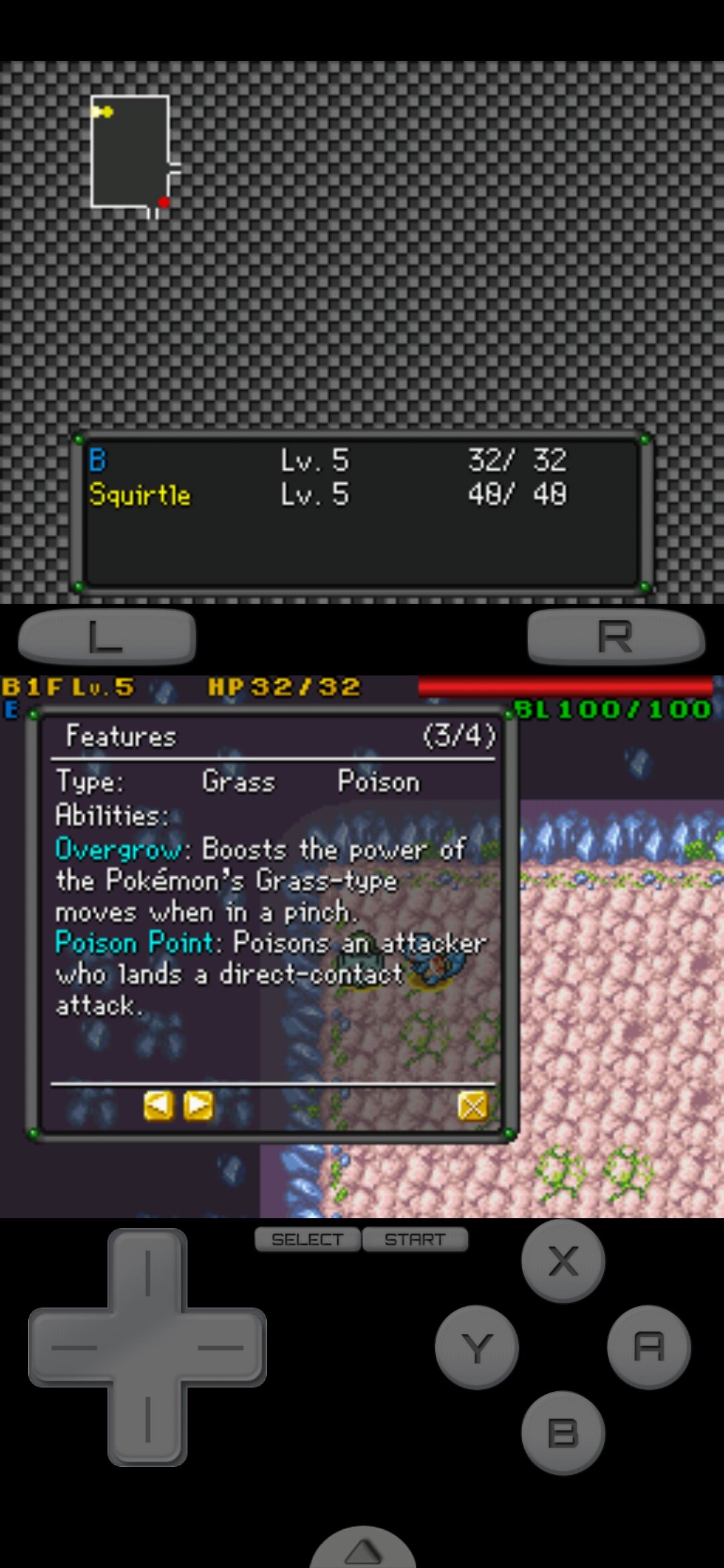
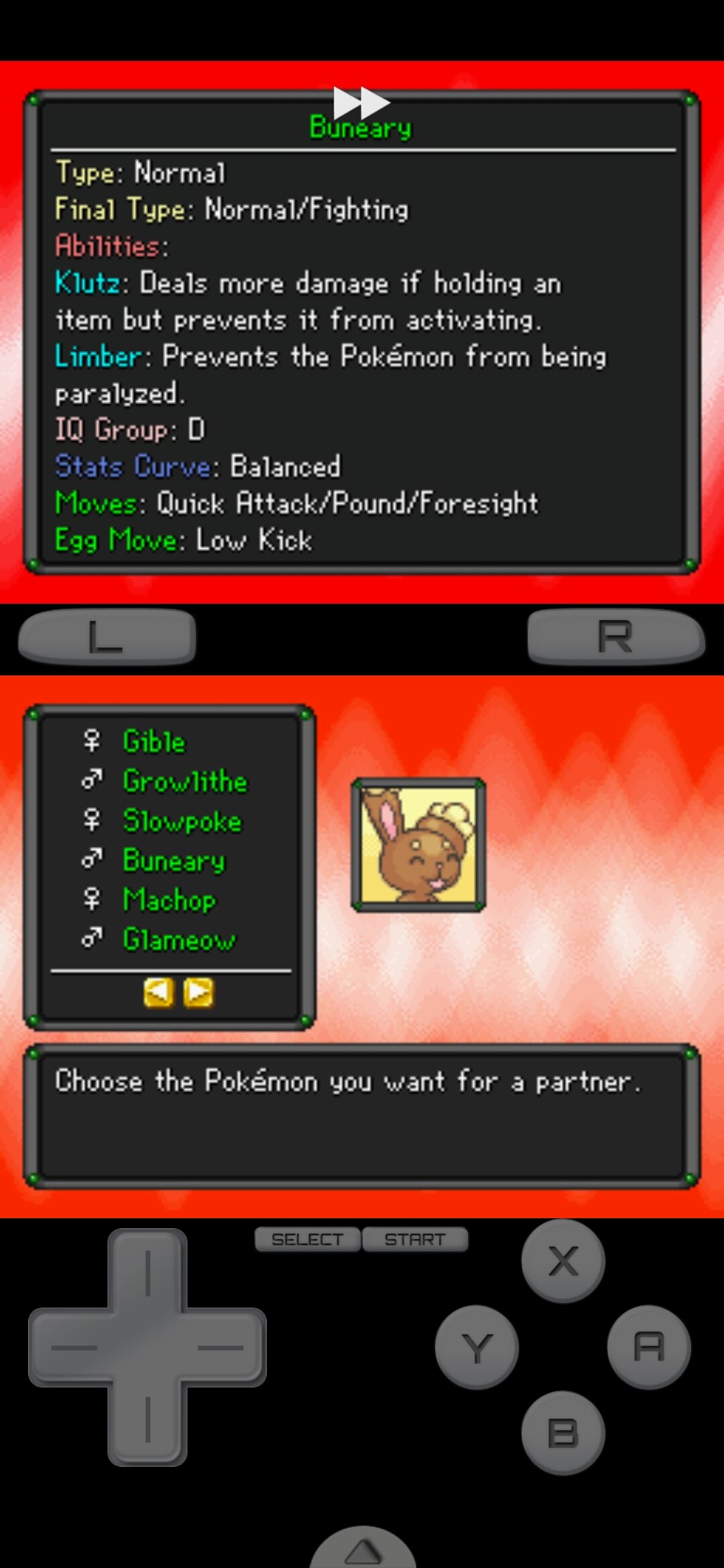
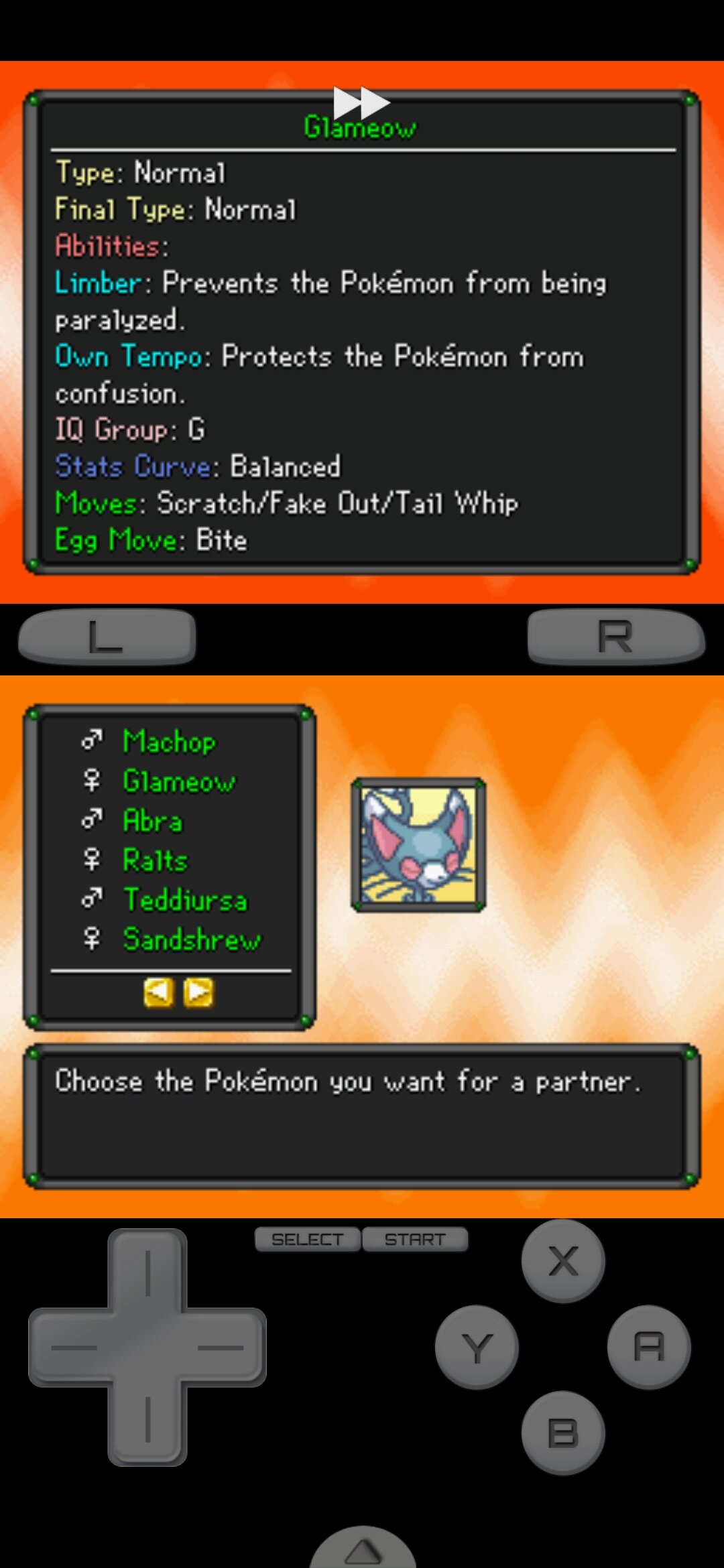
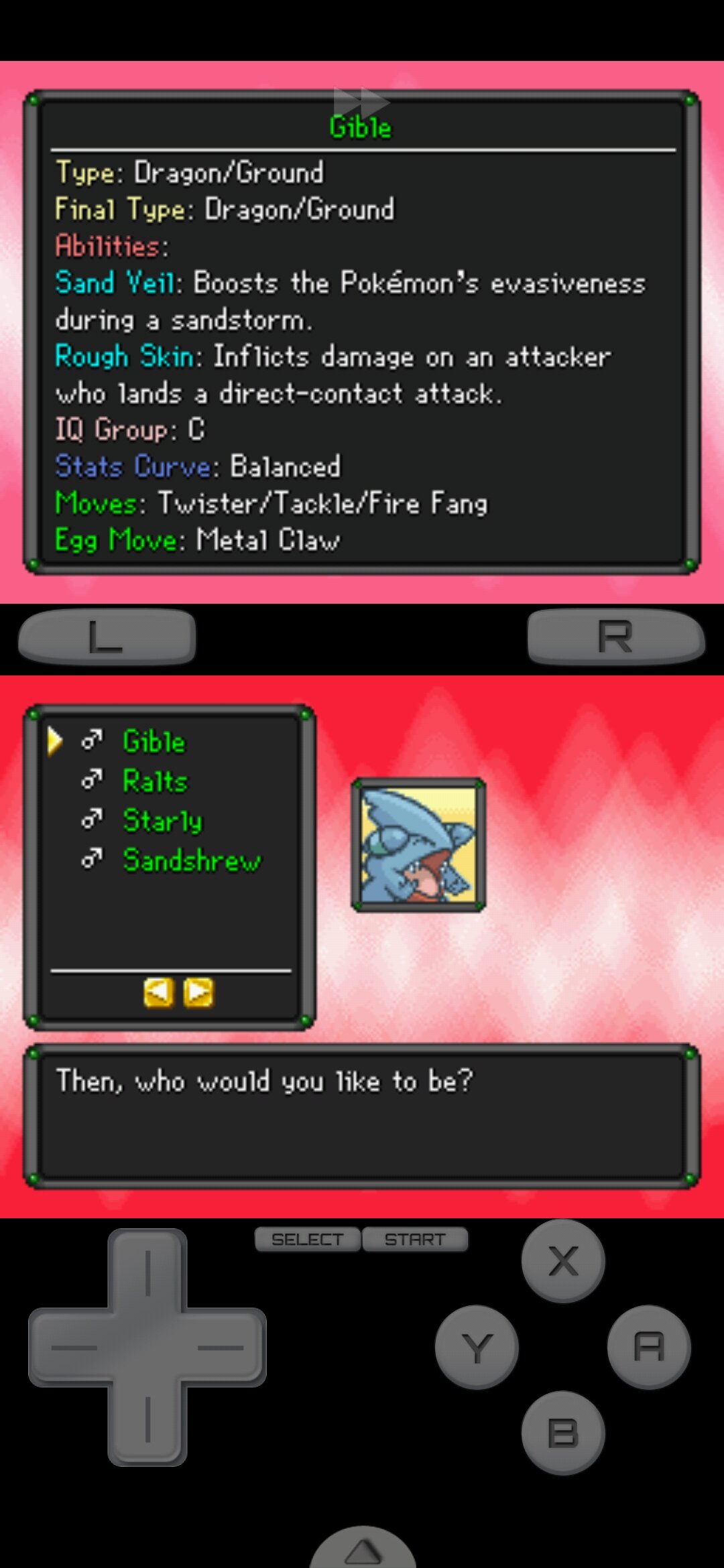
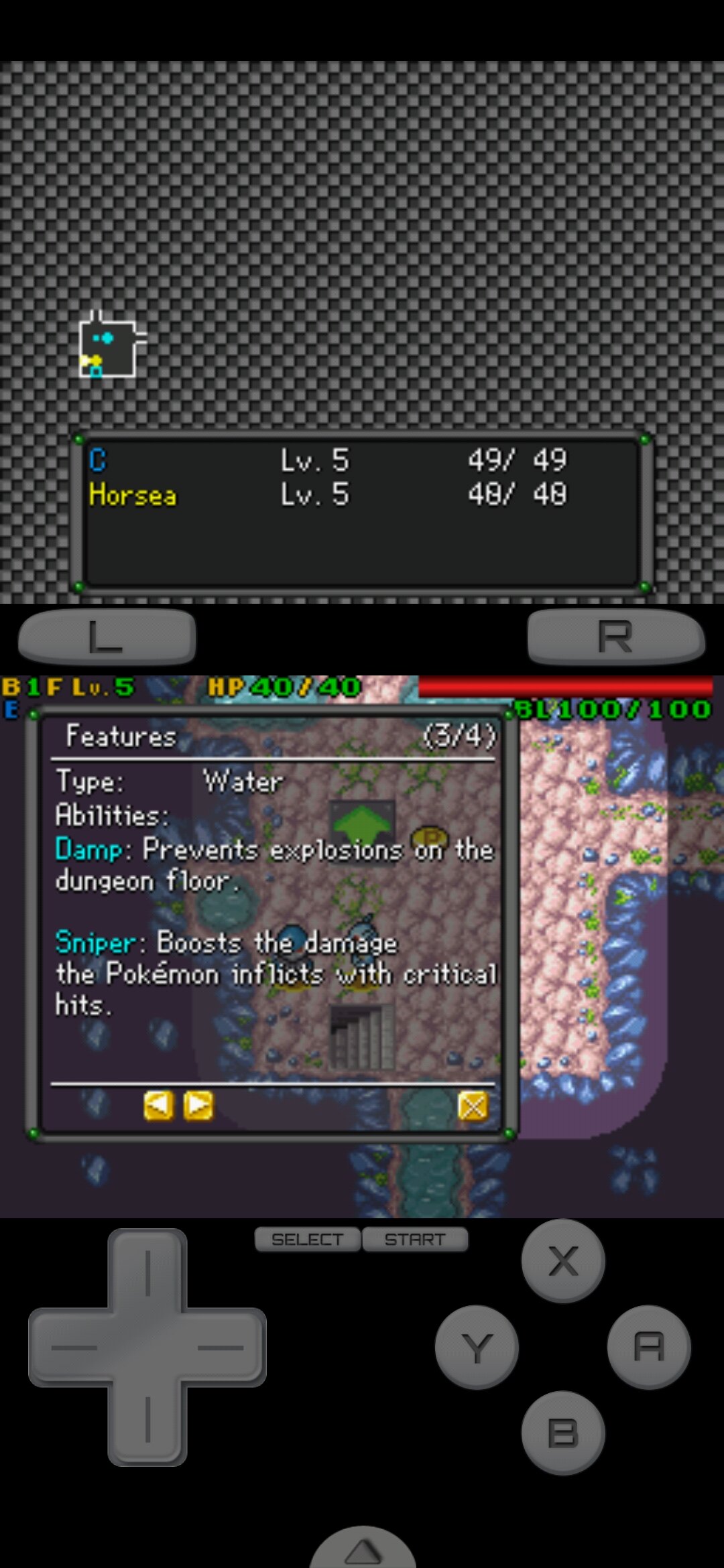
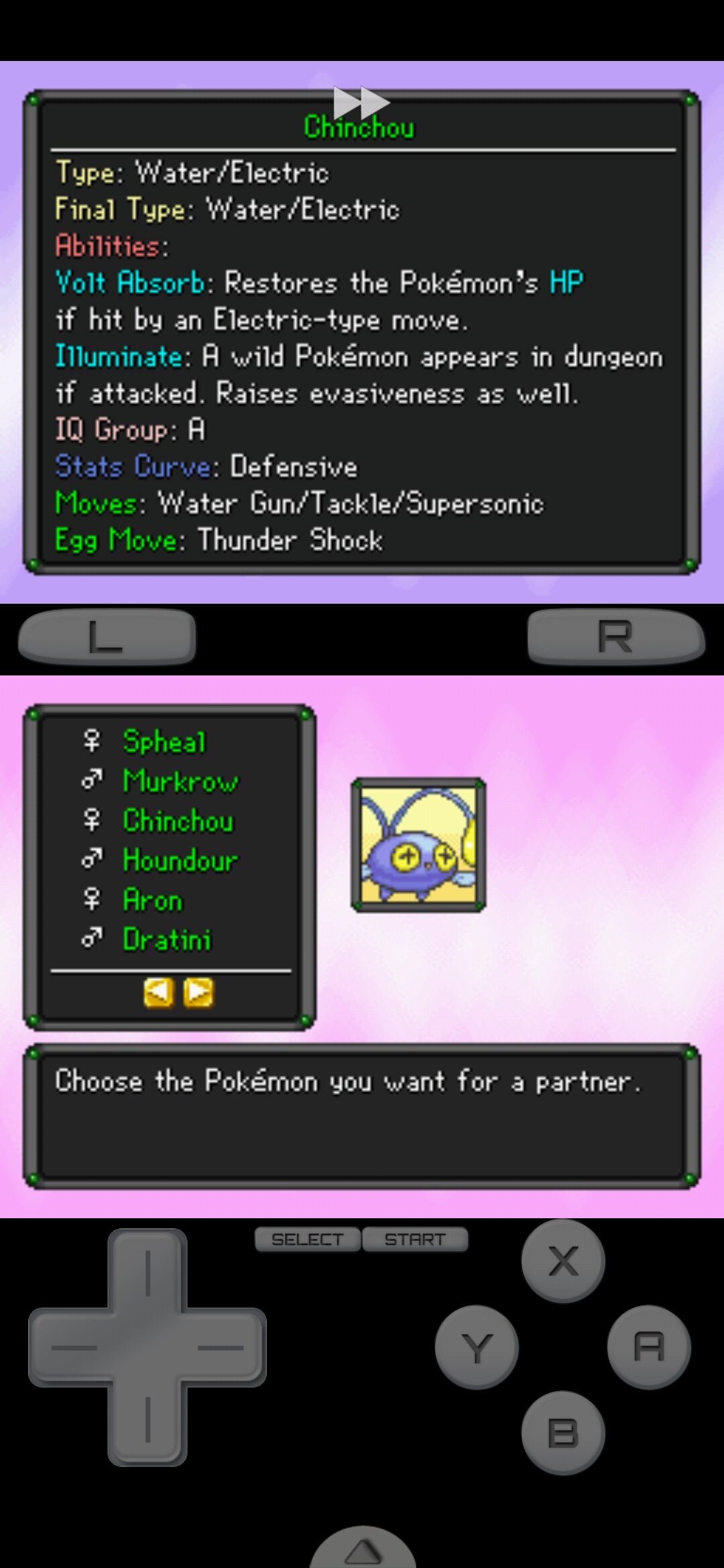
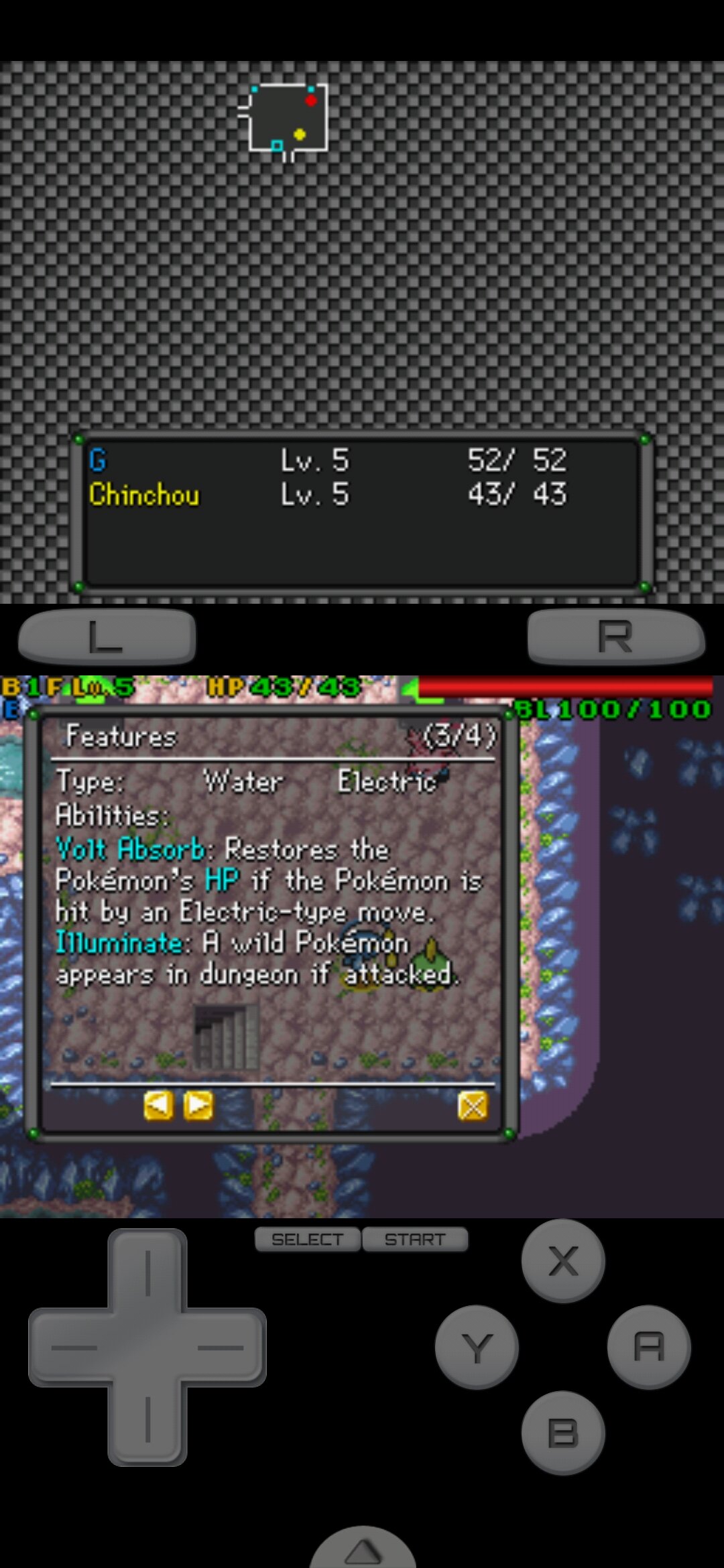
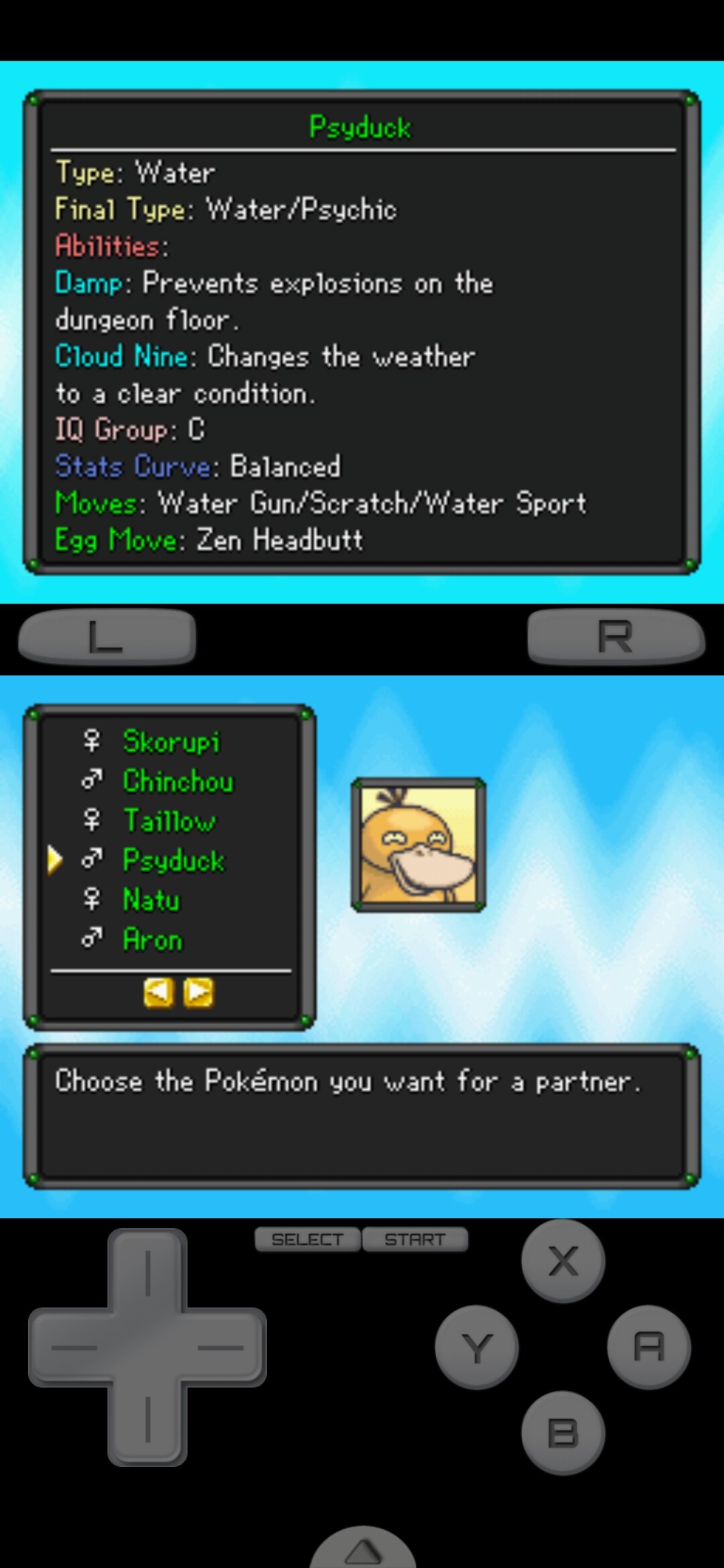
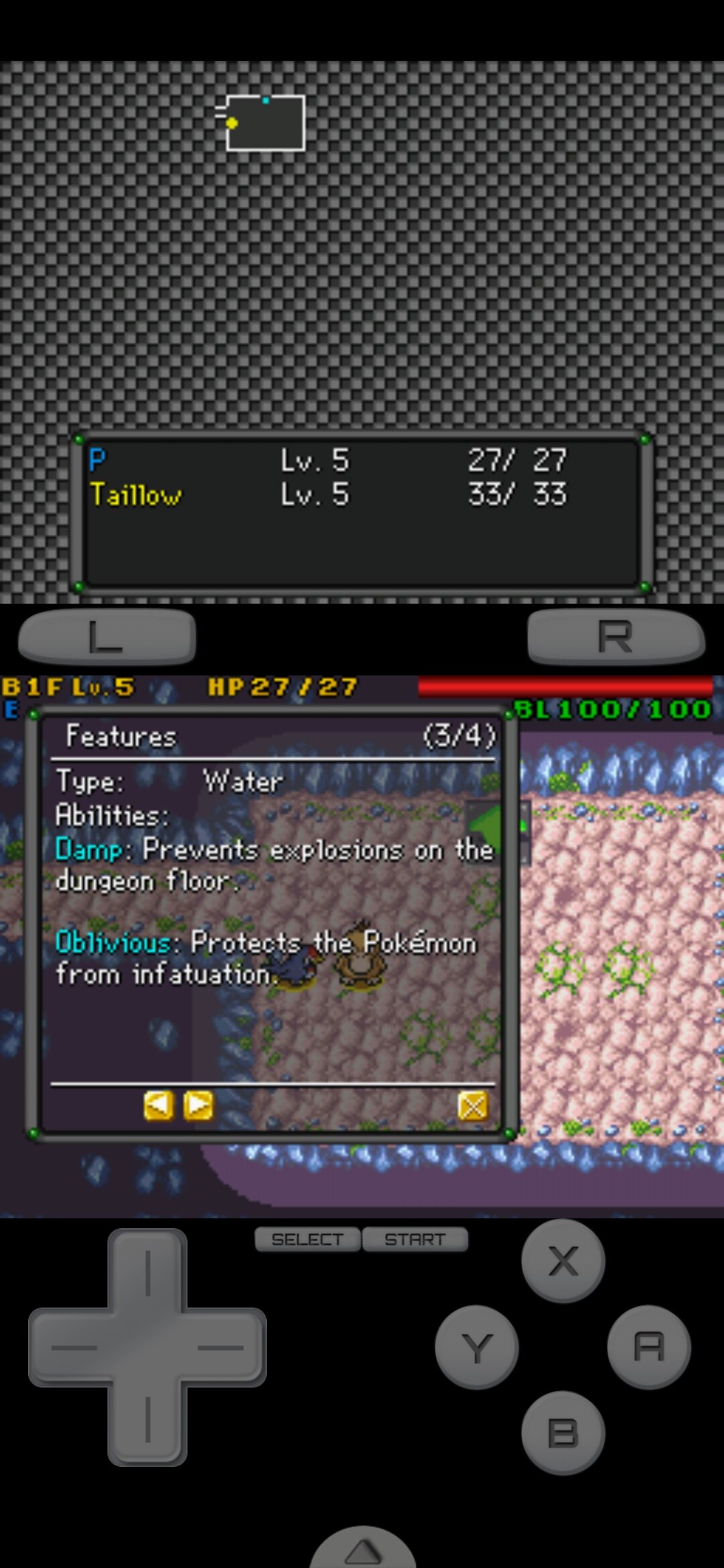
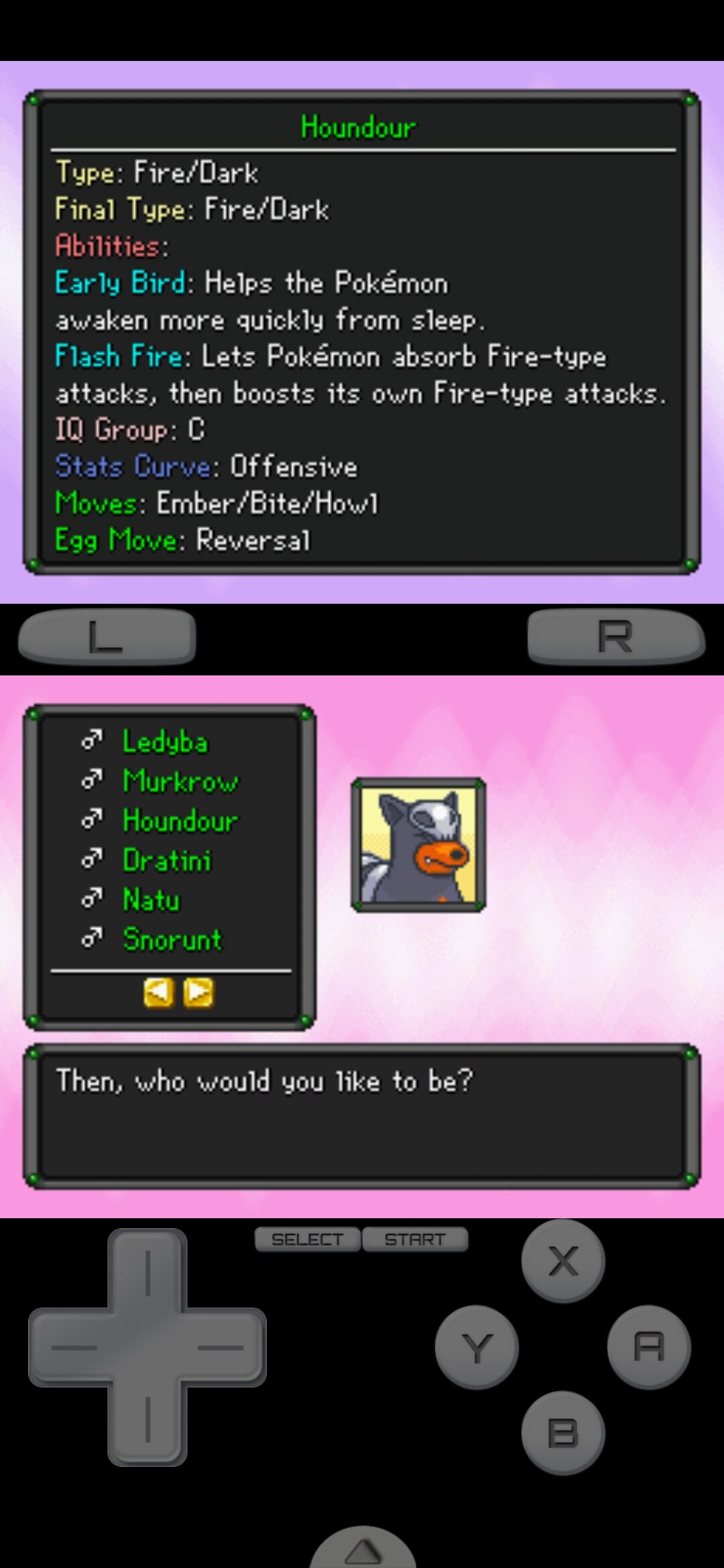
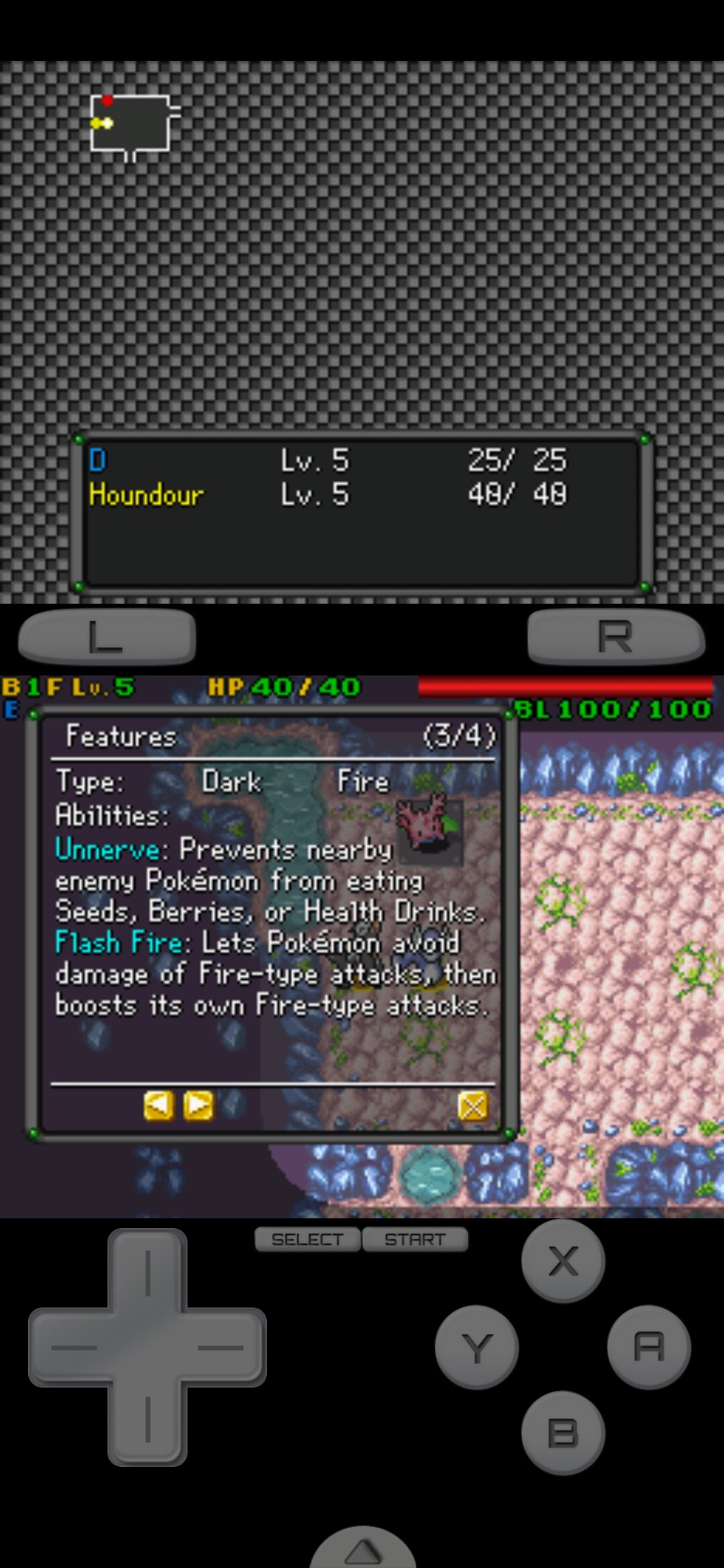
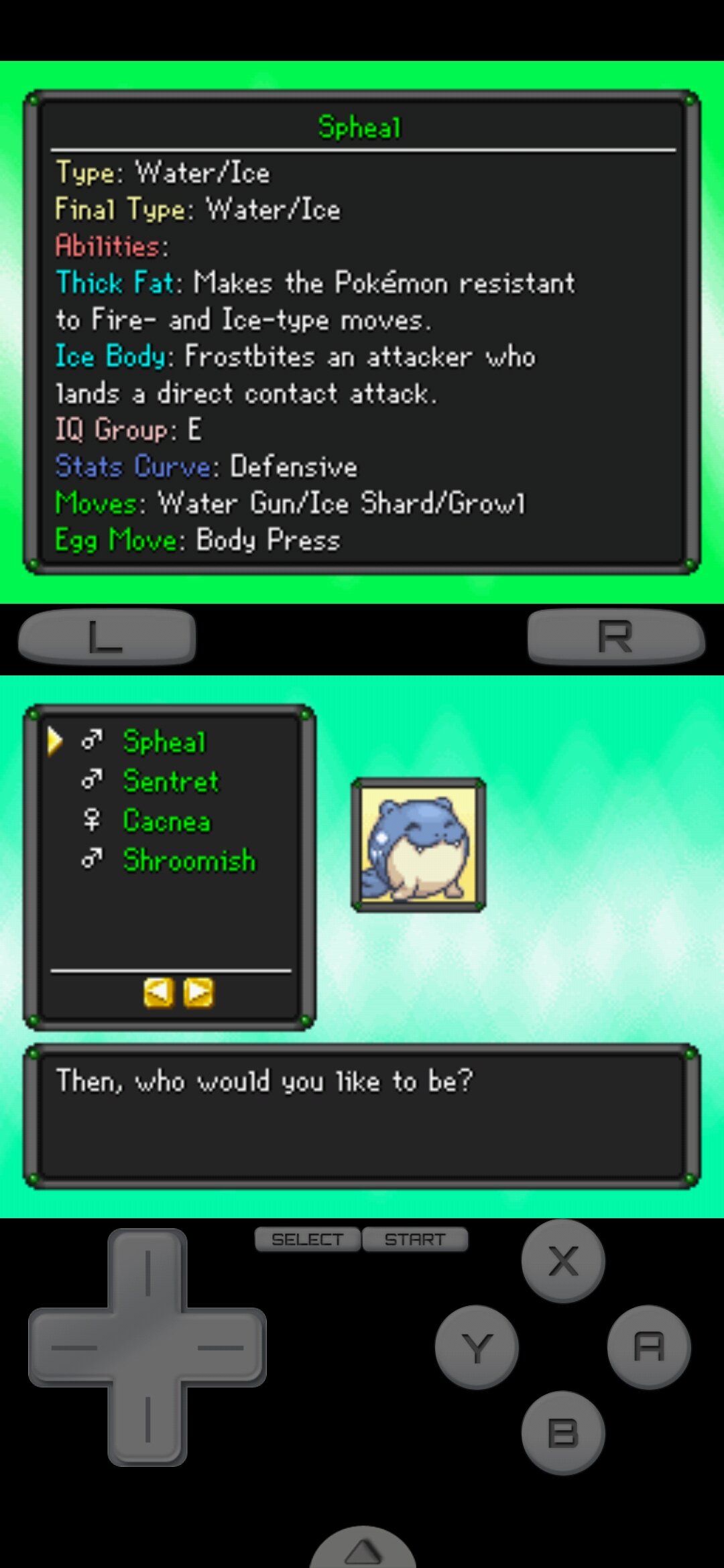
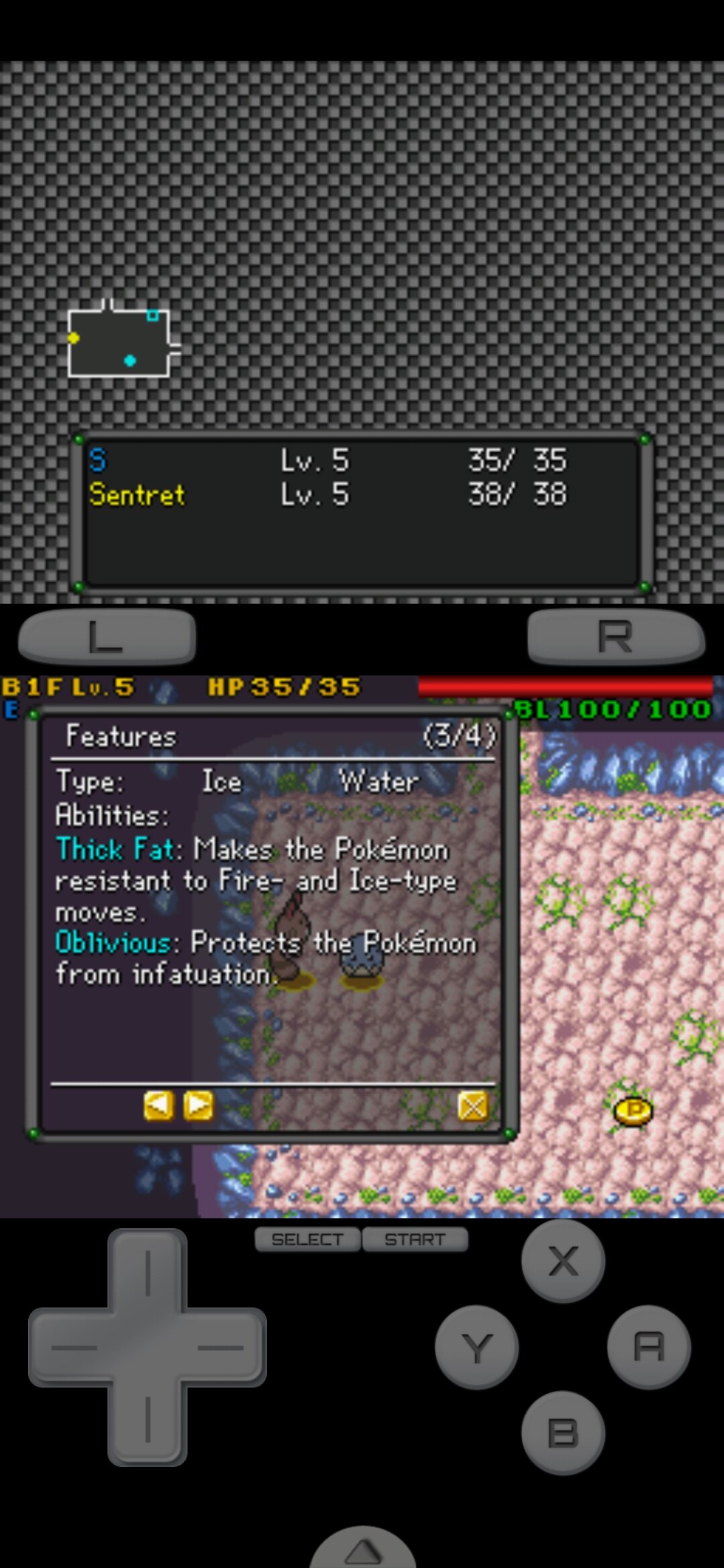
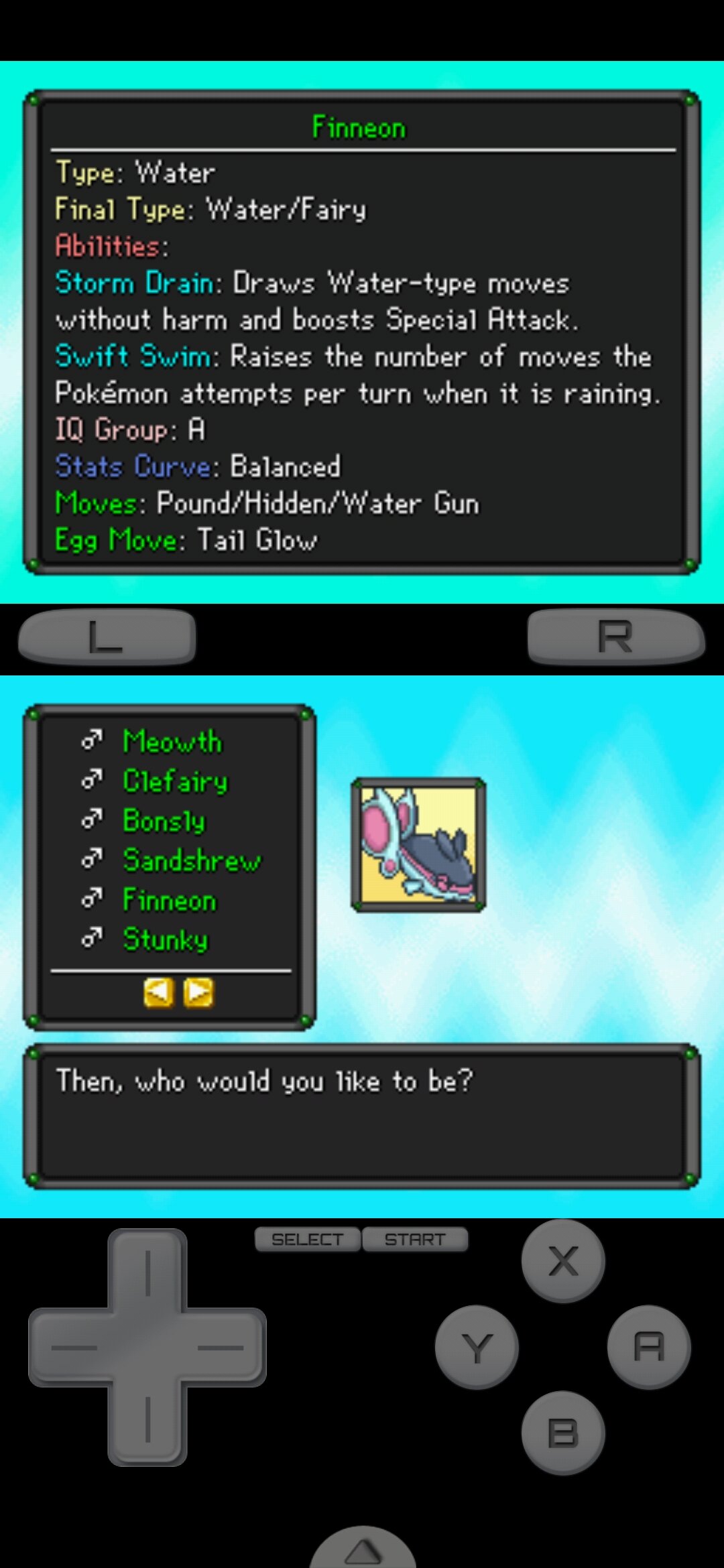
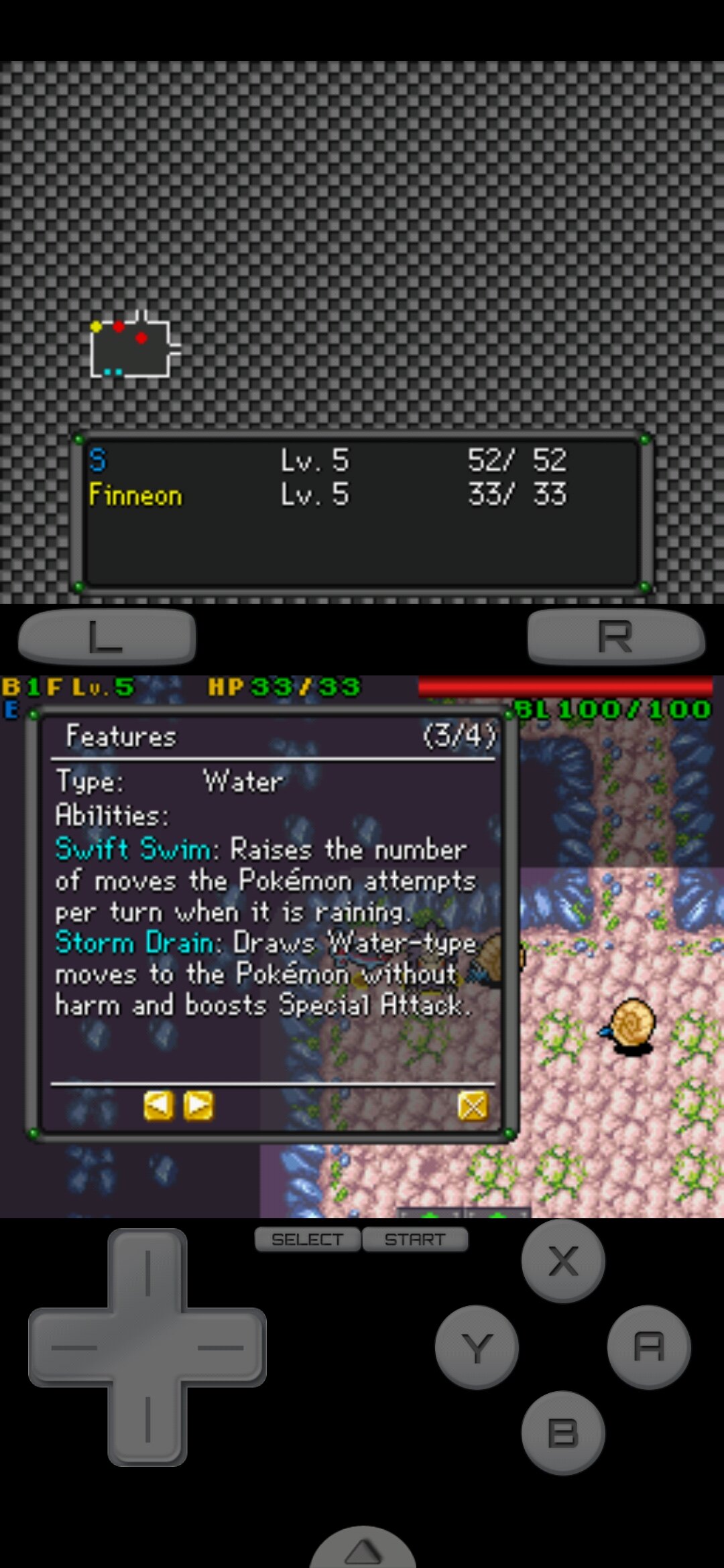
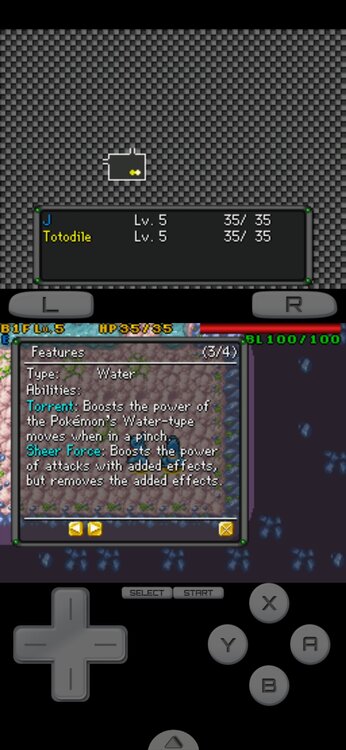
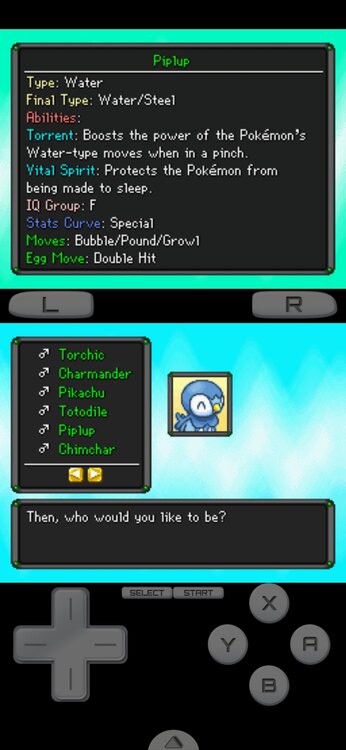
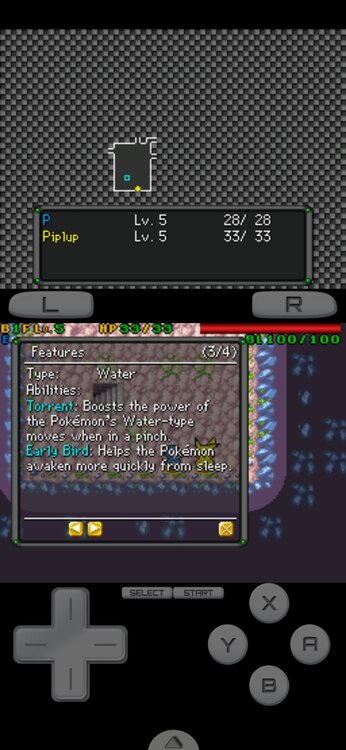
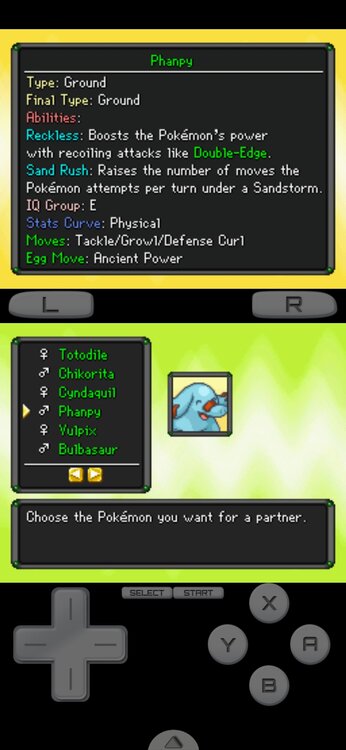
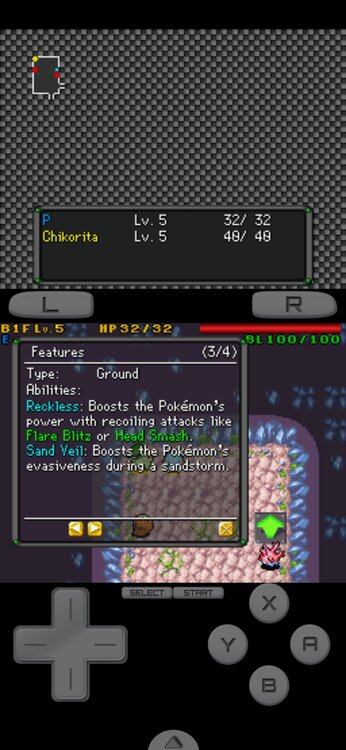
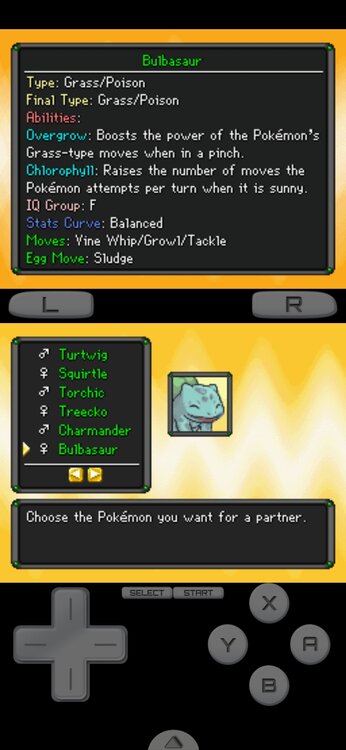
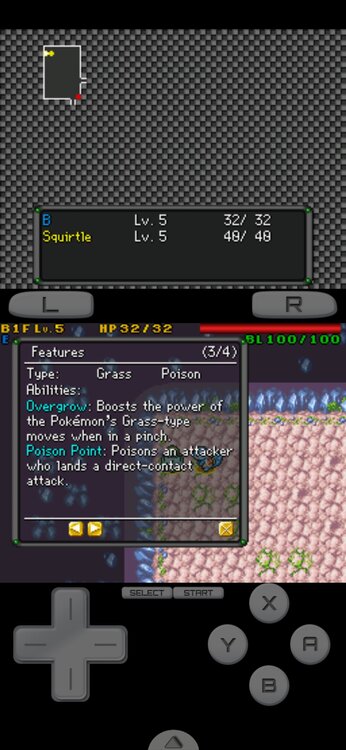
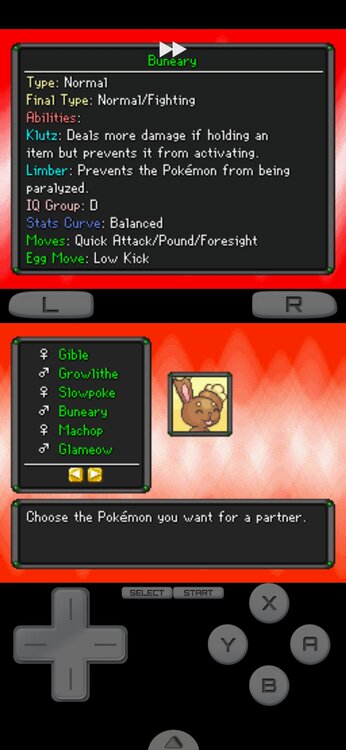
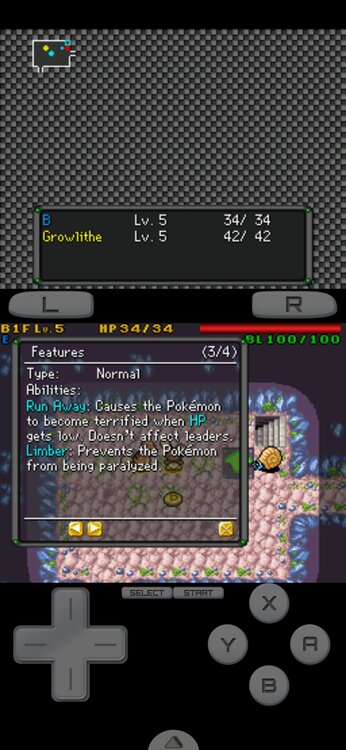
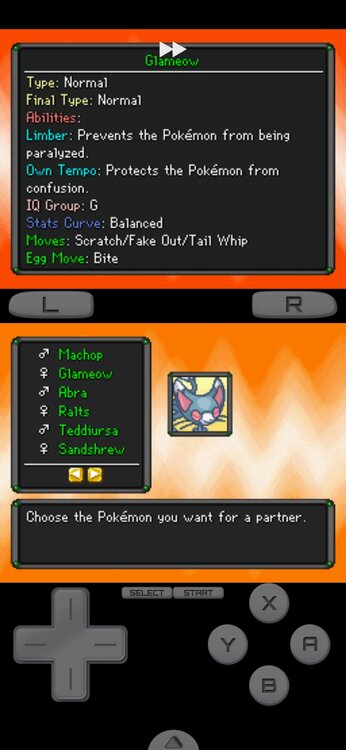
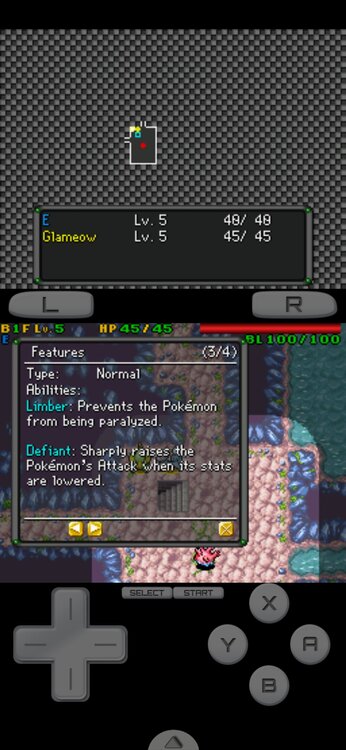
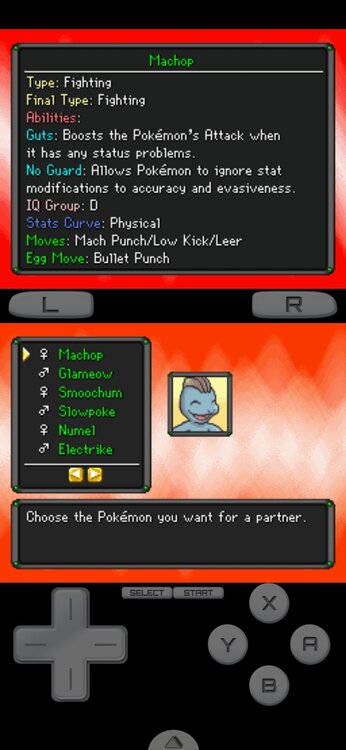
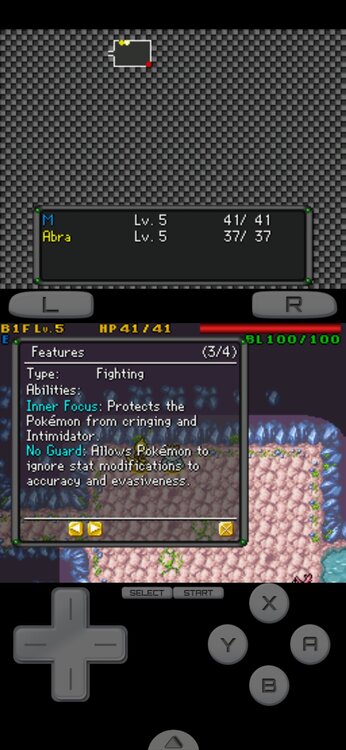
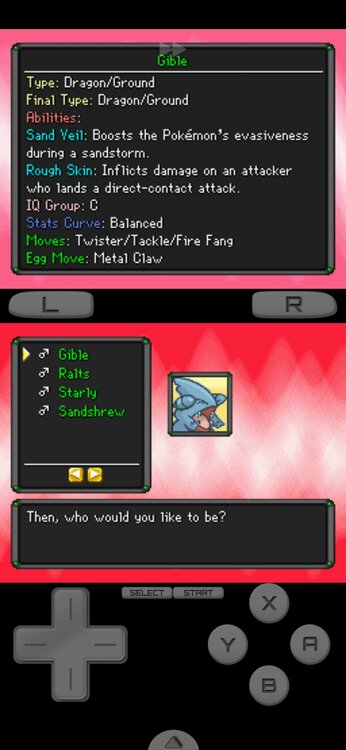
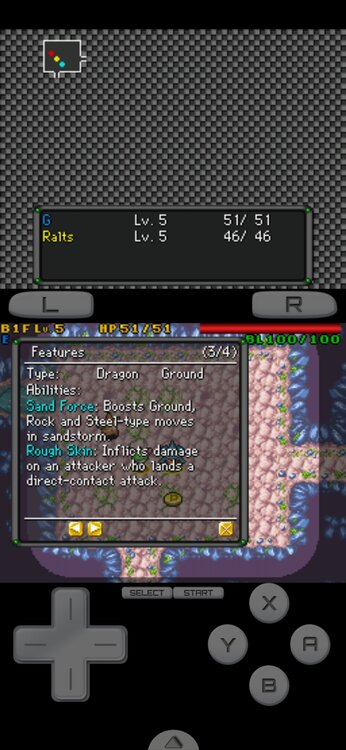
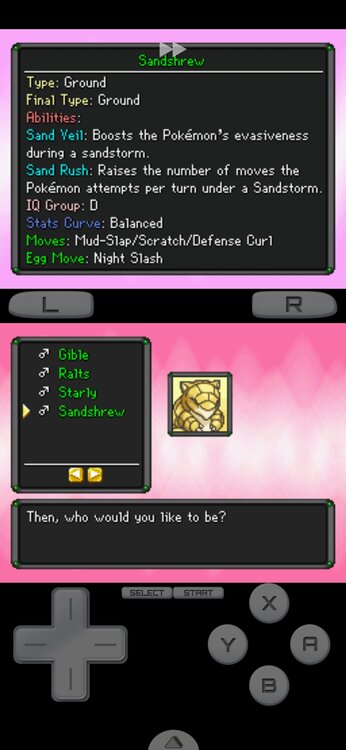
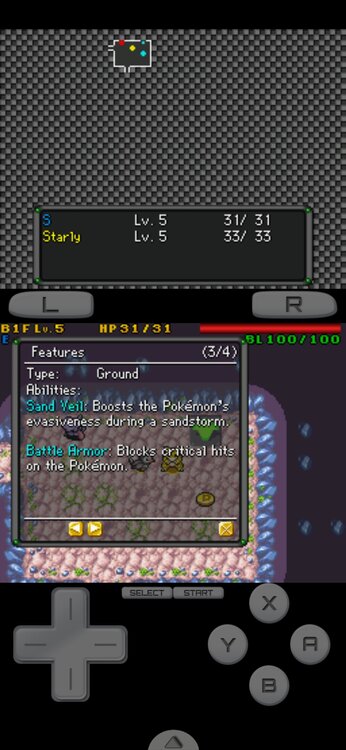
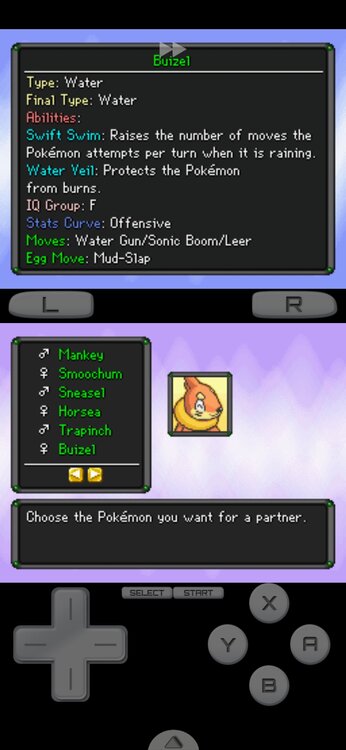
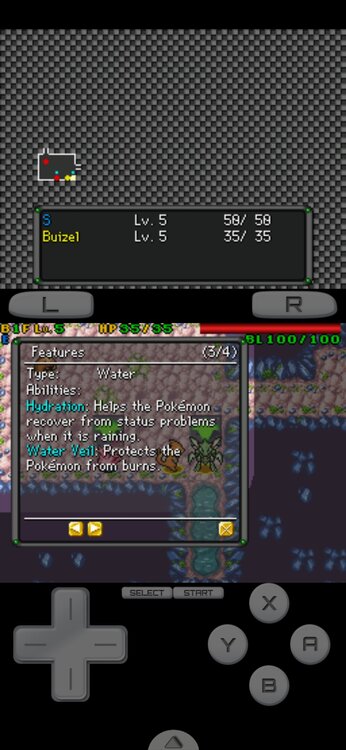
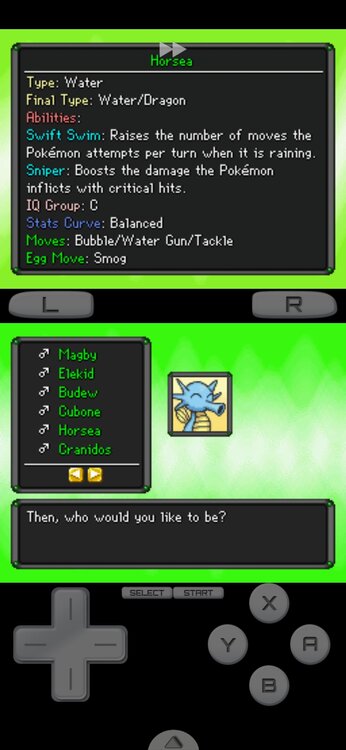
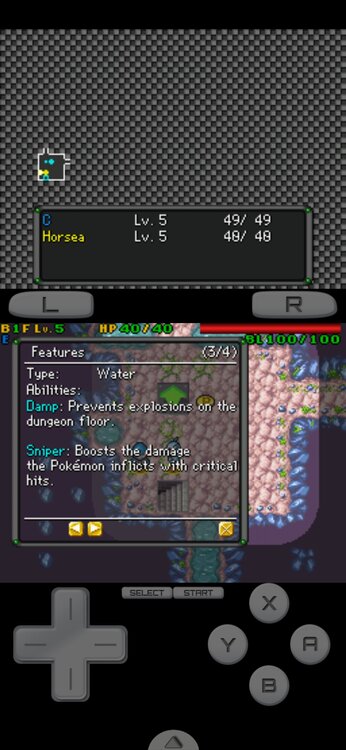
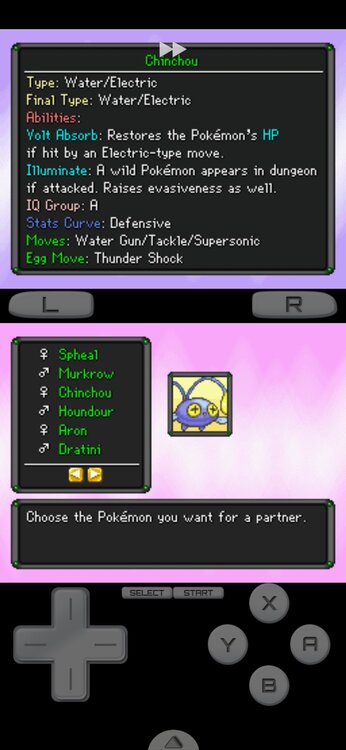
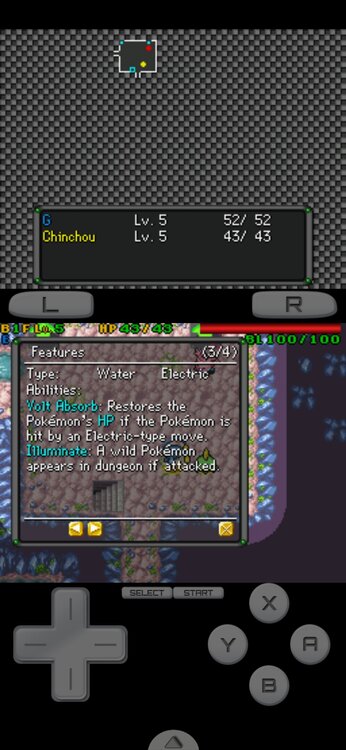
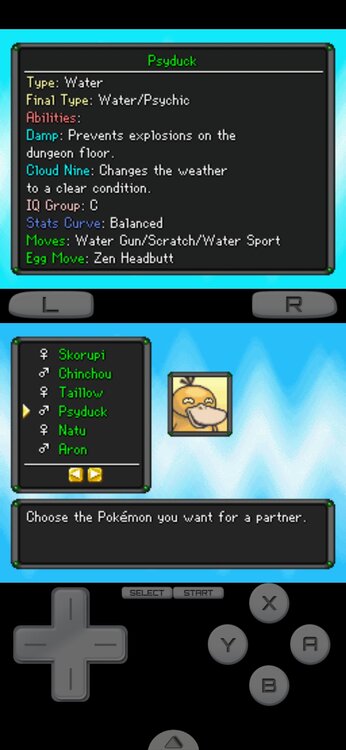
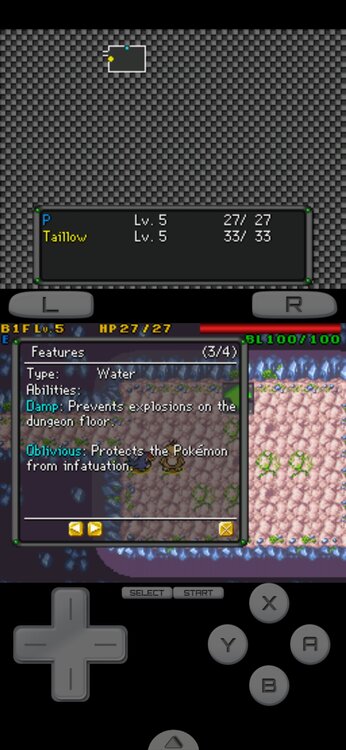
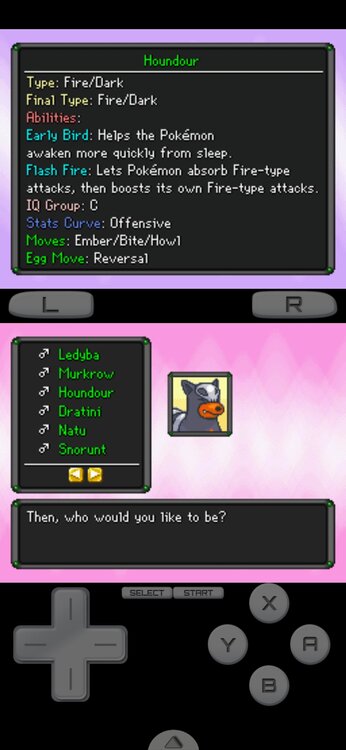
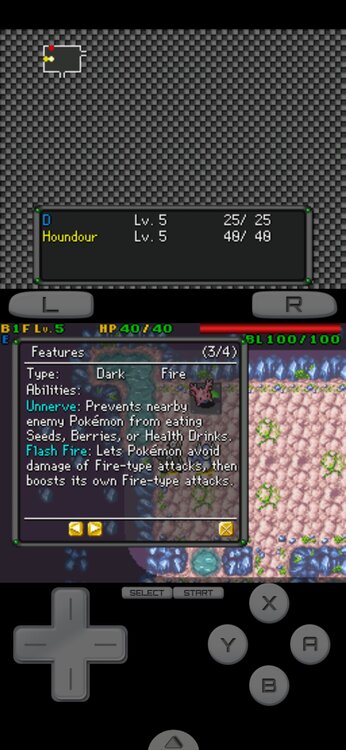
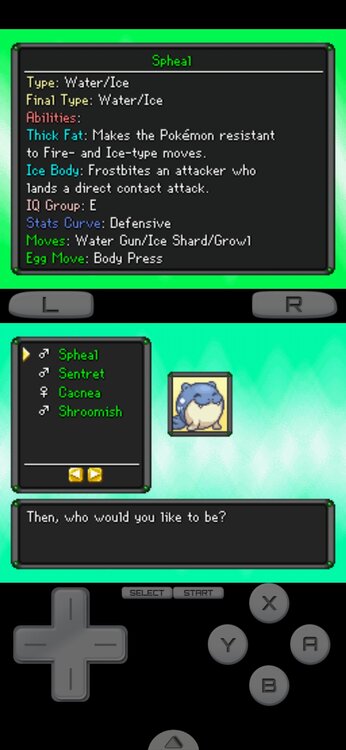
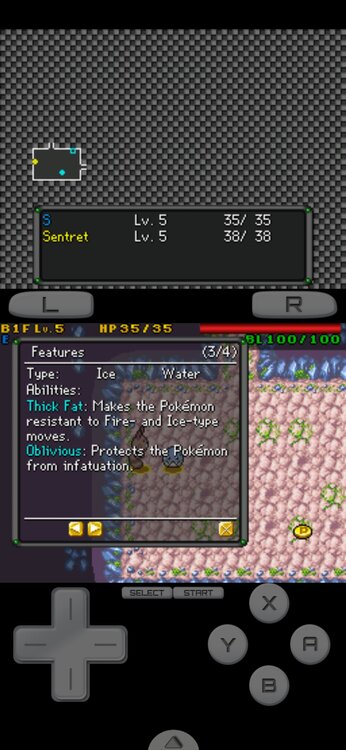
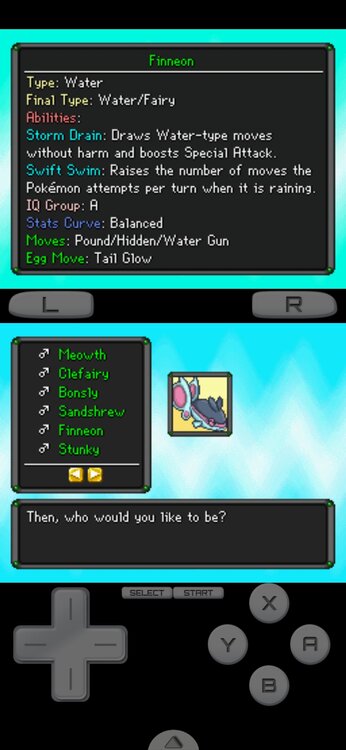
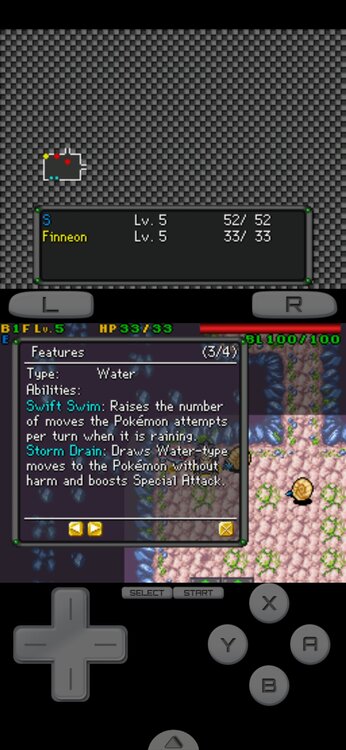
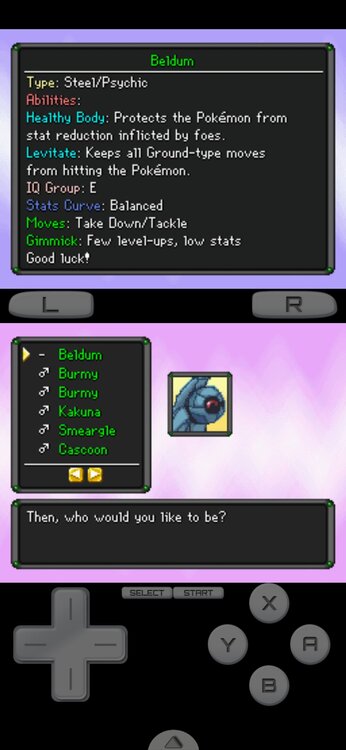
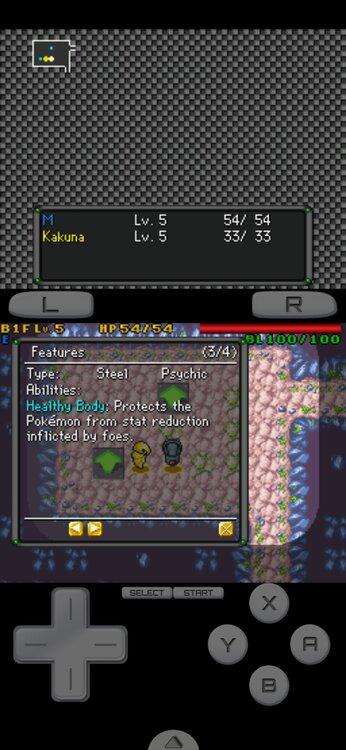
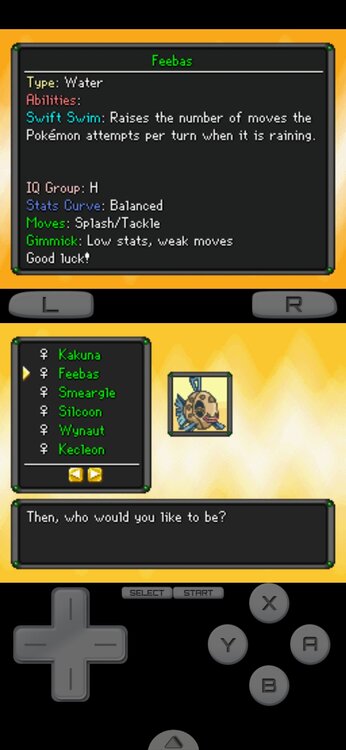
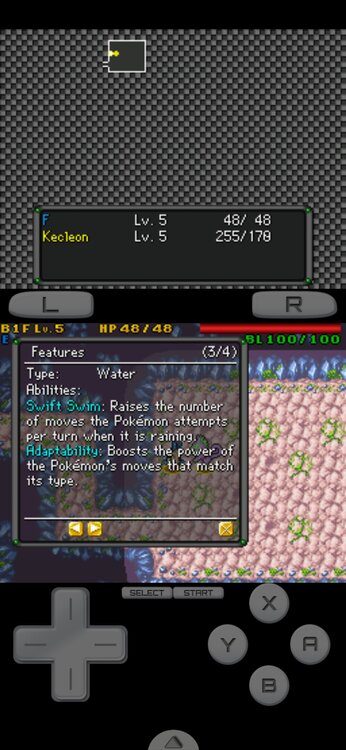
 Hi, Alpha. I've been having fun playing with different Starters when I noticed that some of the Abilities didn't really add up. For example, Chinchou is stated at the Pokemon Quiz selection screen that it has Volt Absorb, but in the game it's actually Water Absorb. I then went through each of the playable pokemon to see if there were any other Abilities that didn't match with the in-game Abilities, and I found 18 inconsistencies where the Abilities on the selection screen didn't match the in-game versions. I don't mean to alarm you, but I felt that it was important to inform you about this. Also, Finneon is also listed, but the two Abilities for it are simply switched as opposed to being mismatched.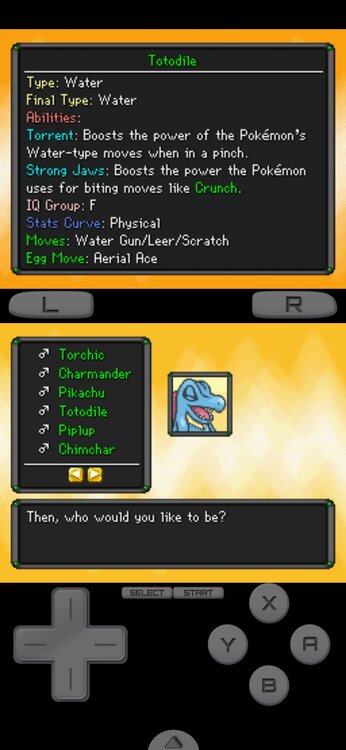
-
My name is Farus! I'm a novice competitive battler (though I hope I can become a lot better), and I've been playing Pokemon ever since I can remember thanks to my brother.
- Yesterday
-
@Aurorans, well, I spoke about TID/SID. Pretty sure DisplaySID and DisplayTID (maybe SID16/TID16 maybe both, but whatever, one of this should work) options are. About game version actually idk, if you by a chance need that. Probably yea, still manual.
-
 daan2002 changed their profile photo
 -
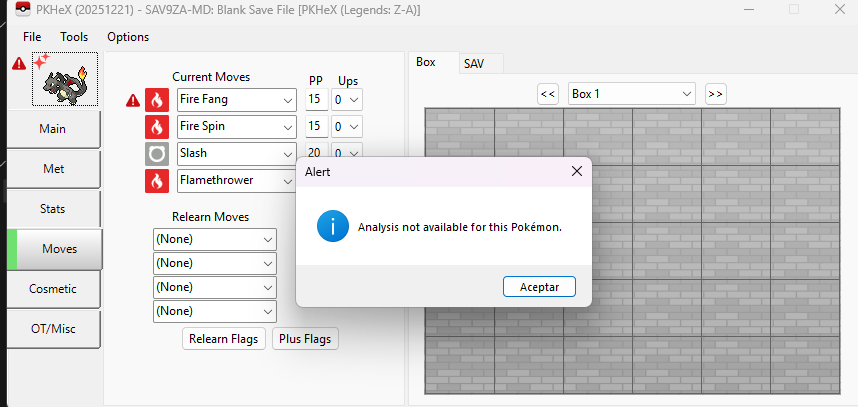
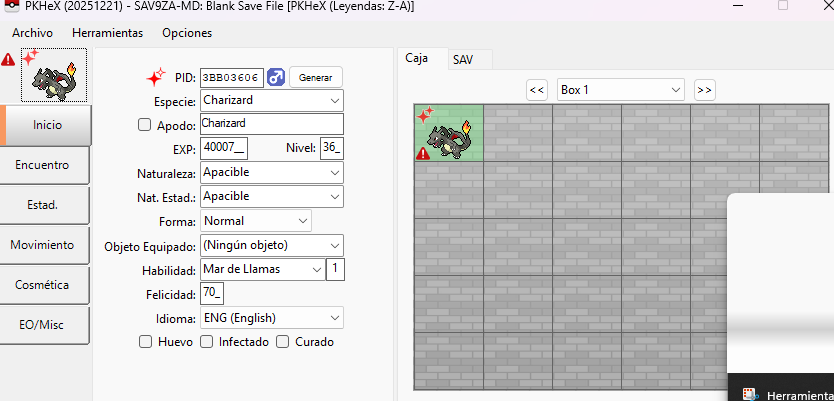
This Charizard is illegal. The Kanto starter you're given from that side mission comes with the met location ID 30027, yours has 103.
-
Hi, this litte friend is still not legal. 0006 - Charizard - 3B7F45A5D41C.pa9
-
Hello all! Just a quick update: as of version 2025.12.23.0, support for drag and drop has been added! This has been the top wishlist item on my mind since the beginning, and I finally got around to it (with a lot of help from GitHub Copilot). You can drag and drop Pokémon to reorder them in your party, to reorder them in a box, or to transfer between party and box. You can also drag and drop a Pokémon file (.pk9 etc.) into a slot to import it into your game. There are some limits: You cannot drag and drop a Pokémon out into your file system. Sorry! I tried, but there were complications. You cannot drag and drop to transfer between party and box in Let's Go Pikachu / Eevee. You can still drag and drop to reorder your party though. It doesn't look like iOS / iPadOS Safari supports drag and drop. Your mileage may vary on other mobile devices / browsers! Enjoy! The site doesn't go down for maintenance. If you weren't even getting the loading screen, I'd say GitHub Pages might be down. But if you are getting it, it's probably something else. This issue should be resolved by now.
-
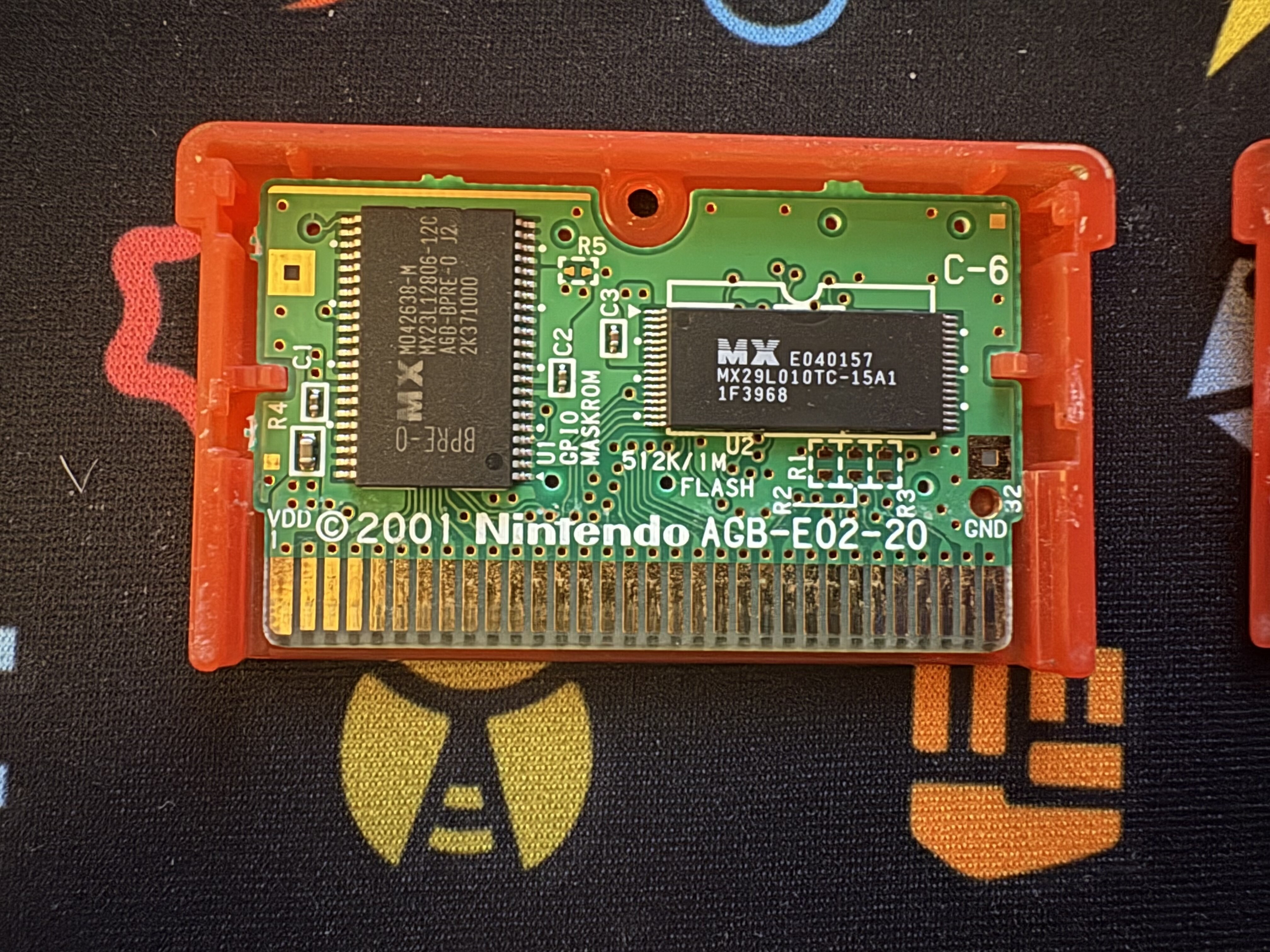
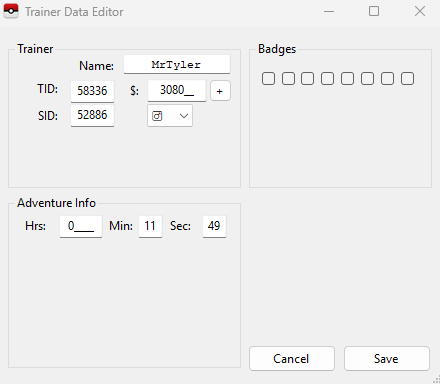
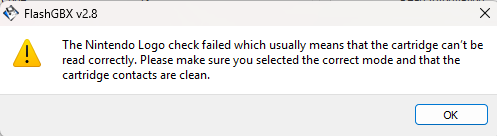
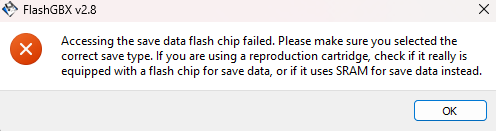
 That first save is from a brand new game before picking the starter. I have now advanced to getting the pokedex. I extracted the save again and it seems to be doing the same thing, unreadable by pkhex. My concern is making a lot of progress on this cart and never having the ability to truly back it up in case something happens. Attached is the further progressed save. Does it look any different in terms of those blocks? Edit: So I tested all of my other gen 3 carts, English and Japanese, exporting saves and loading them into PKHeX. All loaded up correctly. I tested my english Fire Red last (the one i'm having problems with) and it finally loaded up but my name is incorrect and my trainer ID? It should be MrTyler with TID 58336. I then attempted to extract the save again. I was receiving this error message. I removed and inserted the game into the dumper and I was then able to extract the game and it loaded into pkhex correctly. Still not sure why this happened with this specific cart. Perhaps the contacts on the board need to be clean to make the dumper read the cart all the way and thats why I was getting problems with extracting the save. POKEMON FIRE_BPRE.sav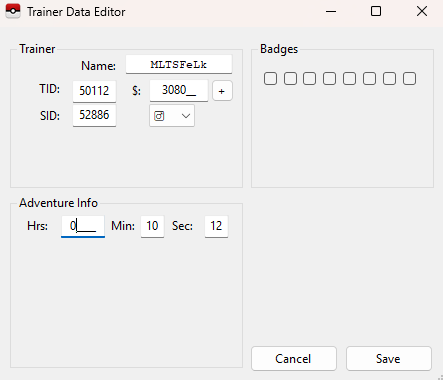
-
I have tried both the latest version and the latest development build
-
Just check if you have got the latest version of PkHex
-
I'm having the same issue. The main file works fine in game but pkhex wont open it. I transfered files from other profiles on the switch using JKSV as well but they work fine so I'm not sure why this one is 100kb larger. I opened this one once using ryubing so maybe that was itmain
-

Fire red save backed up from cart will not open in PKHeX
Poke J replied to mrtylersquared's topic in Saves - Editing Help
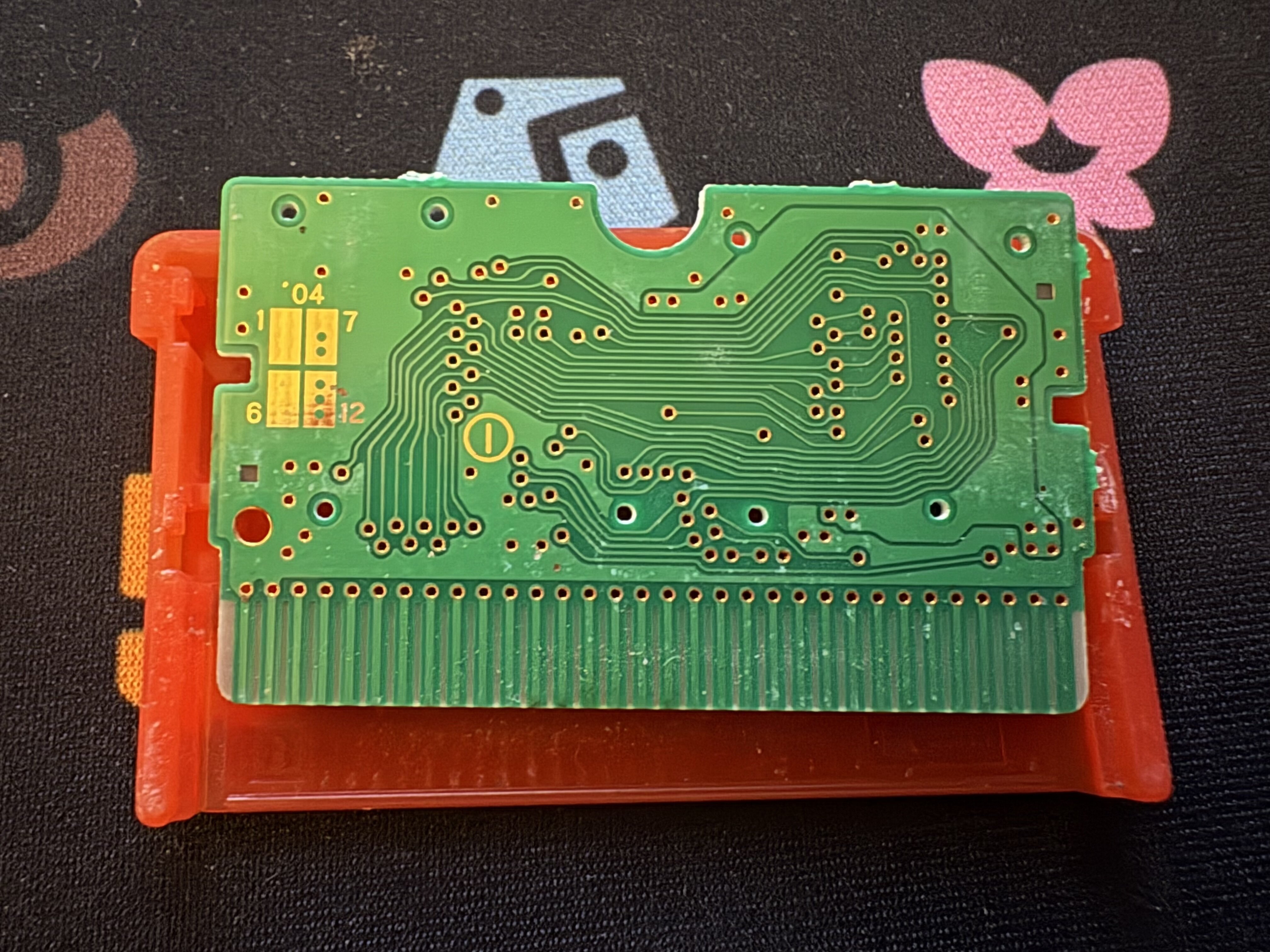
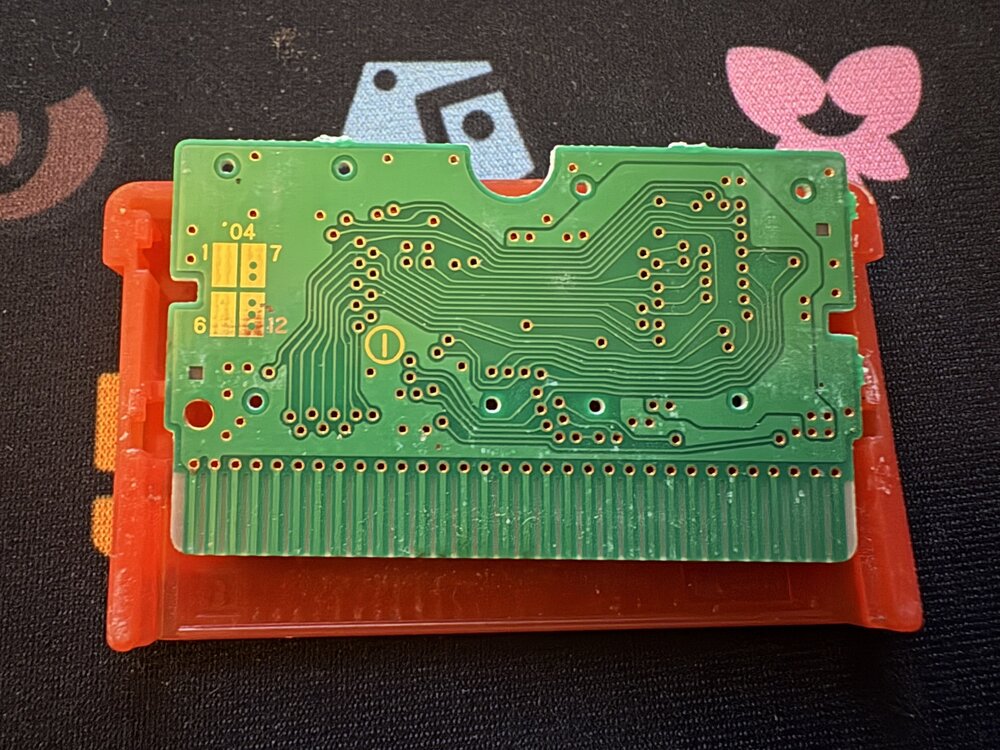
@mrtylersquaredhave you tried to dump the save again? How far did you make it into the save before you tried to dump the save? Because right now the save block index order is 8, 9, 0, 1, 2, 3, 0, 1, 2, 3, 8, 9, 10, 11 which the expected for your save would have the save block have the following order 8, 9, 10, 11, 12, 13, 0, 1, 2, 3, 4, 5, 6, 7. The long short of the block order is blocks 0-13 need to be present to be a valid save and they rotate by 1 each time you save so that is why block 8 is the first block which is normal. However, in you dump blocks 4, 5, 6, 7, 12, 13 are missing and multiple blocks are repeating. In order for a save to be valid all 14 blocks need to be present in a rotating numerical order. So my suggestion is since it is a new save file is to make sure that the save does load on the cart, save 2 times in game, and then try to dump the save again. In terms of the cart itself it looks like all of the images of a FireRed cart board that I can find online so I believe its a real cart. -
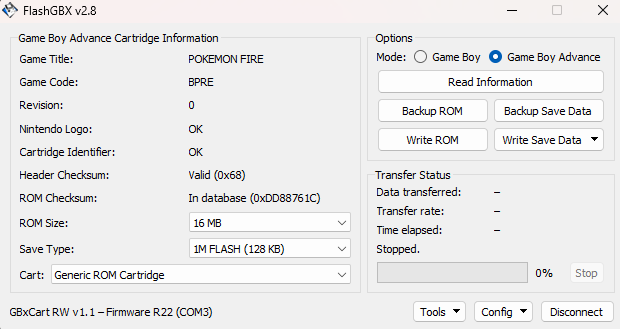
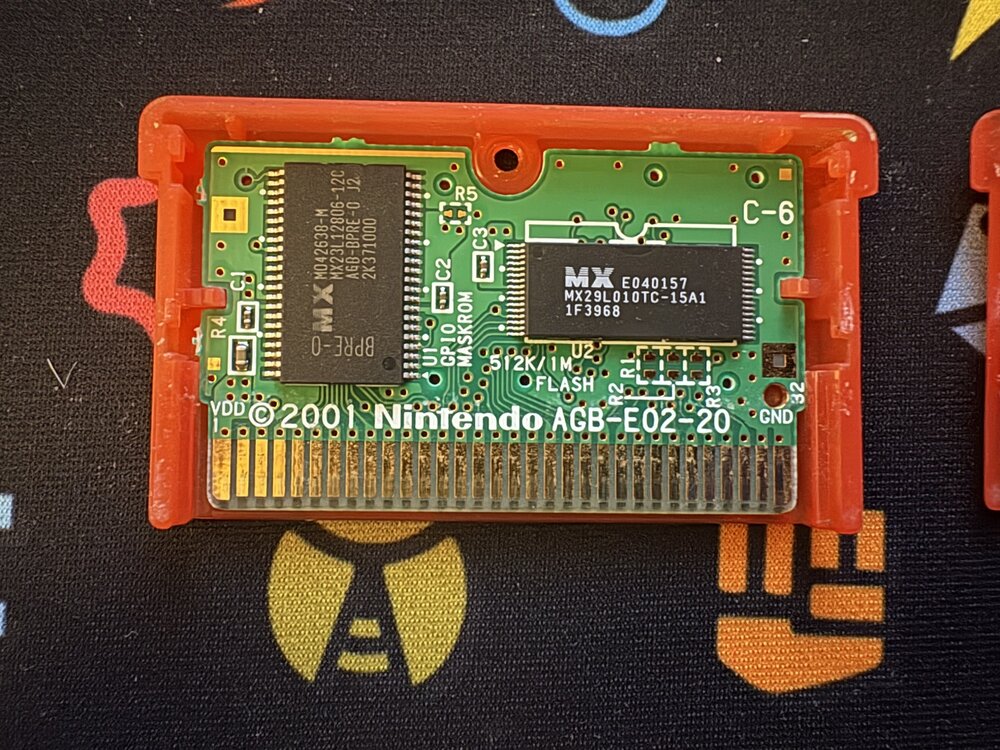
So I made a new save in Fire red. The cart is real. It is my childhood copy and I have never had any issues with it before. I backed up the save file using a Flash Boy, but it will not load into PKHex. My leaf green copy loads up just fine as do my other cartridges. I'm not sure what I'm missing. But I am concerned my cart might be bootleg after all? I opened the cart and looked at the chips and it all seems to be correct. The game seems to save properly on cart. I am getting this error message about the flash memory... is the chip broken somehow? I cant seem to import other saves over it because of this. Is my cart bootleg after all? Or something else? Any help is very much appreciated! POKEMON FIRE_BPRE.sav
- Last week
-

PKVault - Centralized pkm storage management & Pokedex app
GoatLord replied to chnapy's topic in Saves - Tools
Absolutely love the new bank & expanded storage update, it's just what I always needed! Amazing work! The one suggestion I would make is that it would be cool if you could choose the size the boxes are displayed at, perhaps a toggle in the settings? So instead of having a scrollbar and a very long box, you could choose to have the bigger boxes just be displayed as bigger square boxes. Say if you have a box that's 120 slots large, it could be displayed as if you took four regular sized 30 slot boxes, and put them together to form a larger square 10x12 box, instead of the current 20x6 long box with a scroll bar we currently have. A box this large might be hard to display on smaller screens, but those people could simply use the regular scrollbar boxes. However for people with larger screens, the ability to display the the entire boxes as large squares would be a godsend! -
Usually having a mismatched main and backup wouldn’t cause issues. Did you happen to rename the files? Did you give big amounts of a particular item? And how were transferring the files from Switch to PC?
-

Version 1
1 download
El Guardian Del Sol JUEGO DE ORIGEN: ULTRASOL Solgaleo.pk7 -
My save from the dlc wont boot up i tried azalea web repair and it removed everything from the dlc, i dont have a pc, can anyone help me sanitize the save? main