
AlamosIT
-
Posts
195 -
Joined
-
Last visited
-
Days Won
6
Content Type
Profiles
Pokédex
Portal
Technical Documentation
Pages
Tutorials
Forums
Events
Downloads
Gallery
Blogs
Everything posted by AlamosIT
-
Hello, I read about the new clone checker and I see that the new PKHeX version reports marked clones as illegal. I try to compare an original mon with his clone and I see the differences between them are just 2 bytes. So, is there a rapid way to use PKHeX to "unmark" the clone? This could be useful if, for exemple, someone frees the original mon instead of the clone.
-
 As @theSLAYER said, you should try to extract the save file nested in the ROM. But before doing this you can try to extract the save file from the cartridge using GodMode9i (use the .nds version). Sometimes this tool works where GBA Backup Tool failed.
 -
What homebrew app are you using to extract save files? Are your game cards original? (There could be some problems dumping fake/reprodution carts)
-
[PKHeX Plugin] Mirage Island Tool doesn't work with PKHeX 210806
AlamosIT replied to AlamosIT's topic in Saves - Tools
@BlackShark I noticed that with PKHeX (211119)b+ (included the latest 220204) the Mirage Island Tool works only with Pokémon Emerald, not with Ruby/Sapphire. (The new version of Feebas Locator works with all three games as expected). -
These new games are made with Unity, this means that adding PKHeX support will be easy (as @Kaphotics said), but it still requires a lot of work. The games are not out, at the moment you can't have a legit copy so be patient until official release.
-
EDIT: As @theSLAYER said, PKHeX should support DSV, so save in-game and retry. ______________________________________________ I suppose you are using DeSmuME. You can't directly use DSV files in PKHeX, you have to export a 512KB SAV file (File>Export Backup Memory). Then you have to reimport the modified file (File > Import Backup Memory).
.thumb.png.b1906a9e345f38deca5f2e5cd79a83ce.png)
-
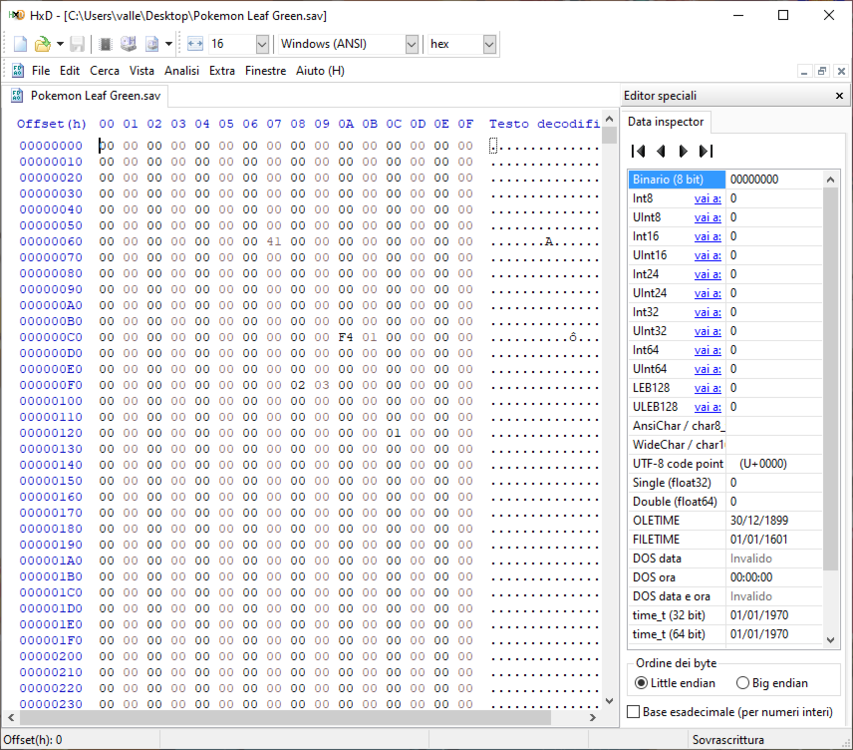
As @BlackShark said, 3 gen save files have to be in Flash 128kB, however the SAV you uploaded seems to be invalid.
-
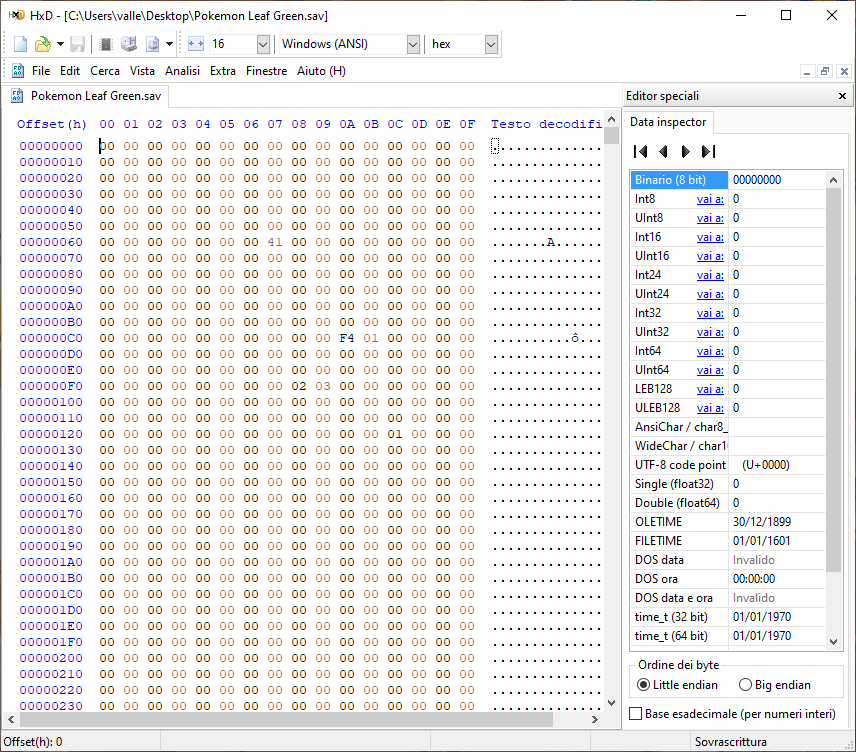
PKHeX works with original size save file (128 KB). If you are using NO$GBA you have to manually change this line in *.ini file, then save in-game twice and restart the emulator. SAV/SNA File Format == Raw Follow the instructions linked by @theSLAYER Simplocke.SAV
-
Managing GBA Saves: Other GBA dumping method.
AlamosIT replied to theSLAYER's topic in Saves - Guides and Other Resources
For dumping both GB and GBA carts I personally suggest the GBxCart RW. It is a very useful hardware (not too expensive), in active developement, that can also extract photos from Game Boy Camera, read/write repro/fake carts, etc. I use it since 2019 and I love it. GBxCart RW (Gameboy/GBC/GBA Cart Reader, Writer & Flasher) – insideGadgets Shop -
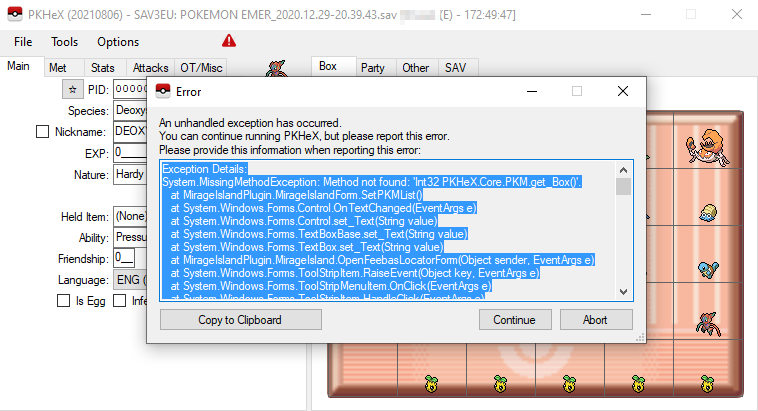
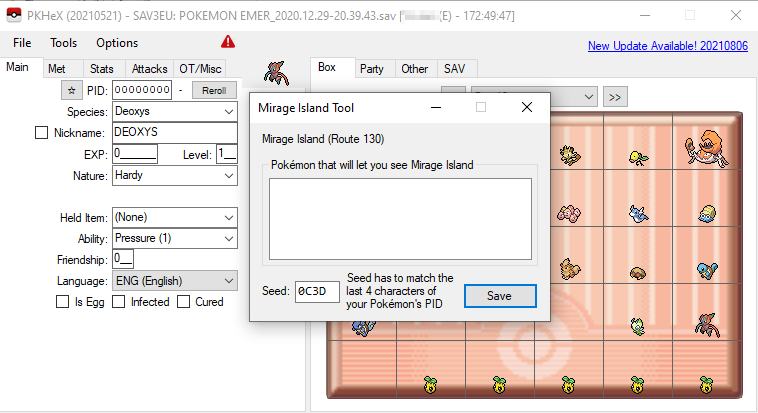
Hello, I noticed that the latest version of the useful plugin Mirage Island Tool doesn't work in the latest PKHeX build, but it's ok in the previous one (210521). I tried multiple times both with Sapphire and Emerald. (Feebas Locator still works) @BlackShark
-
Consider that, in order to dump save files, you need access to Slot-1, so DSiWare exploit isn't enought, you have to install Unlaunch (following ALL the guide linked by @BlackShark).
-
This was fixed in the last release.
-
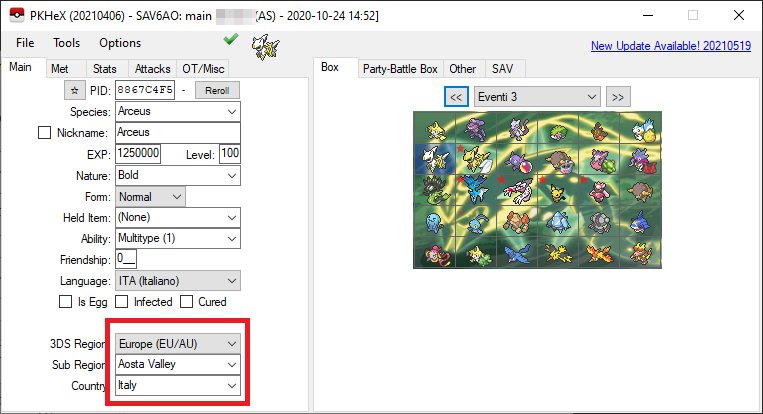
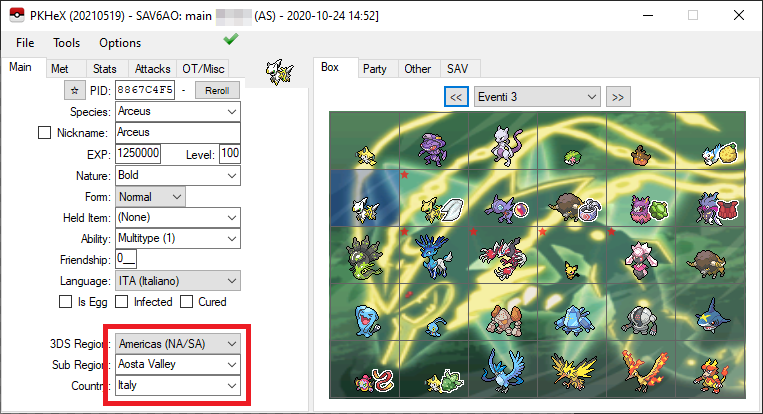
I noticed the same bug! New version: Older versions: (P.S. I personally prefered old icons in gen III-VII games, at least until we have a new icon for every Pokémon. Now I have, for example, a little tiny Arceus, literally God, near a Sableye that looks like gigantic)
-
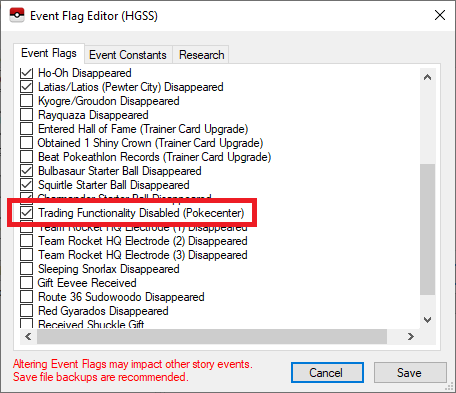
I think that this flag is checked in the early stages of game. In HGSS you can trade only after receiving Pokédex from Professor Oak at Mr. Pokémon's house, so before it you can't use trading functionality. (I tried to start a new game and it's flagged)
-
Change species Open a new PKHeX tab with a different save (different OT, TID, SID) Drag and drop your Pokémon from one tab to the other PKHeX will emulate a trade Now drag and drop back your Pokémon
-
How do you move files from/to sd card? The game works normally? Are you playing it and have you saved in-game at least once?
-
Managing Switch Saves: Using Checkpoint
AlamosIT replied to NinFanBoyFTW's topic in Saves - Guides and Other Resources
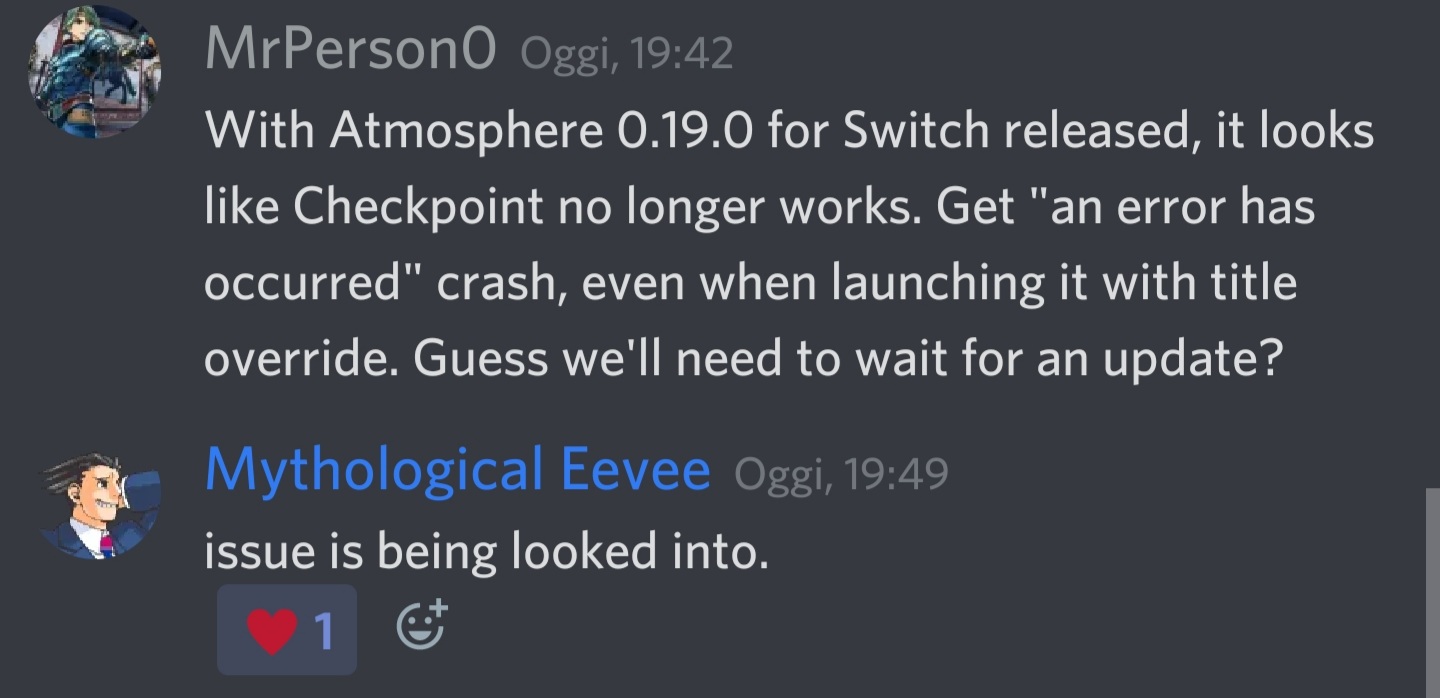
It seems that, with FW 12.0.0 and new Atmosphere version (0.19.0), Checkpoint no longer works. Until FlagBrew release a new Checkpoint version it's better to stay in FW 11.0.1 and Atm 0.18.1. EDIT: Meantime SciresM, the main Atmosphere developer, has released a potentially broken but working version > Releases · SciresM/Checkpoint (github.com)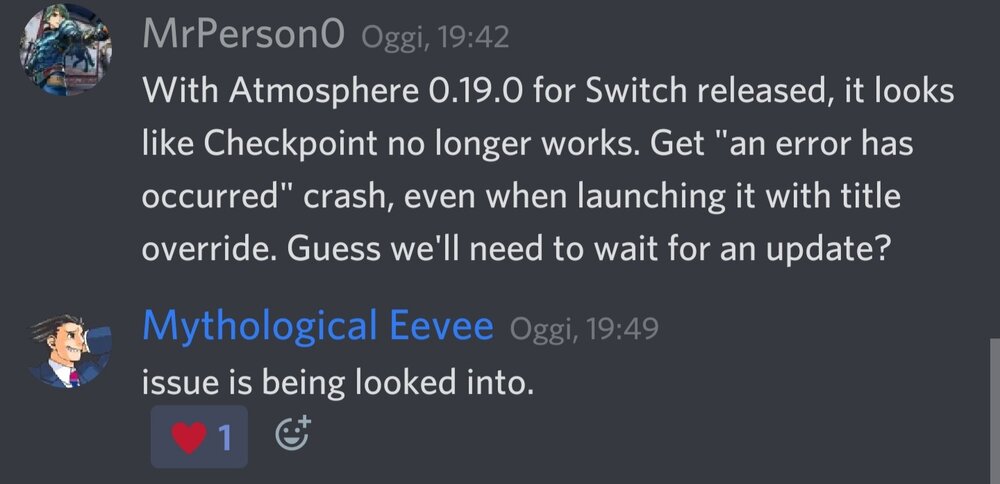
-
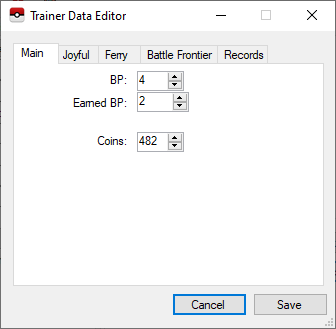
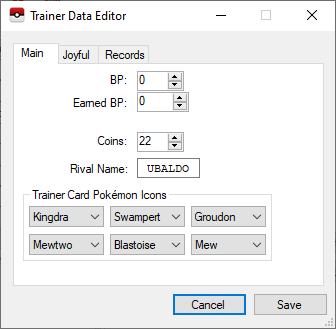
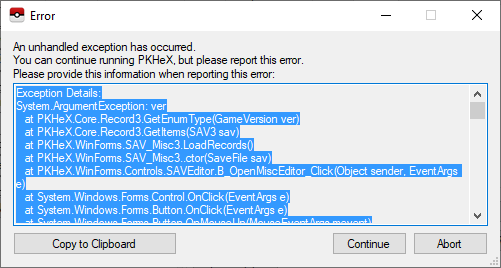
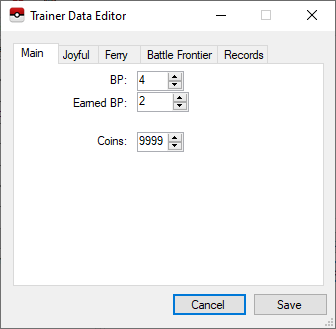
I noticed another probably related problem. With Pokémon Emerald old PKHeX versions show the correct amount of Coins in "Trainer Data Editor" (Misc Edit), PKHeX 20210401 says 9999. With Pokémon LeafGreen I can't open "Misc Edit" tab at all. Emerald LeafGreen
-
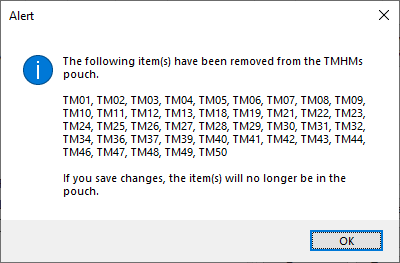
I noticed a (maybe) related issue with Pokémon Emerald, Pokémon LeafGreen and Pokémon Sapphire (SAV dumped from original cartridge). When I try to open "Items" tab a lot of TMs disappears. I don't know why, they were all legitimately obtained in-game. Then TMs pouch appears empty in Emerald, an only with HM in LG and Sapphire.
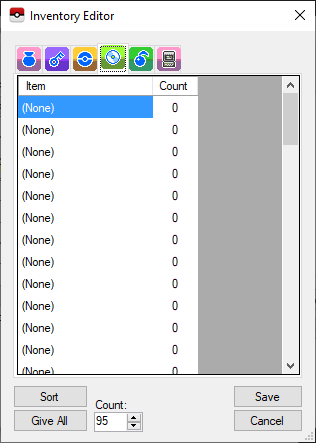
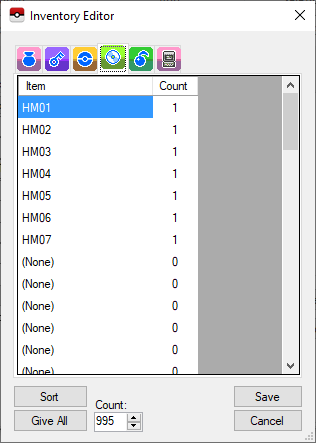
-
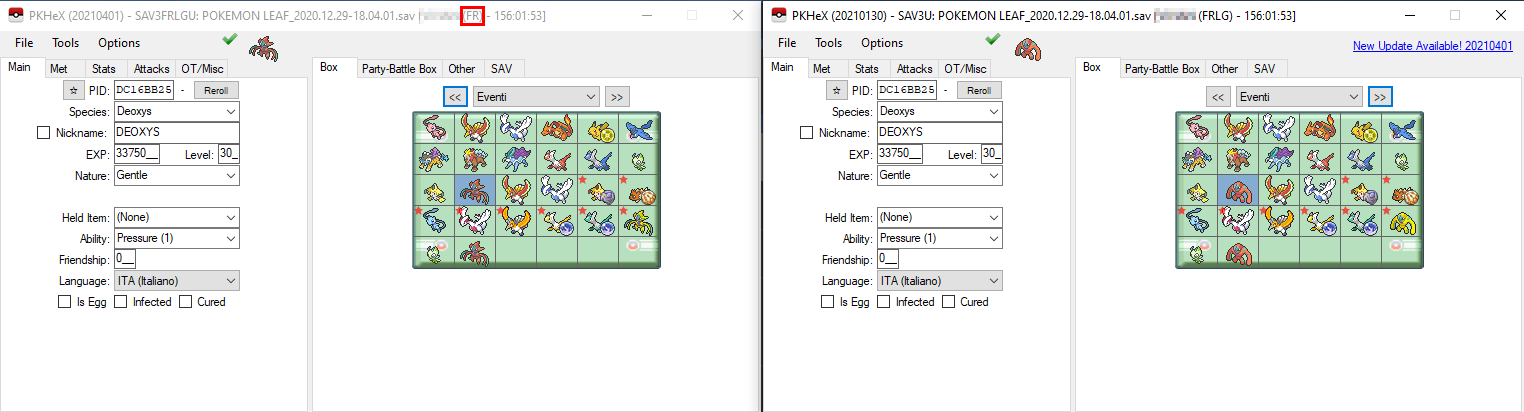
Hello, I noticed a little problem/bug opening a LeafGreen save file with latest version of PKHeX. As usual the software asks me if the SAV comes from FR or LG. But if I select LeafGreen PKHeX starts as I have selected FireRed (for example, showing Attack Forme of Deoxys). This happens only with PKHeX 20210401. If I choose FireRed instead, PKHeX also starts "with FireRed", so they aren't simply inverted. (I reported this bug also on GitHub)
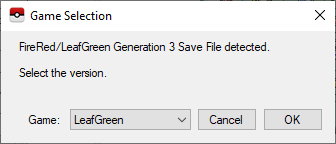
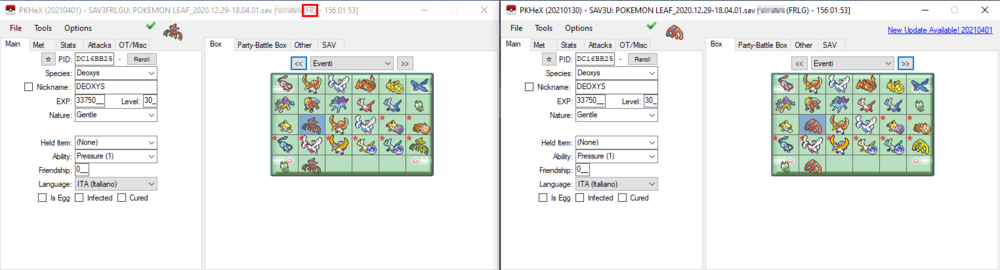
-
- 1
-

-
Ok, so if you want a VC save file with YOSHIRA Mew and YOU DON'T CARE ABOUT LEGALITY, you need: A modded 3DS with VC game installed A PC with PKHeX If you want to completely replace your save file with the original SAV dumped from the original cartridge they used in 1999, full of all the YOSHIRA Mews, you have to: Use Checkpoint to dump a copy of your actual save file (you can follow this guide). Insert your SD card into PC and find /3ds/Checkpoint/saves/(your game)/(your save slot) Make a backup of (your save slot) folder in a safe place. Download the YOSHIRA SAV Open YOSHIRA.sav with PKHeX and export it with the name "sav.dat" Replace "sav.dat" file in the (your save slot) folder on your SD card Reinsert your SD card into your 3DS Restore the save file with Checkpoint If instead you want a single YOSHIRA Mew in your actual save file, you have to: Use Checkpoint to dump a copy of your actual save file (you can follow this guide). Insert your SD card into PC and find /3ds/Checkpoint/saves/(your game)/(your save slot) Make a backup of (your save slot) folder in a safe place. Download your single Mew Open your original "sav.dat" file with PKHeX Drag and drop the Mew pk1 file in a Box Export your save file (always with the name "sav.dat") and replace the original one in the (your save slot) folder on your SD card Reinsert your SD card into your 3DS Restore the save file with Checkpoint OBV YOU COULDN'T TRANSFER THIS MEW IN GEN 7/8
-
I think the best solution is to report all these bugs in the official dedicated topic.
-
As @theSLAYER said you can't have a legal 1st gen cart Mew in gen 8. But you can have a legit VC 1st gen Mew in gen 8. You can import this VC event Mew in your 3DS VC 1st/2nd gen game and then use Bank+HOME to transfer it in gen 8. (It exists also a dumped 3DS cia of VC Mew distribution rom, that you can use in a 2nd 3DS to transfer a legit VC Mew event in a VC 1st/2nd gen game).
-
Yep, I tried myself and I think it is a PKHeX bug/missing data. @Kaphotics


.png.38aa3c7618613efd6d44342d5b3f531c.png)