theSLAYER
-
Posts
22961 -
Joined
-
Last visited
-
Days Won
1016
Content Type
Profiles
Pokédex
Portal
Technical Documentation
Pages
Tutorials
Forums
Events
Downloads
Gallery
Blogs
Everything posted by theSLAYER
-

Help importing save into my game
theSLAYER replied to StormDragon456's topic in Saves - Editing Help
Then provide me a screenshot/image of that selection. I need to see which version you have in order to know what to point you to Worse come to worse, show me various menus leading up to that one (and place them neatly in a spoiler) We've been going back and fro, and I've been saying I need the image. Without it, we won't be getting anywhere.. -
Help importing save into my game
theSLAYER replied to StormDragon456's topic in Saves - Editing Help
I meant your Pokémon game. Are you playing on cart or downloaded from eshop? Also, I need the image of the save exporting menu of JKSM. -
What save manager are you using?
-
Help importing save into my game
theSLAYER replied to StormDragon456's topic in Saves - Editing Help
Are you using cart or eshop/cia? I'm assuming there's a menu with the game. Can you take a photo of the screen so I can see what options there are, after you press A at the game (in JKSM). -
Help importing save into my game
theSLAYER replied to StormDragon456's topic in Saves - Editing Help
No where above, have you actually mentioned how you got your save file, and how you inject your save back into the game. For starters, follow either one of the guides in the link: https://projectpokemon.org/tutorials/save-editing/managing-3ds-saves/ If the changes between save files can be compared on PKHeX, then that means you're likely not importing the save back into your game correctly. (So your title is incorrect; it's not PKHeX, it's you ) Try out the guide first. If it doesn't work, tell us what save manager you're using. -
Images above are from XY, ORAS, SM and USUM, respectively. Disclaimer This guide requires a hacked 3DS, and will use Luma3DS LayeredFS to achieve the desired result. For non-shiny locked entries, this shiny patch will shinify wild encounters, static encounters, gifts, fishing, eggs when received from breeder, and wonder card redemptions. Note: this ROM patch may affect some event redemptions that were not meant to be shiny. Wonder cards that have preset/fixed PID may get their PID overwritten and end up being shiny. Those specific cases will be illegal. (I experienced this with Ash-Greninja) Unlike shiny patches of previous generation games, these Pokémon retain their shininess even when transferred to games that do not have the shiny patch. While PK3DS does have a shiny rate editor, this guide is for people who somehow can't get it to work (maybe computer compatibility issues, unable to extract all the necessary files from the games, etc), or simply doesn't like to use it. We will not be providing any exefs.bin or code.bin, as linking to or providing data files extracted from ROMs are against our forum's rules. However do not fear, as the steps regarding how to extract them from your own purchases, are included in this guide. Additional Misc. Info While it is possible to compile the edited code.bin into a .3DS/.cia, that is not the focus of this tutorial. Do note that if you're running a version of the game that is updated (i.e you have the update patch installed), you'll have to dump the exefs.bin of the update patch instead. Instructions for this step is included below as well. If you have the update patch installed, and you use the exefs.bin/code.bin from the main game (instead of the one in the update patch), it will definitely result in a crash when the game is being loaded. Additionally, this patch will not work on any entries that's shiny locked, and it also won't work on entries that use a different method of generating their PIDs, such as non-legends/non-UB wild Wormhole encounters, Partner Cap Pikachu, Poké Pelago etc. The 4 easy steps: 1. Extracting the exefs.bin 2. Decompressing exefs.bin to obtain the decompressed code.bin 3. Performing the edit 4. Pasting the code.bin into Luma Extracting the exefs.bin Decompressing exefs.bin to obtain the decompressed code.bin Performing the edit Pasting the code.bin into Luma Congratulations, shinies await you! Original source of this method is from our one and only, @SciresM. This method was adopted from his tweet back during Pokémon Sun & Moon's release. It took me a while, but I've come to realize the leading bytes were exactly the same across the 3DS Pokémon games, making this method work for Gen 6 and 7 3DS games. POST TUTORIAL EDIT: It appears extracting the .code.bin directly from the exefs folder in GodMode9 works, bypassing the entire requirement of ctrtools
-
Images above are from XY, ORAS, SM and USUM, respectively. Disclaimer This guide requires a hacked 3DS, and will use Luma3DS LayeredFS to achieve the desired result. For non-shiny locked entries, this shiny patch will shinify wild encounters, static encounters, gifts, fishing, eggs when received from breeder, and wonder card redemptions. Note: this ROM patch may affect some event redemptions that were not meant to be shiny. Wonder cards that have preset/fixed PID may get their PID overwritten and end up being shiny. Those specific cases will be illegal. (I experienced this with Ash-Greninja) Unlike shiny patches of previous generation games, these Pokémon retain their shininess even when transferred to games that do not have the shiny patch. While PK3DS does have a shiny rate editor, this guide is for people who somehow can't get it to work (maybe computer compatibility issues, unable to extract all the necessary files from the games, etc), or simply doesn't like to use it. We will not be providing any exefs.bin or code.bin, as linking to or providing data files extracted from ROMs are against our forum's rules. However do not fear, as the steps regarding how to extract them from your own purchases, are included in this guide. Additional Misc. Info While it is possible to compile the edited code.bin into a .3DS/.cia, that is not the focus of this tutorial. Do note that if you're running a version of the game that is updated (i.e you have the update patch installed), you'll have to dump the exefs.bin of the update patch instead. Instructions for this step is included below as well. If you have the update patch installed, and you use the exefs.bin/code.bin from the main game (instead of the one in the update patch), it will definitely result in a crash when the game is being loaded. Additionally, this patch will not work on any entries that's shiny locked, and it also won't work on entries that use a different method of generating their PIDs, such as non-legends/non-UB wild Wormhole encounters, Partner Cap Pikachu, Poké Pelago etc. The 4 easy steps: 1. Extracting the exefs.bin 2. Decompressing exefs.bin to obtain the decompressed code.bin 3. Performing the edit 4. Pasting the code.bin into Luma Extracting the exefs.bin Decompressing exefs.bin to obtain the decompressed code.bin Performing the edit Pasting the code.bin into Luma Congratulations, shinies await you! Original source of this method is from our one and only, @SciresM. This method was adopted from his tweet back during Pokémon Sun & Moon's release. It took me a while, but I've come to realize the leading bytes were exactly the same across the 3DS Pokémon games, making this method work for Gen 6 and 7 3DS games. POST TUTORIAL EDIT: It appears extracting the .code.bin directly from the exefs folder in GodMode9 works, bypassing the entire requirement of ctrtools View full tutorial
-
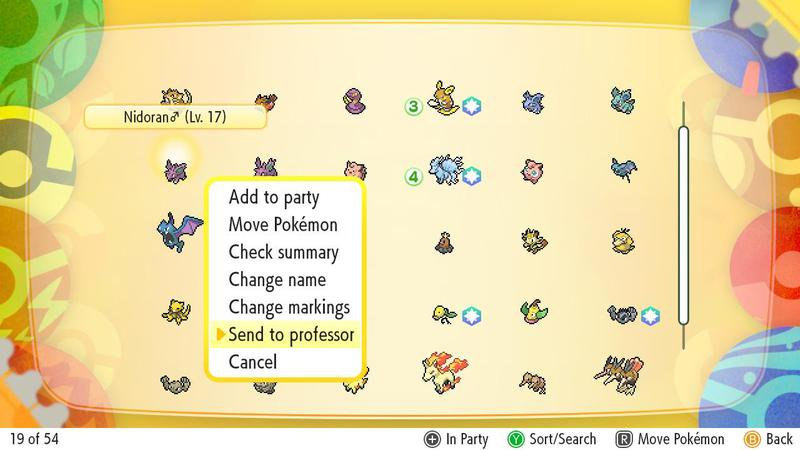
If I'm not mistaken, like Pokémon GO, it was added so that you won't accidentally send the entry to the professor >< No problemo~
-
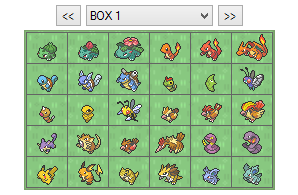 Unown files are found in specific Gen saves. Anyhow, I've added the ORAS Unown into Gen 6 and Gen 7 saves.
 -
For which Generation? ? As far as I can tell they're in every generation. If you're referring to the .rar, well they'll in the save, so no need to double submit... For Gen 3/4 you can learn how to edit the files so that PID/IV combo matches. (those data were generated together, and we know how they're generated) Guide: Else, in Gen 7, just perform Hyper Training to max out their IVs. To Hyper Train, their Level must be 100. Then hold Shift on your Keyboard and click on the IV stat. The stat will turn green (example in image below). You cannot Hyper Train a stat that is already 31 IV. In-game, the Pokémon will look and act as though the Hyper Trained stat is 31 IV. However, when breeding, it'll pass down the standard stat. (Which doesn't matter, since it's an Unown)
-
Everything you've shown is what you did wrong It appears you have a basic misunderstanding of how to extract a save file, hence why you went through all the trouble For your information : A hacked Switch is needed in order to extract saves that can be used with PKHeX. Looking at your SD directory, I'll take a gamble and say your Switch isn't hacked. There is absolutely no way, for the files you've shown, to be used with PKHeX. So your options are either: 1. Hack your Switch (and when you get that done, this is how you actually extract the save; not via that folder in your screenshot) 2. Use the new save file transfer system to transfer your saves via local wireless to a friend's hacked Switch, then get said friend to use the tutorial linked in (1) to extract the save file.
-
It's whether you marked a Pokémon as favorite on LGPE. It's the same star as seen in the game.
-
Whats the direct link for this? The link in the page doesn't direct to what you said.
-
Have no idea what you're trying to say. The only thing I *think* I understood, was that there was a Platinum save file somewhere, and you presently can't find it. Do you remember if it was uploaded to a post/thread? Or was it uploaded to our downloads section? In our downloads, we have section a section dedicated to saves, as well as user-contributed saves sub-section: https://projectpokemon.org/home/files/category/63-saves/
-
Special Pokémon (JP consoles only)
Images added to a gallery album owned by theSLAYER in Generation 7 - QR Codes
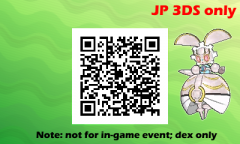
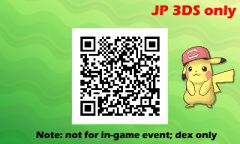
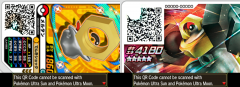
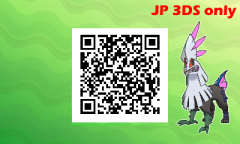
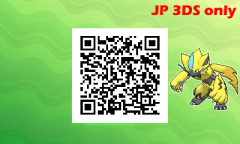
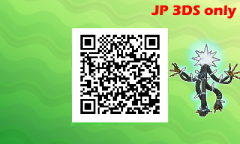
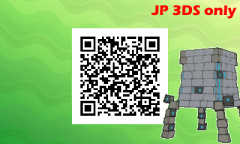
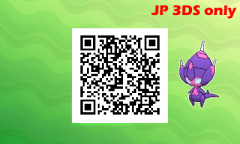
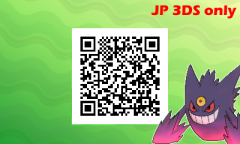
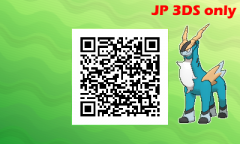
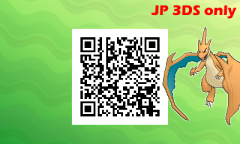
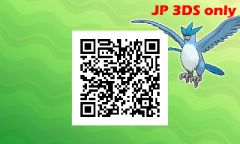
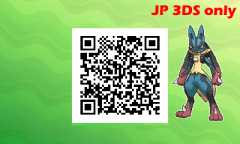
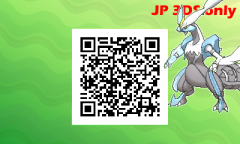
When you select Scan QR Code from your in-game menu, you can register Pokémon as Seen in your Pokédex. Players can go to their registered Pokédex Entries, to share QR codes for other players to scan. However, for certain Pokémon, when you try to generate a code in-game, it'll give the "This is a special Pokémon. There is no QR Code." message (as seen below). This album hold such entries. Their QR codes were scanned from Japanese Ga-olé disks, which was marketed as being able to be scanned into SM and USUM. However, these QR codes are region locked to JP consoles only. -
-
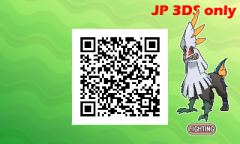
From the album: Special Pokémon (JP consoles only)
-
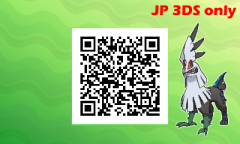
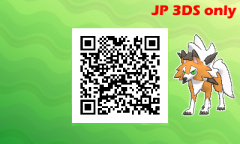
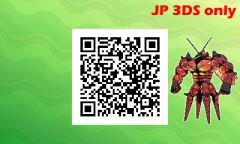
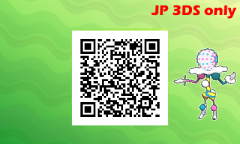
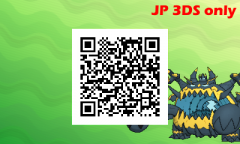
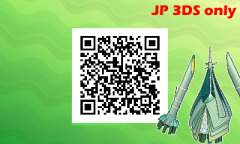
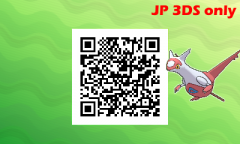
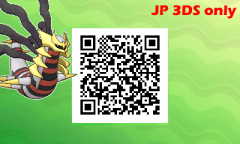
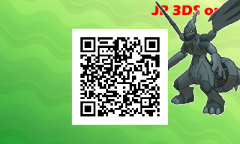
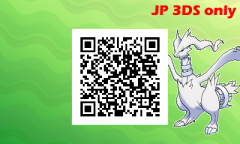
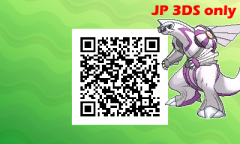
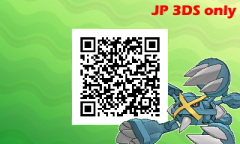
Pokémon Not in Pokédex (All JP 3DS only)
Images added to a gallery album owned by theSLAYER in Generation 7 - QR Codes
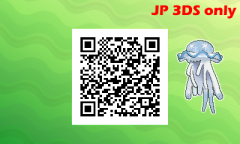
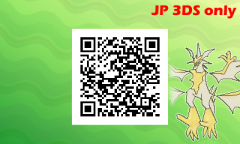
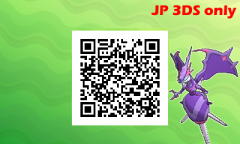
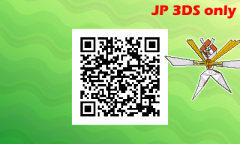
When you select Scan QR Code from your in-game menu, you can register Pokémon as Seen in your Pokédex. Players can go to their registered Pokédex Entries, to share QR codes for other players to scan. These codes were generated so that players can have them Seen in their Pokédex. Can be useful for finding their habitats in the dex, or having them show up in GTS search function without having to type it's name. note: if the image says “JP 3DS only”, you’ll need a Japanese 3DS. Additionally, as these entries are not in the Alolan Dex, they’ll be marked as seen (despite not being visible in the Dex) and can be searched on GTS (their name appears under the alphabetical search, meaning users won’t have to type in their names). No other function. -
-
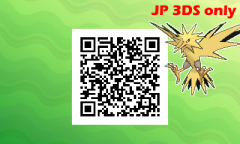
From the album: Pokémon Not in Pokédex (All JP 3DS only)
-
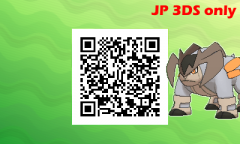
From the album: Pokémon Not in Pokédex (All JP 3DS only)
-
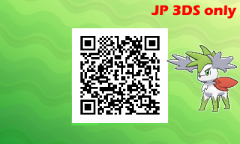
From the album: Pokémon Not in Pokédex (All JP 3DS only)
-
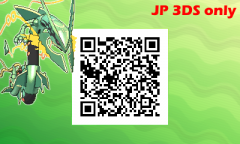
From the album: Pokémon Not in Pokédex (All JP 3DS only)
-
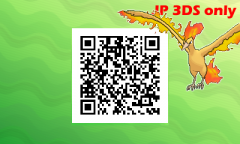
From the album: Pokémon Not in Pokédex (All JP 3DS only)
-
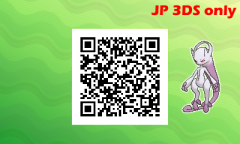
From the album: Pokémon Not in Pokédex (All JP 3DS only)
-
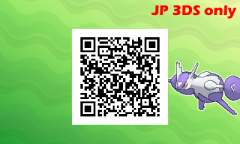
From the album: Pokémon Not in Pokédex (All JP 3DS only)
-
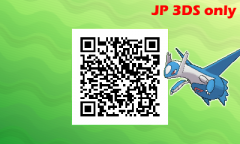
From the album: Pokémon Not in Pokédex (All JP 3DS only)