



theSLAYER
-
Posts
22960 -
Joined
-
Last visited
-
Days Won
1016
Content Type
Profiles
Pokédex
Portal
Technical Documentation
Pages
Tutorials
Forums
Events
Downloads
Gallery
Blogs
Everything posted by theSLAYER
-

From the album: Armored Mewtwo (2019)
-
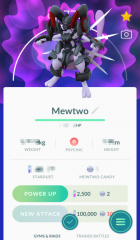
From the album: Armored Mewtwo (2019)
-

From the album: Armored Mewtwo (2019)
-
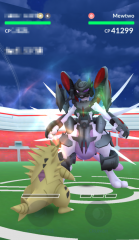
From the album: Armored Mewtwo (2019)
-
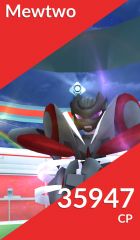
From the album: Armored Mewtwo (2019)
-
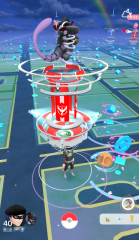
From the album: Armored Mewtwo (2019)
-
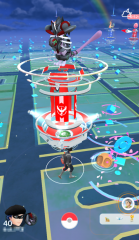
From the album: Armored Mewtwo (2019)
-
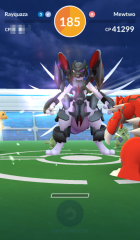
From the album: Armored Mewtwo (2019)
-
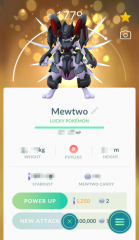
From the album: Armored Mewtwo (2019)
-
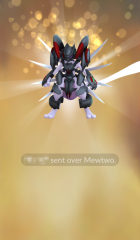
From the album: Armored Mewtwo (2019)
-
 Urgh, I guess people used them all without saying which ones they used. Here, some more.
 -
Why i can´t generate a legal tanabata jirachi from 2004 in pkhex?
theSLAYER replied to Jucadabest's topic in PKM
How about just... don't generate one. Just because PKHeX presently won't recognize an illegal one, doesn't mean one you make won't be illegal. As mentioned above, we don't have 100% of the details, but I'm pretty sure if people were to check some of the details manually, they'll be able to see if it's illegal. Just use one of the many files we have. :3 -
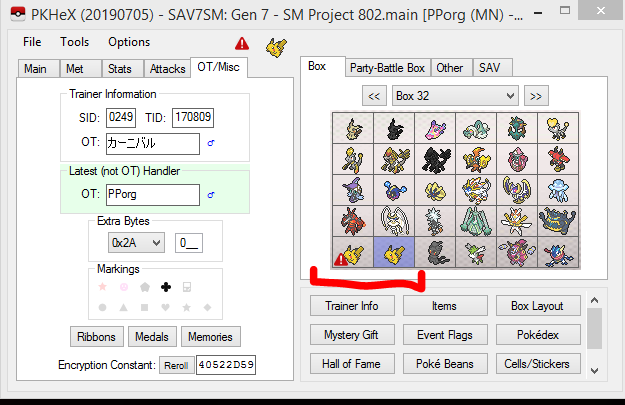
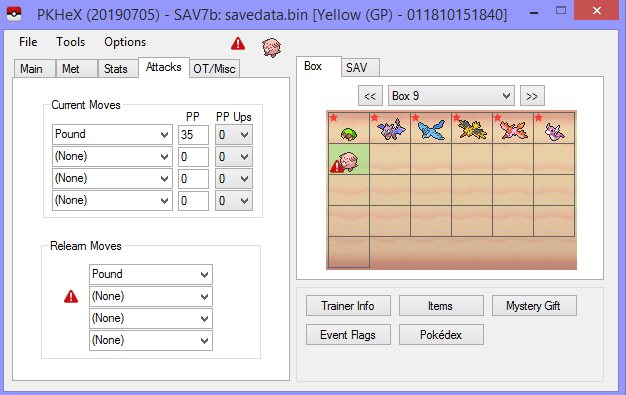
@Kaphotics for this example I'm using one of the carnival Pikachu, but the same thing happens to the other 3. When I drag in the WC7FULL into PC/party it isn't illegal, but the moment I view it it becomes illegal. I didn't change anything, so I'm not sure what is happening. If one was injected using the Mystery Gift Database, it also shows up as illegal. Replicable as well. Using the Chansey from Mystery Gift Database immediately has Celebrate removed. I noticed that alongside Celebrate not being in PKHeX's move list, Happy Hour and Hold Hands were also not there. Granted, while presently not released, the game doesn't turn mon into eggs for having Happy Hour or Hold Hands. This was presumably done in case the moves were distributed in future events. It is up to you to decide whether you wanna add em now, or when they're released ><
-
Hey, information you should know, as they are likely reasons you may not get a reply 1. Online trades need the Nintendo Online paid subscription 2. It is said that hacked Switches are at risk of being banned from online usage. People are commonly either already banned, or not wanting to risk it. So you not getting a reply could be a combination of factors, such as people not having a paid subscription, and/or they don't wanna risk getting banned, or they're already banned. Alternatively, you can try to learn from another user on our forum (this thread), and try to get someone nearby/locally with a modded Switch to transfer you a hacked save you made. One way save transfer system: https://en-americas-support.nintendo.com/app/answers/detail/a_id/45047/~/how-to-transfer-your-save-data-to-a-nearby-nintendo-switch Also, to slightly correct your misunderstanding/the way you phrased it: You make it sound as though the serial codes are region locked. They're not. The trouble is getting them, I acknowledge that. But if you can get it, you can use it. For example, here are some new codes for the US Shiny Pikachu/Eevee event. (if anyone uses them, please specify which was used)
-
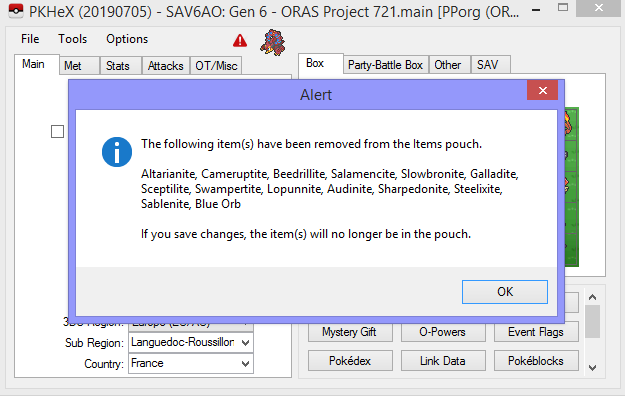
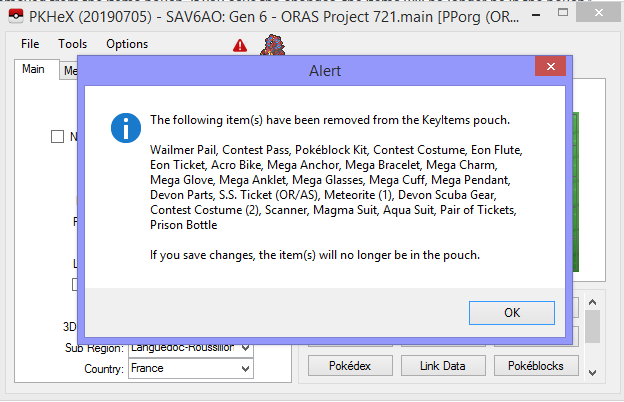
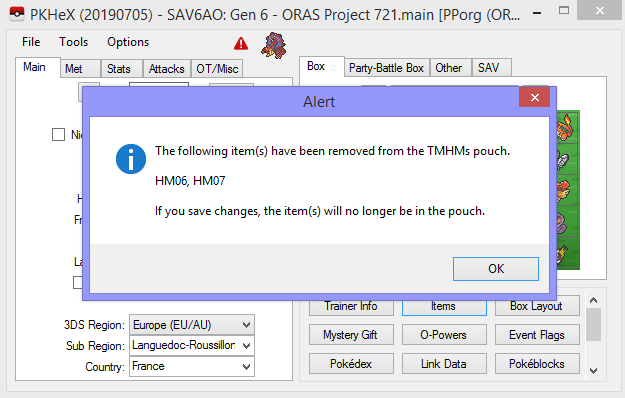
@Kaphotics I'm able to replicate this, just by opening the save and checking Items
-
Maybe if I receive GP1s with those locations.
-
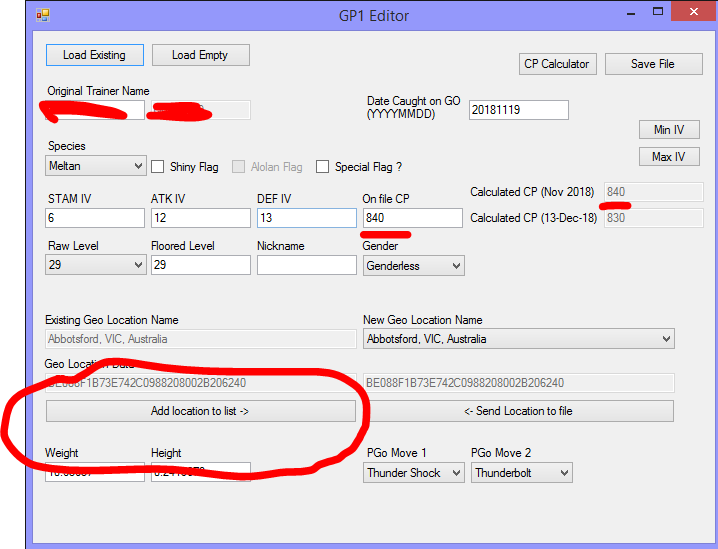
Changed. anyway download the new location list, give it a try. Note that for some weird reason the text is displayed as São Paulo, SP, Brazil
-
I've updated the Location list for GP1 editor. What username you want to be changed to?
-
Hey, please stop multi-posting. If no one replied you, add the new information to your latest unanswered post. It's interesting cause I didn't know that was a thing, and was able to find that page pretty much immediately. I was trying to see if Pokémon was restricted from being transferred. (Pokémon was restricted from their cloud save backup system) If you already have a save, why not just transfer it to a hacked system, do the edits, then transfer it back? It'll be a good test for you to know if the procedure you have in mind works. (In the mean time, I'm working on getting the GP1 entry)
-
It's not possible. In case you didn't know, saves are not stored on cartridges. AFAIK there isn't a method that allows saves to be transferred from one Switch to another, without both being hacked Switches.
-
Like I said, I need GP1. PB7 doesn't do it any good. Wait hang on. If you cannot extract your save, what good would this program do you? Is this just a convoluted way to get someone to trade with you? I do not have Nintendo Online subscription, and I'm not doing any trades. If you want to try and get a trade, go to our Wifi Trading and Battling sub-forum.
-
I'll see if I can find a GP1 from that location. Would probably take awhile, check back in 24-48 hours.
-
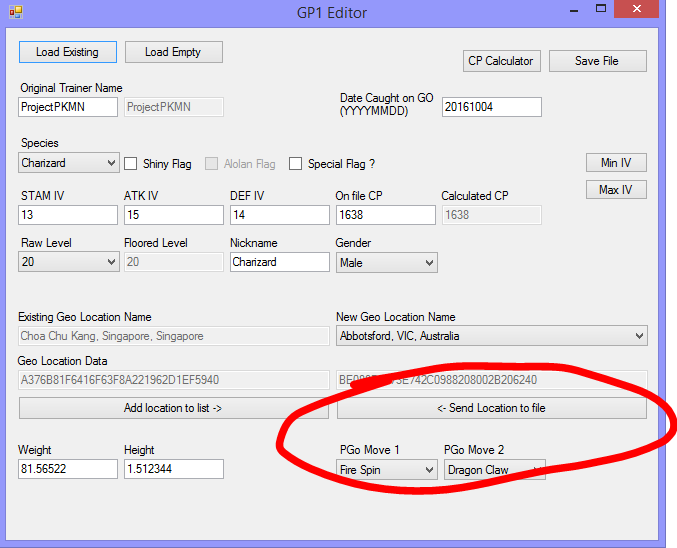
No. You need the GP1. With the GP1 with the wanted location, you can add location to list, then Afterwards you can send location to file to replace any location data. Based on this topic chain, I'm assuming you do not have said GP1. What location for the mon did you want?
-
Do you have a GP1 of the mon captured at the intended location?
-
I was under the impression it got debunked when Dynamax was revealed to be a thing >< I guess people just didn't want to let the idea die huh...

