
ERNESTO JG
-
Posts
274 -
Joined
-
Last visited
-
Days Won
25
Content Type
Profiles
Pokédex
Portal
Technical Documentation
Pages
Tutorials
Forums
Events
Downloads
Gallery
Blogs
Everything posted by ERNESTO JG
-

Restore FRLG backup on swtich
ERNESTO JG replied to ceha550's topic in Saves - Guides and Other Resources
Step 1: Open PKHeX and your save file (FireRed s.sav), then make your desired additions. Step 2: Follow the steps shown in the video precisely, and verify that your modifications have been successfully saved to your (FireRed_s.sav) file. P.S.: Use the Checkpoint application to create a backup; you only need to edit the FireRed_s.sav file. PKHeX save data correct.mp4 -
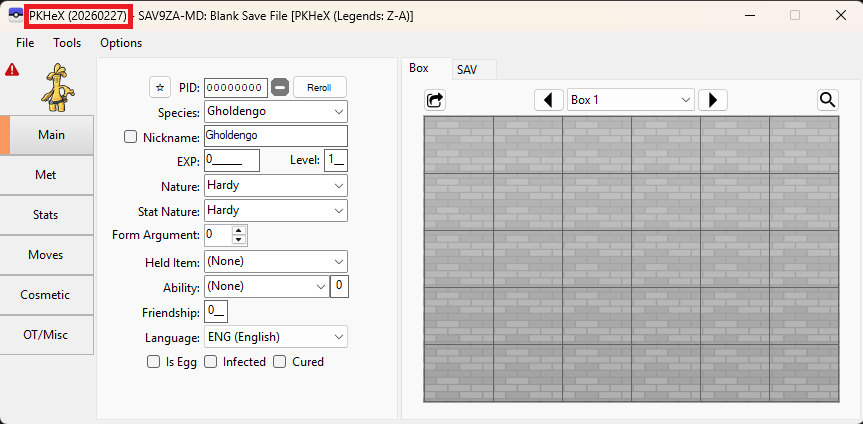
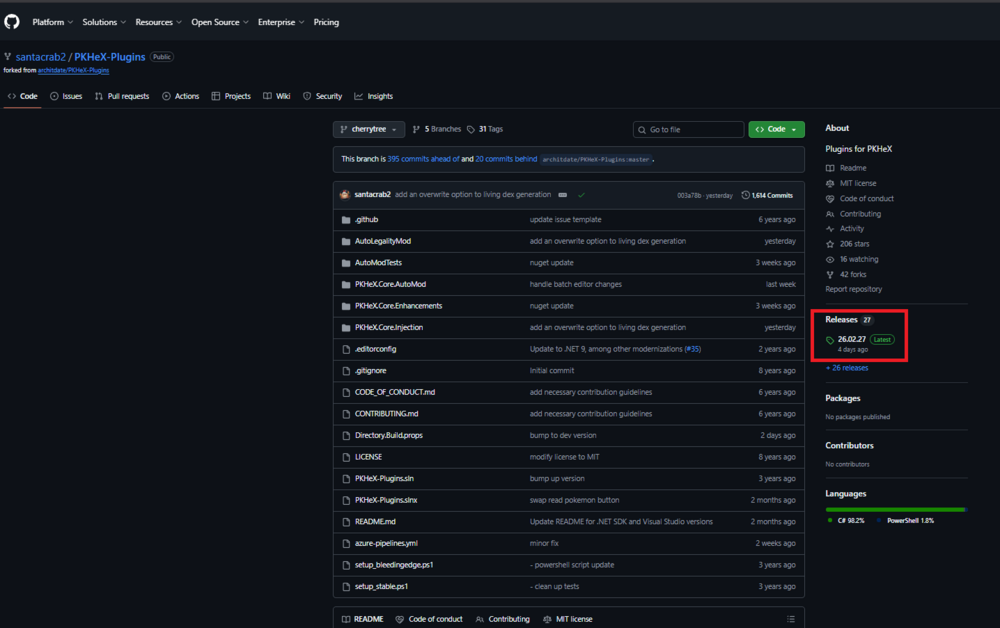
Option 1: Database Option 2: PKHeX + AutoModPlugins https://github.com/santacrab2/PKHeX-Plugins The PKHeX application and the plugin must match in version as shown in the images. PKHeX.mp4
-
From the album: My Collection Ernesto JG
-
-
-

From the album: My Collection Ernesto JG
-
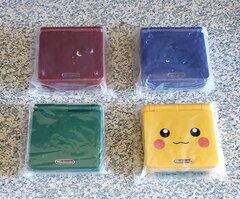
From the album: My Collection Ernesto JG
-

From the album: My Collection Ernesto JG
-
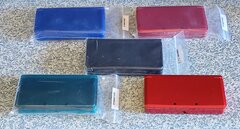
From the album: My Collection Ernesto JG
-
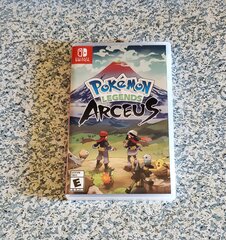
From the album: My Collection Ernesto JG
-
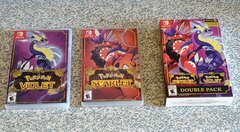
From the album: My Collection Ernesto JG
-

From the album: My Collection Ernesto JG
-
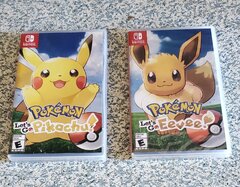
From the album: My Collection Ernesto JG
-
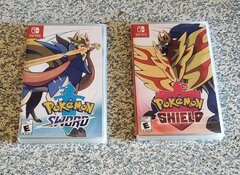
From the album: My Collection Ernesto JG
-
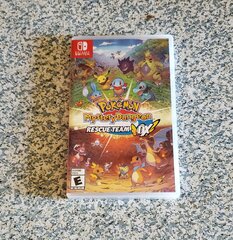
From the album: My Collection Ernesto JG
-
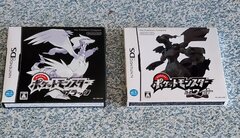
From the album: My Collection Ernesto JG
-

From the album: My Collection Ernesto JG
-
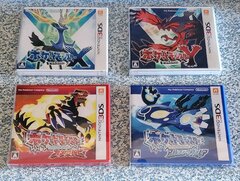
From the album: My Collection Ernesto JG
-
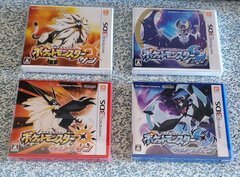
From the album: My Collection Ernesto JG
-

From the album: My Collection Ernesto JG
-
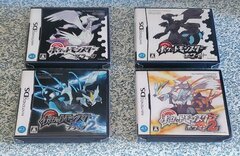
From the album: My Collection Ernesto JG
-

From the album: My Collection Ernesto JG
-
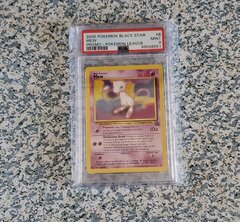
From the album: My Collection Ernesto JG
-
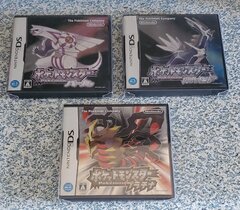
From the album: My Collection Ernesto JG
-
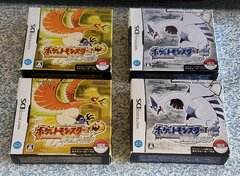
From the album: My Collection Ernesto JG
-
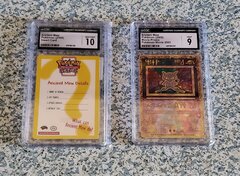
From the album: My Collection Ernesto JG