
ERNESTO JG
-
Posts
278 -
Joined
-
Last visited
-
Days Won
25
Content Type
Profiles
Pokédex
Portal
Technical Documentation
Pages
Tutorials
Forums
Events
Downloads
Gallery
Blogs
Everything posted by ERNESTO JG
-
 PokeFinder
 -
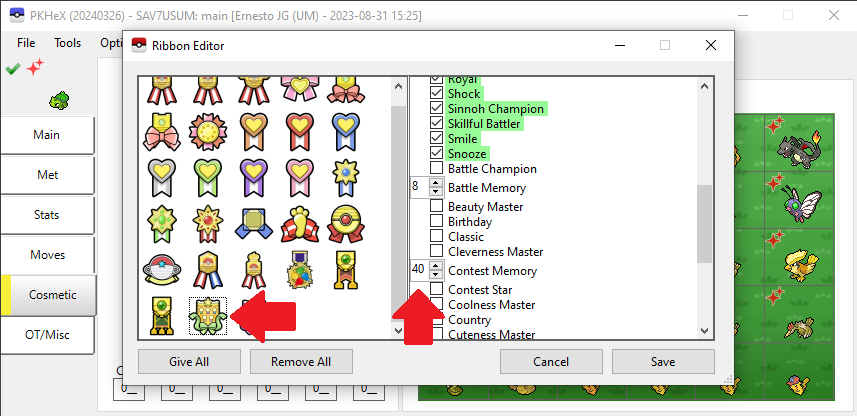
Information here https://bulbapedia.bulbagarden.net/wiki/List_of_Ribbons_in_the_games
-
Pokemon Colosseu US with ereader content
ERNESTO JG replied to PhazonX's topic in Saves - Files and Requests
It's not a SAV but it's all Purified Pokemon and shadow -
Pokemon Leaf Green - corrupted save file
ERNESTO JG replied to Flan69's topic in Saves - Editing Help
Here you have Pokemon - Leaf Green Version (Rev 1).sav -
Here you have 0481 ★ - MESPRIT - C6D7F9426F72.pk4 0481 ★ - MESPRIT - C6D77942EF72.pk4 0488 ★ - CRESSELIA - 4F5B5845FC7E.pk4
-
If your Pokemon Ruby cartridge is original you should not have any problems restoring your .sav. Upload photos of your cartridge If it is a Copy/Bootleg, the .sav is saved in ROM
-
Here you have semiperfects 0150 ★ - MEWTWO - 9A0E3F6A3D8A.pk3 0150 ★ - MEWTWO - 9A5E67A6D16E.pk3
-
PKHeX new update legality errors (contribution page)
ERNESTO JG replied to theSLAYER's topic in PKHeX
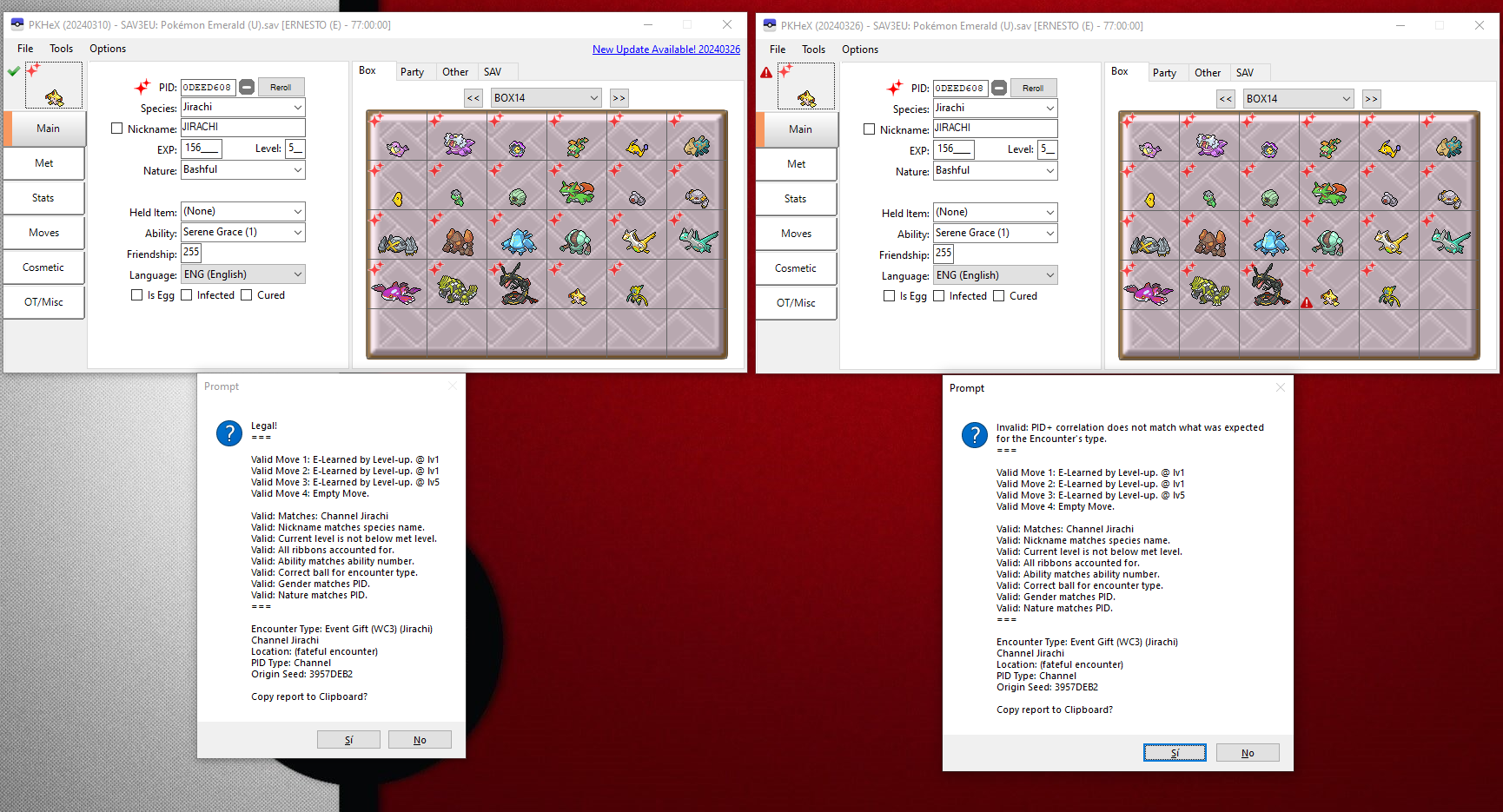
It's the JIRACHI CHANNEL by @Gridelin -
PKHeX new update legality errors (contribution page)
ERNESTO JG replied to theSLAYER's topic in PKHeX
Error Jirachi CHANNEL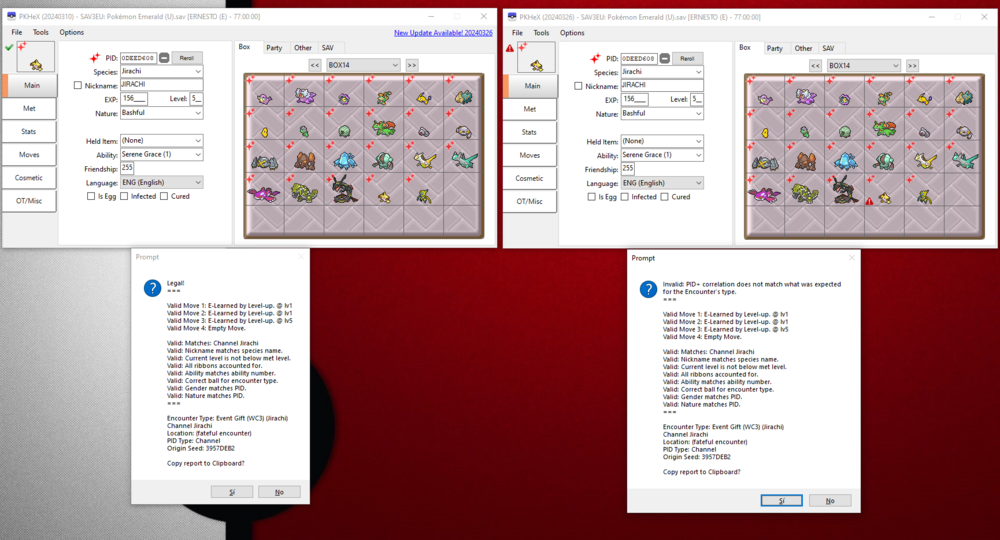
-
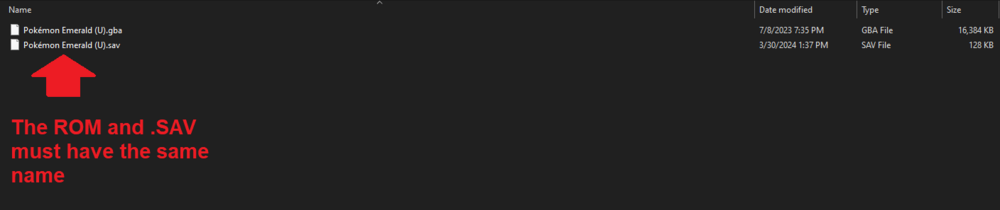
Try this Pokemon Emerald Editar Sav.mp4
-
Save state too large for PKHex, Pokemon Black 2
ERNESTO JG replied to BabySasuke's topic in Saves - Editing Help
try this Pokemon Black 2 Editar.mp4 -
Anbernic Save unable to be loaded into PKHeX
ERNESTO JG replied to ac121212's topic in Saves - Editing Help
Here you have 005 Pokemon Leaf Green.sav.png.e392053ead075a6e04b58b58b6d98b8d.png)
1.png.698ab8cb28bfbeac5d3bdbc538faaf03.png)
-
Better use this Tutorial https://projectpokemon.org/home/tutorials/save-editing/managing-nds-saves/
-
Better use this Tutorial
-
command .Egg_Location=0
-
Here you have pcdata (GBC)(ENG).bin pcdata (VC)(ENG).bin
-
Here you have
-
Legends Of Arceus- Baneful Fox Mask: White lily/Save Help!
ERNESTO JG replied to Dizzy2701's topic in Miscellaneous Help
Error Found the sav [main] is so you can see the error main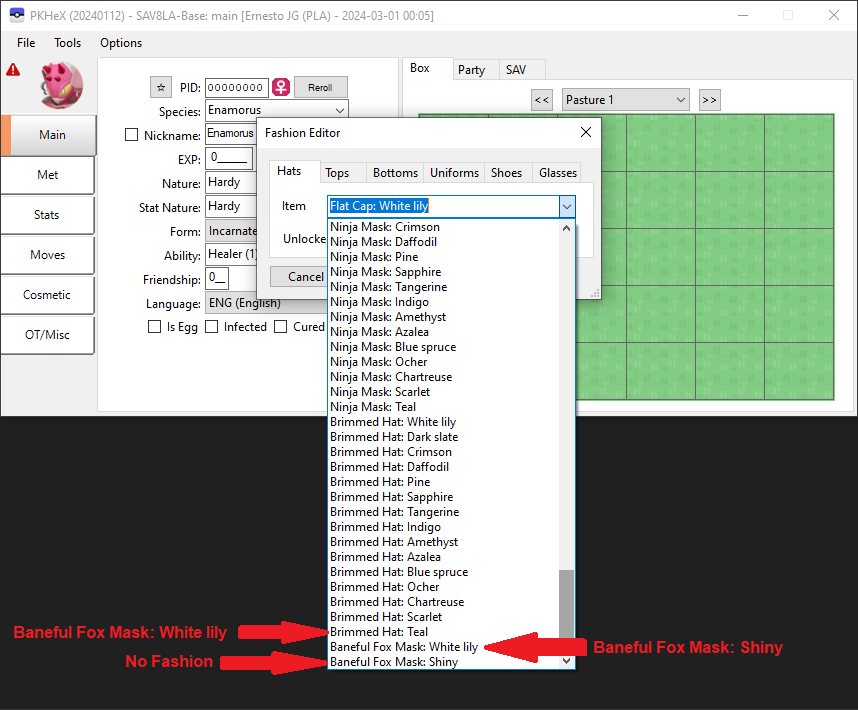
-
Corrupted ORAS cartridge save - My childhood pokemons are there
ERNESTO JG replied to Chiving's topic in Saves - Editing Help
Here you have a Guide on how to extract your sav(main) -
Dolphin Pokemon XD File too big???
ERNESTO JG replied to furretlover420's topic in Saves - Editing Help
For PC or Android? -
Here you go, this one has Shiny Lock 0212 - Scizor - B5115CE24441.pk9
-
Possibly make the next update include support for esv files
ERNESTO JG replied to Pikachuthunder's topic in PKHeX
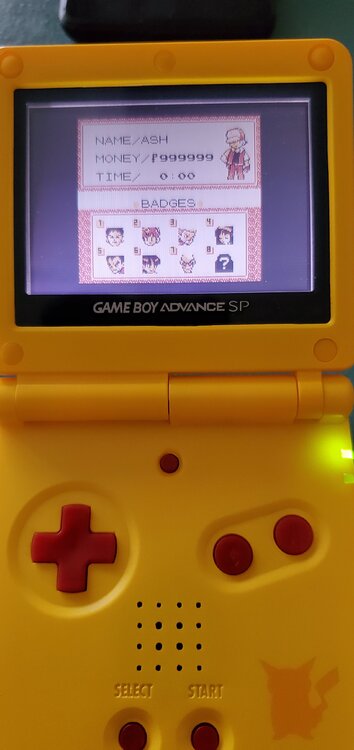
How to Edit EZ-Flash Save (.esv to .sav) Step 1: Download the ZIP Step 2: Install (windowsdesktop-runtime-3.1.32-win-x64 or x86)(depends on your operating system) Step 3: Follow the VideoTutorial Any questions I will be on the lookout Sorry, my English is not very good. EZ-Flash editar sav.mp4 Goomba Save Manager.zip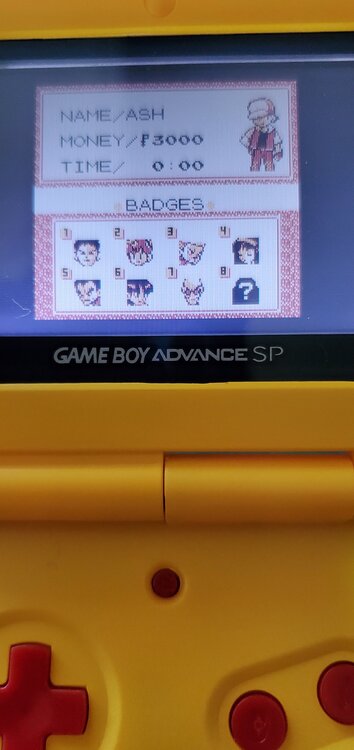
-
Possibly make the next update include support for esv files
ERNESTO JG replied to Pikachuthunder's topic in PKHeX
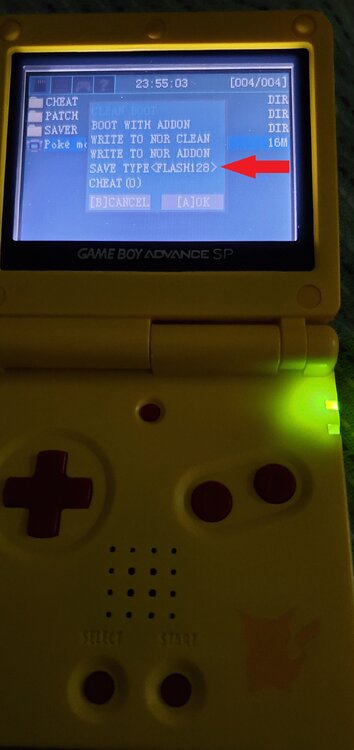
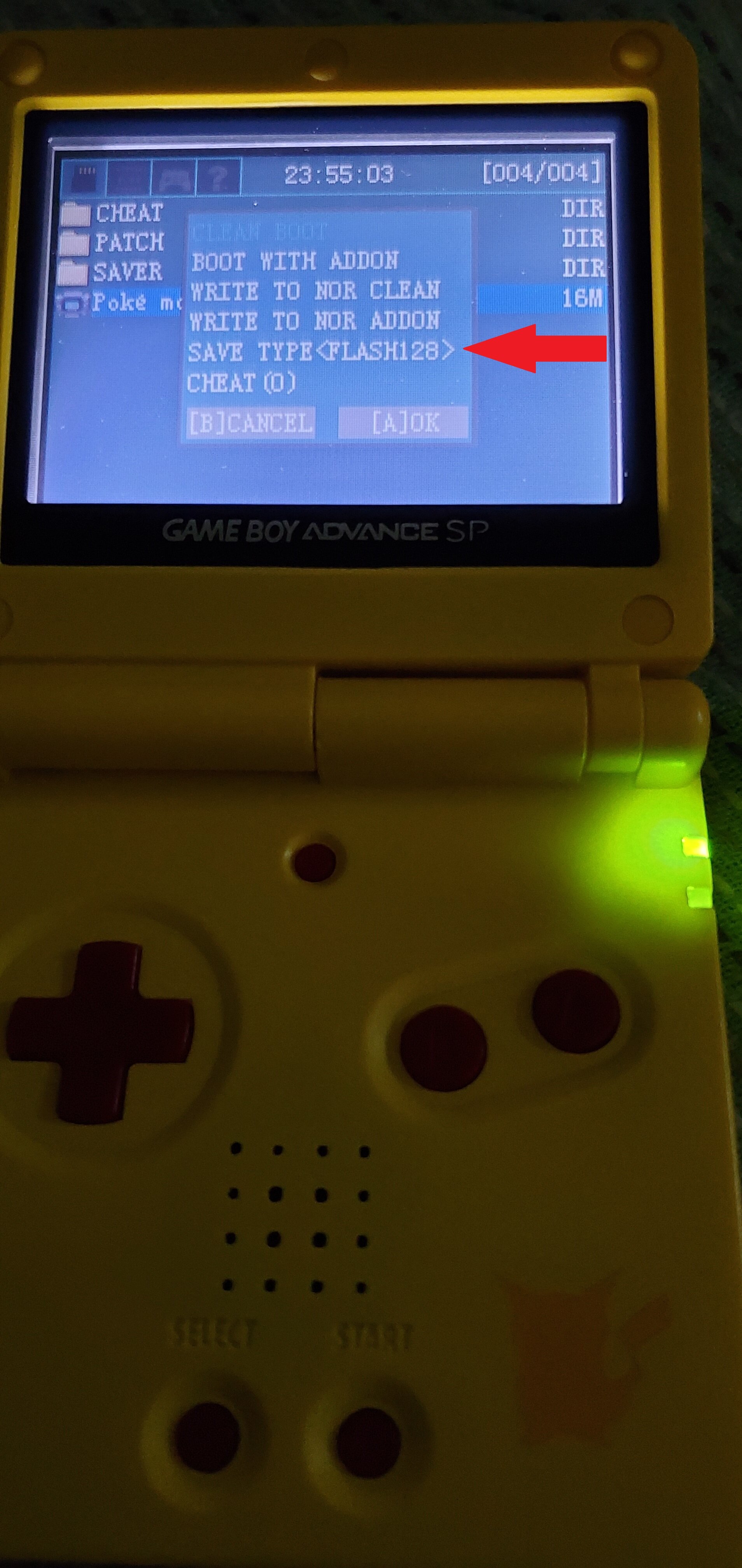
The E-Flash has an option to change the save type