Leaderboard




Popular Content
Showing content with the highest reputation on 02/15/23 in all areas
-
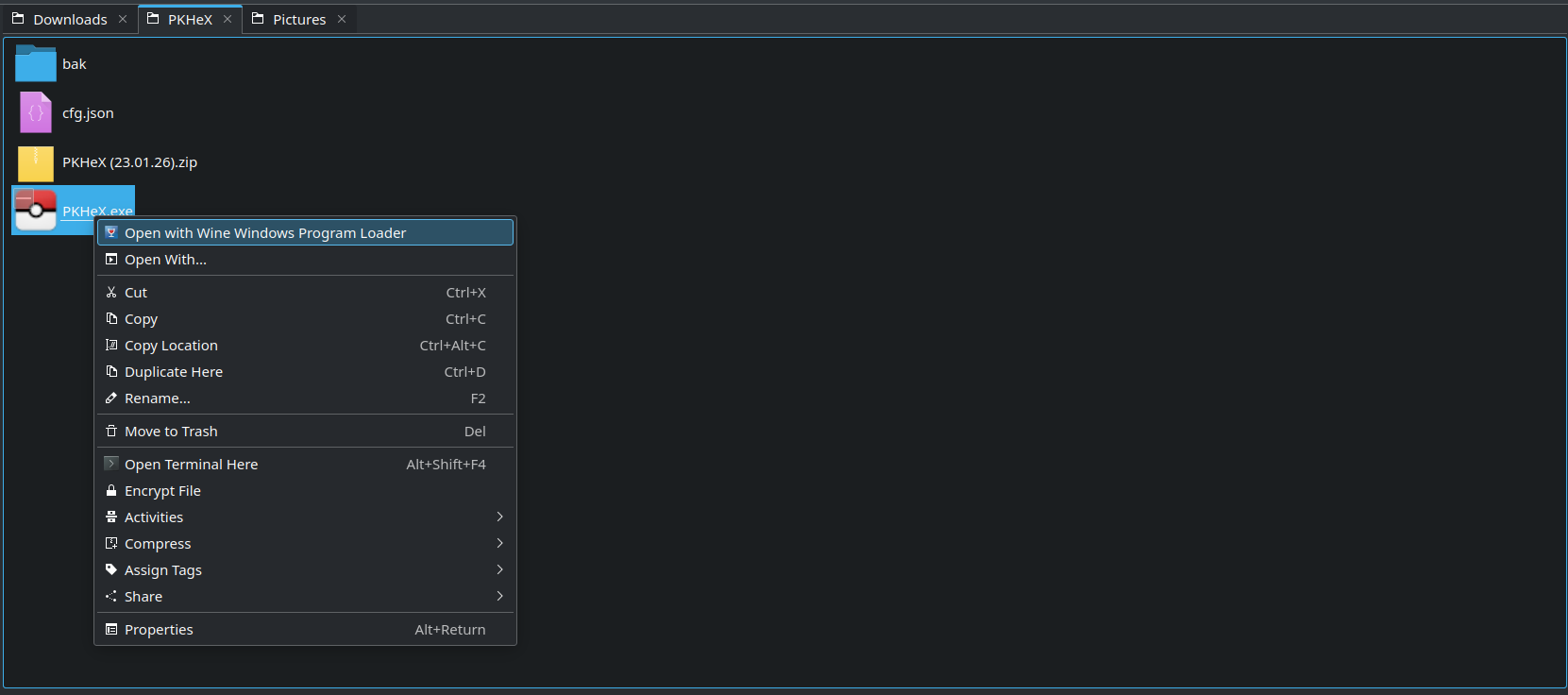
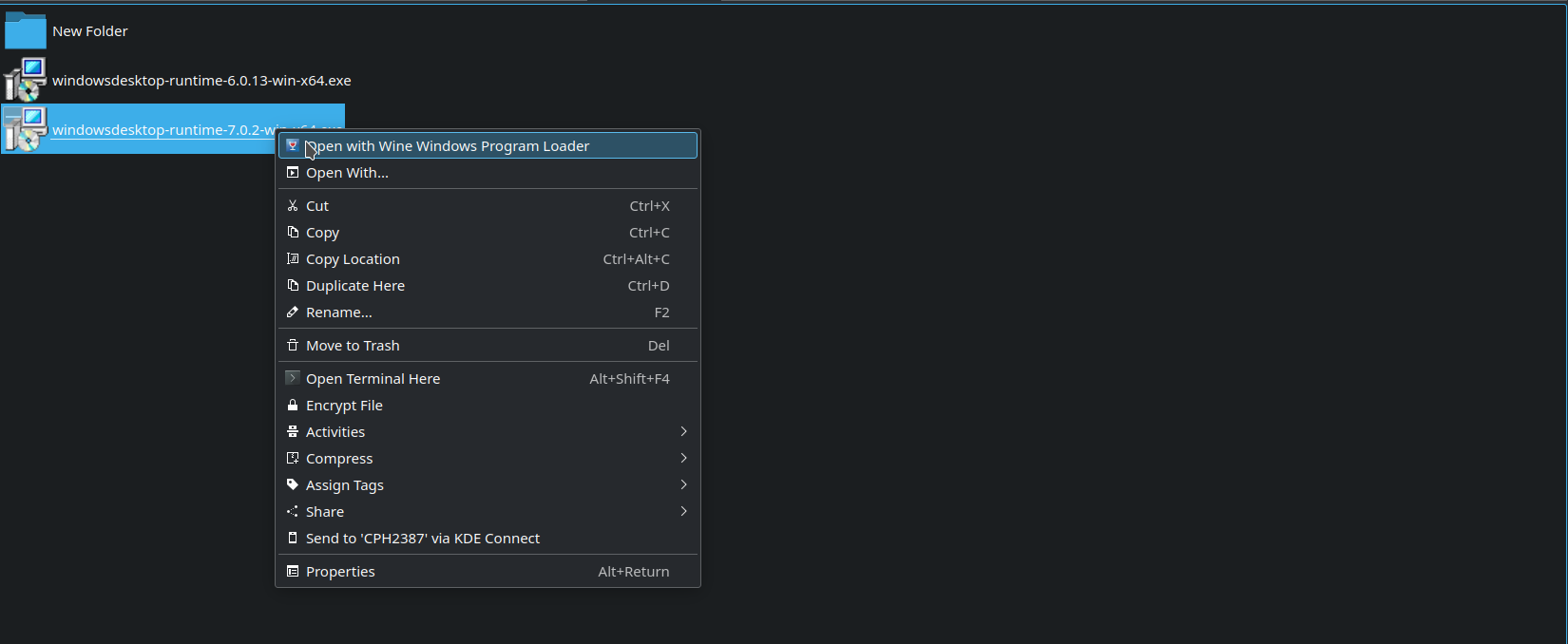
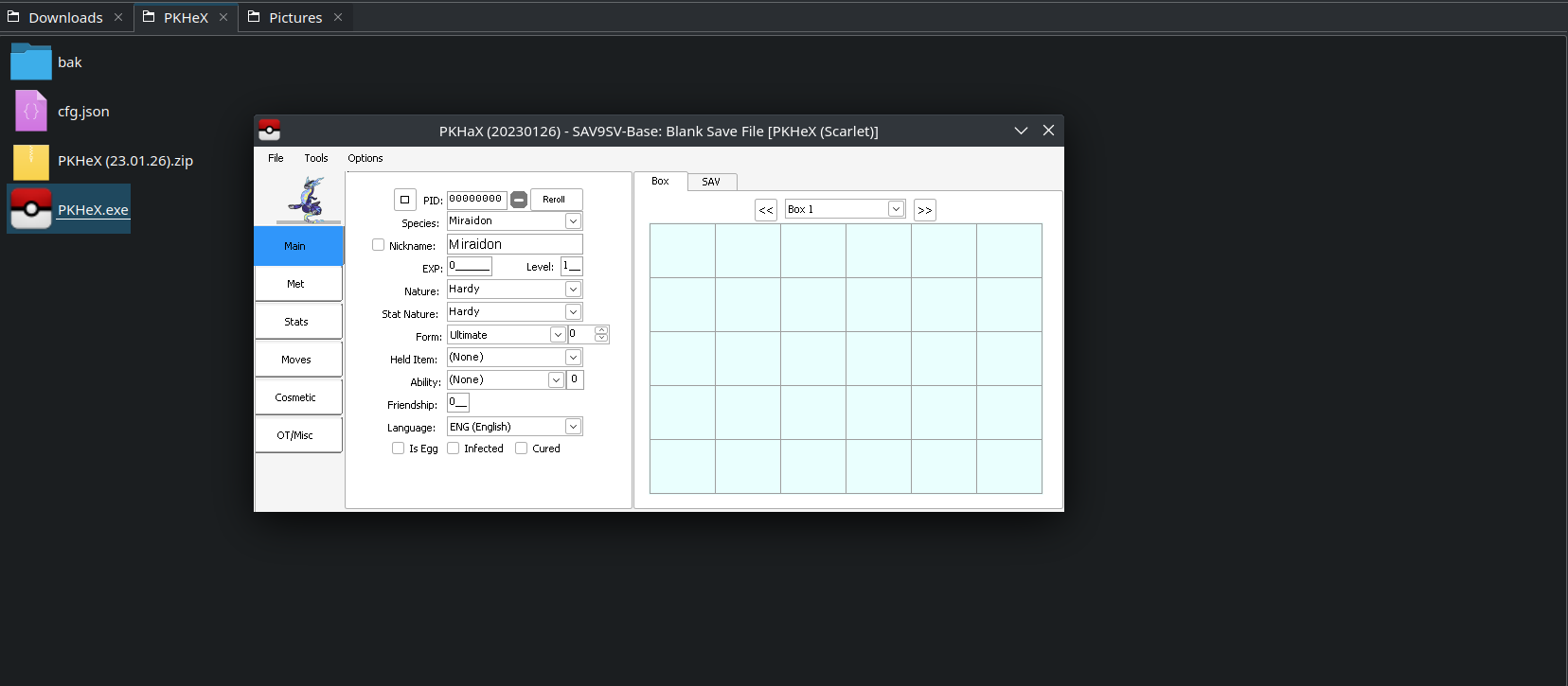
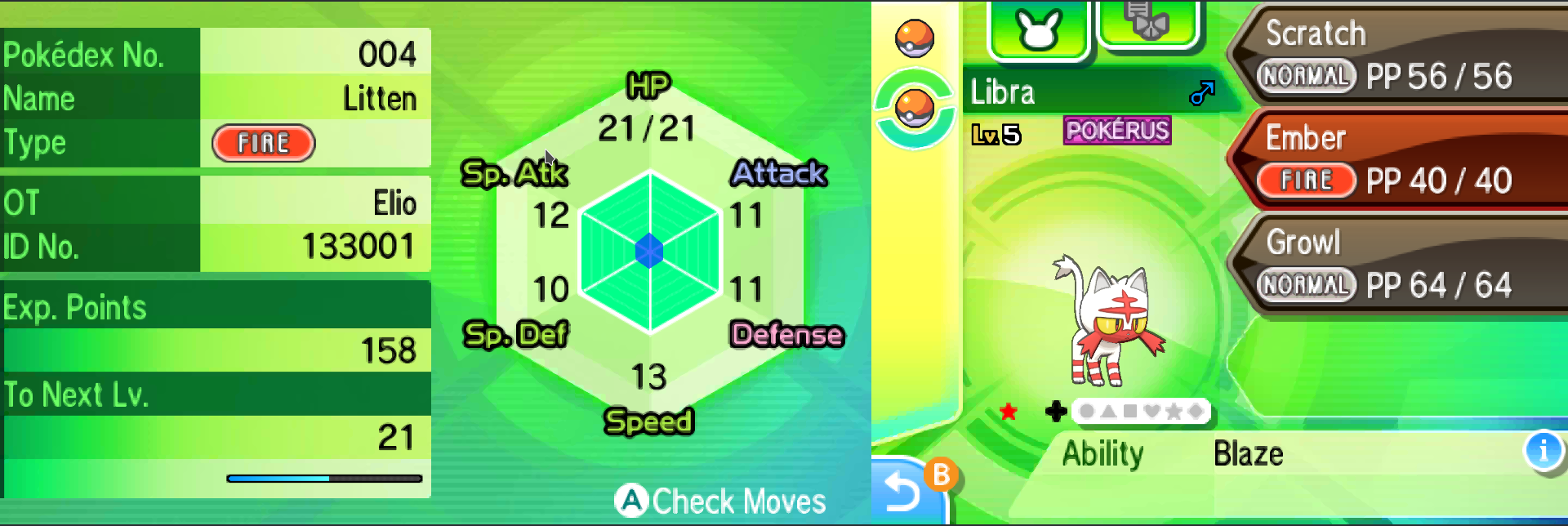
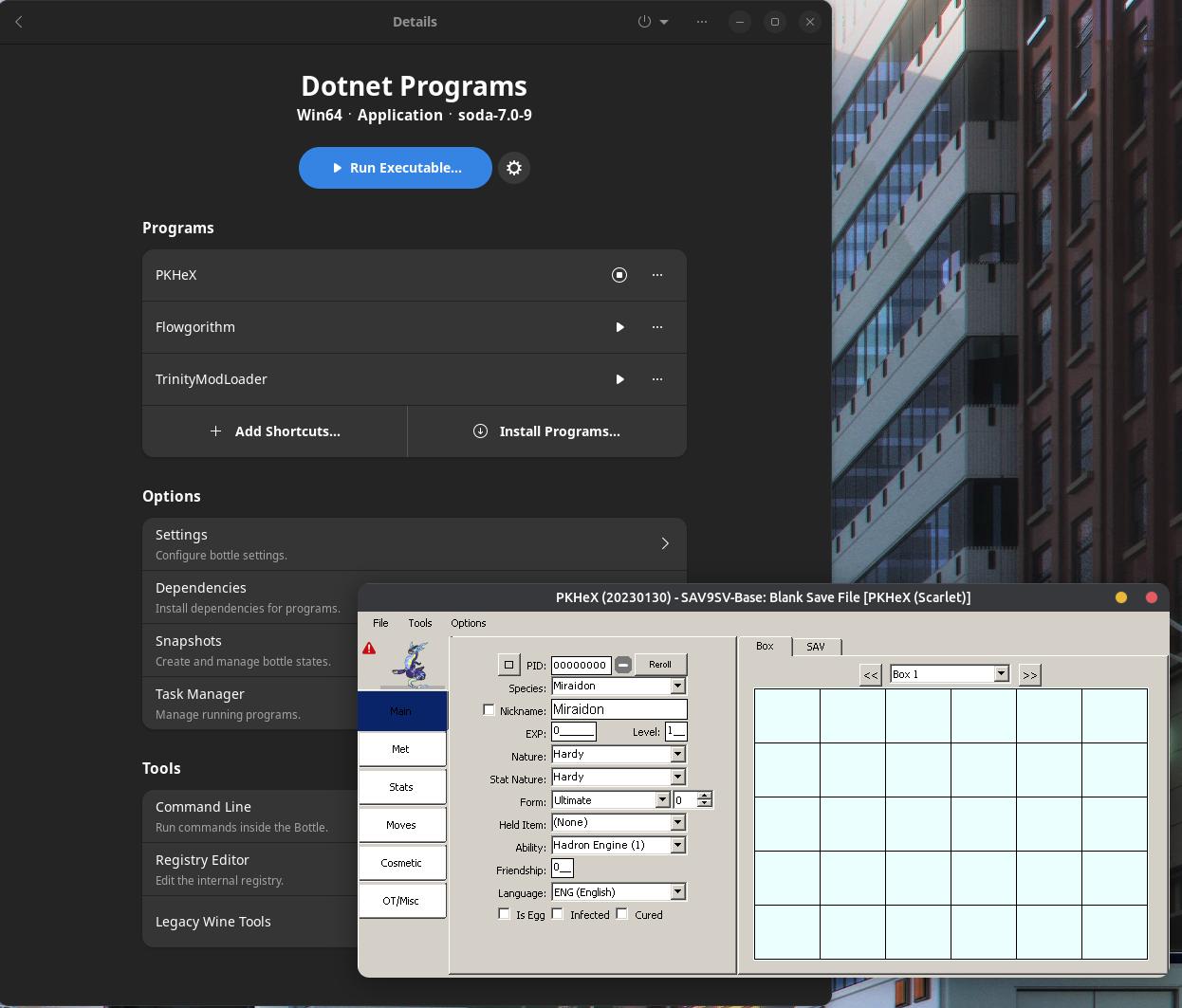
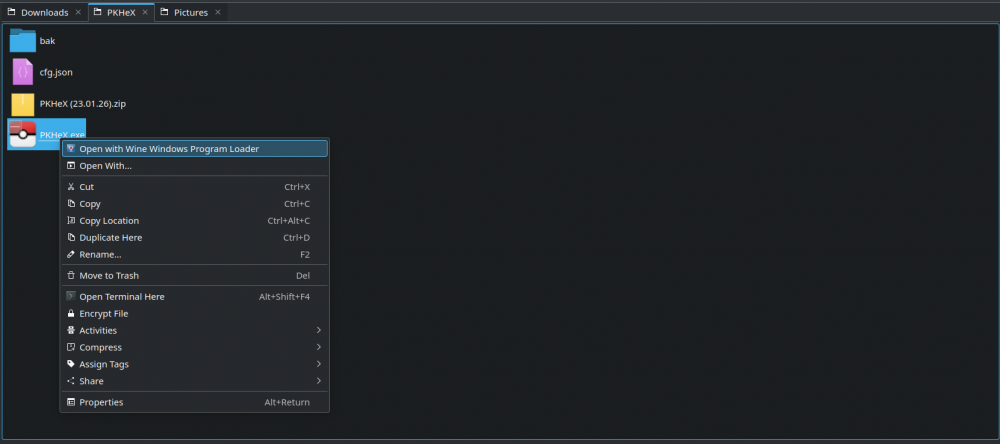
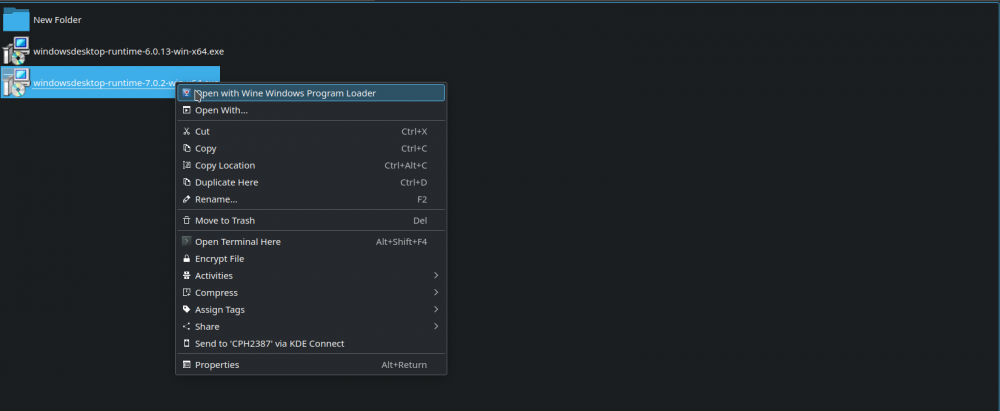
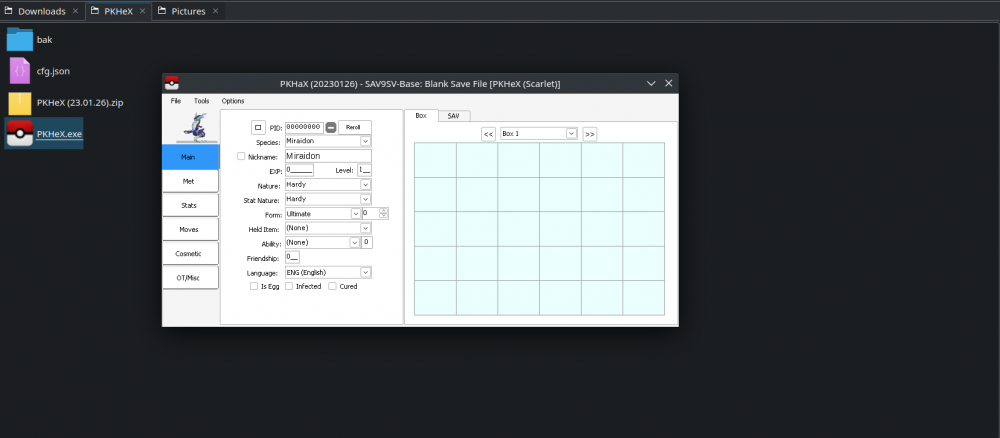
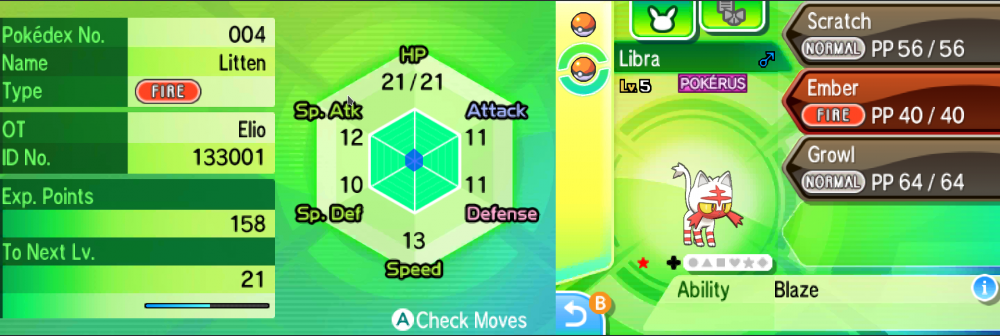
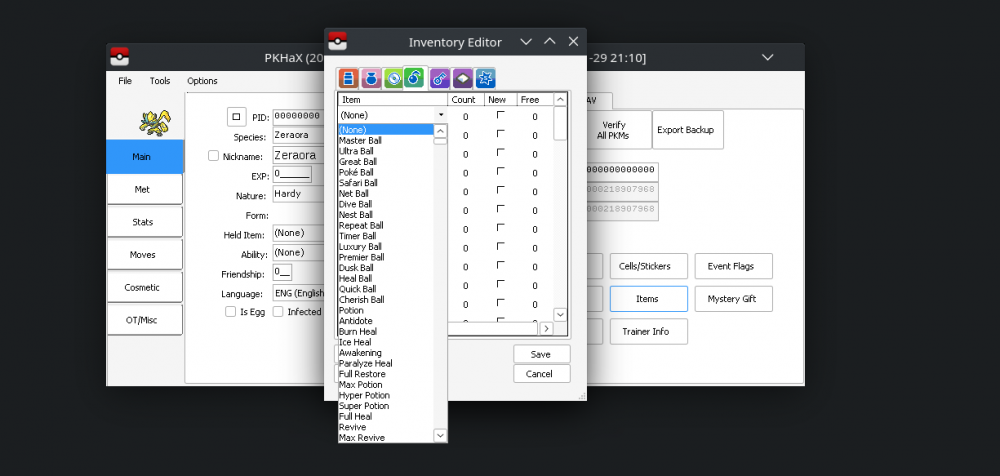
Ok, Preface first, I managed to run PKHeX on Linux, although I haven't test whether the edited save works or not because I didn't have my game atm. Anyways this (hopefully) should be foolproof, considering I'm one and I managed to do it.... Oh and another disclaimer, don't expect the GUI will be pretty. Btw, I'll try to be as concisely as possible, I'm on my phone writing this. 1. Install PlayOnLinux. It's hassle free Wine from my limited experience, no need to manually set prefix or the like. Foolproof. 2. Download PKHeX and extract the compressed file like you would on Windows. 3. Right click .exe and choose the first option. [please refer to scr1 image] 4. The program will tell you that you missing dotnet (insert dotnet version here) and offer to download it for you by opening your browser (should be legit, it's legit Microsoft website after all). 5. Open the downloaded dotnet using the same step of the 3 step [please refer to scr2 image] and proceed to install it like you would on windows. 6. Magic(?) [scr3 image] As you can see, the GUI doesn't seems displayed properly but hey, as long as it works some cosmetics imperfections can be overlooked. Btw, just like I said on first paragraph, I haven't test whether the edited save works or nah because I currently didn't have any Pokemon games on hand, but it should works. If you have any Pokemon save game file you can test and report. Hopefully this actually works and helping many people that currently on Linux. Edit: Tested on Ultra Sun. Editing Pokemon is working [scr4 image]. So far afaik the only problem that I've encountered is in inventory editor, instead limit the items per category if you pick item on the drop-down it shows all items, irregardless of choose category [scr5 image (even if I'm on berries category but the drop-down show all items, although the Give all give category specific items)]
 1 point
 -
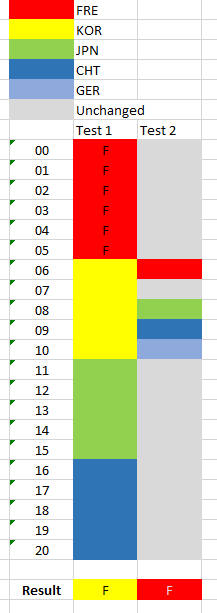
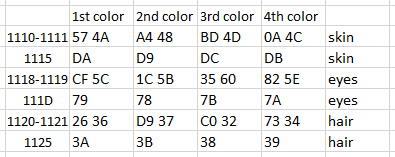
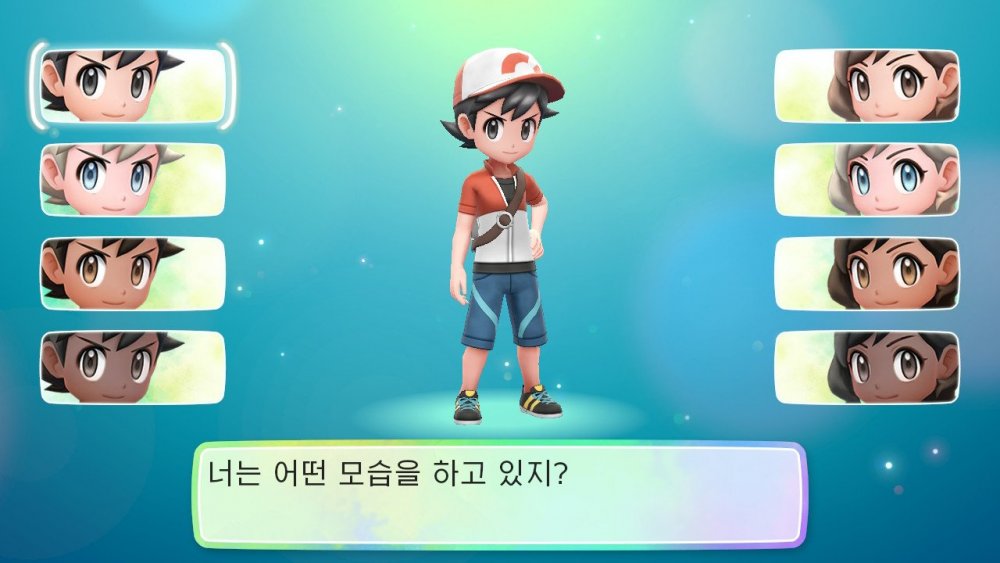
@Kaphotics data below is probably useful for PKHeX, for language and gender changing :3 I'm still working out how to more specfically trigger skin/hair color. Language While byte 0x1035 does display the correct language, changing this byte makes absolutely no difference in-game. To make things worse, there's no other offsets between 2 fresh saves (of different languages) that appears to have the same location for bearing language bytes. It appears that 0x5600 controls in-game language display. I can also confirm that changing this value causes the in-game displayed language to change. The ? refers to other half-byte; it's actual value is not important (example: 0x0? could be 0x01 or 0x02 etc): Value Language 0x0? JPN (Kana) 0x1? JPN (Kanji) 0x2? ENG 0x3? FRE 0x4? GER 0x5? ITA 0x6? SPA 0x7? KOR 0x8? CHS 0x9? CHT (after 0x5600 discovery edit: it seems pointless that 0x1035 byte seems to follow the in-game language; it’s the config block that controls the displayed language. I wonder if the language byte of captured Pokémon is affected by this.. edit again: no it doesn't affect captured mons too, weird.) Player's Gender Same as the language issue above, 0x1005 displays the correct gender, but changing this doesn't affect anything in-game. So gender is probably stored elsewhere, and perhaps using a different format... It appears that 0x4DE80 to 00 or 01 may change with the gender as well, but after changing this, so far I have yet to notice any effect on the game. I've found the offsets for player's gender manipulation. 0x1005 controls Cut-scenes (like petting Pikachu when it first comes out of the ball) 0x1108 controls the overworld model. If 0x1005 and 0x1108 aren't the same value, it's possible for the overworld model and cutscene model to be canonically mismatched. Starter's Gender I have reason to believe that 0x10B9 controls the starter's gender. 0x00 for Male, 0x01 for Female. I've yet to check if changing this value (before capturing it) would change the encounter's gender. edit: Editing this byte indeed changes the gender before it's capture! Avatar's-color Offset and code (for male and female) [don't bother with endianness; just replace the data in the same sequence] For the record, this is what I meant by 1st, 2nd, 3rd, 4th color: (top is first, bottom is fourth, go figure) BTW, it appears the 2-byte word has to be paired with the 1-byte. (0x1110-0x1111 paired with 0x1115, for example) Also, if the pairing is broken (or if user tries to throw in their own color scheme), the game will default to using the 1st color. Notes: If you're trying to follow the data above, don't forget to open your save in PKHeX, and export the save, so as to correct the file's checksums! Research portion

 1 point
 -
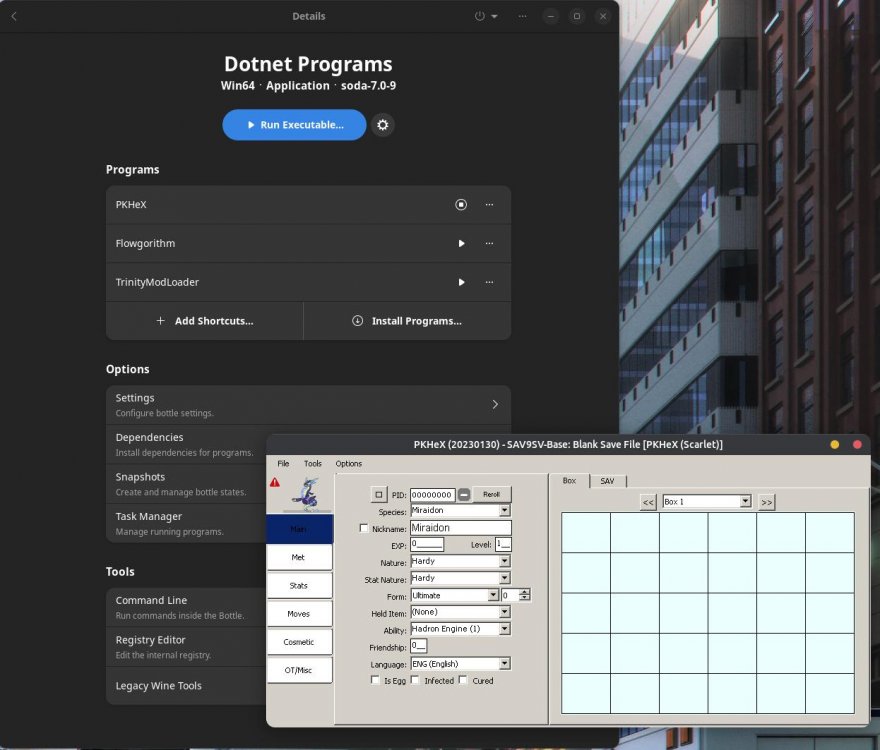
Came here to say that you can also get it running with Bottles. Install Bottles and create a new container/bottle for applications, install these dependencies in order dotnet40, dotnet45, dotnet452, dotnet46, dotnet461, dotnet462, dotnet472, dotnet48, dotnetcoredesktop3 and dotnetcoredesktop6. Finally download .NET Desktop Runtime 7 manually and install it using the "Run executable" in your bottle. Mixing other dependencies besides these ones would mess it up sometimes and was a bit finicky. That's why I suggest a new container and installing these in order for bottles. Even though .NET 7 apps work in this case, it's not "officially" supported. So far I haven't experienced any crashes, but the issue is that the .Net 7 apps are slow. Regarding PKHEX, when you select a Pokemon, you have to wait a bit and you'll see the fields changing over time, just wait for it to finish. If you want it snappier, you can always use the 22.12.18 version instead, it works with Scarlet and Violet. Though in the future you'll probably have to use the newest version (which uses .NET 7). EDIT: If you only want/need PKHex, you can skip most of the steps above and just install .Net Desktop Runtime 7. But if you need a container for all your .Net apps (with different versions), I suggest doing all the steps above.
 1 point
 -
if I’m not mistaken: Met location -> change it to link trade (egg) Hatched location -> can be any valid hatching locations1 point
-
Has there been any update on this since January?1 point
-
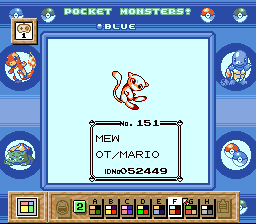
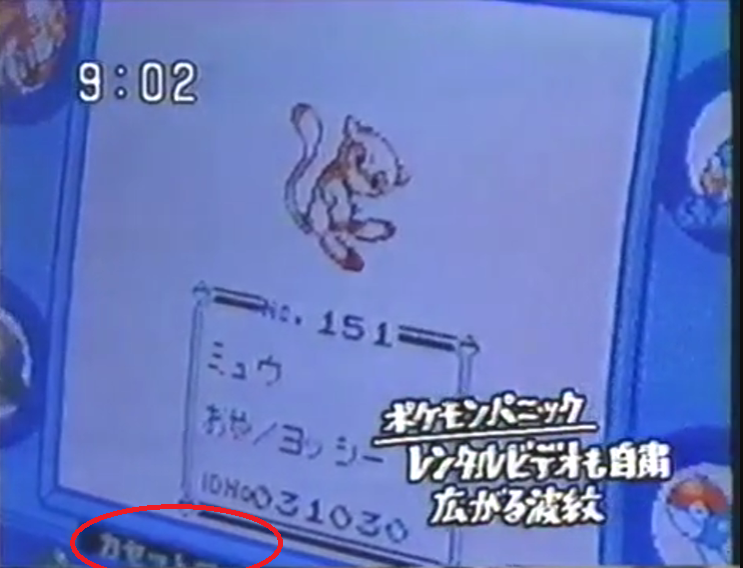
I suspect the Mew Machine used this color palette, while using the SGB menu on bsnes. Also by looking at that moment of the video, I noticed that some text in japanese is blinking on the border, not sure what it says but it's new for me. You can see the text blinking on the bottom: https://www.dailymotion.com/video/x2zoyzo (32:23)
 1 point