Leaderboard




Popular Content
Showing content with the highest reputation on 02/15/20 in Posts
-
Introduced in the middle of February 2020, Pokémon HOME allows for importing from Bank and Let's Go Pikachu / Eevee, and bi-directional connectivity to Sword & Shield & future titles. When a Pokémon is transferred from Bank or Let's Go Pikachu / Eevee or their games of origin into HOME, the Pokémon is assigned a unique 64 bit number by the official cloud server to differentiate it from other uploads stored on the cloud server. Pokémon that have not yet visited HOME do not yet have a HOME tracker. Pokémon that are traded in-game (online/local trades) do not get assigned a tracker. Pokémon that must travel thru HOME to reach the game it resides on must have a HOME tracker (origin->current). Pokémon that are uploaded in the same batch are not guaranteed to have a similar tracker (sometimes incremental). Pokémon that are missing a HOME tracker that should have one, or have a fake one, are rejected for upload (error 10015). Trackers are only a concern in PK8+ formats. Pokémon that aren't yet in the PK8+ (2019) do not have a field for this data. What exactly is this value be used for? Storing data for each game visited outside of HOME (ex. SW/SH, PLA, BD/SP, S/V...) Tracking how Pokémon are traded between users. Detecting if a Pokémon has been modified/cloned from the original upload. Detecting if a Pokémon is newly entered into the HOME system (having a value of zero). HOME trackers will be changed each upload, so a tracker value is not a permanent value. Only HOME can determine if a tracker value is valid. Only HOME can create valid trackers. Best practice is to let the server assign you a tracker, rather than assigning a blatantly wrong tracker. For local/online gameplay, GameFreak does not check this metadata, so having arbitrary/lacking tracker values does not matter. Validating a HOME tracker requires API access to HOME, and is not something the hacking community will ever have access to. GameFreak does not validate HOME trackers for online play, but for officially sanctioned VGC events, they do -- you shouldn't be using hacked Pokémon in tournaments anyway (against our rules). Due to the described behavior, here are our recommendations: When creating new Pokémon that are from generations prior to Sword & Shield, transfer into HOME via Bank first. When Bank closes, see below. When creating new Pokémon that can be uploaded from their game of origin, leave the tracker blank. When creating new Pokémon that will reside in a game different from their origin, generate and transfer them from their game of origin. When modifying any (that have already visited HOME) immutable values (PID, IVs, etc), zero out the tracker then transfer starting from their origin games. Why not create a random tracker value? Again, only HOME can determine if a tracker value is valid. HOME will check tracker values to see if the details match the original upload (modified data). HOME will check tracker values to see if the details are on another user's account (cloned data). HOME will disallow uploads if the tracker doesn't match the data on their server (error code 10015). Uploading to HOME without a tracker value will automatically assign a new one (note: only when entering from their native games). You can receive Pokémon that lack a tracker value from other players via trade (in addition to a game's natives). Using an invalid tracker may fool checking tools (like PKHeX) that do not have access to HOME's API, but can still be checked by trying to upload to HOME manually. Do not be deceitful. What happens when Bank shuts down? Any Pokémon that must have traveled from Bank->HOME will not be able to receive a tracker from the HOME servers, and thus will never be able to enter even if manually injected into a Switch game. Even if some side games like SW/SH currently allow skipping Bank and directly injecting to HOME, it is expected that this "loophole" will no longer exist once the transfer route from Bank->HOME is removed when HOME is updated. Additionally, this has never been an advised path to "inject" Pokémon, as a past-generation Pokémon entering via SW/SH instead of Bank is detectable by the server (athough not currently actioned). If it does persist, it is an easy way to get your Switch banned if they ever decide to swing the ban hammer at the obvious hack. You'll still be able to use PKHeX and other community applications to move Pokémon between your save data, but you must accept the fact that they will never be able to enter HOME (or online-only connected games like Champions) or be considered legitimate. What happens if someone clones my Pokémon with a tracker? When uploading to the server: The server fetches the existing details of that tracker. The server checks for cheating: if any property that is impossible to be legitimately changed has been changed, the server then rejects the upload. The server creates a new entry on the server with the revised data and assigned a new tracker for that revised entry. The upload now has this "new" tracker. The original tracker and its data are retained by the server. The clone is essentially diverged from the original; by retaining the original data, the original Pokémon (or any other clones) can still be uploaded by anyone who possesses a copy, undergoing the same divergence process. PKHeX's default settings are to require tracker values (should be on every non-Gen8 origin Pokémon that is residing in Gen8+, etc), but has a toggle setting to opt-out of strict checking. This is to allow users to create the most-legal data without forging an INVALID tracker value, for in-game play.6 points
-
I'm on Android and I can't see the Unown challenge despite having every Unown form deposited. So who knows what the deal is there.1 point
-
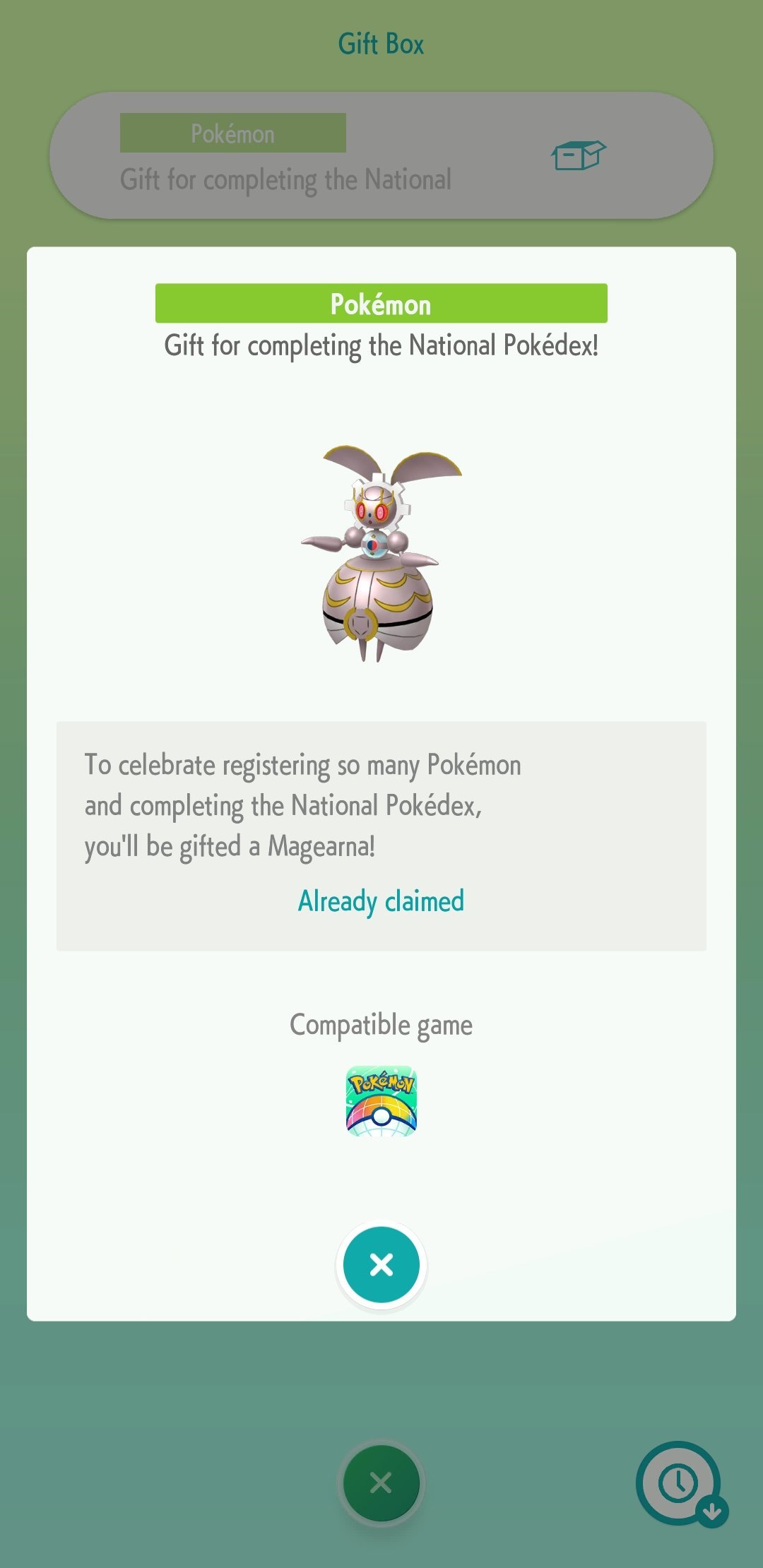
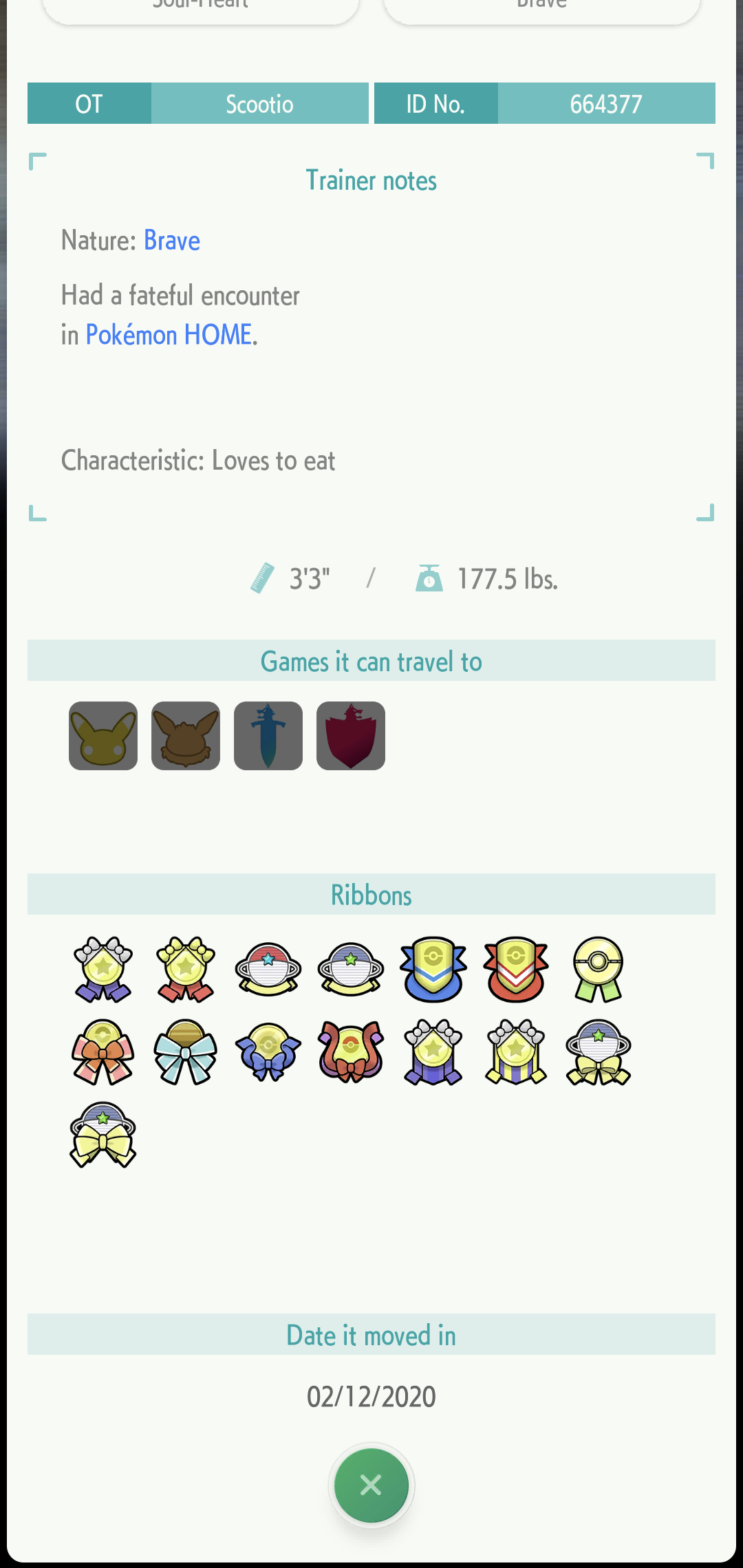
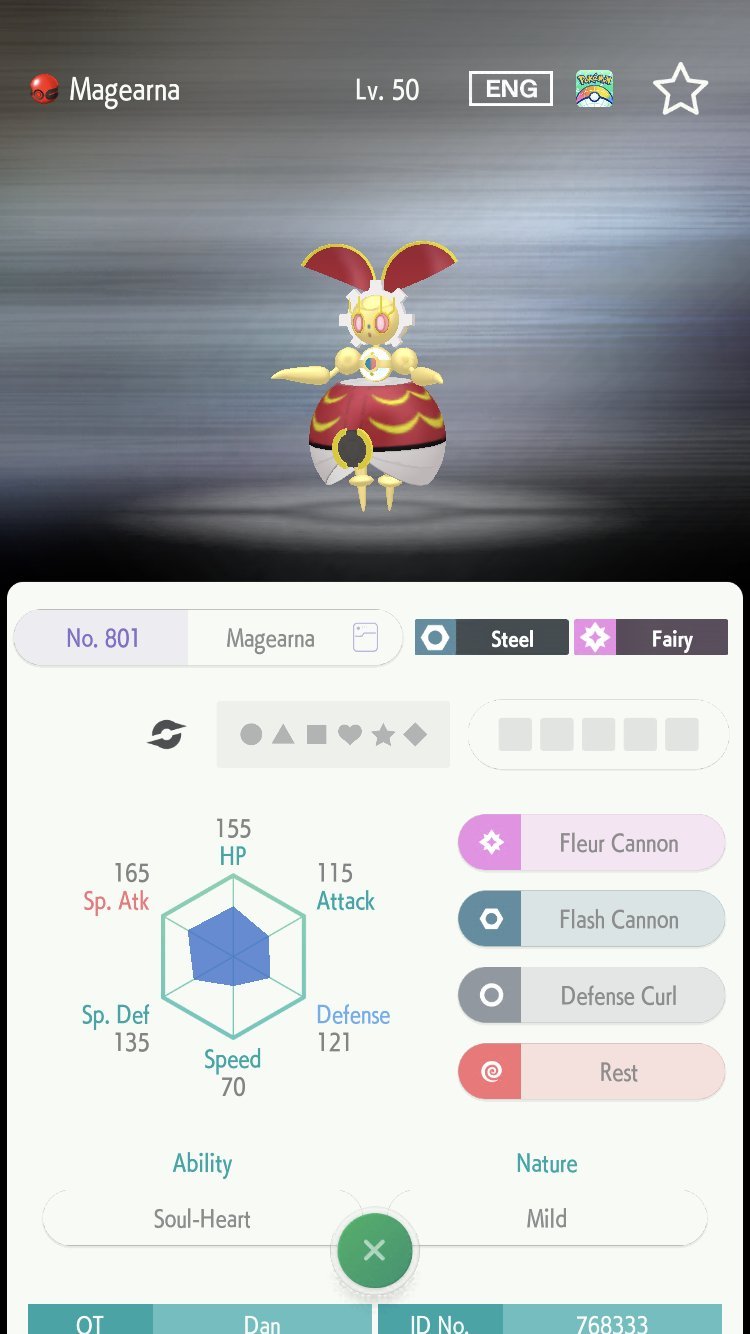
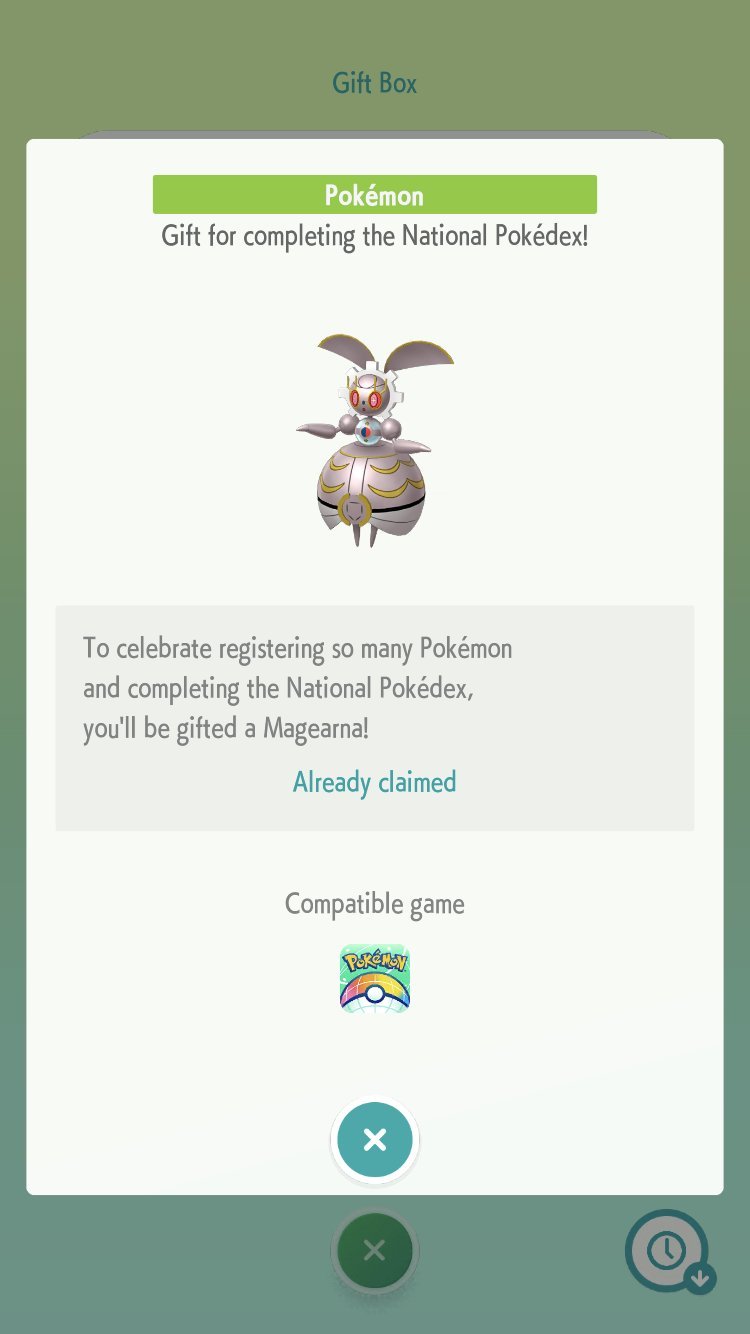
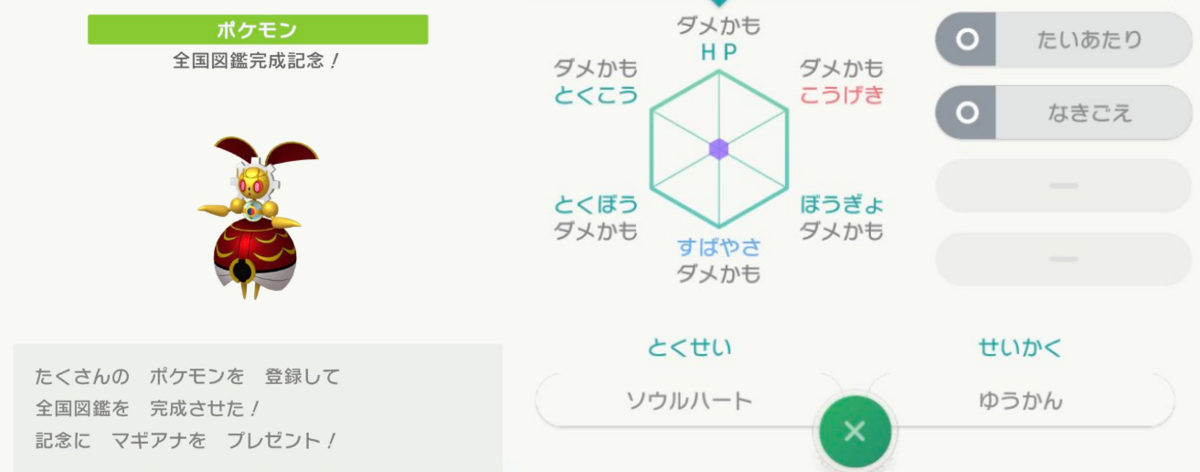
You'll need a game that supports it in order to dump it.. Also, the lv. 10 and lv. 50 variants of this has been pretty well documented, at least by me. No idea what is the real trigger for this, or whether is it just a glitch, or perhaps device dependent. Waiting on official results. Context: I completed my nat dex on launch day, don't have it. So did Joe Merrick/Serebii webmaster, and he doesn't have it. He later went on to complete all the alternative forms in his HOME, and it didn't give him anything either. Do note both him and I are on iOS versions. I'm curious if any of these reports came from an iOS device. (also, we both can't see the Unown challenge) Anyhow, here's part of what I recorded for Magearna
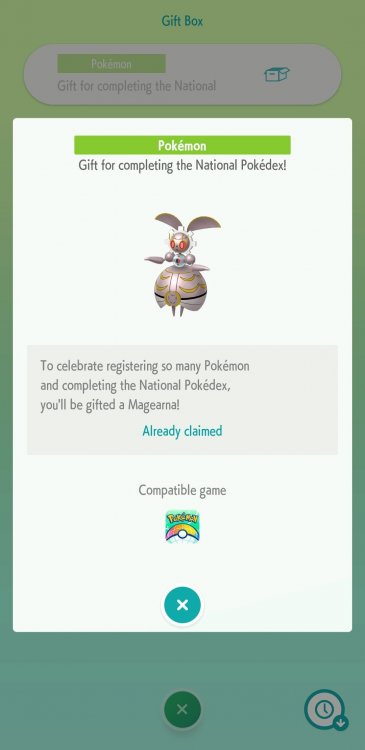
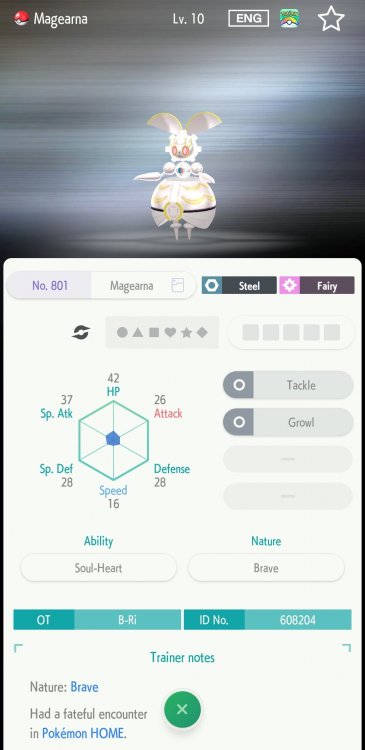

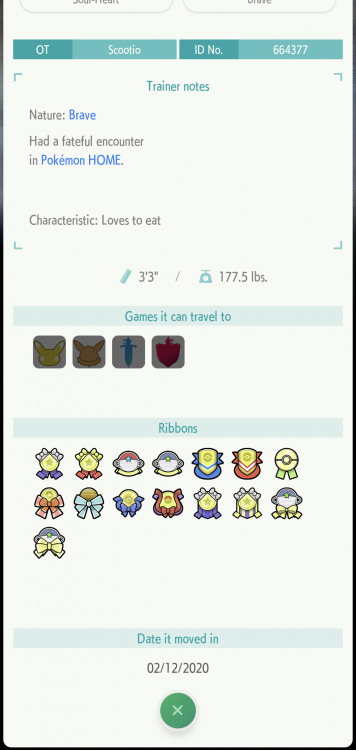
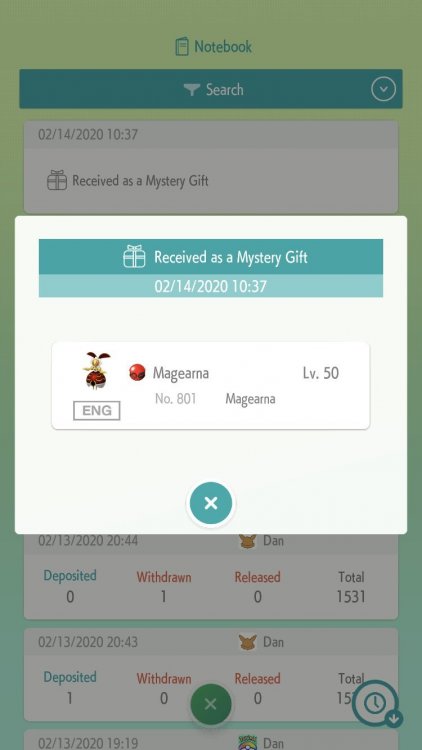
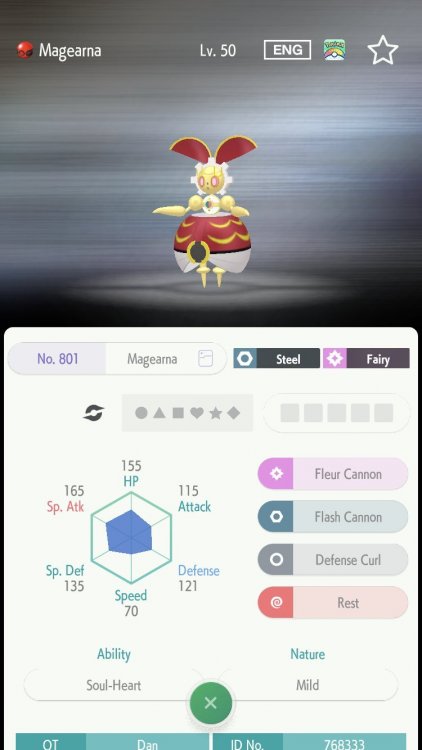
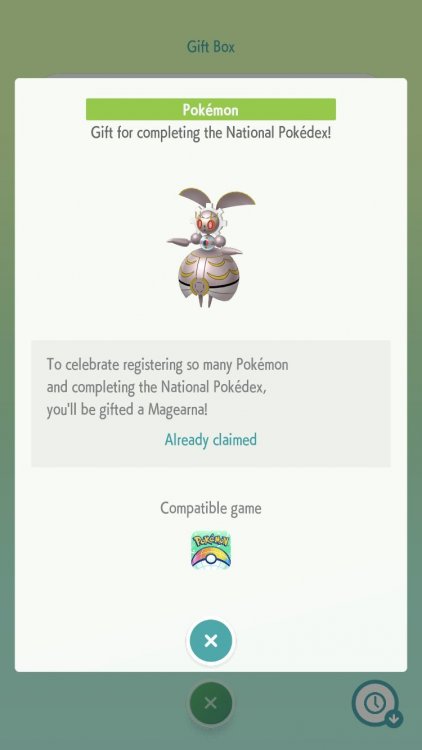
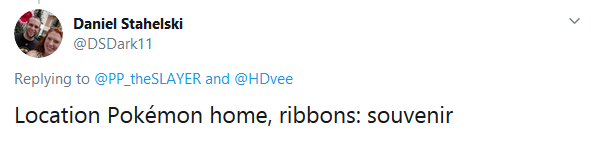
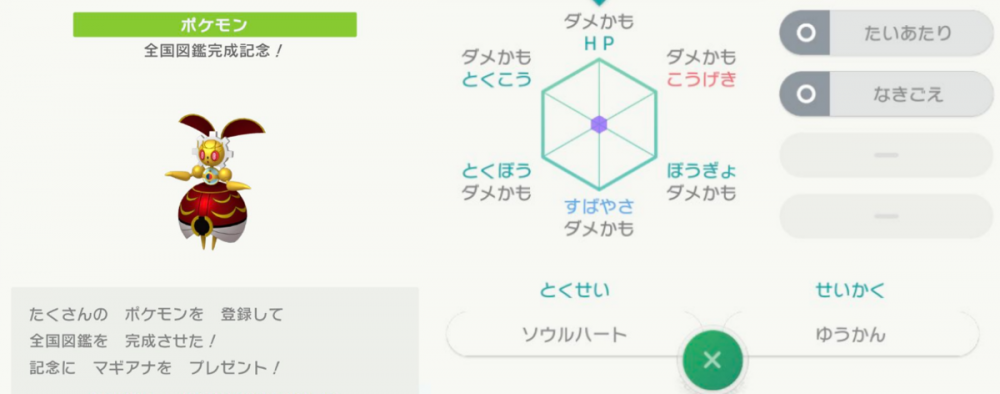 1 point
 -
Read what Skauge said. Also to anyone asking what the "safest" option is, no one here works at gf or Nintendo. There is only one absolutely safe option which is to gen the mons legally in 3ds games and transfer them into home. As for swsh safety what skauge said is pretty definitive1 point
-
Of course this could be bad... if Home is set to detect it. I think both options of faking and not assigning a tracker are bad. The lesser of two evils would be not assigning a tracker. It's very well possible they are looking at pokemon like solgaleo and zekrom and realizing that it's impossible for it to not have a home tracker if it was legitimate. However they may also have trackers attached to mons… so faking and using a tracker of say a litten and attaching it to zekrom would also have them detecting an illegal mon that should've been a litten. So the lesser of two evils is not attaching a tracker. I say both are bad but using a tracker code from another mon is more dangerous. Either way they could have systems in place to detect wrong codes or no codes on a mon that should have one. From what we know now, we know that if you do not have a tracking code, you will be assigned one. If you have a duplicate it is erased. That means the best option is to have home assign one. This is also assuming that having home assign a code means the mon is safe. For all we know that code could be detected as illegal from here on out and anyone with it will have it deleted in the future. We just don't know what their capabilities are... until we do (if ever), assuming that being assigned a code from home is safer than having a code from a different mon, is the best option. They could both be bad though still.1 point
-
Forgot to answer your first question. No, HOME tracker codes cannot be manually changed. HOME assigns Pokemon a unique code and stores it in their servers and if you manually change it, HOME won't recognize them anymore as the codes won't match. This could (I don't really know) get you banned as your previous gen Pokemon can only reach SW/SH through HOME, raising the question "How did it get there?" It can't just spawn in SW/SH out of nowhere. BTW, you can find Drampas in Shield, no need to import them from previous gen games.1 point
-
Having duplicate/wrong tracker values wouldn't raise flags either? HOME auto-deletes cloned tracker value Pokémon when they're stored on your account at the same time. HOME auto-assigns a new tracker value if left empty. It's better stewardship to let HOME manage things rather than fail to trick it. Edit: As of time of edit, HOME tracker assigns a fresh tracker to any entries entering HOME, that bear a duplicate tracker when compared to an entry already in HOME.1 point
-
I've got a female fashion that has everything unlocked1 point
-
could be more than that. For starters, import the MyStatus block from a female save, and import a female fashion block, and see if it works.1 point
-
Username changed to Blue587. Unfortunately just Blue was taken.1 point
-
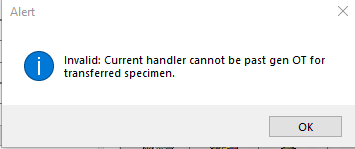
also how do you stop this error ? okay so just keep the home tracker numbers at 00000000000000000 ?
 1 point