Leaderboard



Popular Content
Showing content with the highest reputation on 06/09/18 in Posts
-
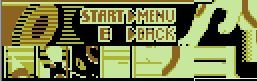
Found most of them in the ROM as expected except Porygon2 (why????). Unable to dump them for the moment so I did screeshoots. Edt: Found my beloved P2 ^^

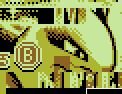



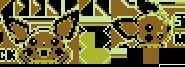


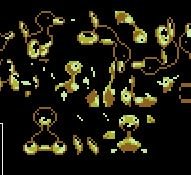
 3 points
 -
Big thanks to @argus1963 for helping us get this!2 points
-
Thanks, should be fixed in the latest commit https://github.com/kwsch/PKHeX/commit/79f0b3665f9f22ecc7b6aa3c621c92253718aedd1 point
-
Why do you need an older version?1 point
-
I have it. Last time I tried to give someone a self-compiled version of PKHeX, my post was removed. Hopefully I'm allowed to post this since it's an official release: https://www.sendspace.com/file/o8izvy1 point
-
There can be a number 4 some datas were downloaded only like GS ball/Odd Egg but the source says it is in the ROM so I hope they are1 point
-
Yup, that can be done, since the way the PID generated are the same between both games. Also, you may need to change one or two moves. I think Darkrai at lv 40 gets slightly different movesets between DP and Pt.1 point
-
1. Void Glitch Darkrai technically isn't legal, because the event was never released to DP. Also, it can be differentiated from Darkrai obtained in Platinum, as it lacks the Fateful Encounter flag. (And fateful encounter details can be checked in-game, so it's easy to tell that it isn't legal) 2. Yes, if you were to give it a valid shiny PID (can be obtained from RNGreporter), it can be legal. (provided you're using a Platinum Darkrai)1 point
-
Pokémon GO’s next Community Day has been scheduled and Larvitar is featured for this month’s event. This announcement marks the sixth consecutive Community Day this year. Trainers from all around the globe have been faithfully attending these events for the past six months in order to obtain Pokémon with exclusive moves, benefit from various bonuses and catch rare shiny Pokémon. On June 16, 2018, from 2:00 PM to 5:00 PM EDT, Larvitar will spawn more frequently and there is the possibility to encounter shiny Larvitar. It was revealed that Larvitar’s exclusive move will be Smack Down, though it could change by the start of the event. Smack Down was confirmed through an in-game announcement, when translated from Chinese and Japanese roughly states: “when you evolve Pupitar to Tyranitar during the three hour event, Tyranitar will know the special move Smack Down”. It’s worth mentioning that a new sound effect came with the latest update to Pokémon GO; the sound for the move Smack Down was found. However, on Pokémon GO’s site, the exclusive move is displayed as a mystery. Aside from having the opportunity to obtain a shiny Tyranitar that knows Smack Down, players will receive 3x Catch XP and Lures that will last up to three hours. Have fun and be safe this Community Day! Sources: pokemongolive.com, gamerant.com View full article1 point
-
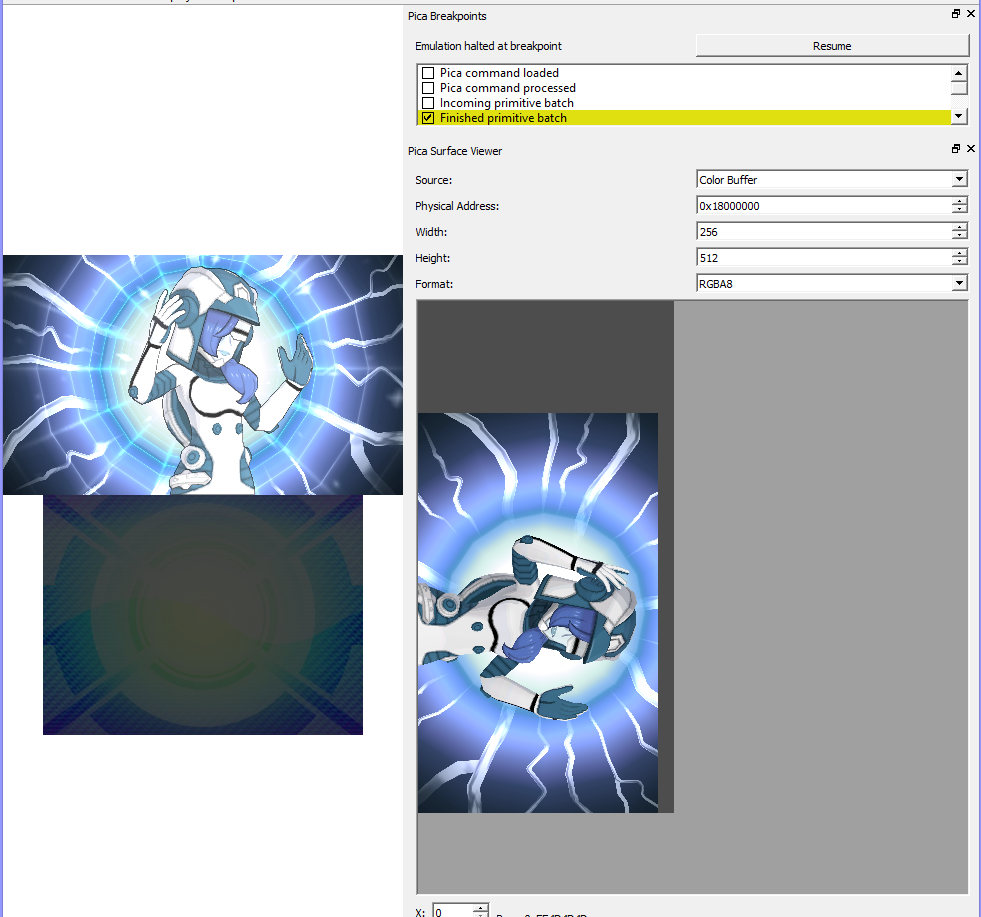
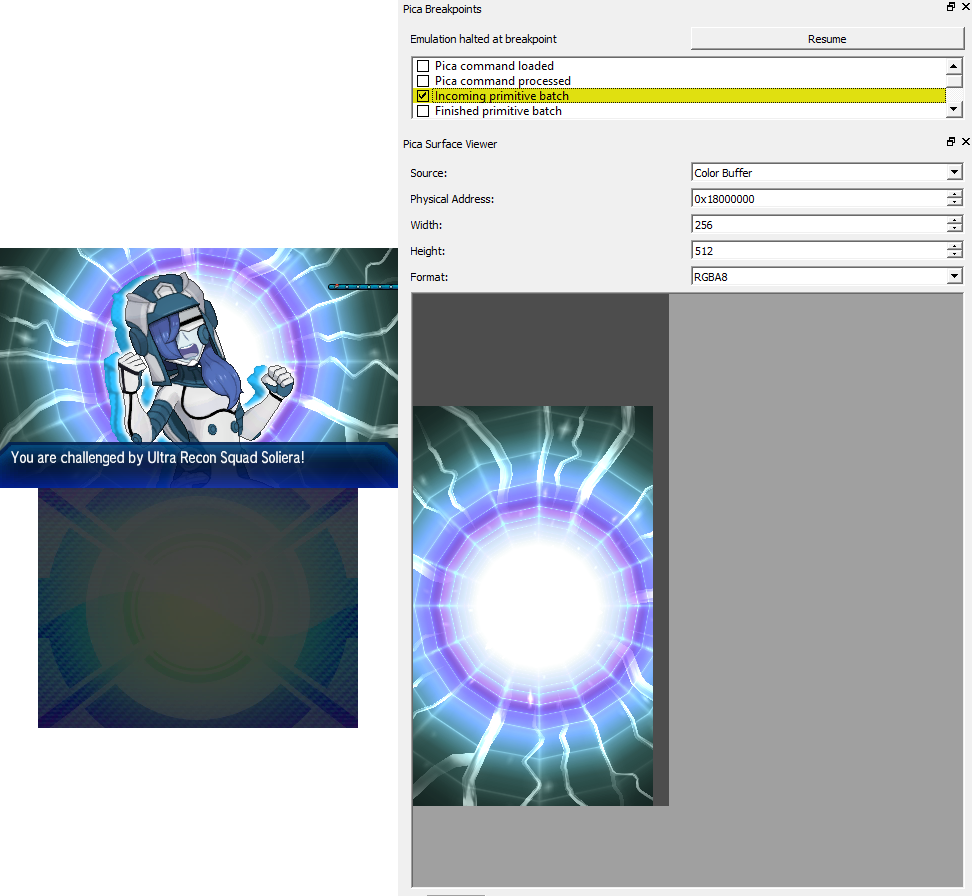
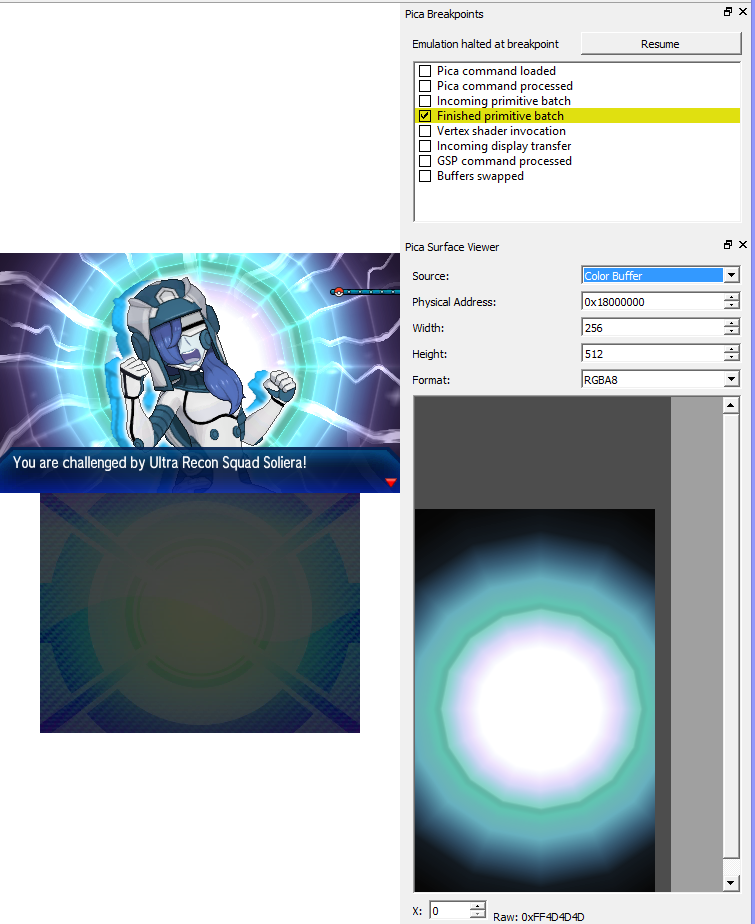
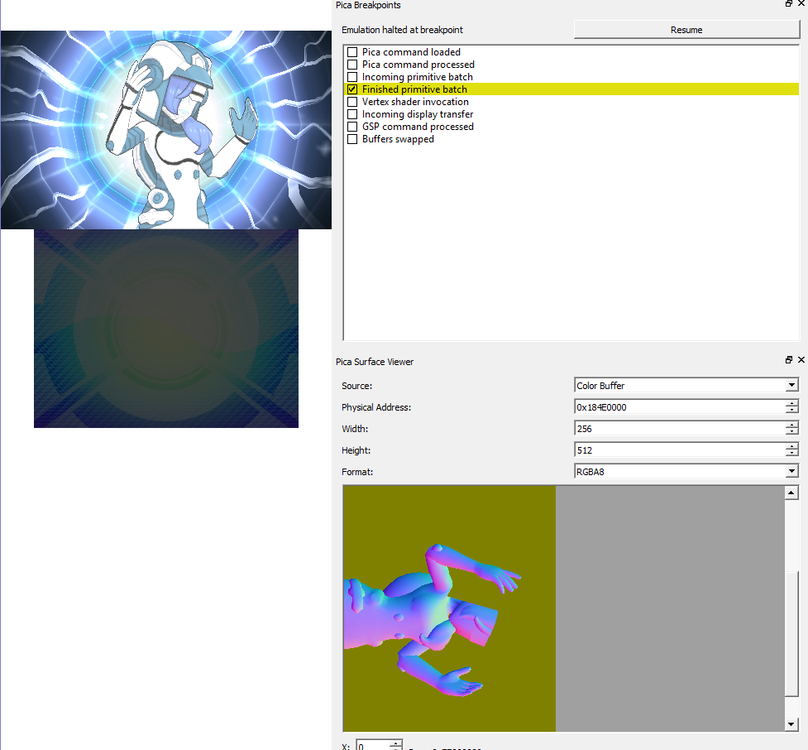
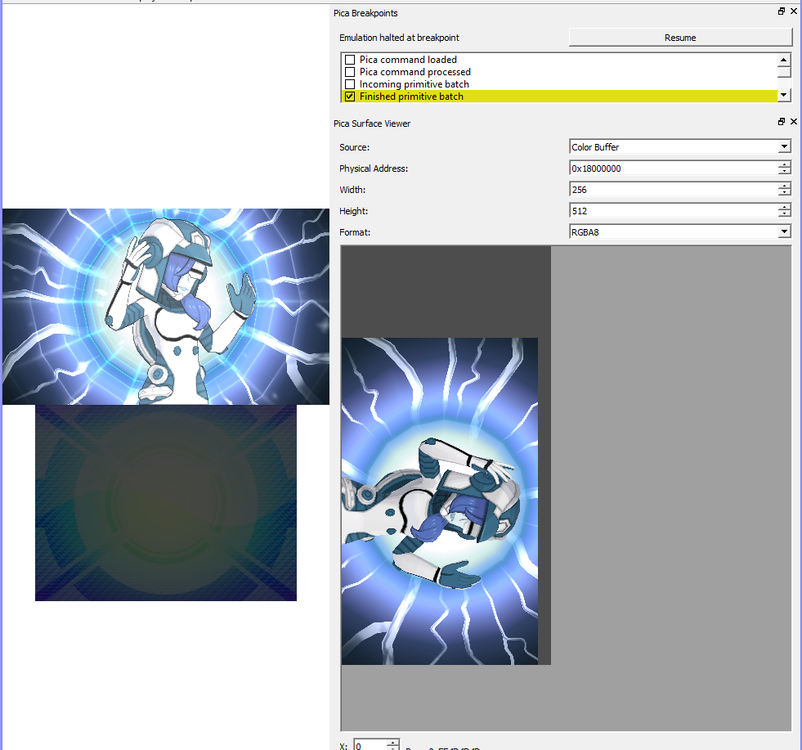
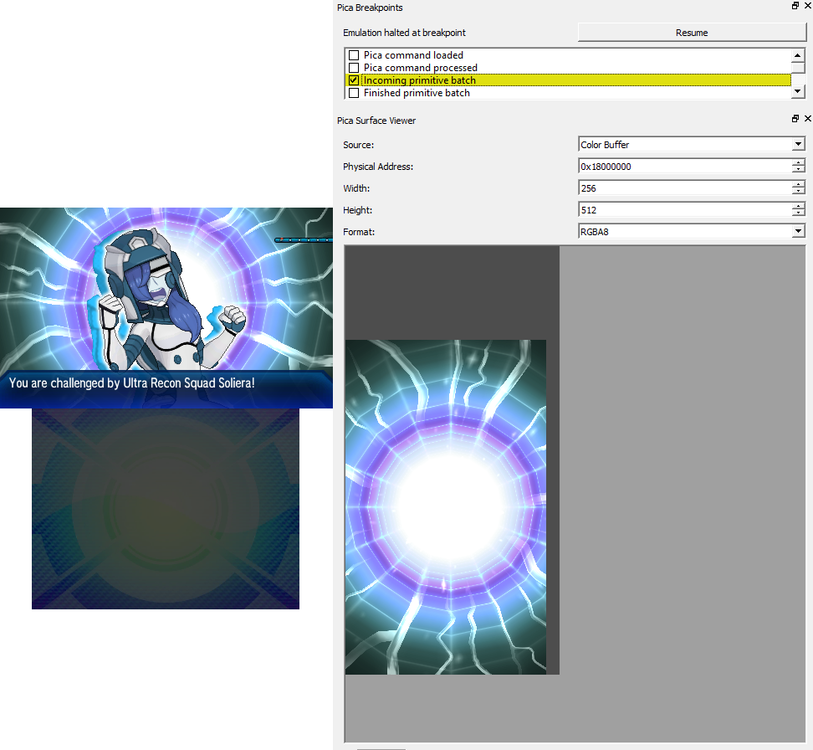
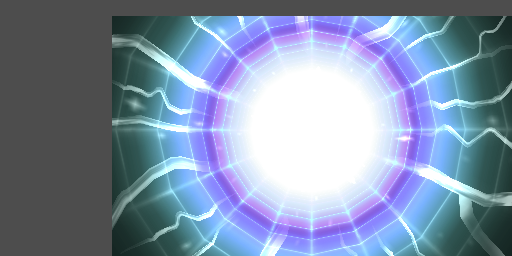
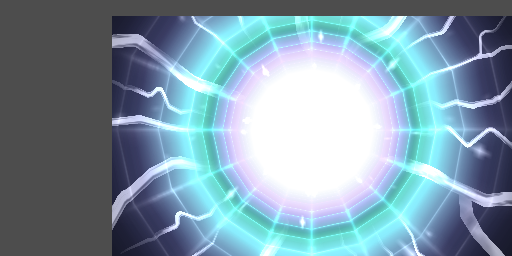
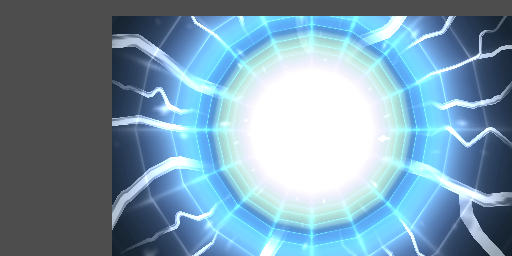
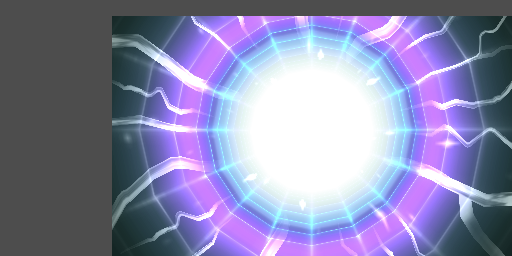
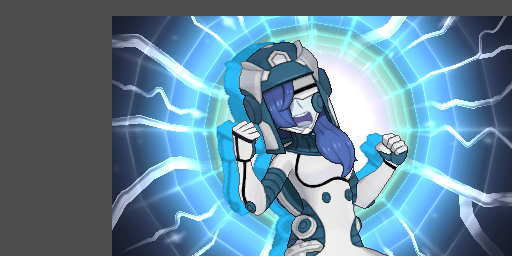
Little update: Looks like the front battle image is a model I was hoping that the background loads before the model, and sadly I was wrong. (After all, if the background loaded first, I can take a screenshot like below) edit: @Jovie here you go! Once they transit from the model to the image, the background loads first


 1 point
 -
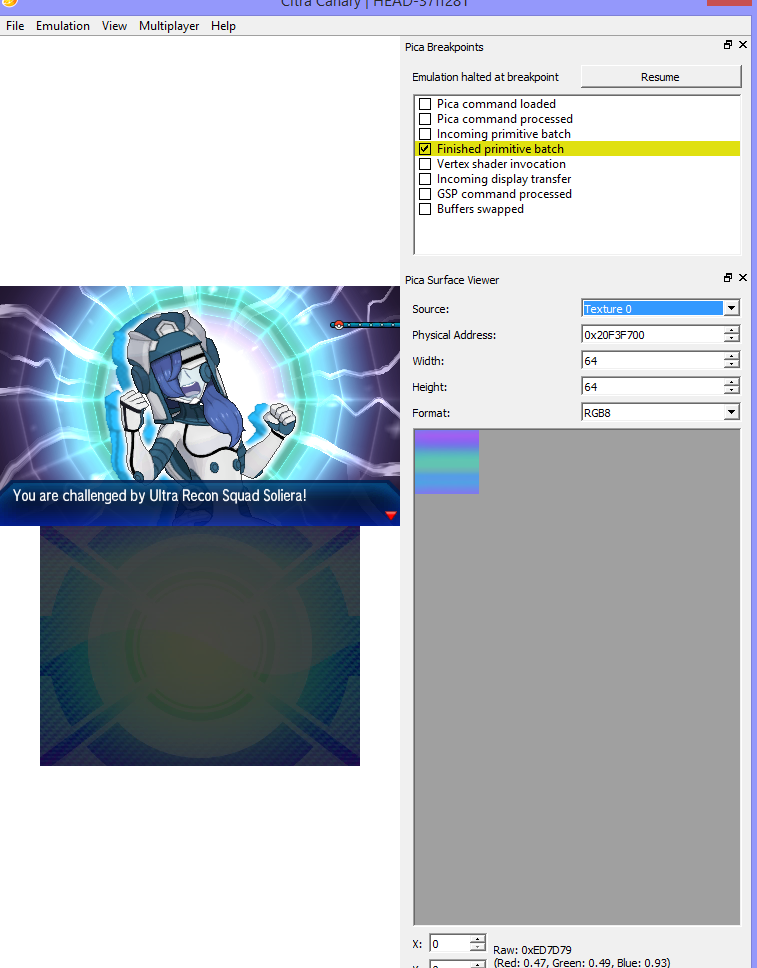
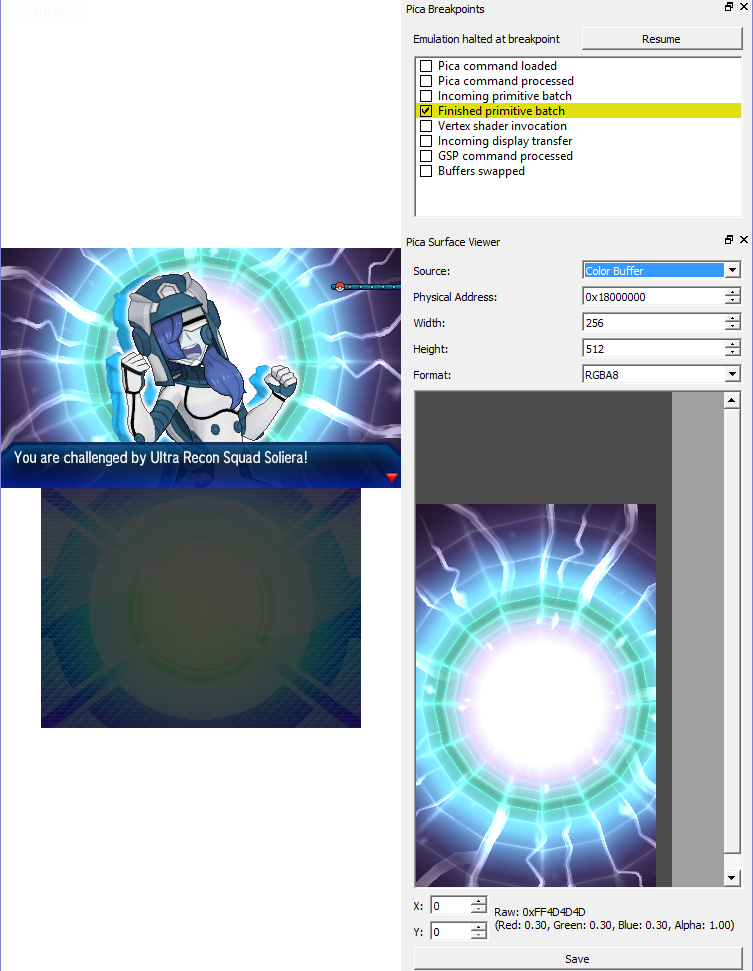
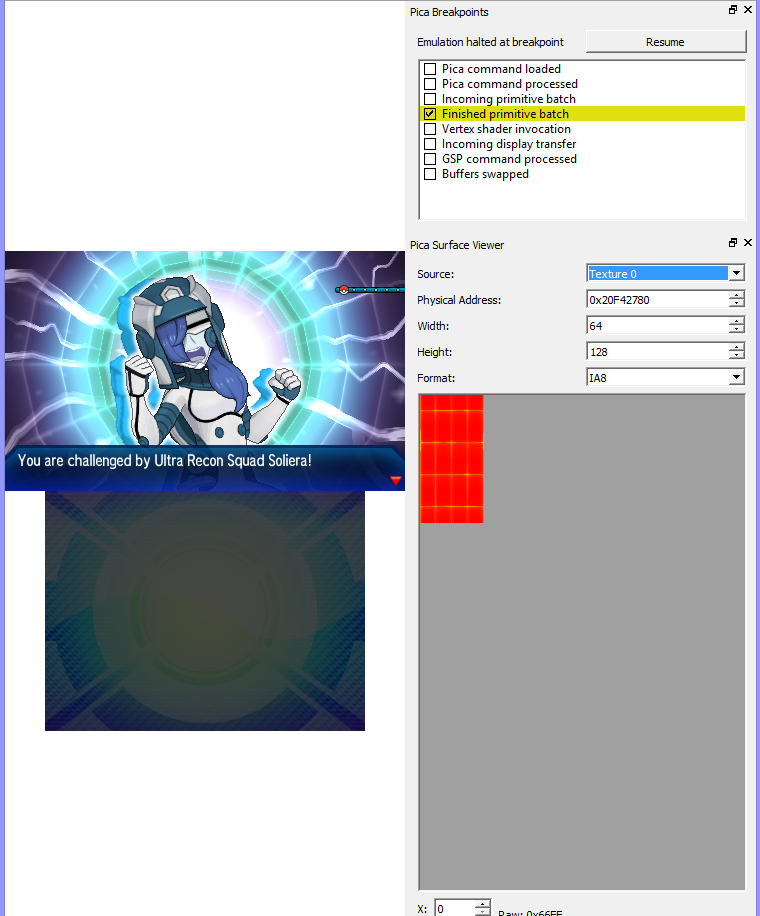
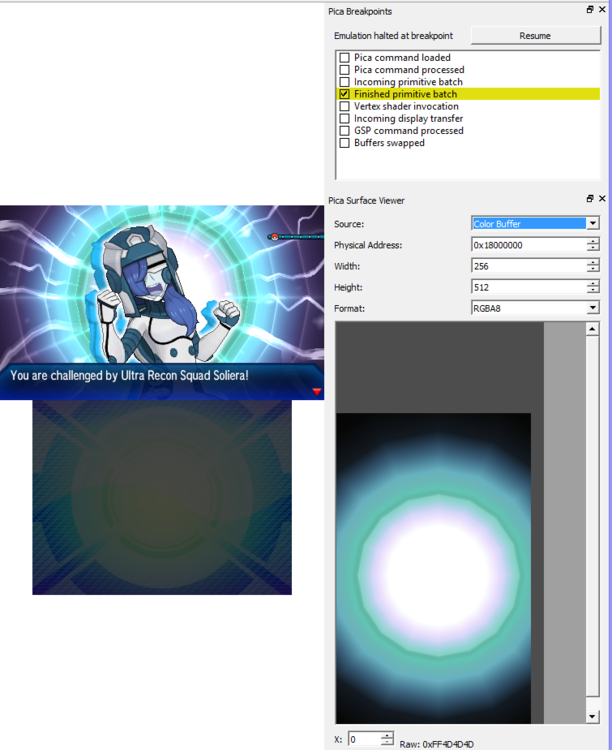
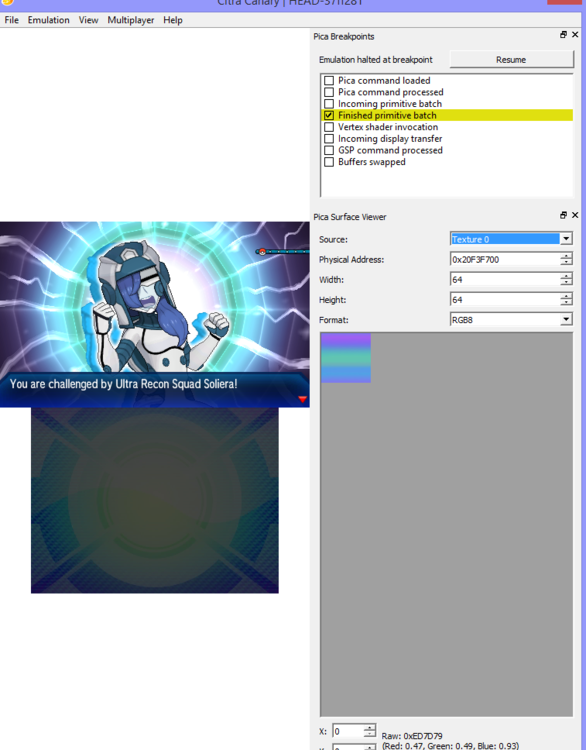
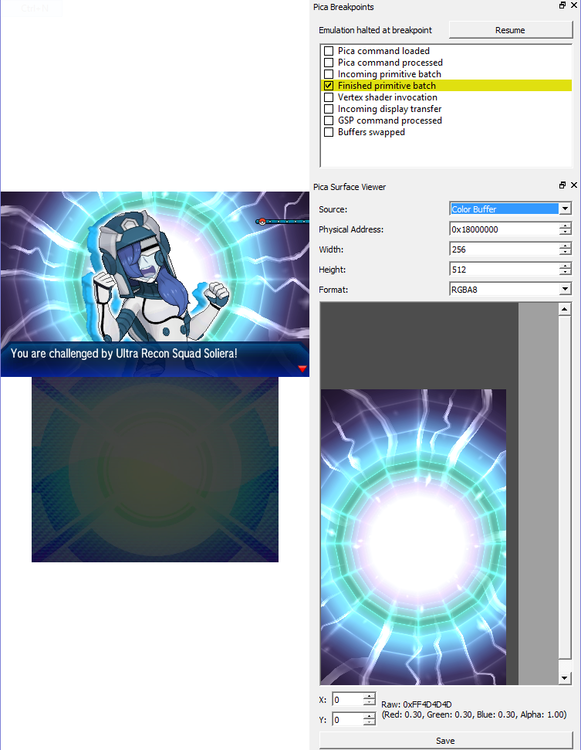
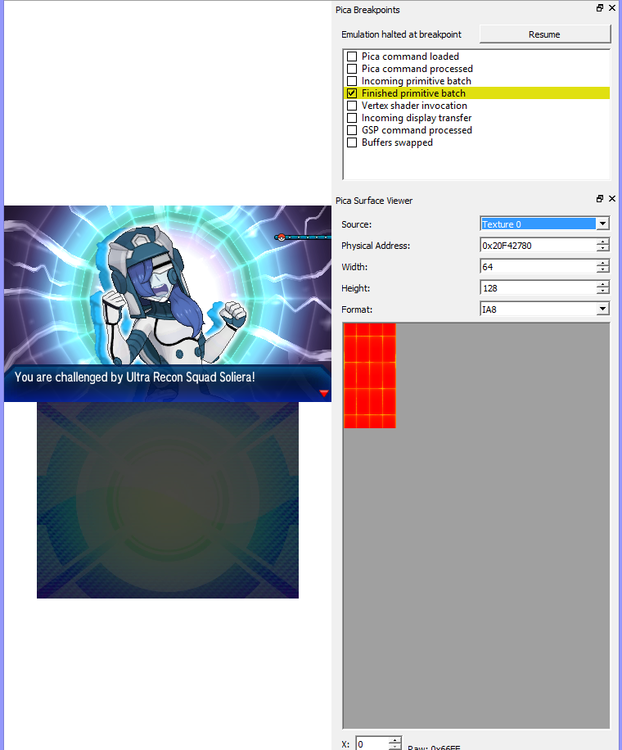
On Citra! 1. View > Debugging > Pica Breakpoints 2. View > Debugging > Create Pica Surface Viewer 3. Play the game until the point you want to grab relevant textures/images 4. Under Pica Breakpoints window (visible in screenshots), check on either Incoming Primitive Batch or Finished Primitive Batch. [This will pause the game] 5. Clicking on Resume will advance the game, loading texture by texture. Changing the selection of the dropdown box Source under Pica Surface Viewer will change what is loaded in the Surface Viewer. From my experience, Color Buffer shows you the screen rendering, and Texture 0 is the main texture of the items loaded. For example:
 0 points