Leaderboard


.thumb.png.ea33e5c9ba734eca4b340acd985292e0.png)

Popular Content
Showing content with the highest reputation since 07/30/26 in Posts
-
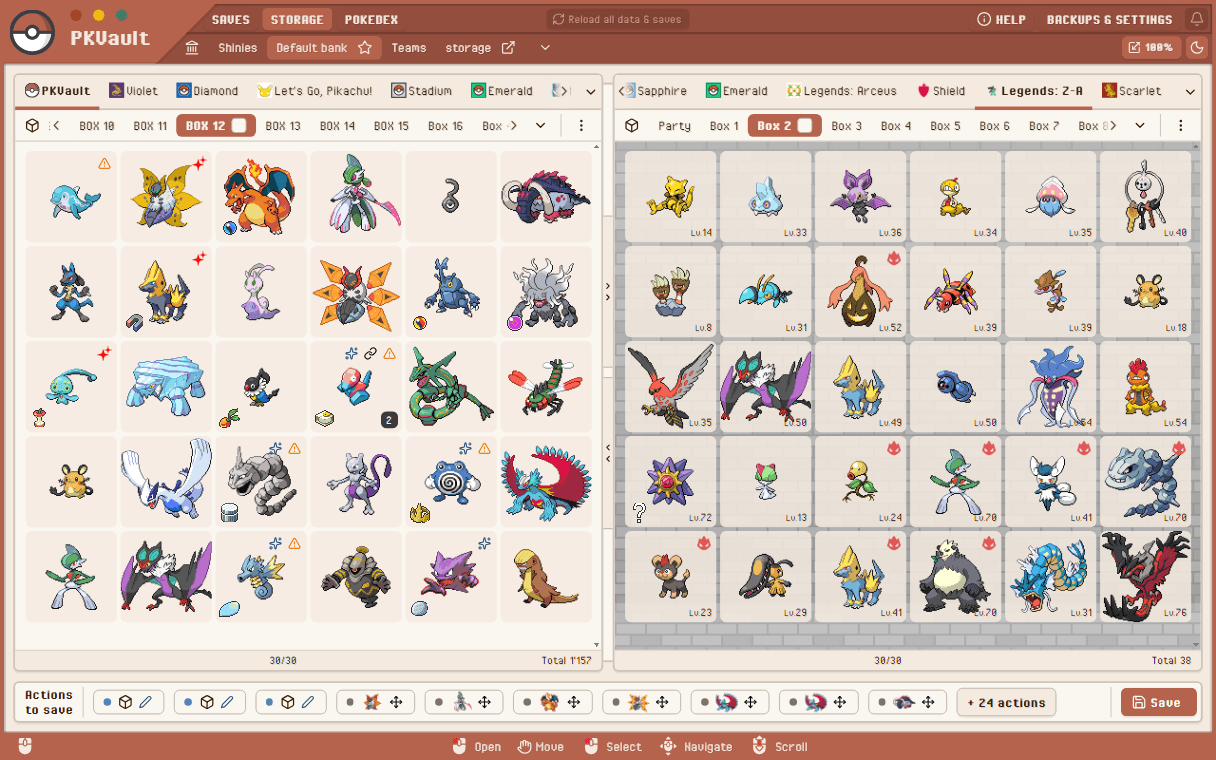
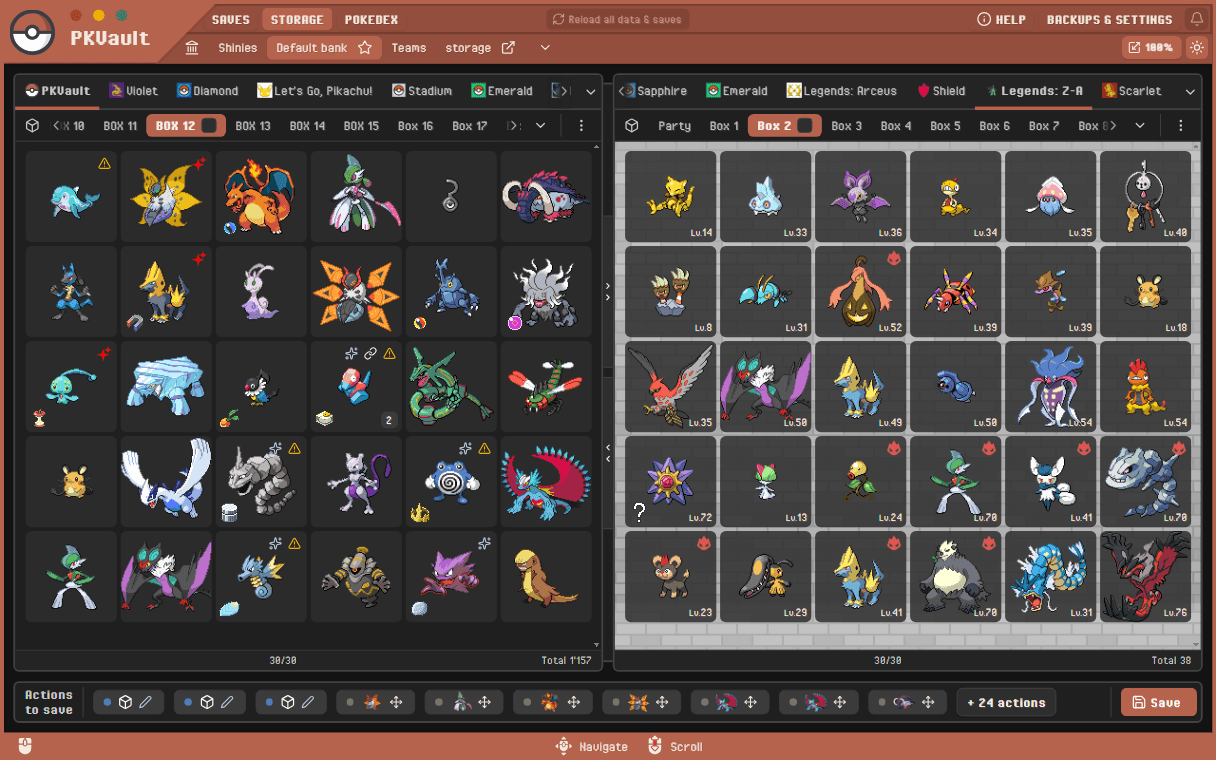
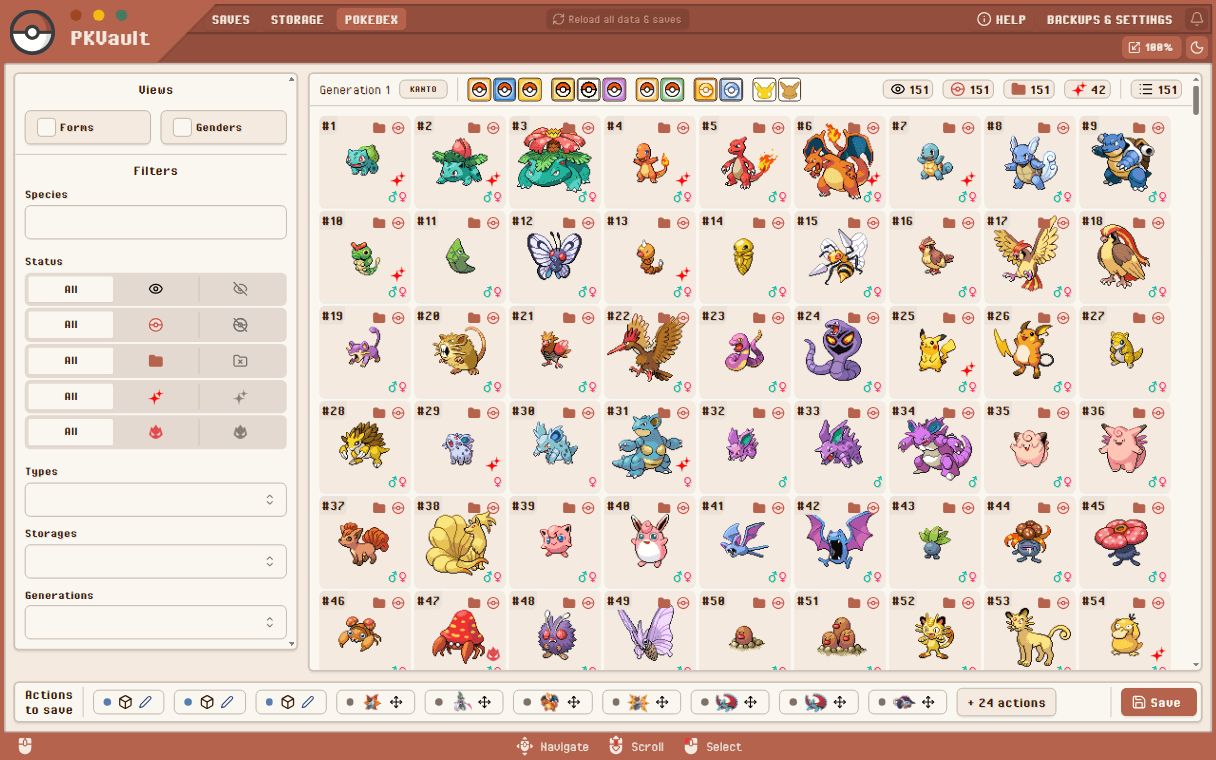
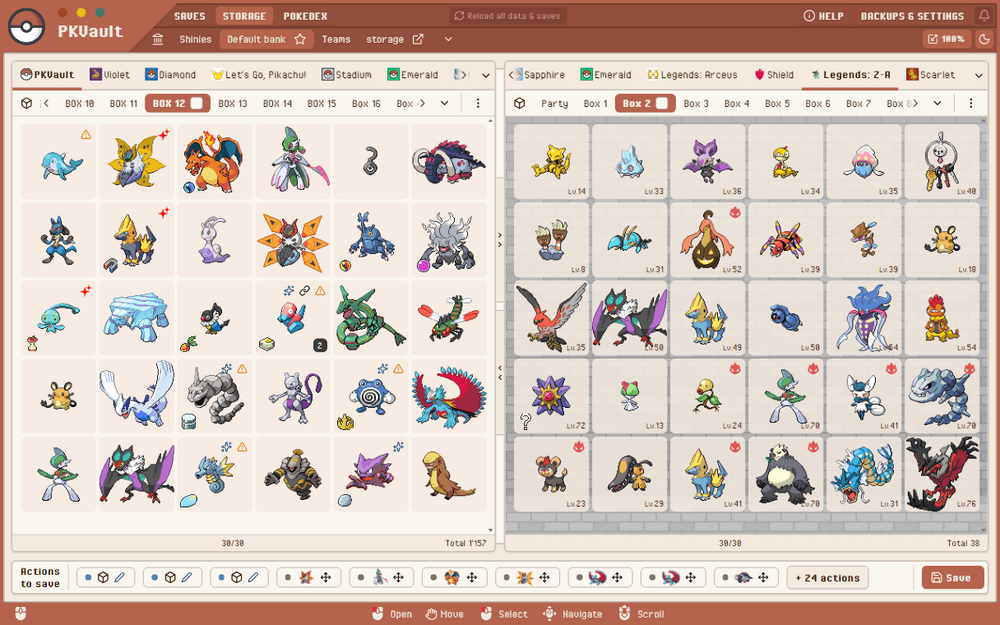
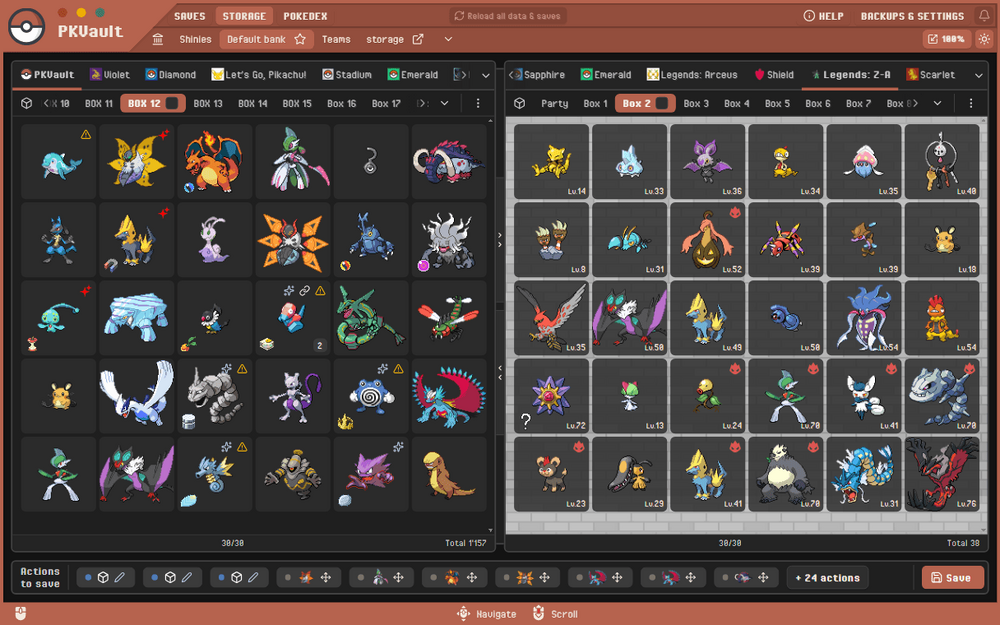
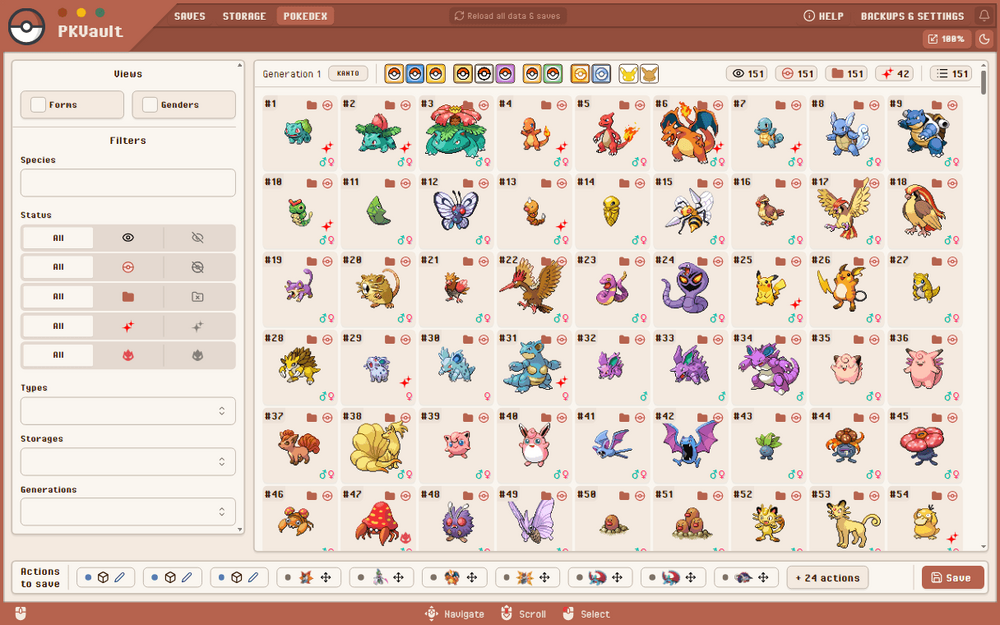
New major update: PKVault 2.0 is available ! Full redesign, better UI/UX, made for SteamDeck as for Desktop, Full support of gamepad & keyboard navigation. Add dark mode, & sprite resizing. A maximum of 2 storages can be opened side-by-side now. This constraint comes with a better ability to switch saves & boxes, and a global better usage. --- --- I put a lot of work in this update, I hope you'll like it. Please give your feedback, bug report or any issue ! Now that this major part is complete, here are most of next small steps for the short-term: Update PKHeX to 26.07.07 Fix small issues reported here & on GitHub Fix most of duplicate/ID-conflicts cases (common cases in gen5) Allow edit some settings even with actions to save Fill Pokédex details content (moves, evolves, locations, etc) Add some flags (N, Mega) Misc: Deploy PKVault in other stores (like Flathub) if possible Check if can be runnable on a modded Switch (small expectation) Check if can be runnable on Android Next relevant feature will probably be storage filters/sort & presets. @hexanomalous I don't have a discord, but there is the one of ProjectPokemon: https://discord.gg/66PzPgD
 1 point
 -
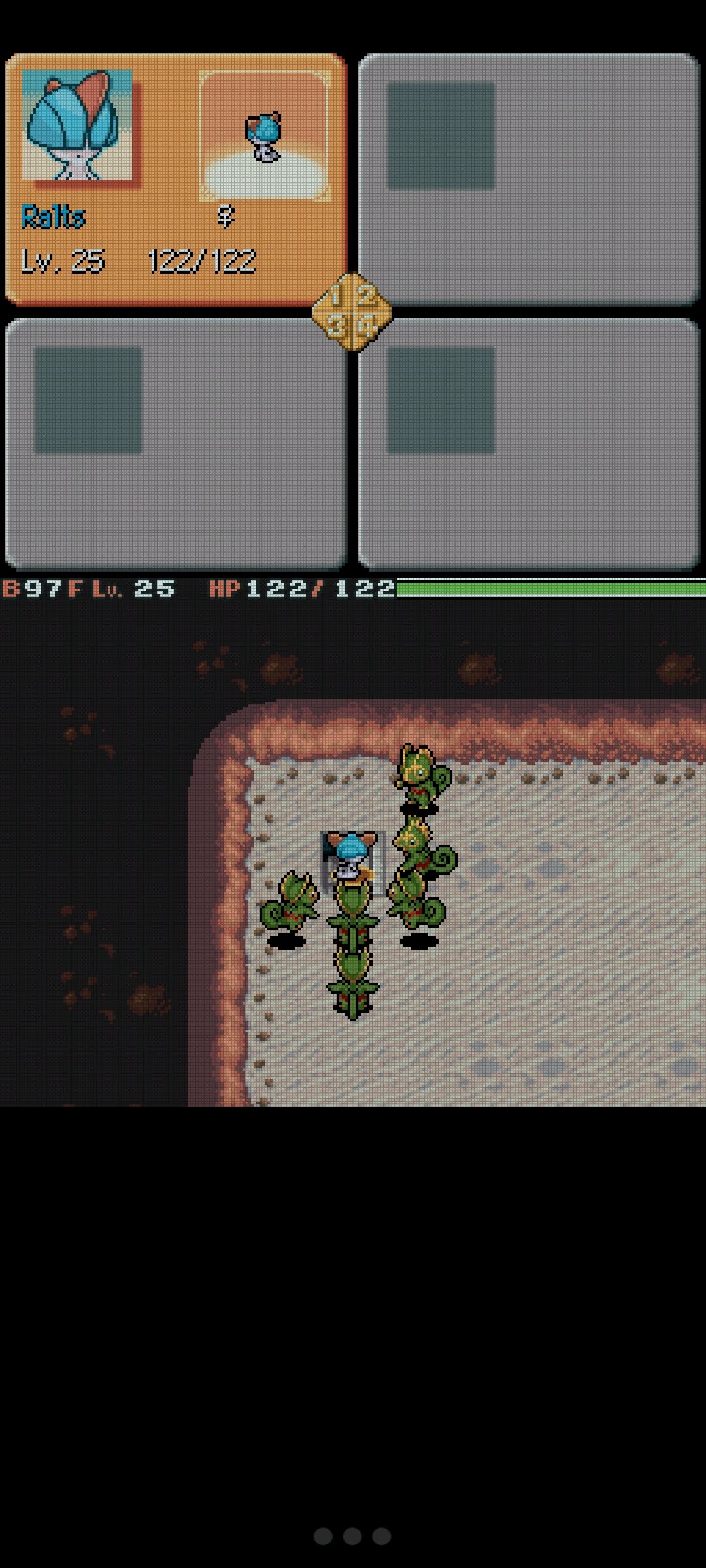
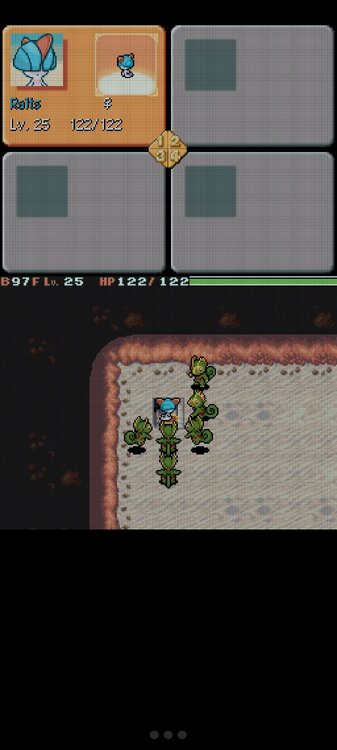
On of the funniest things I've done with the hack. If you're looking to complete Zero Isle South, Ralts is another solid contender. Especially because it learns a Fairy Type move in Disarming Voice thanks to the hack, and Double Team.
 1 point
 -
Behind the scenes we are starting to prepare for a major upgrade of the forum software. More details will be shared when they're available, but one change of note relates to how you sign into your account. Currently, everyone signs in with their username and password. However, the next version requires everyone to sign in with their email and password. To limit the number of changes happening at once, we will switch to email + password sign in on September 1st. If you do not remember your email address, please make note of it in your Account Settings page. If you have any questions, please feel free to reply to this post, send me a DM, or use the Contact Us form at the bottom of the page. I would like to thank those who help us out with server costs on Patreon. However, for several months this income has not met our server costs, so unfortunately we have to bring back ads to help pay for hosting. The specifics will be fine tuned over the next few days/weeks, but anyone who's an active patron will be exempt no matter what. If you are a patron and see ads while signed in, please send me a DM either on this site, on Patreon, or with the Contact Us form at the bottom of the page. View full article1 point
-
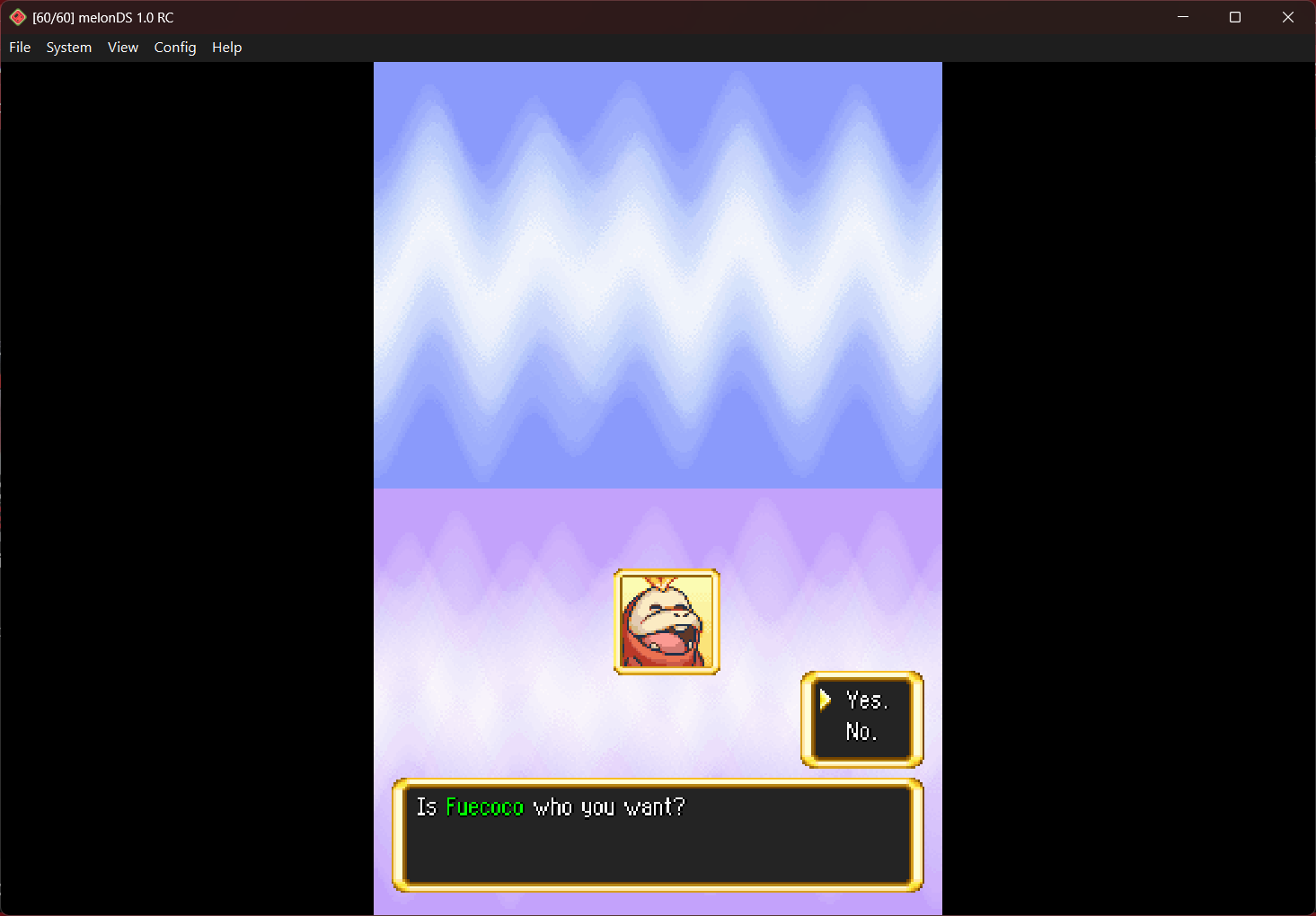
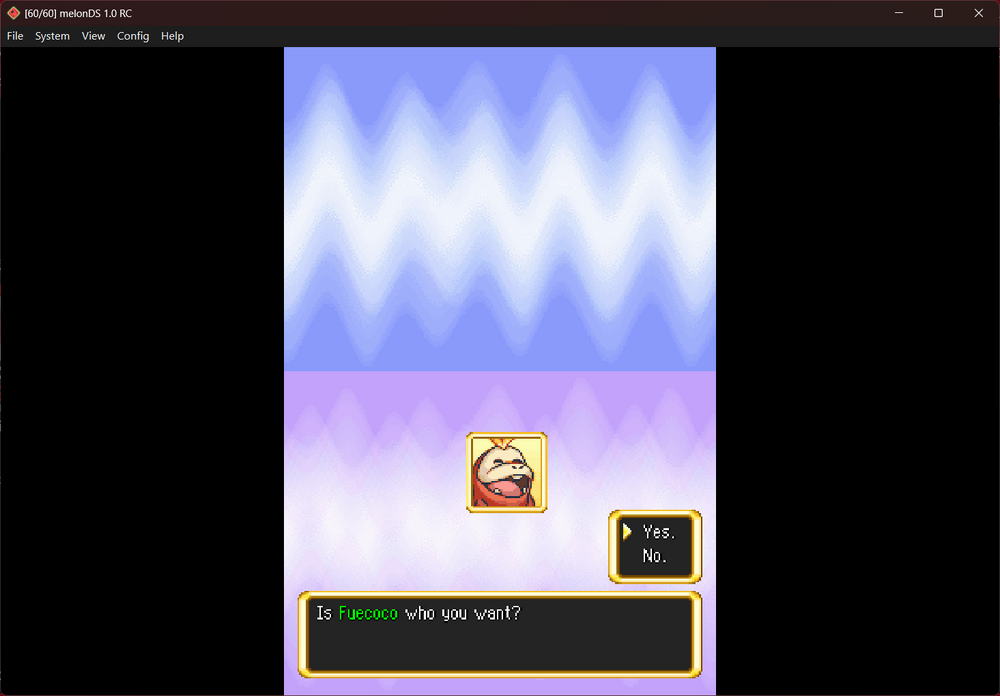
Yes my boi Fuecoco is in here I also checked my Fuecoco's ability, and it even has its hidden ability Unaware
 1 point
 -
Hi everyone, I'm working on a big 2.0 update with a complete app redesign, this is why there is currently no updates. It should come quite soon. @AnHeroGold @zavage00 @axeil thanks for your suggestions/bug report, I'll check that after 2.0 release. @Enan I'm still working on core features, I prefer to finish them before thinking of a plugin system. That said I agree that plugins should be allowed, also because I won't work on this app forever.1 point