Leaderboard



Popular Content
Showing content with the highest reputation on 03/01/25 in all areas
-
Version 26.7.8+43
104387 downloads
An experimental build of PKHeX meant for testing changes since the last stable release, and is not intended for general consumption. This may make certain features inoperable or corrupt your save file. Make backups of your saves before using. Use at your own risk. Looking for where to download PKHeX? Click here!1 point -
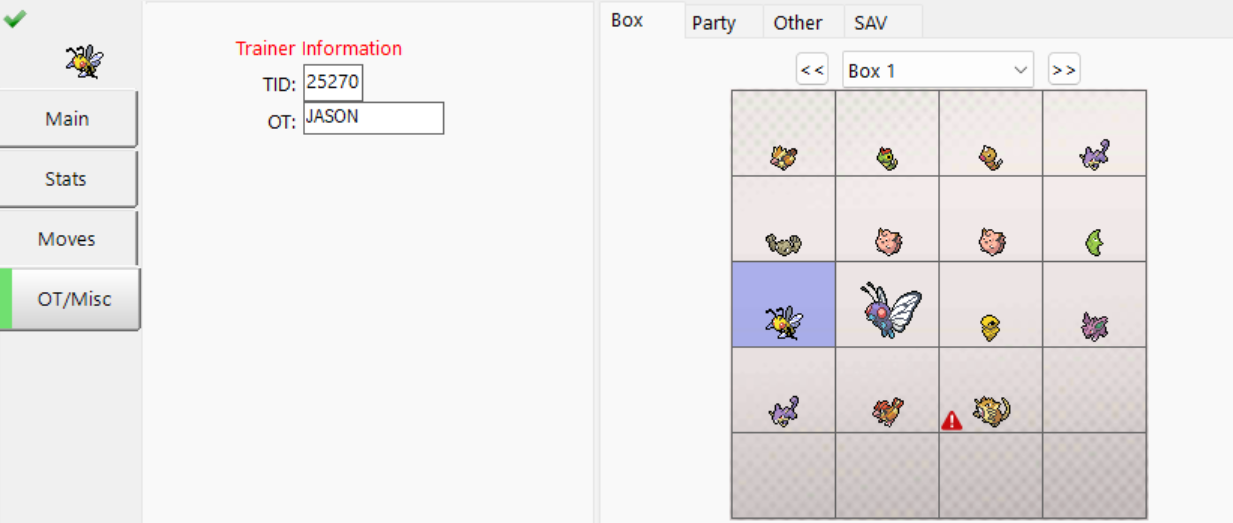
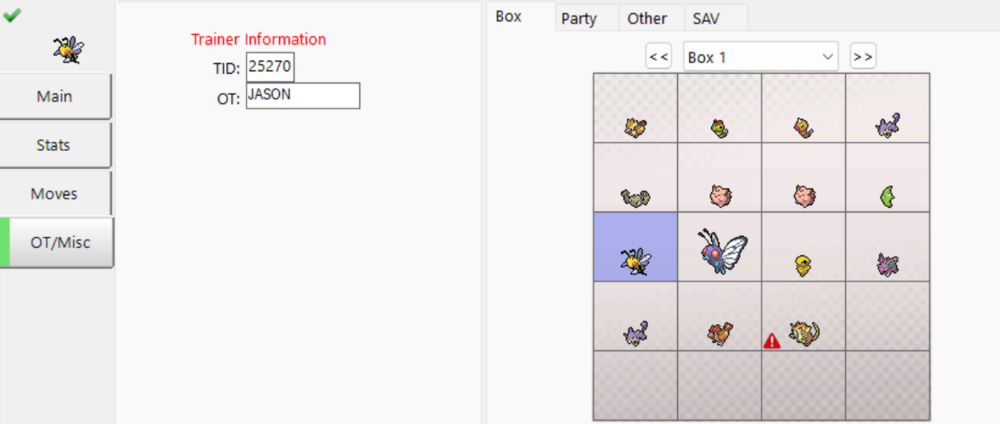
I trimmed the file size and forced it to load in PKHeX (bypassing integrity checks via a debugger) and it fails to load the majority of your data, indicating heavy corruption. Party data and trainer stats gone, only really can see a couple boxes without corruption. Nothing really for "useful" mons. There's box with a corrupted Seadra, Seaking, Exeggutor, Weezing, but the only thing that remains is their names.
 1 point
 -
Thanks to @dtingley11222 being kind enough to help me in DMs, I figured I should share his explanation here too. Worked for me first try without any headaches on my M1 Pro: The Cherry On Top What I chose to do, and what I think others might be interested in too, is an app icon that runs this command for you. Using Apple Shortcuts this can be done very easily, and it will even show in Spotlight search. 1) Grab my PKHeX shortcut that leverages a custom launch command: (https://www.icloud.com/shortcuts/2de8268a0547420c86e2c51ca5bea82b) and add it to your library. Follow the setup instructions to add your file paths. File paths can be easily grabbed by right clicking the app/exe, holding the Option key, and choosing "Copy ___ as Pathname". 2) Once added to your Shortcuts library, right click and choose "Add to Dock". Optional, change the icon: 3) Remove it from your dock then locate it in your User > Applications folder. 4) Right click and select "Get Info". You can now drag any image onto the icon at the top left of the window to replace it. 5) Done! You can now run PKHeX on your M-Series Mac by running this "app". The icon can be moved anywhere, or even put back into your dock. Hope someone finds this useful!1 point
-
here 0158 - Totodile - 50E367C63C59.pk9 0386 - Deoxys - 702C6FC95981.pk9 0386 - Deoxys - F7D91A3045AE.pk9 0386 - 테오키스 - D8CF562C2C00.pk9 0387 - TORTUGIN - B1B1C7EC7EC3.pk9 0492 - シェイミ - 87A91480C7BA.pk9 0648 - Meloetta - 5257C9AAC940.pk9 0720 - Hoopa - 0D97D05D40C8.pk9 0720 - Hoopa - 222DC7269CEF.pk9 0720 - Hoopa - C2A1189D05AA.pk9 0720 - フーパ - D1AE6C4D7D78.pk9 0720 - 후파 - 928BE671CF4A.pk9 0720 - 胡帕 - 4839C827C6F4.pk9 0720 - 胡帕 - D97334789691.pk91 point