


SkyLink98
-
Posts
1293 -
Joined
-
Last visited
-
Days Won
93
Content Type
Profiles
Pokédex
Portal
Technical Documentation
Pages
Tutorials
Forums
Events
Downloads
Gallery
Blogs
Everything posted by SkyLink98
-
4140 downloads
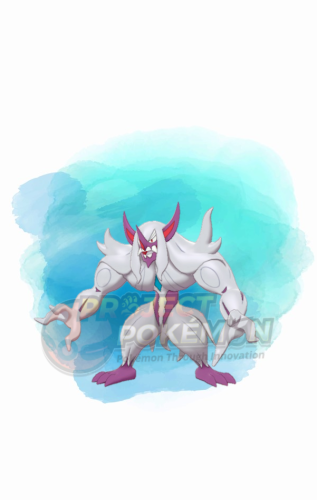
This Pokémon was distributed to players via the serial code THA12022CHAMP, announced on the official Worlds 2023 Pika Fiesta! Campaign Website to celebrate the Pokémon World Championships 2023. This Grimmsnarl is based on the Pokémon used by Chaiyawat Traiwichcha in the 2022 Thailand Championships. Wonder Card ID #0024: Nontaro’s Grimmsnarl Gift Species Grimmsnarl TID 230728 Distribution Serial Code Location a lovely place Dates July 26 to Aug 19, 2023 PID (xor0 forced) AD492802 (Shiny) Games Scarlet Violet Nature Calm Ability Prankster (1) Item Light Clay Tera: IVs EVs HP 31 252 ATK 0 0 DEF 31 212 SPA 31 4 SPD 31 36 SPE 31 4 Lv. 50 Moves (ITALIC means Relearnable) Thunder Wave Spirit Break Reflect Light Screen Battle Champion Ribbon Lang Slot Mon's Lang Nickname OT Name OT's Lang JPN (lang' tag default) Nontaro JPN ENG (lang' tag default) Nontaro ENG FRE (lang' tag default) Nontaro FRE ITA (lang' tag default) Nontaro ITA GER (lang' tag default) Nontaro GER SPA (lang' tag default) Nontaro SPA KOR (lang' tag default) Nontaro KOR CHS (lang' tag default) Nontaro CHS CHT (lang' tag default) Nontaro CHT Only One Redemption Allowed Format Ver.3.0.1-5, Post Updated Date:20230727_1057 What can be done with these files PKM creation with PKHeX (drag & drop the wondercard file in the spot where you want the Pokémon) In-Game Mystery Gift redemption with Switch Gift Data Manager -
628 downloads
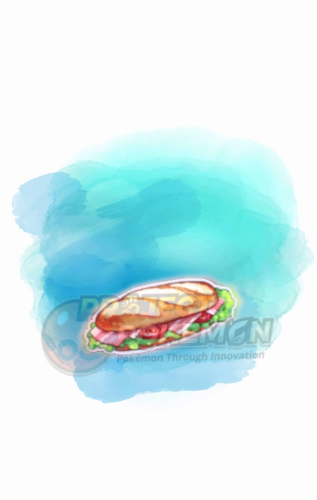
This gift was made available from Pokémon Centers in Japan to celebrate the summer training activities in the stores. The serial code NATSUN0T0KKUN was publicly distributed in the Pokémon Battle Beginner's Manual. #0029: Sandwich Ingredients Gift Banana x5 Peanut Butter x5 Butter x5 Red Poké Ball Pick x5 Serial Code | SV | Only One Allowed | July 26 to Sept 30, 2023 Format Ver.3.0.1-5, Post Updated Date:20230727_1029 What can be done with these files In-Game Mystery Gift redemption with Switch Gift Data Manager -
3609 downloads
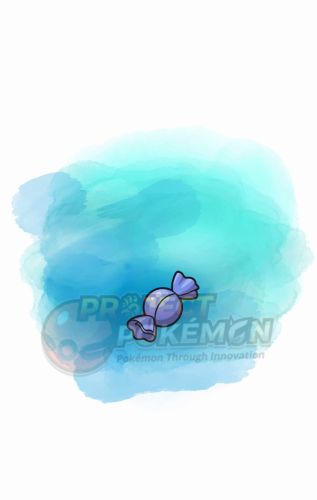
Players could go to Pokémon Centers in Japan to participate in a variety of activities. Participating players could receive a gift code to redeem one of the following item sets: What can be done with these files In-Game Mystery Gift redemption with Switch Gift Data Manager -
 What. Who's Chriss. This Plugin doesn't have an official Wiki other than this thread. EDIT: Ah, I guess you meant this post:
 -
How did you test your Sysbot-base installation? Make sure you used the correct IP Address, and that your joycon Home Button glows blue when the console boots up. That's a sign Sysbot-base is running correctly. This does mean nothing. Again, how did you test the connection? If you don't make an actual use of the Sysbot-base sysmodule you can't be sure your installation works. The pc can reach the console IP even with no Sysbot-base installation. You may also want to try other programs that make use of Sysbot-base, to see if it's a problem only with this plugin or with your Sysbot-base setup. Some of the programs you can try are LiveHeX, Tera Finder, SysBot.NET etc.
-
4242 downloads
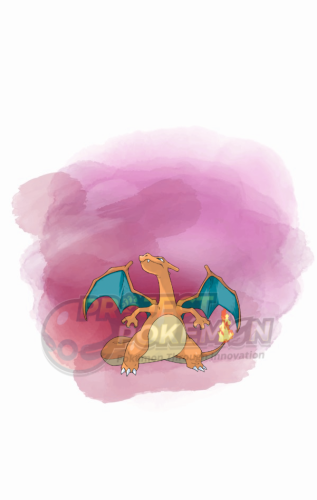
This gift was given to players through the serial code DARKTERA0006, revealed by the Pokémon TCG TC Taiwanese YouTube Channel, to promote the Ruler of the Black Flame TCG expansion. Wonder Card ID #1522: Dark Tera Type Charizard Gift Species Charizard TID (recipient) Distribution Serial Code Location a lovely place Dates July 21 to Sept 1, 2023 PID Cannot Be Shiny Games Scarlet Violet Nature Adamant Ability Blaze (1) Item None Tera: IVs EVs HP 20 ALL 0 ATK 31 DEF 20 SPA 20 SPD 20 SPE 31 Lv. 50 Moves (ITALIC means Relearnable) Crunch Flare Blitz Acrobatics Belly Drum Classic Ribbon Lang Slot Mon's Lang Nickname OT Name OT's Lang JPN (lang' tag default) (recipient) JPN ENG (lang' tag default) (recipient) ENG FRE (lang' tag default) (recipient) FRE ITA (lang' tag default) (recipient) ITA GER (lang' tag default) (recipient) GER SPA (lang' tag default) (recipient) SPA KOR (lang' tag default) (recipient) KOR CHS (lang' tag default) (recipient) CHS CHT (lang' tag default) (recipient) CHT Only One Redemption Allowed Format Ver.3.0.1-5, Post Updated Date:20230721_2109 What can be done with these files PKM creation with PKHeX (drag & drop the wondercard file in the spot where you want the Pokémon) In-Game Mystery Gift redemption with Switch Gift Data Manager -
Explained on point 7 on the guide
-
So I recently caught a Shiny Mew, Ho-Oh and Lugia in my Physical copy of Pokemon Emerald, and PKHEX can't load it because it says my save is corrupted. Pokemon Box Ruby and Sapphire also says it's corrupted. But the Save loads and Saves just fine on my GB
SkyLink98 replied to ReyNolds8353's topic in Saves - Editing Help
It load fine for me on latest PKHeX commit. -
4584 downloads
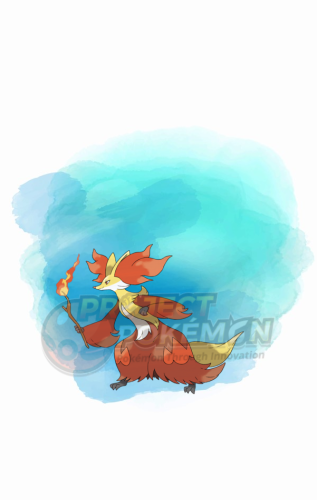
Event description This is an event raid held by Scarlet and Violet. Notably, with this event you get a chance to encounter Tera raids featuring a level 100 (Shiny locked) Delphox with the Fairy Tera type. This event ran from July 7 to 10. 2023, and from July 14 to 16, 2023. How to encounter Mighty raid in-game For 7-Stars Raids to be findable by players, they must first have unlocked 6-Stars Raids through story progression. This requires completing the entire game story and the post game until the academy tournament. Players must then complete 10 4-stars or 5-stars raids. Only after all these steps have been performed, the player will receive a call from Jacq, which he will proceed to tell you about dangerous black crystal raids. What can be done with these files The files to be imported into your save file are placed in the Files directory. We also provide human-readable data in Json format, and an Identifier.txt file containing the event index. Use our tutorial to import these files into your save. After importing you might need to advance one day in the Date/Time from your console System Settings, to reroll the dens. To see other Poké Portal Events, here. -

570 downloads
This gift has been available for players through the After School Pokémon Research video series with the code TERATYPECHANGE. #0027: Fighting Tera Shards Gift Fighting Tera Shard x50 Serial Code | SV | Only One Allowed | July 6 to Aug 1, 2023 Format Ver.3.0.1-5, Post Updated Date:20230707_0126 What can be done with these files In-Game Mystery Gift redemption with Switch Gift Data Manager -
1) On home you would have glitchy informations such as the ones you mentioned. 2) Yes. For mons that originates in non-Switch games, always gen them in Gen 6 or 7, than transfer through Bank -> HOME. For Switch games, always gen them in their correct game of origin and place them in Home from there. Go mons are better to not be generated at all, but if you have to, the best place would be Sword / Shield, since Go origin mons defaults to SwSh substructure data.
-
3874 downloads
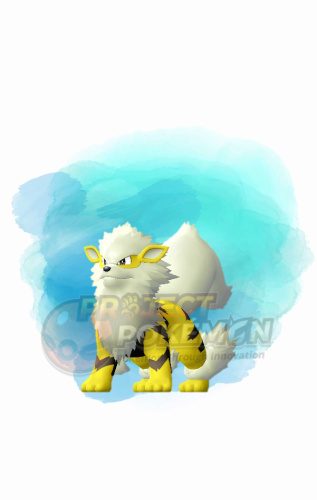
This Pokémon was distributed to players via the serial code PAULEU1CW1N, announced during the 2023 North American Video Game Championships live stream. This Arcanine is based on the Pokémon used by Paul Chua in the 2023 European Video Game Championships. Wonder Card ID #0504: Paul’s Arcanine Gift Species Arcanine TID 230630 Distribution Serial Code Location a Battle Competition Dates June 30 to July 4, 2023 PID (xor1 forced) ACE62802 (Shiny) Games Scarlet Violet Nature Adamant Ability Intimidate (1) Item Safety Goggles Tera: IVs EVs HP 31 236 ATK 31 76 DEF 31 116 SPA 8 6 SPD 31 16 SPE 31 56 Lv. 50 Moves (ITALIC means Relearnable) Flare Blitz Will-O-Wisp Protect Extreme Speed Battle Champion Ribbon Lang Slot Mon's Lang Nickname OT Name OT's Lang JPN (lang' tag default) Paul ENG ENG (lang' tag default) Paul ENG FRE (lang' tag default) Paul ENG ITA (lang' tag default) Paul ENG GER (lang' tag default) Paul ENG SPA (lang' tag default) Paul ENG KOR (lang' tag default) Paul ENG CHS (lang' tag default) Paul ENG CHT (lang' tag default) Paul ENG Only One Redemption Allowed Format Ver.3.0.1-5, Post Updated Date:20230630_1554 What can be done with these files PKM creation with PKHeX (drag & drop the wondercard file in the spot where you want the Pokémon) In-Game Mystery Gift redemption with Switch Gift Data Manager -
Either you edit the Wonder record block with an Hex Editor (blocks are currently undocumented afaik, so that would be entirely up to you), or you use switch-time to spoof an internet time when you receive the wondercard (as explained in the FAQ point 8)
-
Welcome
-
9541 downloads
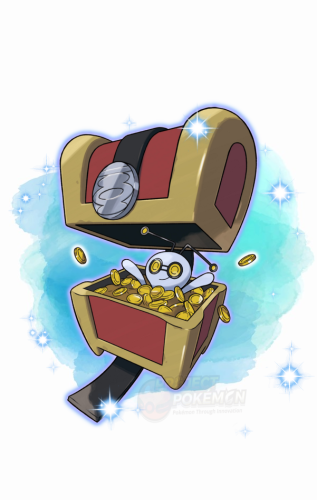
Event description This is an event raid held by Scarlet and Violet. Notably, with this event you get a chance to encounter Tera raids featuring a level 12-75 Gimmighoul. 5-Star raids give players a chance to find a Shiny Gimmighoul. This event started on June 21, 2023 at 3.00 PM UTC, and is planned to end on July 2, 2023. During the first round of this event, the files pushed to the Pokémon Scarlet servers were corrupted, containing Null rewards. Pokémon Violet was unaffected from this bug. The bug was fixed about 2 hours and half later (around at 5.30 PM UTC), with new files on the Pokémon Scarlet servers. What can be done with these files The files to be imported into your save file are placed in the Files directory. We also provide human-readable data in Json format, and an Identifier.txt file containing the event index. Use our tutorial to import these files into your save. After importing you might need to advance one day in the Date/Time from your console System Settings, to reroll the dens. To see other Poké Portal Events, here. -
749 downloads
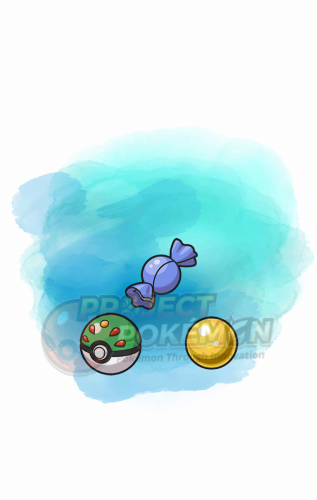
This gift was made available to players via the serial code TREASUREHUNT, announced through the 23.06.21 Nintendo Direct Livestream. #1520: Item Set Gift Friend Ball x1 Rare Candy x10 Nugget x10 Serial Code | SV | Only One Allowed | June 21 to July 31, 2023 Format Ver.3.0.1-5, Post Updated Date:20230621_2235 What can be done with these files In-Game Mystery Gift redemption with Switch Gift Data Manager -
Questions on EmuNAND PLA Save and OG Violet Pokemon Home
SkyLink98 replied to Shiiouri's topic in Saves - Editing Help
No one ever reported bans for transfering Save files from EmuNand to SysNand. -
Questions on EmuNAND PLA Save and OG Violet Pokemon Home
SkyLink98 replied to Shiiouri's topic in Saves - Editing Help
Pokémon HOME requires an Internet connection. Every time you need to connect your console to internet you want to be on SysNand. SysNand and EmuNand are completely different partitions. SysNand can not read EmuNand save files. Hence, Pokémon HOME can not read EmuNand save files. If you transfer a save file from EmuNand to SysNand (using JKSV or some other save managers), the save file will be then a SysNand save file, and Pokémon HOME can read that save file. -
Questions on EmuNAND PLA Save and OG Violet Pokemon Home
SkyLink98 replied to Shiiouri's topic in Saves - Editing Help
You can safely restore a save file from EmuNand to SysNand, until it's you own save file. -
From the release changelog: Please be patient.
-
1364 downloads
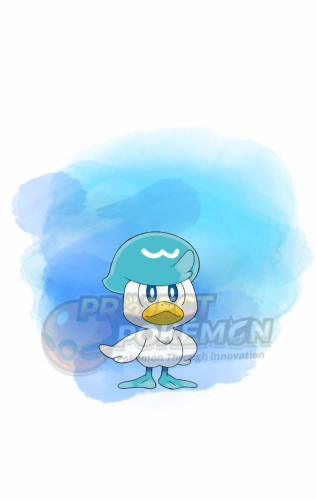
This gift was given to players who linked their Pokémon Scarlet or Pokémon Violet Save File with Pokémon Home by depositing one or more Pokémon. -
1160 downloads
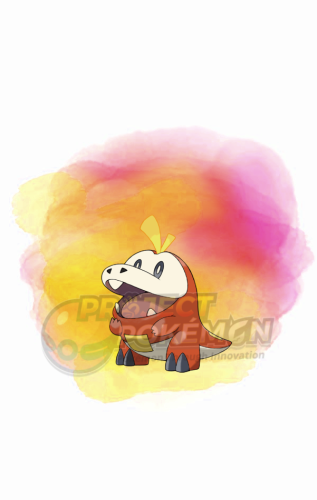
This gift was given to players who linked their Pokémon Scarlet or Pokémon Violet Save File with Pokémon Home by depositing one or more Pokémon. -
1316 downloads
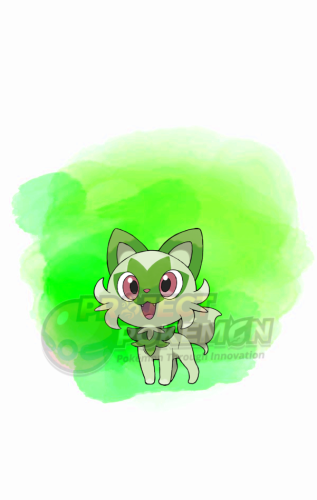
This gift was given to players who linked their Pokémon Scarlet or Pokémon Violet Save File with Pokémon Home by depositing one or more Pokémon. -
2039 downloads
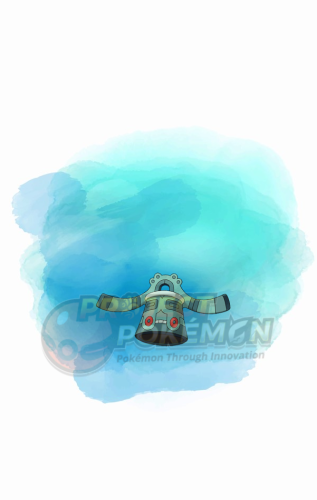
This gift was given to players through the serial code 22SEN10RCHAMP, announced during the 2023 Pokémon Japan Championships. This Bronzong is based on the Pokémon used by Yasuharu Shimizu in the 2022 World Championships. Wonder Card ID #0028: そらみつ’s Bronzong Gift Species Bronzong TID 230610 Distribution Serial Code Location a Battle Competition Dates June 9 to 12, 2023 PID Cannot Be Shiny Games Scarlet Violet Nature Relaxed Ability Levitate (1) Item Leftovers Tera: IVs EVs HP 31 252 ATK 31 0 DEF 31 252 SPA 22 0 SPD 31 4 SPE 0 0 Lv. 50 Moves (ITALIC means Relearnable) Body Press Iron Defense Protect Trick Room Battle Champion Ribbon Lang Slot Mon's Lang Nickname OT Name OT's Lang JPN (default) そらみつ JPN ENG (default) そらみつ ENG FRE (default) そらみつ FRE ITA (default) そらみつ ITA GER (default) そらみつ GER SPA (default) そらみつ SPA KOR (default) そらみつ KOR CHS (default) そらみつ CHS CHT (default) そらみつ CHT Only One Redemption Allowed Format Ver.3.0.1-5, Post Updated Date:20230610_1144 What can be done with these files PKM creation with PKHeX (drag & drop the wondercard file in the spot where you want the Pokémon) In-Game Mystery Gift redemption with Switch Gift Data Manager -
The transfer logic/legality for old gens -> PK9 is still being researched, as stated in the latest PKHeX release changelog:

