



theSLAYER
-
Posts
22925 -
Joined
-
Last visited
-
Days Won
1009
Content Type
Profiles
Pokédex
Portal
Technical Documentation
Pages
Tutorials
Forums
Events
Downloads
Gallery
Blogs
File Comments posted by theSLAYER
-
-
7 hours ago, ObbyDent said:
I'm terribly sorry, but for the pk1/2/3/4 files in your pokemon go file, which game do I inject them into?
did you mean ph1/2/3/4?
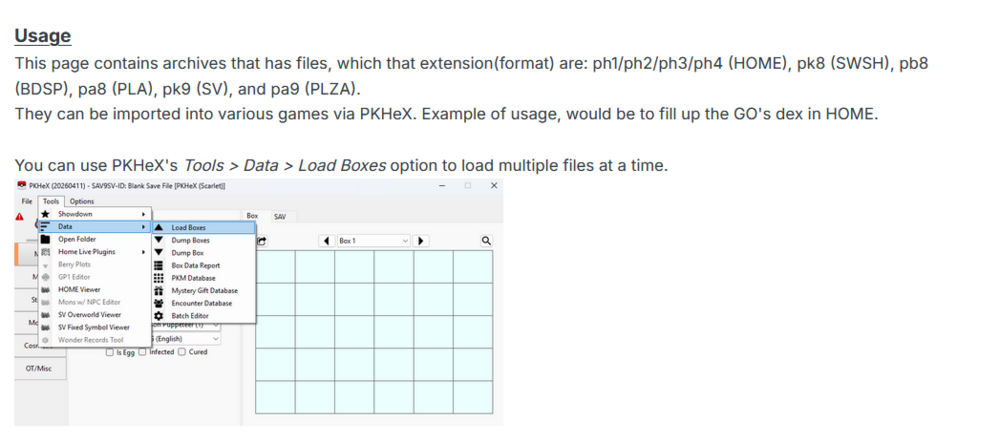
Only certain games have certain mons. When you use the "load boxes" option, Pokemon that don't exist in that game won't be loaded.
-
10 hours ago, Chubbs said:
Hi there, I was looking to download these files, but I can't download any of them on 3 separate devices. it only seems to be the origin files that i'm having an issue with
7 hours ago, flcettes said:having the same issue here
Looks like there’s something weird going on. I’ll reupload em all.
Edit: Made it a try and let me know.
-
10 hours ago, DemonRods said:
Yes, I’m using your PRE-HOME PCBin, but I remember there was one here on the forum—I’m not sure if it was yours—that had everything needed to complete the living dex. That was back during the Pokémon Sword and Shield era, and it had those event, rare, and similar boxes that I mentioned.
Yeah I don’t think I use those box names. In any case the file you’re referring to (for mine) is complete. The goal was to fill up the box for the National Dex ID with minimal events (they’re only there when necessary). The goal for these files isn’t to be a repository for events.
In the USUM scenario, there’s more PC slots than National Dex ID. Is there anything else you deem to be missing?
-
14 hours ago, DemonRods said:
I’m trying to get the pre-HOME living dex for a shiny, but it d oesn’t come complete—the event boxes (Box 29, Event, Event 2, and Rare Shiny) are coming empty.
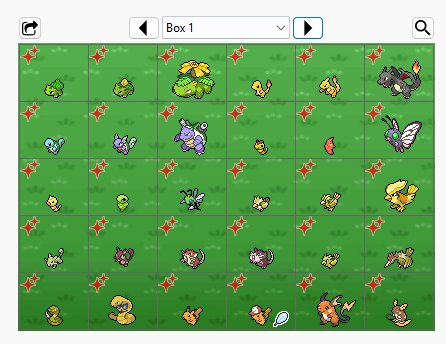
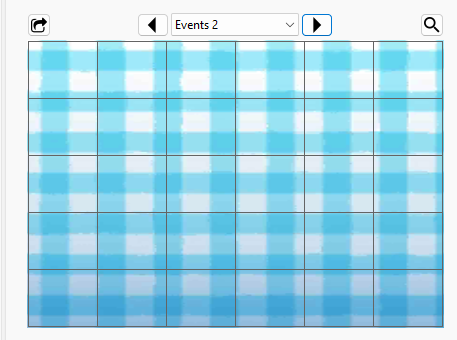
Looking at your picture, there's a shiny partner cap Pikachu. So you're supposedly looking at my USUM bin. I'll be using that moving for.
Just to be clear, you are using my pcdata.bin files as reference right, not a save file from me or something? IIRC pcdata.bin doesn't contain box names..
Those come from whatever file you're using as the base save. What they look like on my end.Spoiler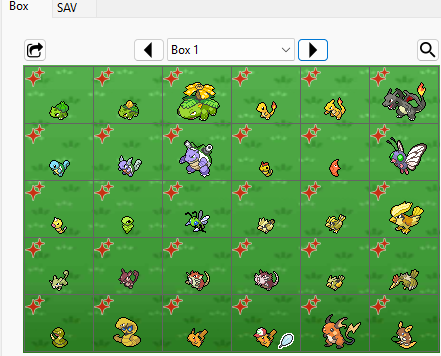
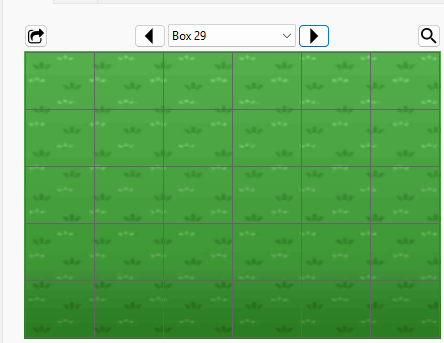
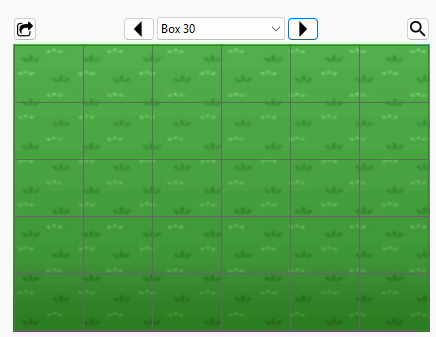
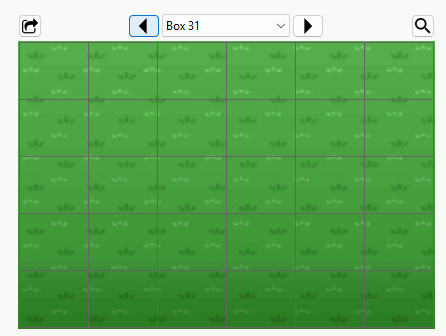
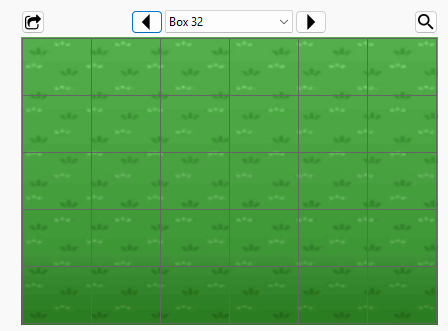
As you can see, boxes are not named Event, Event 2, and Rare Shiny
For the record, box 28 is the last filled box. I've got a non-shiny Zeraora as the last slot (it was the last available Pokemon in the dex for USUM, and a shiny variant was not released then.)
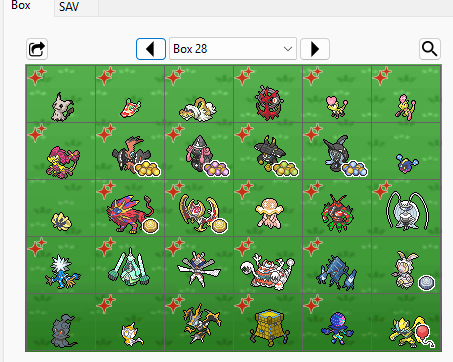
pcdata.bin is just a dump of all the slots in the pc, not every slot has to be filled.
So was your issue the box names suggesting there'll be stuff, or was it the presence of empty boxes? -
4 hours ago, Xw2X said:
Hello, new to PKhex here, after loading the save, would I transfer my pokemon straight from the game to HOME? Meaning I need to connect to the internet on a modded switch?
Yes, would need to go online with a modded Switch.
Using a modded Switch to go online currently isn't a problem (only a problem for pirates or those with any kind of sketchy installation etc)-
 1
1
-
-
 59 minutes ago, Mcdufisnotcool said:
How to use this?
Grab the save file (extract from console or cartridge or emulator)
load the save in PKHeX
insert the Mon into PKHeX
export the modified save from PKHeX
Inject the save back into the system (same options as first point) -
@jsecarlosr review section ain’t for questions, deleted.
to answer your question: IIRC PKHeX doesn’t validate against this event. Also make sure you aren’t adding these mons to a VC save (as VC RBYGSC cannot interact with PCNY, and there’s no legitimate way to transfer retail cart saves to VC Gen 1/2)
-
 21 hours ago, SheriffRules said:
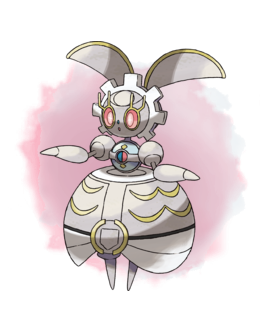
How can I find out the start and end dates of these Magearna events that were distributed in Pokémon Bank? It's worth noting that I can't find this information anywhere, and specifically i need the distribution dates in Korea , I would be very grateful to know.
These weren’t distributed in Bank.
you take the game, scan the QR code in-game, and an NPC gives it to you.
as long as a copy of the game exists, and the QR exists, there’s no end date.
-
 1
1
-
-
1 hour ago, marvinstrife said:
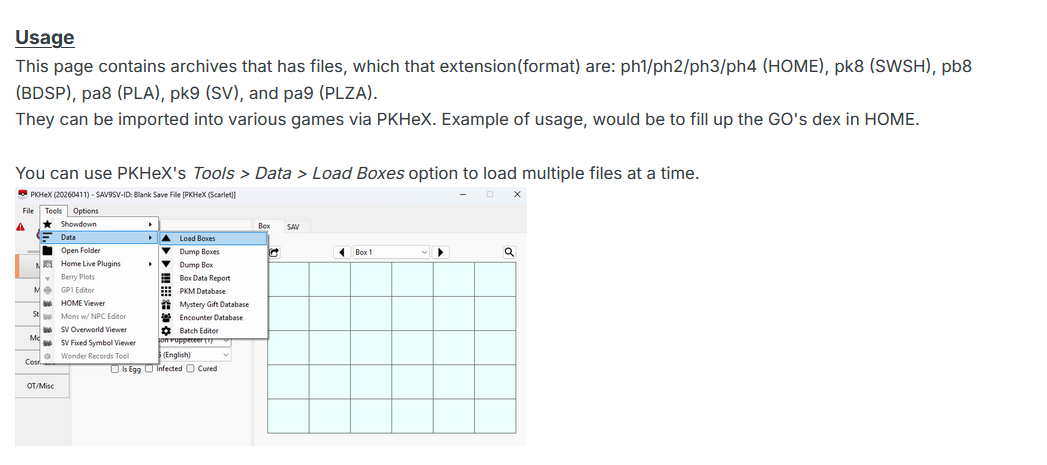
Hi @theSLAYER, i dont know if this has been asked before, regarding "Pokemon Go Transfers" (ph3) files, loading it to switch games and depositing it back to home fills up the Pokemon Go dex right?
It will. Part of the point of doing it

-
1
-
-
On 12/29/2025 at 11:31 PM, hachimimu said:
Hello, I recently started using Pkhex.
I know this is a basic question, but
does that mean you can't change the OT name for Gen 8 and later Pokémon because you're not allowed to modify their immutable values?
I apologize if the writing is awkward, as I'm using DeepL to translate Japanese.
You shouldn't change the OT cause the data was saved to HOME servers.
-

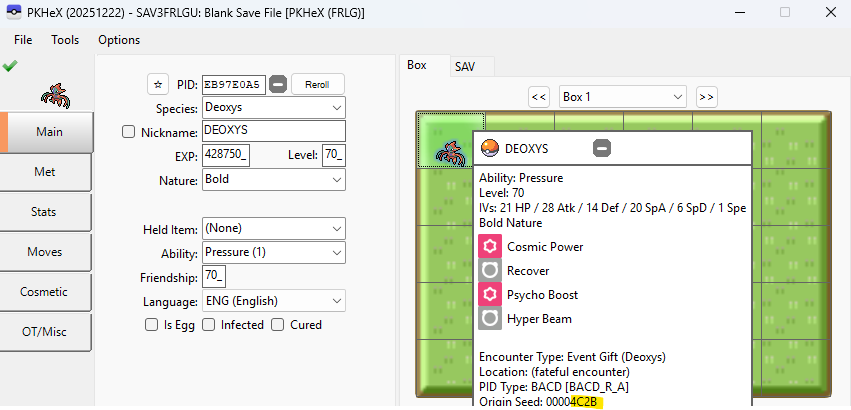
The seed used by the game/distro to generate stats for the mon.
-
25 minutes ago, Taiy said:
I dug through threads here on Project Pokémon , found a lot of your personal comments. Essentially compiled those and went that route. A lot of the misinformation steams from Reddit / other sites.
Glad to report, as of right now, there is no issue, and I achieved what I wanted for the time being in PLA. Next, I'll do PZA and then the main lines.Well given how sometimes from a user’s POV, they got “banned for doing nothing”, I can see how fear mongering can spread.
There’s a multitude of reasons a person could get banned, and being human, we don’t see what we don’t see. And then there’s personal bias which can create a blind spot when it comes to our own actions; we’ll likely to blame something else, as opposed to assigning blame on our past actions.
Unfair generalisations (on my part) aside, always be safe, and keep in mind whatever happens, is at your own risk.
-
2 hours ago, Taiy said:
Huge fan of the provided content. However, I am stuck and cannot find reasonable answers regarding Backing up my save, importing the PKMDEX, restoring the save, and moving the save to home or another console>home. Every thread just says, "you'll be banned for backing up / restoring saves." Can anyone provide direction?
For example, I have Z-A on Switch 2. I can transfer the save to my Switch 1 v1 console. I can perform CFW to back up, edit, then restore the save. However, transferring the save back or using Home requires online connection and that is said to flag and ban. There must be a crucial step being missed, and the internet threads are just flooded with bad information.
Essentially, I'd use this to fill in some missing (traded) mons or items (like Greninjite).I don’t think every thread says that. I’ve said in multiple thread that I use CFW (including backing up and restoring saves) and able to go online with my CFW Sysnand.
the idea is to not have anything fishy that will get you banned, like cheating on online multiplayer, piracy, custom themes etc.
-
5 hours ago, Ziox10 said:
Does anybody known how do i use the ph3 files from pokemon go dex ? can put them in pkhex gives me an error
Drag a ph3 into the left side of PKHeX. May need to have this plugin:
if that’s what you’re doing, can you specify what “error”?
-
22 minutes ago, Nayumi246 said:
How about OT and TID?
TID ain't mutable so I'll advise against trying
-
1 hour ago, ARIOJ said:
Hello everyone, does someone has a files of shiny meloetta please ?
Try importing this
drag to the left side of PKHeX -

Some information here:
http://pokeaogtytnsy.blog70.fc2.com/blog-entry-1070.html -
3 hours ago, AnonAnon said:
Maybe I'm misunderstanding something. I just downloaded the "PCNYc" zip from the OP and drag/dropped pk2 file into PKHex.
Should the met location actually be New York City or something?If you look at the top of the window, it says you’re on blank save for USUM (generation 7)

I don’t remember what the location should be (probably Event), but that correct event location only shows when the mons are in the original generation; you got Johto cause PKHeX simulated the transfer process and that’s the location it would have gotten (the location gets overwritten naturally during the transfer process)To see the correct location; you gotta load up a Gen 2 save (or change your default blank save to Gen 2, in options for PKHeX)
-
3 hours ago, AnonAnon said:
Out of curiosity, what is the met location of these pokemon supposed to be?
I saw some other post say they had an event location as where they were met.
But just opening the files in PKHex shows a met location of Johto.Are you opening the PK2s/PK3s in the default save?
it sounds like you’re opening the PK2s in Scarlet/Violet.
-
16 hours ago, riolu87 said:
Is it possible that it is not yet possible to transfer these Pokemon to HOME?
GO transfer restrictions.
-
5 hours ago, Blood-PawWerewolf said:
ah. ok. that's understandable.
and no, i wasn't talking about piracy at all. i was only talking about preservation of the memory card itself and not the Pokemon inside of it. plus i didn't know about Dolphin not having NR reader features. plus, it's all good! this answers the questions that i was wanting to know.Just to make sure I'm not misquoting or misremembering, I went through the videos, and found the information stating that the NR reader and Writer (the other device I was talking about) being needed is at this timestamp and can be read on screen.
This is the timestamp for the other video with the portion describing what happens when they tried to emulate the program on a non-NR GameCube and a Wii, and also what happens without the reader, and eventually him dumping a regular GBA bios (the confusing part).
Yes, I do hope the memory cart surfaces. Hope these timestamps can better provide the answers you need
-
1
-
-
9 hours ago, Blood-PawWerewolf said:
some people like to use real hardware or use emulation to recreate experiences. having the memory cards would make the distribution ISOs function (since it requires the Slot B memory cards).. plus preservation of the memory cards would be great for everyone (knowing that a group of hoarders won't release theirs. 5 years of nothing is telling).
I had a feeling your question was related to that.
I hope you don’t take this the wrong way, but I would like to correct the misconception that having the memory card is enough: (1) one will need an NR reader device to be able to do so [and I’ve last heard that emulators weren’t willing to add NR functionality due to litigation risk], and (2) IIRC there’s an extra piece of hardware that is needed for the game to fully load, and it remains a mystery; I recall it being confusing when the dump of the data showed it contained nothing more but a regular GBA BIOS (as seen on Hard4Games’ video)Therefore, ignoring the fact that the memory card dumps aren’t public (would be interesting to preserve if they were, and I’m all for them being public), while it is true that data is needed, having it alone isn’t enough.
Also, I sincerely hoping you weren’t actually talking about piracy, cause else

And lastly, the user left the community and quit Pokemon. It’s unlikely you’ll get a response.
-
2 hours ago, Blood-PawWerewolf said:
quick question. have the memory cards been preserved as is (ie can load it on Dolphin or modded hardware via actual memory cards)?
Quick question, what good would be loading just that memory cards? I’m curious.
-
 22 hours ago, shago said:
So Im kinda new to this stuff, where can I see a tutorial on how to get the file all the way into the game, been looking everywhere but no luck
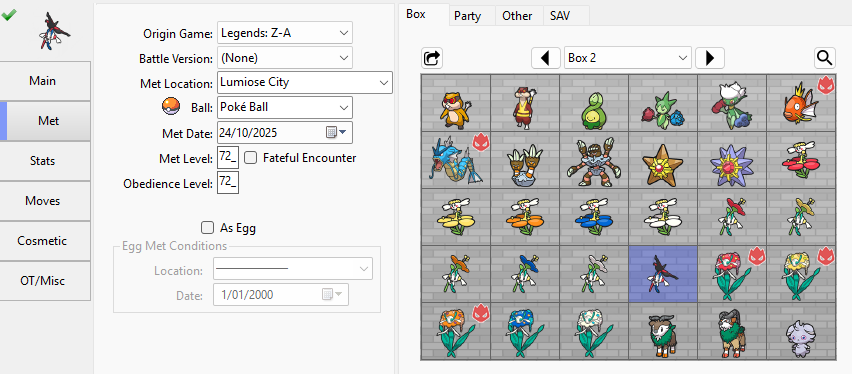
1. Extract the save from your device
2. Load the save into PKHeX, and set the Mon into your save
3. Export the edited save (tutorial in Point 2)
4. restore edited save into your game (tutorial in point 1)




HOME Compatible Living Dex (Regular and Shiny)
in PKM Files
Posted
Sorry there isn’t.