


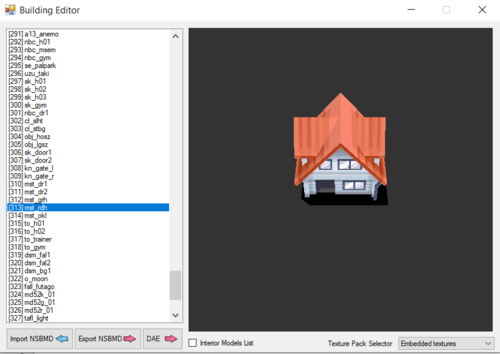
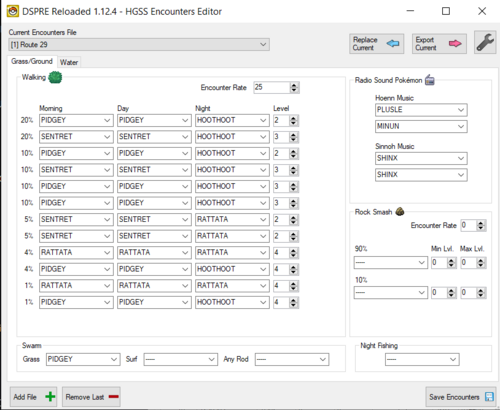
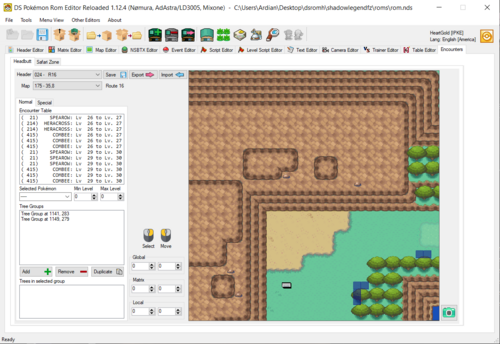
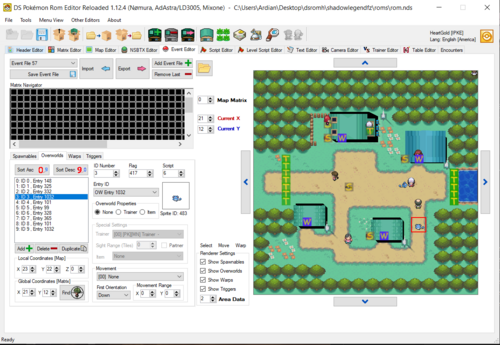

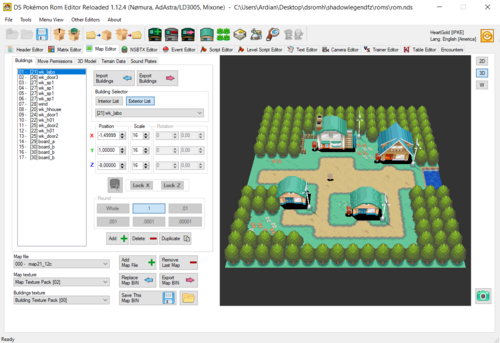
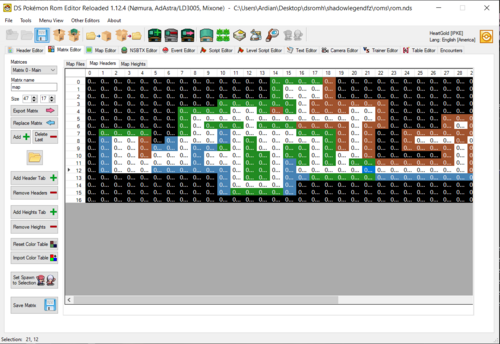

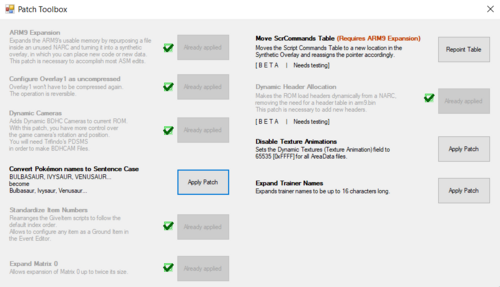
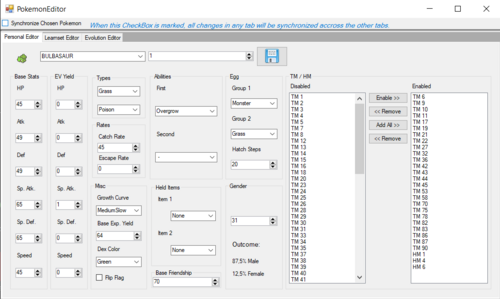
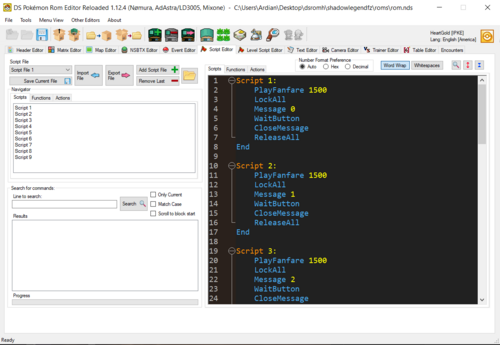
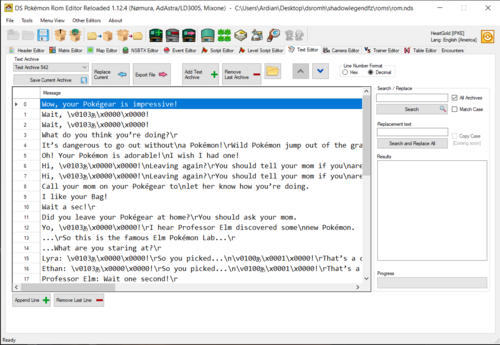
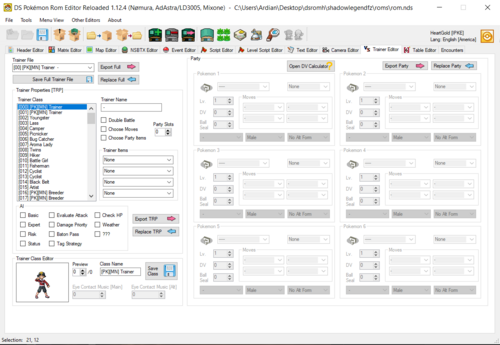
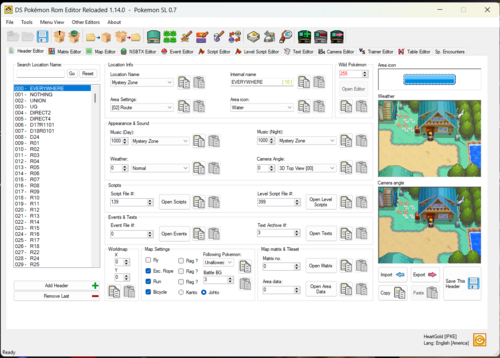
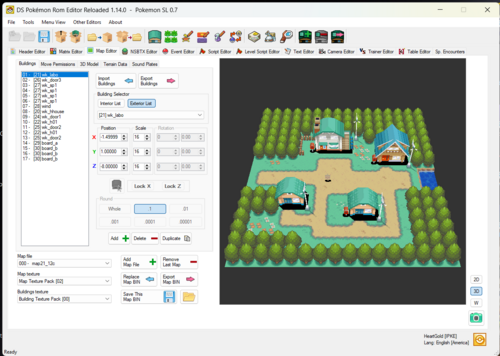
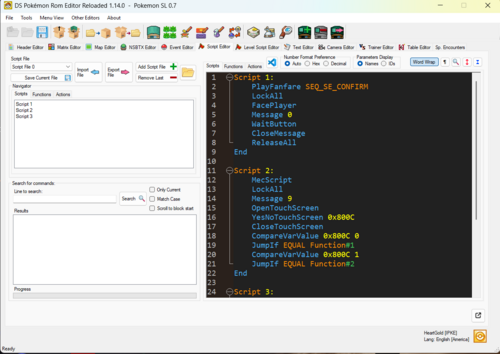
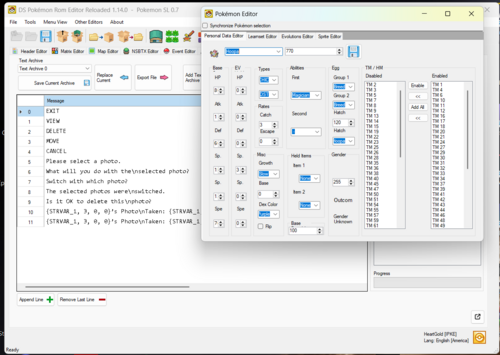
About This File
If you have any questions or need help. join here for quick assistance. Anyone who hacks Gen 4/5 should be in there!
new and way better SDSME
Pokemon Gen 4 Editor
If you are looking for an gen 5 Editor click here
By AdAstra, Nomura
Official DSPRE Reloaded Github
(check this out for infos about all the features of this tool!)
the changelog is messy since I can't seem to edit it, sorry for that.
-When adding new screenshots the version gets automatically updated, can't seem to do anything about it.
Edited by Knoxyz
updated name
What's New in Version 2.0 See changelog
Released
Browse and analyze ROM data without editing anything. Useful for finding variable/flag usage, looking up script references, or just checking what's in a file before touching it.
- Tabs: Scripts, Level Scripts, Variables, Flags, Headers
- Filter and search across all tabs
- Export data to CSV
Edit Bug Catching Contest Pokémon pools, levels, and encounter rates.
Edit the daily rotating Pokémon in the Great Marsh.
Edit Honey Tree encounter groups, and species.
Edit the item table for the Pickup ability: common items, rare items, and activation odds.
Edit hidden item locations: item ID, quantity, and associated script. Add and remove entries up to the maximum capacity.
Edit trainer pre-battle, defeat, and post-battle dialogue. Supports all 21 message trigger types and double battle messages. Renders text using the actual Pokémon DS font.
Edit form sprites for Pokémon that have multiple forms (Unown, Rotom, Giratina, Shaymin, Arceus, etc.). Supports both DPPt and HGSS.
- Added functionality to allow loading a new ROM or folder without restarting the application, with prompts to save unsaved changes
- Search trainers by name via a pop-up dialog (contains/exact/excludes, case-sensitive option)
- DV Calculator: fixed gender modifier for Platinum AI Backport; added Diamond/Pearl support
- Fixed crash when a Pokémon has an ability slot it can't have
- Fixed crash on save with invalid trainer data
- Fixed trainer name encryption/compression
- Fixed eye contact music writing
- AI flag tooltips added
- Link to trainer AI documentation added
- Hover over a message command to preview the actual text in a tooltip
- String replacements for ♂/♀ gender symbols now work correctly
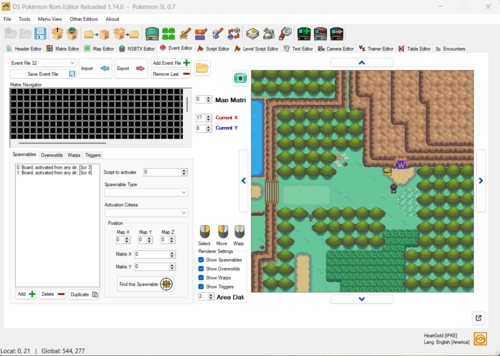
- Double-click an event in the list to jump to its associated script, trainer, or destination header
- Press delete key to delete an event
- Shift + right click allows to duplicate an event
- Spawnable and warp editing fixes
- When adding a new header, option to automatically create a script file, event file, level script, and text archive at the same time
- Fixed various issues with the new header workflow
- Fixed hex value display and parsing
- Fixed level script being added to the dropdown twice
- Fixed severe performance issue caused by a debug log statement left in the text processing path, text editor loading is dramatically faster
- Fixed race condition in the loading form
- Fixed apostrophe handling
- Gender symbol (♂/♀) support
- Warning popup when a learnset exceeds the move limit, with a link to the DS hacking wiki
- Warning can be dismissed at project level
- Import/export via CSV
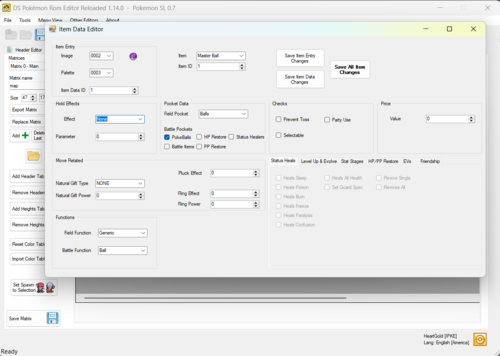
- Item checkbox label corrected to "Prevent Toss & Hold"
- Removed unused matrix colors that aren't present in vanilla games
- Fixed wrong fly table reading when using decomp names
- Fixed out-of-range crash
- New CSV exports: Event Spawnables, Event Overworlds, wild held items, map headers, learnsets, egg moves
- New JSON export: Encounters
- Fixed BDHCam patch compatibility detection
- Fixed ARM9 expansion compatibility check
- ARM9 expansion now available for Japanese
- Reset patch flags on ROM load
- Fixed crash when opening a ROM from file with an extracted folder already present
- Fixed crash when force-unpacking all NARCs if one is missing
- Fixed deadlock when packing/unpacking HGSS ROMs
- Fixed multiboot ROM issue related to the downlaod play functionality (ask Yako for details)
- Fixed crash during ROM opening
- Fixed German SoulSilver icon palette table reading
- Fixed form sprite saving with correct indexes
- Fixed move dropdown inconsistencies
- Fixed second ability slot for Pokémon with identical 1st and 2nd abilities
- Fixed Battle Frontier text length validation
- Fixed crash after unpacking all NARCs
- Fixed wrong fly table reading with decomp definitions
The folder layout of your extracted ROM has changed:
| ndstool (old) | ds-rom (new) | |
|---|---|---|
| Game files |
data/
|
files/
|
| Overlays |
overlay/overlay_0000.bin
|
arm9_overlays/ov000.bin
|
| ROM header |
header.bin (binary)
|
header.yaml (text)
|
| Overlay table |
y9.bin (binary)
|
arm9_overlays/overlays.yaml (text)
|
| Banner |
banner.bin (binary)
|
banner/banner.yaml + bitmap.png
|
| ARM9 |
arm9.bin
|
arm9/arm9.bin + arm9/arm9.yaml
|
All overlays and the arm9 are stored decompressed in the folder. They are recompressed automatically when packing.
If you want accurate repacking (file order matching the original ROM), replace path_order.txt in your project with one from a vanilla ROM of the same language.
-
Character map format changed from
charmap.xmltocharmap.json - If you have a custom charmap, you will need to convert it to JSON format
- Text archives are rebuilt from plaintext automatically when saving
Most editors now warn you before discarding unsaved changes when switching ROMs or closing.
Editors that do NOT have this yet:
- Map Editor
- NSBTX Editor
- Trainer Editor (partial: prompts on ROM switch but not when closing the editor form)
- Header Editor (partial: prompts on ROM switch but not when closing the editor form)
- Back up your ROM project before first use.
-
The
Tools/folder must containchatot.exeanddsrom.exe(included in the release). -
Custom
charmap.xmlfiles need to be converted tocharmap.json. - Re-extract your ROM if you run into issues with the new folder structure.
- The first save after upgrading may be slightly slower due to text conversion.
- Map Editor and NSBTX Editor do not warn about unsaved changes
- Charmap Manager UI needs updating for the JSON format
- Overlay Editor compression is disabled (stability)
