Leaderboard




Popular Content
Showing content with the highest reputation on 11/04/20 in Posts
-
Ahhhh. Yea, that makes sense. I only actually played Gen 1 when it came out, but I remember Celebi basically being the Gen 2 equivalent of of Mew. Ironically I bought Gen 2...and then pesky adulthood got in the way; and now I'm trying to binge my way through the series, and re-create what it would have been like to play when they were released, under the best case scenario. So when I reach a point where I'd catch a 'mon on another version, I'll import with Pokehex as if I was trading with a friend; except for the event pokemon that I'm starting with, as if I went to an event. I even bought fresh batteries, a security bit to install them, and a cart flasher. Pretty psyched!1 point
-
https://projectpokemon.org/home/tutorials/ Check in the links here.1 point
-
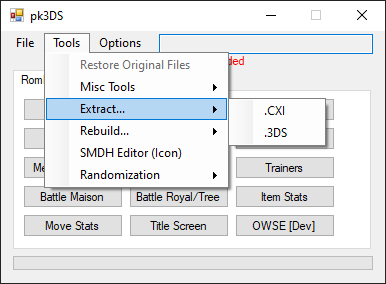
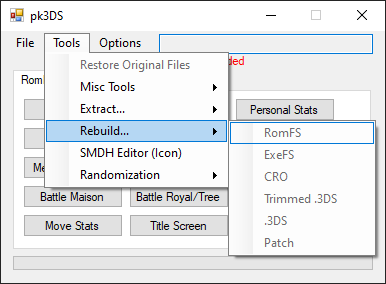
That sounds like you didn't extract the right files. PK3DS can unpack and repack your ROM correctly. It just needs to be decrypted before.
 1 point
 -
Thanks for this explanation. This wasn't clear to me when I set everything up but I think I understand it now.1 point
-
Thanks, I did. At first I thought I was so used two other save file editors in addition to Checkpoint. I have figured it out though. I was restoring my save from the emummc and not sysnand. Once I loaded from the sysnand, it worked.1 point
-
Did you restore the modded save back to your system.1 point
-
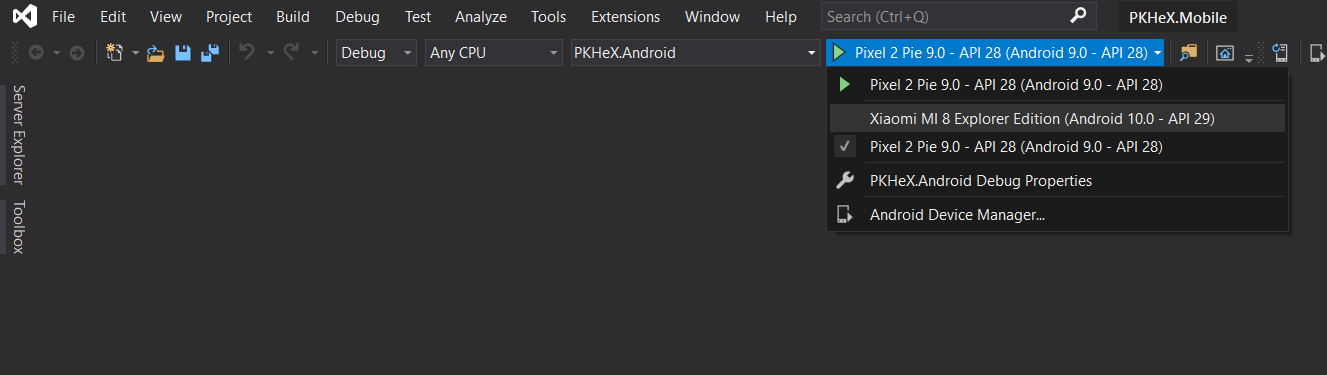
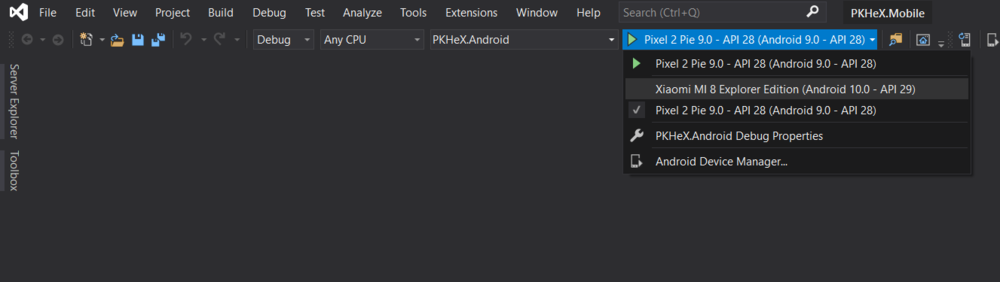
I suggest to use Visual Studio. Install it with the Xamarin extension. Clone the repo and open the .sln. Take your smartphone and activate the debug settings in the developer settings, then plug it in the PC and allow the USB debug. Your phone will be displayed in the run option. Select PKHeX.Android, build and run the project.
 1 point
 -
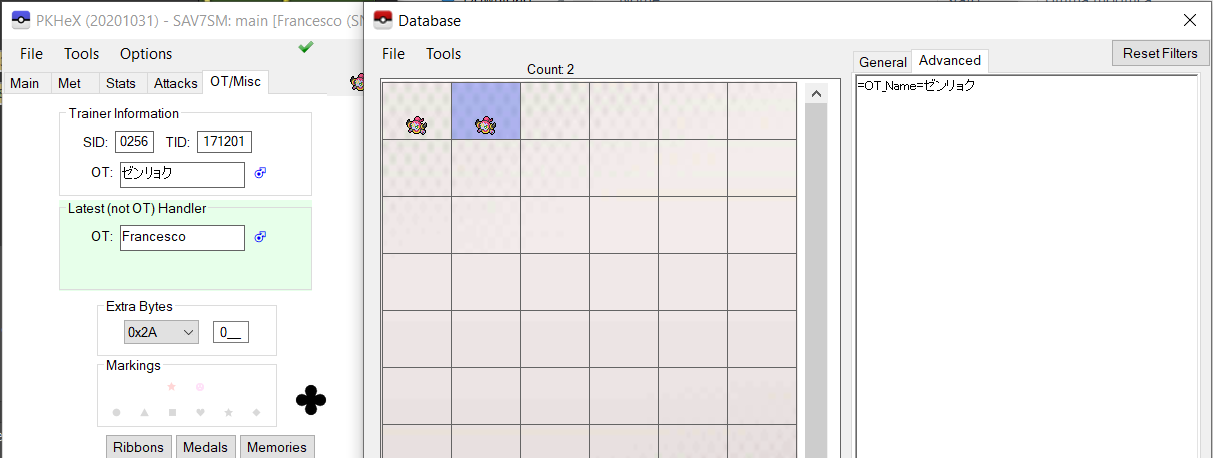
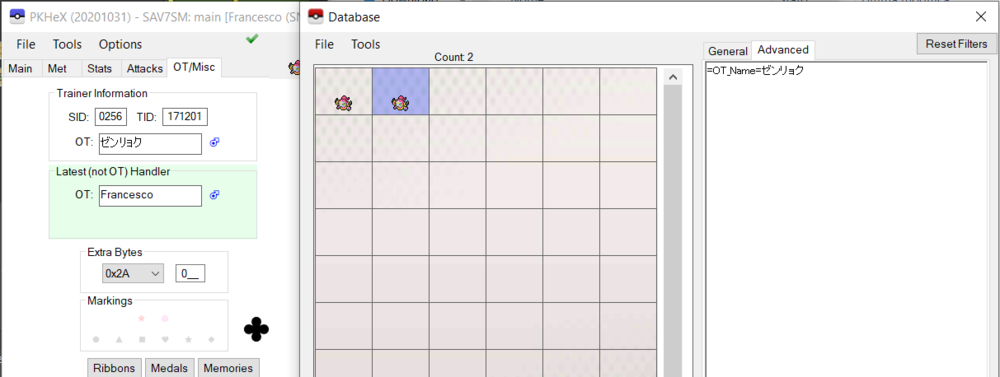
It's working on my hand as you can see: Be sure to use the right commands and to be on a compatible save file. If you're using a Sword/Shield save file, please note that Hoopa is not available in the game.
 1 point