codemonkey85
-
Posts
1187 -
Joined
-
Last visited
-
Days Won
17
Content Type
Profiles
Pokédex
Portal
Technical Documentation
Pages
Tutorials
Forums
Events
Downloads
Gallery
Blogs
Everything posted by codemonkey85
-
@BlackIce1824 The IVs have nothing to do with the save file not appearing to import correctly. Can you post your save file here so I can look into this? Or if you want to keep it anonymous, you can load your save in PKMDS and submit a bug report - there is an option to include the file when you submit.
-
PKMDS Update — March 18–25, 2026 New Features One-touch evolve — An Evolve button now appears in the Pokémon editor when the selected Pokémon can evolve. Single-path evolutions happen immediately; branching evolutions (Eevee, Slowpoke, etc.) open a picker showing each option with its sprite and method. Evolving Nincada into Ninjask will offer to place a Shedinja in your next empty box slot. Gen 2 trade evolutions now show which held item is required. Box pop-out dialogs — Two new buttons in the box navigation bar let you pop out the current box into its own dialog window, or open a full all-boxes grid view. The all-boxes view lets you swap adjacent boxes with a single button click. Generation-specific editor tab — A new “Gen-Specific” tab appears in the Pokémon editor when relevant, covering fields that only exist in certain games: Shadow Pokémon status and purification (Colosseum/XD), Shiny Leaves and walking mood (HGSS), PokéStar Studios fame (B2W2), GO Park spirit/mood and received timestamp (Let’s Go), and more. Pokédex: Legends Arceus research task editor — You can now open a per-species research task editor from the Pokédex tab in LA saves. Buttons to complete or clear all research for all species are also available. Spinda spot preview — The Pokémon editor now displays Spinda’s unique spot pattern based on its PID / EC. Trash bytes auto-fixer — Added a one-click trash bytes cleaner to the Legality tab for quickly resolving legality flags caused by leftover junk bytes in name fields. Origin mark shown in Met tab — The origin mark sprite (Pentagon, Clover, Galar mark, etc.) now also appears in the Met tab alongside the existing display in the Cosmetic tab. Improvements Loading a .pk* or mystery gift file now places it into your currently selected slot (or the first empty slot if none is selected) and navigates you directly to the box view — no more hunting for where it landed. The Pokédex tab now has a filter to show only seen or only caught species, and the box selector dropdown shows the box count. The Bag tab renders noticeably faster on large saves thanks to grid virtualization. Bug reports submitted through the in-app report dialog now require a name and email address. Bug Fixes Fixed bottom UI elements being cut off on iPad screens. Fixed several crash reports from Sentry (duplicate key crash, file-abort error noise, empty file load crash). Fixed held item autocomplete not being clearable; also prevents a crash when held item data is missing. Fixed pager visibility and filter button clipping in data grid views.
-
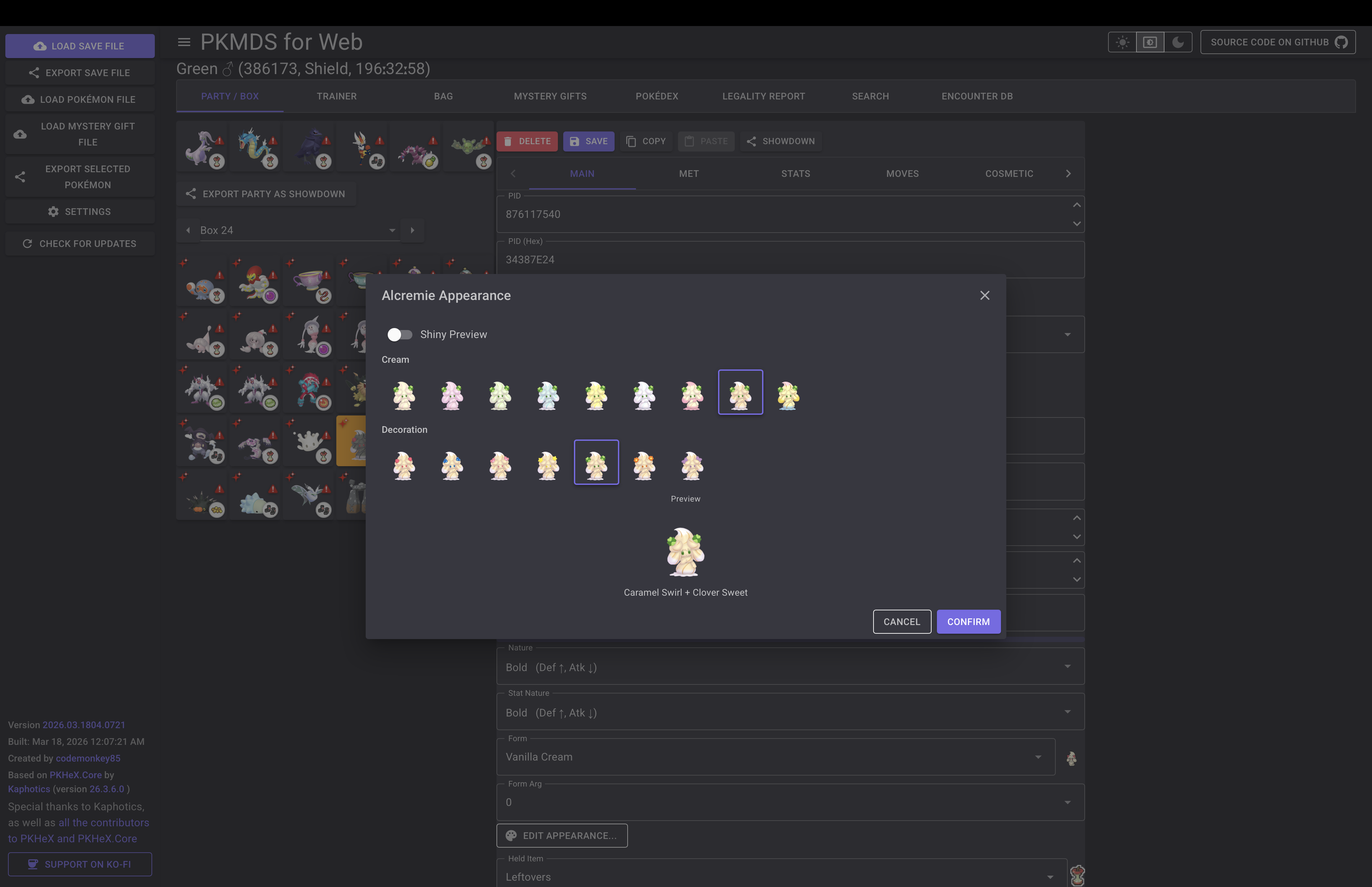
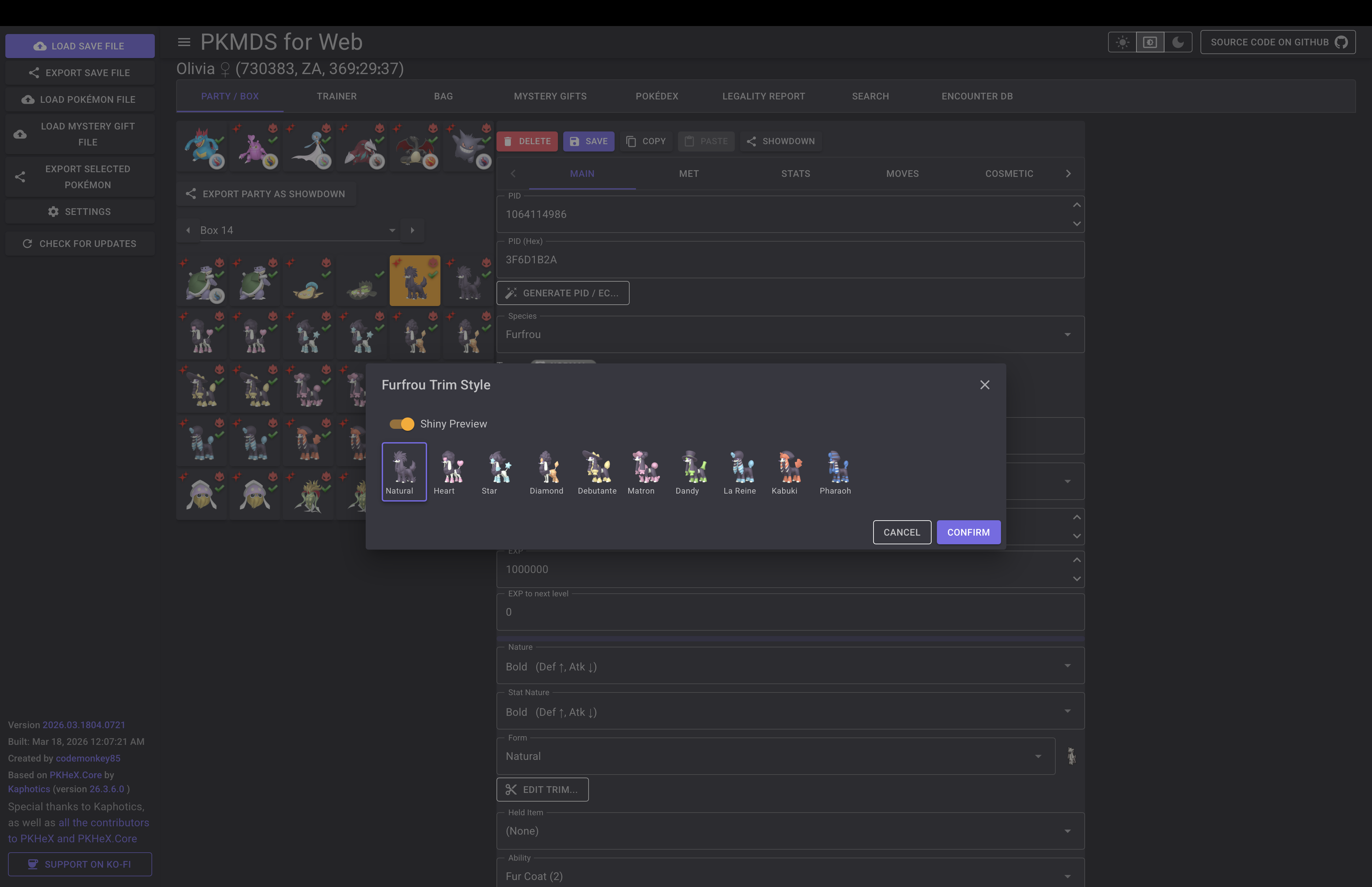
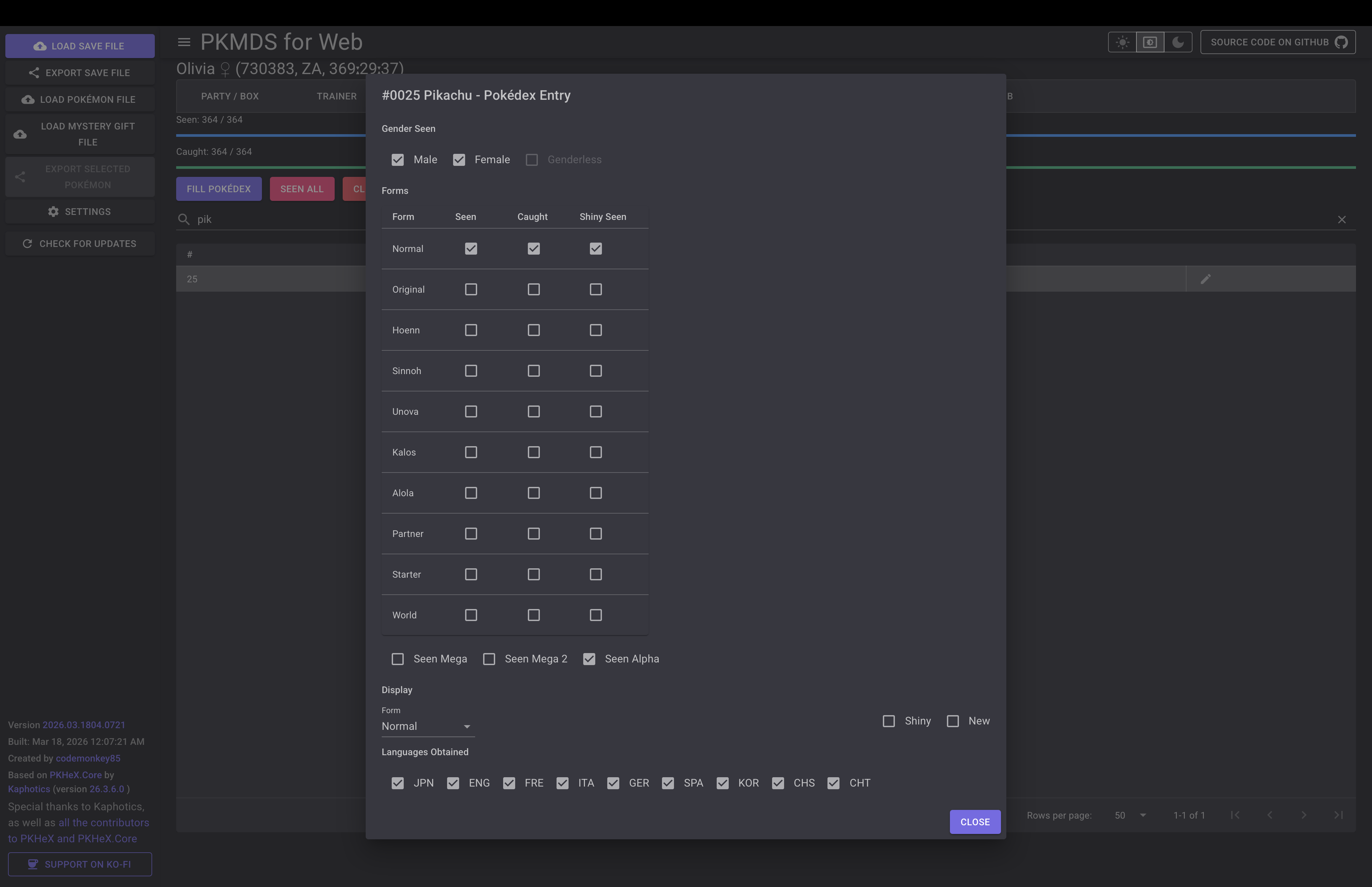
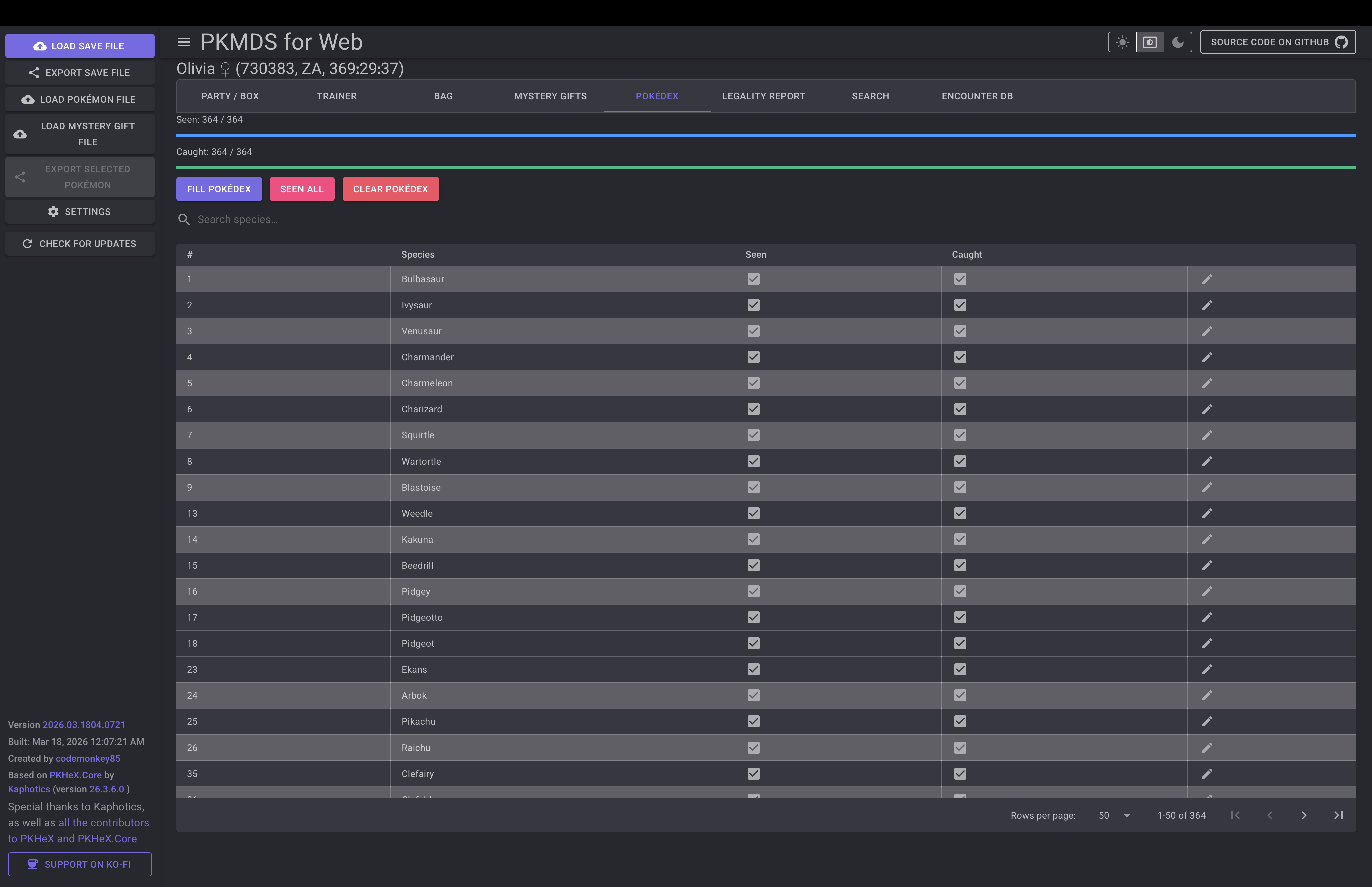
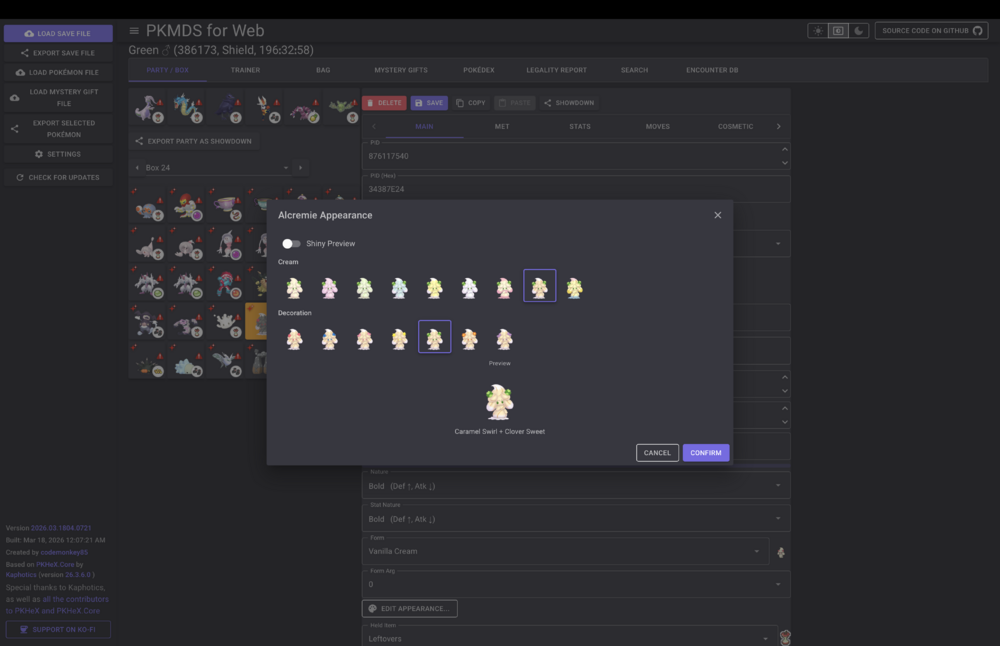
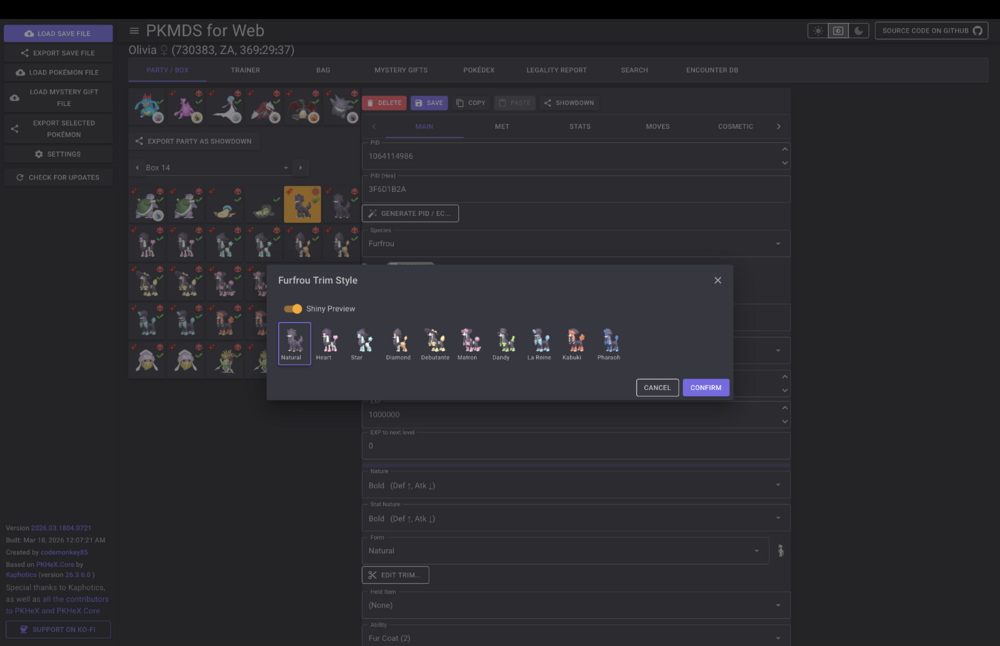
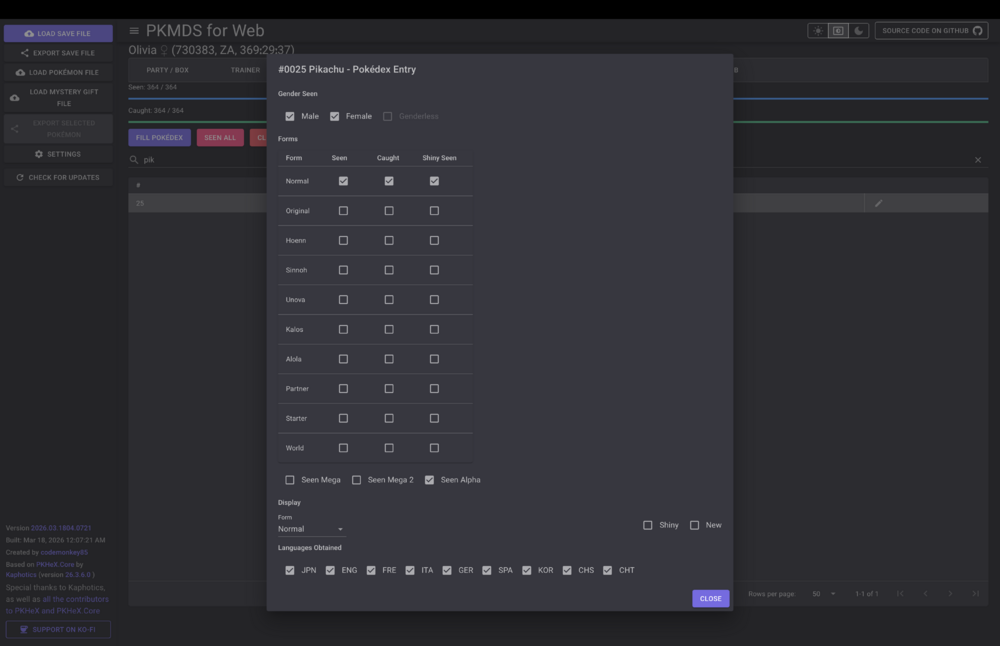
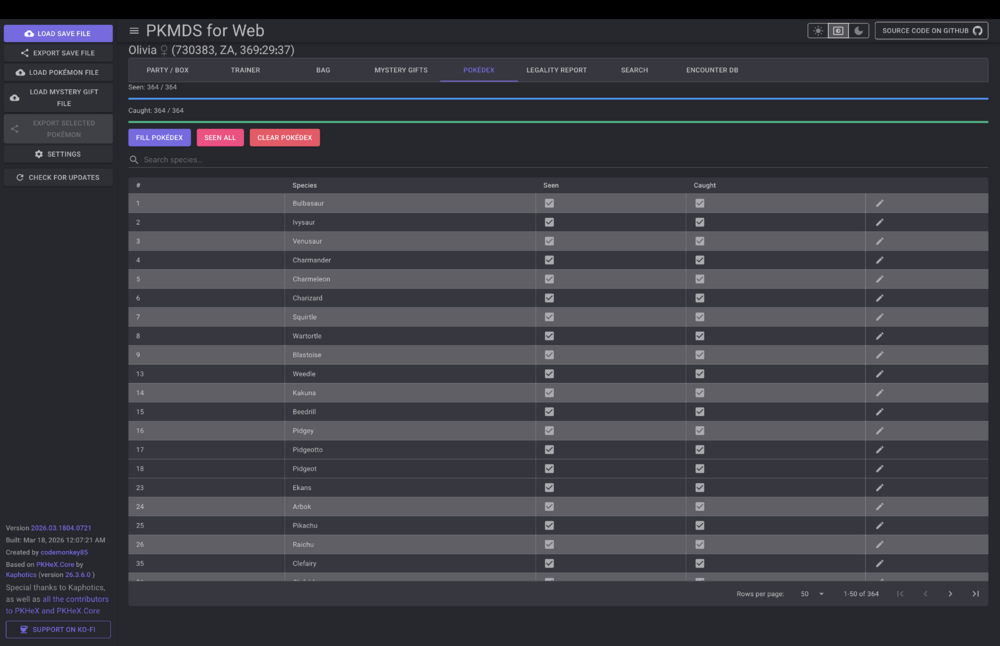
Hello all. Just wanted to let you know I've made some pretty great updates recently! New Features Encounter Database New "Encounter Database" tab — search for encounters by species and generate legal Pokémon directly into your save, with auto-slot selection. Advanced Search New "Advanced Search" tab for filtering Pokémon across your save. Pokédex Editor (major expansion) Bulk operations (Seen All / Caught All / Clear) for Gen 4–9, LA, and Legends: Z-A. Per-generation species panels with alternate form display tables (Gen 7, Gen 5/6). National Dex toggle. Legends: Arceus research panel. PKHaX / Illegal Mode New HaX toggle unlocks illegal edits: uncapped battle stats, DEV_Ability (set any ability ID on Gen 4+). High-Res Sprites (PokeAPI) Home sprites replace low-res images, with shiny variants and alternate forms Optional generation-appropriate sprites. Editor Improvements Appearance/Form editor dialogs: comprehensive form previews with optional shiny preview. Ability selector: slot-based (A/B/H) replacing raw dropdown; hidden for Gen 3/4 where slot is a no-op. Moves tab: type and category icons shown per move. OT/Misc tab: AffixedRibbon dropdown, IRegionOrigin (country/sub-region) fields. Met tab: BattleVersion and Obedience fields added. Origin mark & Favorite flag UI added. IV/EV fields: maxed values now visually highlighted. Edit form now scrollable/responsive with sticky header and tabs. App / UI App update badge: pulsing indicator on the menu button when a new version is available, with one-click reload. Persistent settings: theme, HaX mode, and other preferences saved across sessions. Theme-aware startup: no more flash of wrong theme on load. Improved save-file tab layout and overflow handling.
-
Yes, of course. It should in fact happen in real time - watch for your max HP to increase / decrease as you adjust the IVs for the Pokémon. Bear in mind, the stat formula means small adjustments will be more noticeable at higher levels. I suggest you do a bit of reading / watching videos to learn how stats work before you mess around:
-
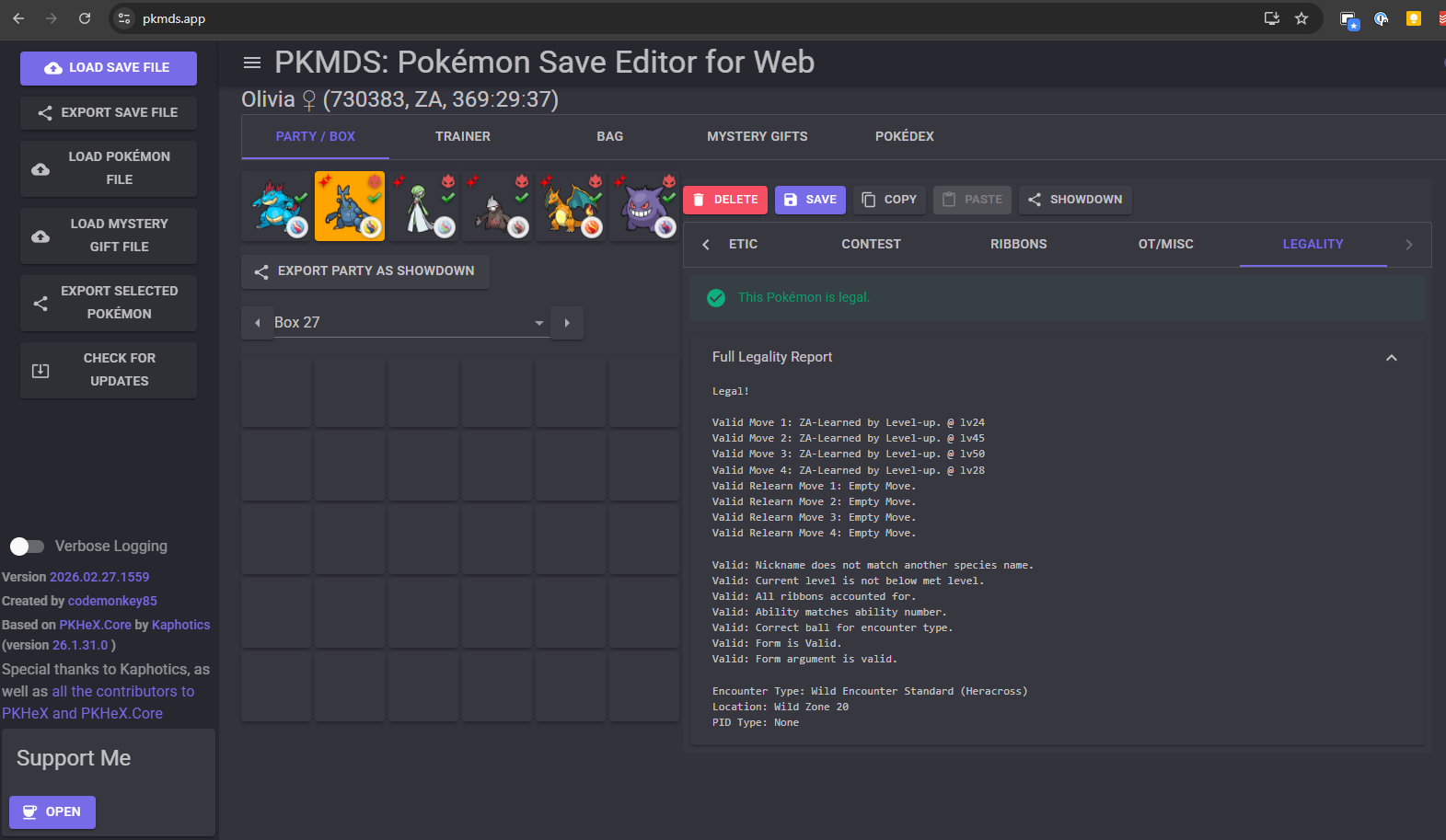
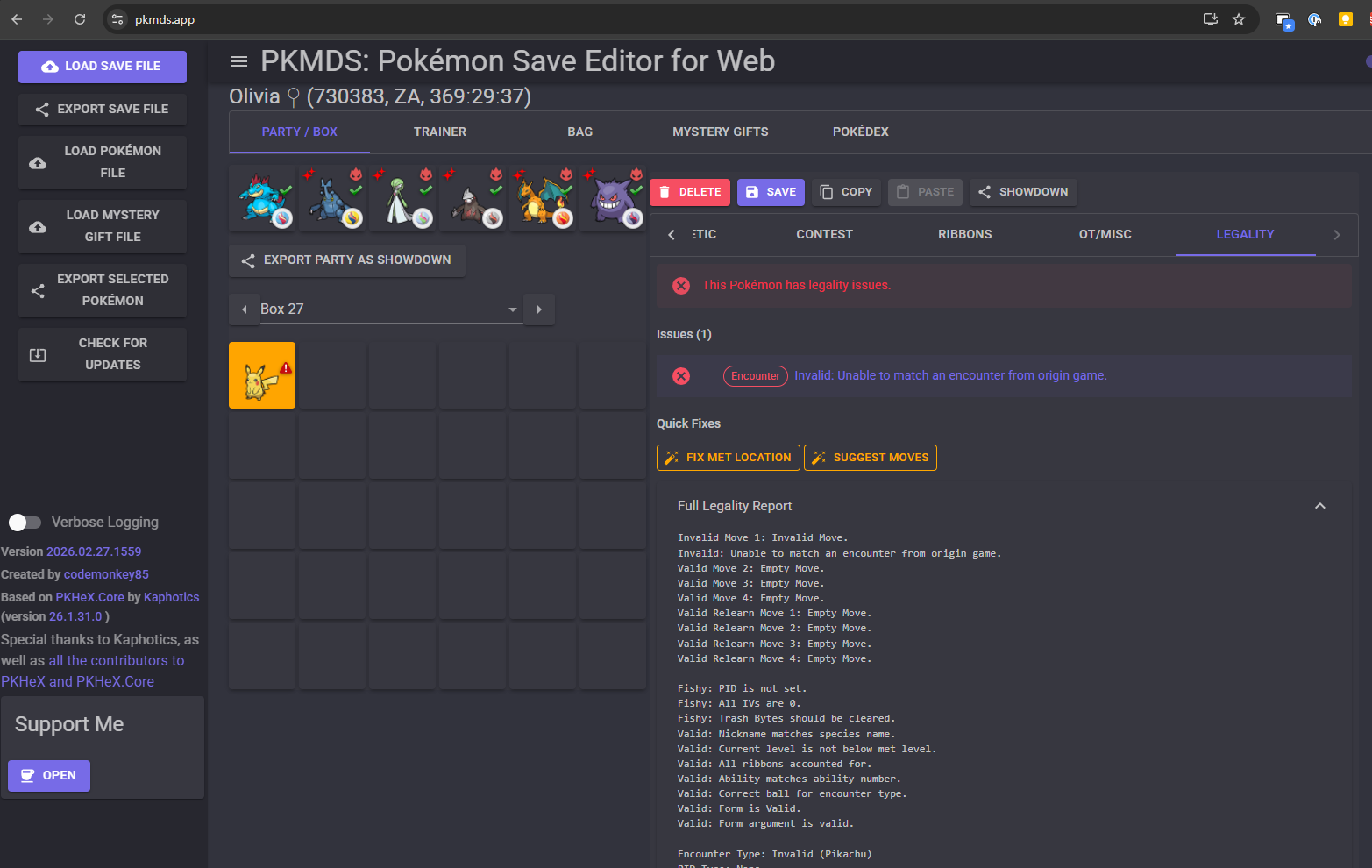
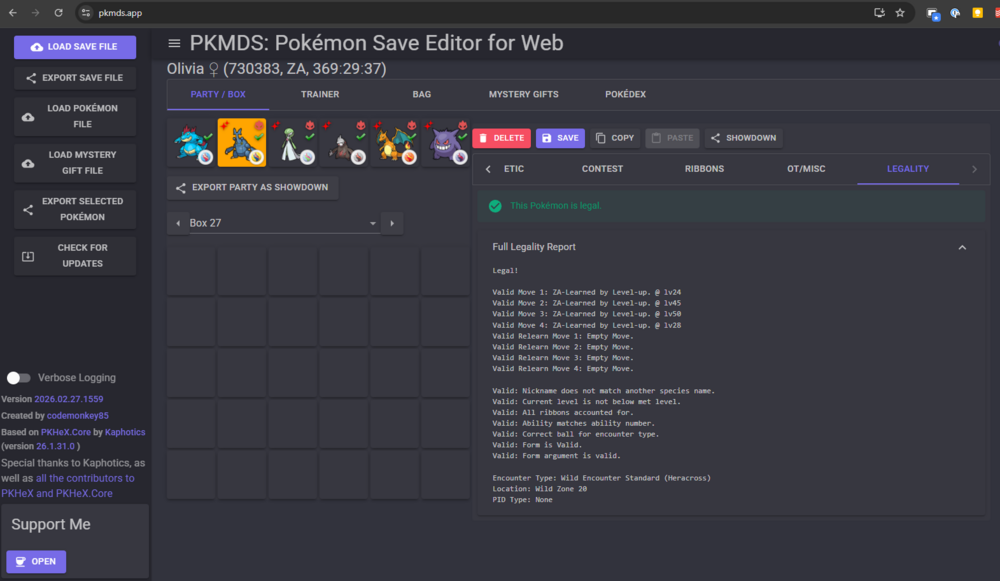
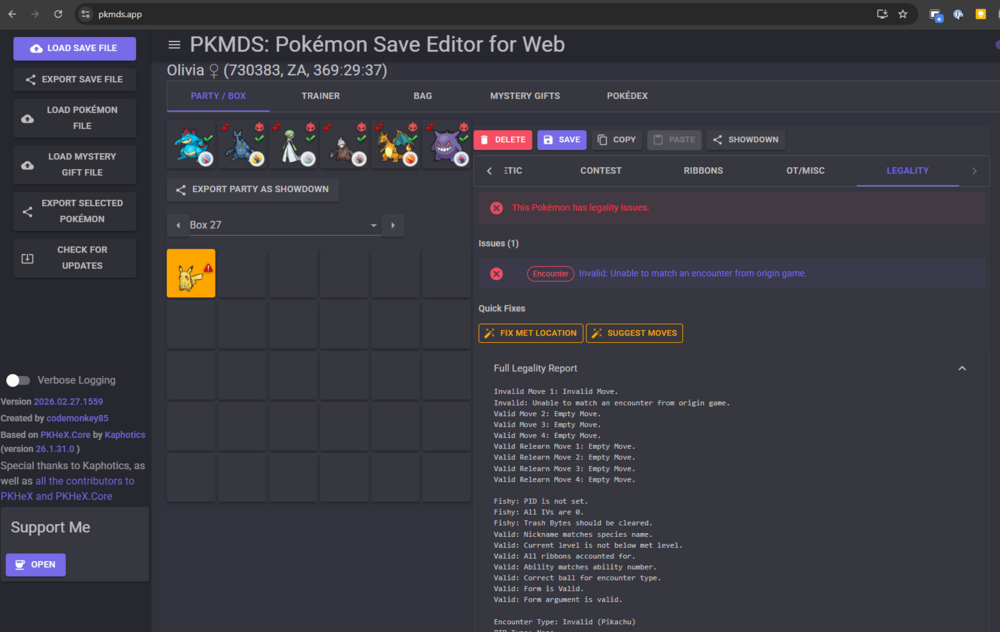
Happy Pokémon day everyone! I've added legality checks and fixes to PKMDS. Give it a try!
-
Hello all. Just some recent updates: Pokémon Slot Pokémon in party/box slots now show icons indicating if they are shiny, alpha, or in a Let's Go party slot Held items are now shown directly in the Pokémon slot Editing Added Move Shop and Alpha Move editors for Pokémon in Legends: Arceus saves Added a Plus Flags editor Added editors for Relearn Moves and TR flags Canceling a dialog now discards changes instead of saving them Bag Bag edits now save correctly to your save file Improved bag loading performance App Added an update check button to the menu Improved stats chart display
-
I've received several questions regarding what features will / won't be added to this app, particularly in relation to what PKHeX is able to do. I've created a detailed roadmap (with some help from AI) of all the work that needs to be done to match PKHeX feature-for-feature. Check it out here: https://github.com/codemonkey85/PKMDS-Blazor/blob/main/PKHEX_PARITY_ROADMAP.md
-
Just FYI all, I'm doing some work on the design tools, and in doing so I introduced a bug that results in the app looking wonky. I'm working on it and should have it fixed soon.
-
Hello all! Just a quick update: as of version 2025.12.23.0, support for drag and drop has been added! This has been the top wishlist item on my mind since the beginning, and I finally got around to it (with a lot of help from GitHub Copilot). You can drag and drop Pokémon to reorder them in your party, to reorder them in a box, or to transfer between party and box. You can also drag and drop a Pokémon file (.pk9 etc.) into a slot to import it into your game. There are some limits: You cannot drag and drop a Pokémon out into your file system. Sorry! I tried, but there were complications. You cannot drag and drop to transfer between party and box in Let's Go Pikachu / Eevee. You can still drag and drop to reorder your party though. It doesn't look like iOS / iPadOS Safari supports drag and drop. Your mileage may vary on other mobile devices / browsers! Enjoy! The site doesn't go down for maintenance. If you weren't even getting the loading screen, I'd say GitHub Pages might be down. But if you are getting it, it's probably something else. This issue should be resolved by now.
-
I've been getting reports of this lately. I think it's an Android Chrome issue - I've heard FIrefox on Chrome doesn't have this problem. I'll see what I can do here. Support for Pokémon Legends: Z-A is now available. I had to wait for PKHeX.Core to update, then I needed a save file or two to test with, then I had to actually code the changes. These things take time.
-
@TDotGill Sorry but no, PKMDS will never support ROM hacks.
-
It never even occurred to me that somebody would subtract to get to 31. I’ll definitely have a look at that.
-
Yep, I can add that to the list. No, fan games / hacks are not supported. Official games only. Interesting. I believe there is a way for me to support PKHeX plugins, but I haven't really dug into that yet. Thanks for the info and the test files. I will add this to the list as well.
-
@Kaphotics I don't think I'm doing anything particularly weird here? User chooses an ability, and I use PKHeX.Core.CommonEdits.SetAbility() to set it (for Gen III). If you're curious, this is what the code looks like: https://github.com/codemonkey85/PKMDS-Blazor/blob/2650efd07189eabe7b3f1cc8d91835997f22527c/Pkmds.Rcl/Components/EditForms/Tabs/MainTab.razor#L276 @bind-Value:set="@(ability => Pokemon.SetAbility(ability))"
-
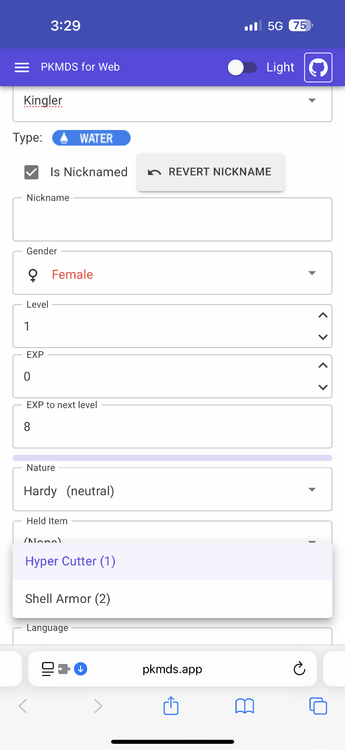
@PkmnHack I can’t seem to figure out what issue you’re talking about. Can you send me some instructions and a screenshot of what you’re seeing? It looks to me like the abilities are working perfectly normally.
-
Yes - I do need to improve the process for creating a new Pokémon. I might just add a random PID button. I will look into this to see if I can replicate it. Can you share your save file?
-
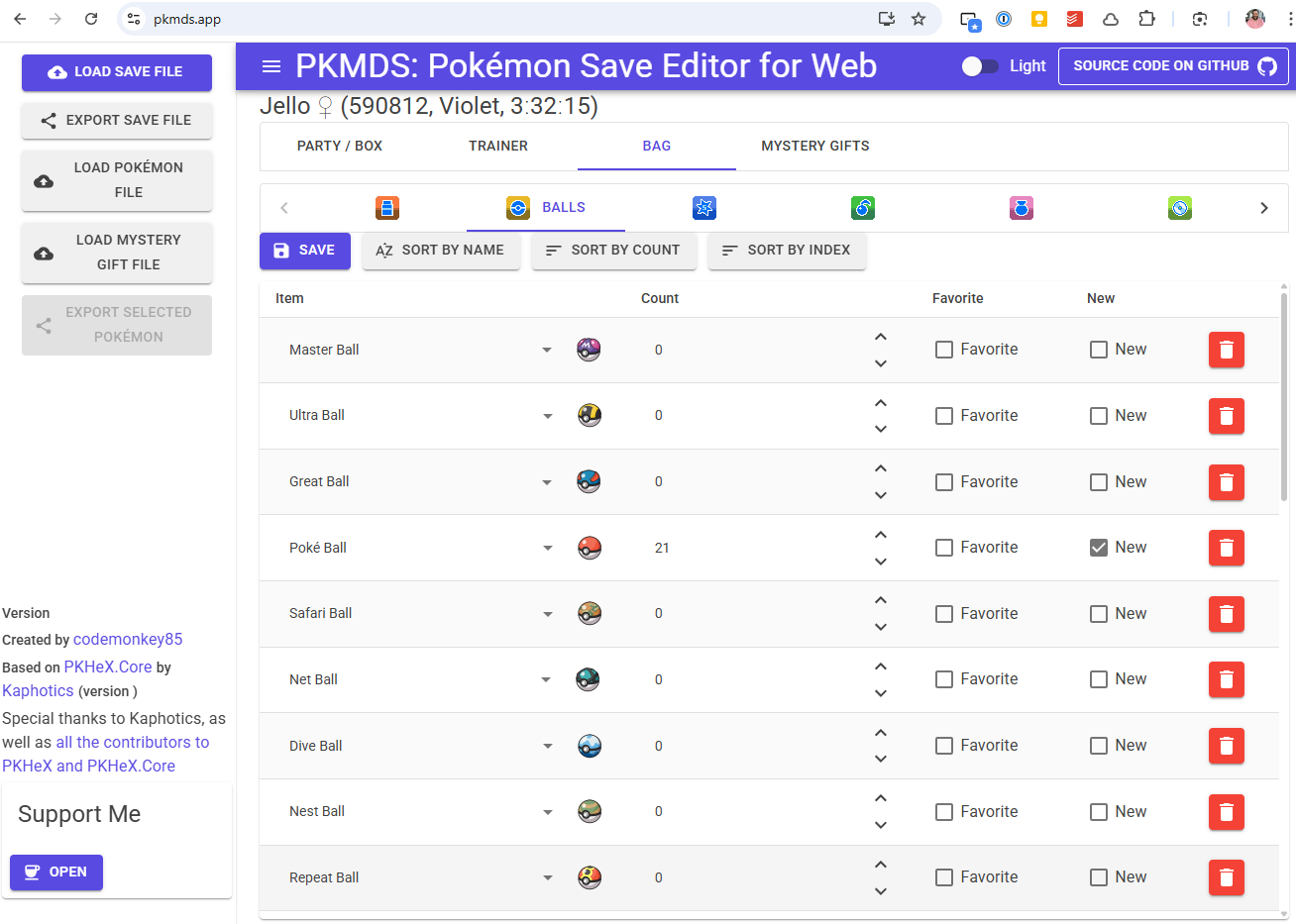
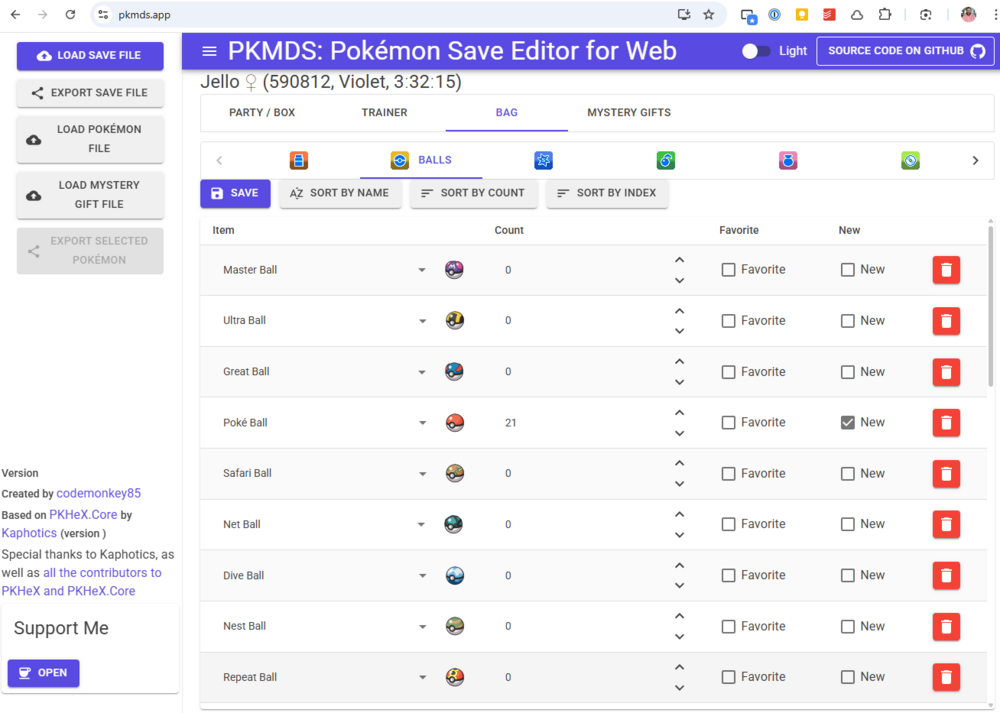
I noticed that in your save file, you have several items with a set quantity of 0. I suspect those are the items not appearing in your game?
-
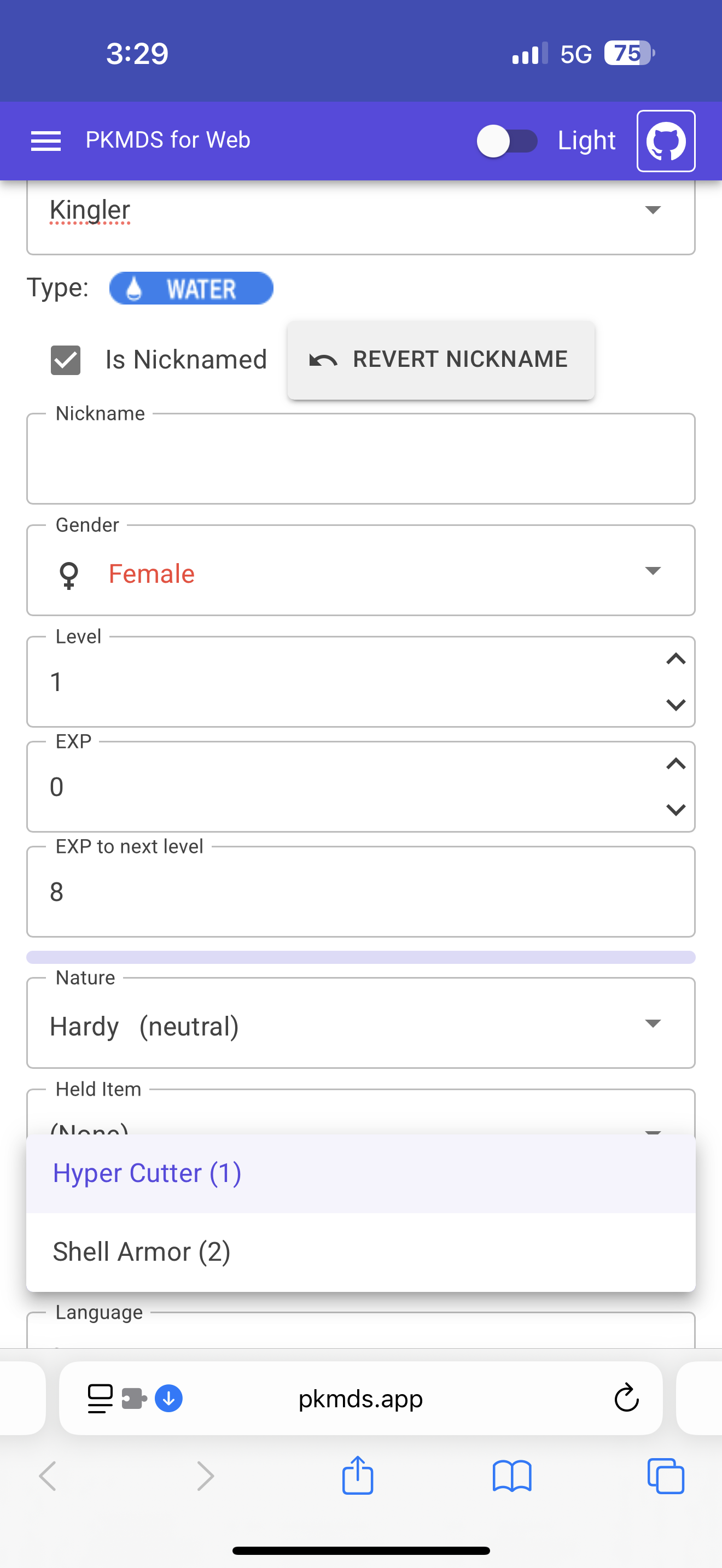
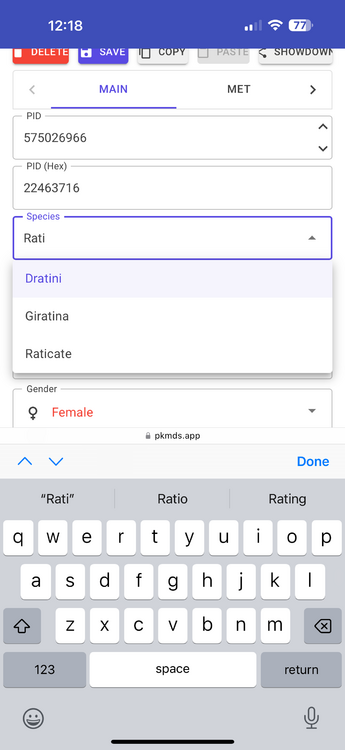
@LavndrScared In order to change the species on that dropdown, you have to type a name to search for. I had to make it work that way, because 1,000+ names don't render super great on a web page. Thank you for using my app!
-
@arleypadua You may want to consider disabling SIMD for WebAssembly. I did that to widen support for older versions of Safari. See here: https://github.com/codemonkey85/PKMDS-Blazor/commit/185d448809e365449b647d9480ae5b2d782edee9
-
Thanks for the head's up Kurt - I will look into this. I assume this workaround will no longer be needed once you update your NuGet? Try refreshing the page. I made a change to the project structure, including the way the sprites are stored, so if you aren't on the latest version it might not show images correctly. Can you share the file you're using?
-
@eclaire9 Glad I could be helpful. Yes, I am planning feature parity with PKHeX, it’s just a question of timing. This is still just a hobby project. I’ve been asked a lot about legality lately, so I might prioritize that soon.
-
Sure @Azarelic, I can look into all that.
-
@TRIFORCE89 The issue with exporting / importing Pokémon files has been resolved. The app is currently building / deploying (https://github.com/codemonkey85/PKMDS-Blazor/actions/runs/13554425763). If you reload the page when it's done, you should get a prompt to update shortly after. @Bigbrompton I'm not seeing any issues with changing Pokémon data. Are you hitting the 'Save' button on the Pokémon editor screen when you're done?
-
What steps are you taking exactly? i.e. you can't upload a Pokémon and edit it, so I assume you're uploading a save file and editing a Pokémon in that file? I think I see the issue here. Working on a fix now. I will look into this.
-
@xx01314 There haven't been any code changes in over a month. I don’t know why the app would stop working for you. Have you changed devices, or iOS versions?