foohyfooh
-
Posts
226 -
Joined
-
Last visited
-
Days Won
8
3 Followers

-
RoC's PC - Collection through the Ages [U: 20251027]
foohyfooh replied to ReignOfComputer's topic in Event Contributions
You go back and add more Pokemon when you do the DLC but how come you don't update the save file you upload? -
Because of the endianness of the data you need to reverse the bytes in the file and convert that to decimal to place in the editor. Also we only care about the first two groups of numbers in since that is the actual indicator for what the items is So for example the first item in your Footwear is 4002 which corresponds to "{Performance Sneakers White} A2 0F 00 00 00 00 00 00" Converting 4002 to hex gives 0F A1 Reverse the order to account for endianness and we get the A2 0F which we see in the text file So for adding the item "{Replica Aether Shoes} 73 10 00 00 00 00 00 00" We only care about the first 2 hex values so 73 10 and reverse them so 10 73 Convert that number to decimal so 4211 for this item Replace the first 65535 with that value Save and verify they show in game Link below to the item block values another user did which I am assuming is the the hex codes you are also referencing
-
Depending on how things are implemented there are probably a bunch of flags which change depending on your gender and thus only changing that one is likely putting the game in an unloadable state. So if you want to actually change the gender and have things running you most likely will need to do some playing of the game with the different gender and document flags which is likely more effort than it is worth. Sorry that wasn't helpful it is likely the only way forward you have.
-
The best I can do is tell you right now use the sorting plugin and then use the feature it adds in the context menu to push down all the Pokemon from a specific slot. So that all you have to do fix up the boxes once and then insert them properly when you catch them. I might look into the feature but I can't give any guarantees.
-
Yeah it is the handling of different versions. When I originally made the plugin, I didn't know if there was any incompatibilities/issues with importing older raids into the updated saves so I had limited to only importing raids from that version. It just needs to be updated to basically allow all and I hadn't gotten around to it yet. Edit: It should be fixed now
-
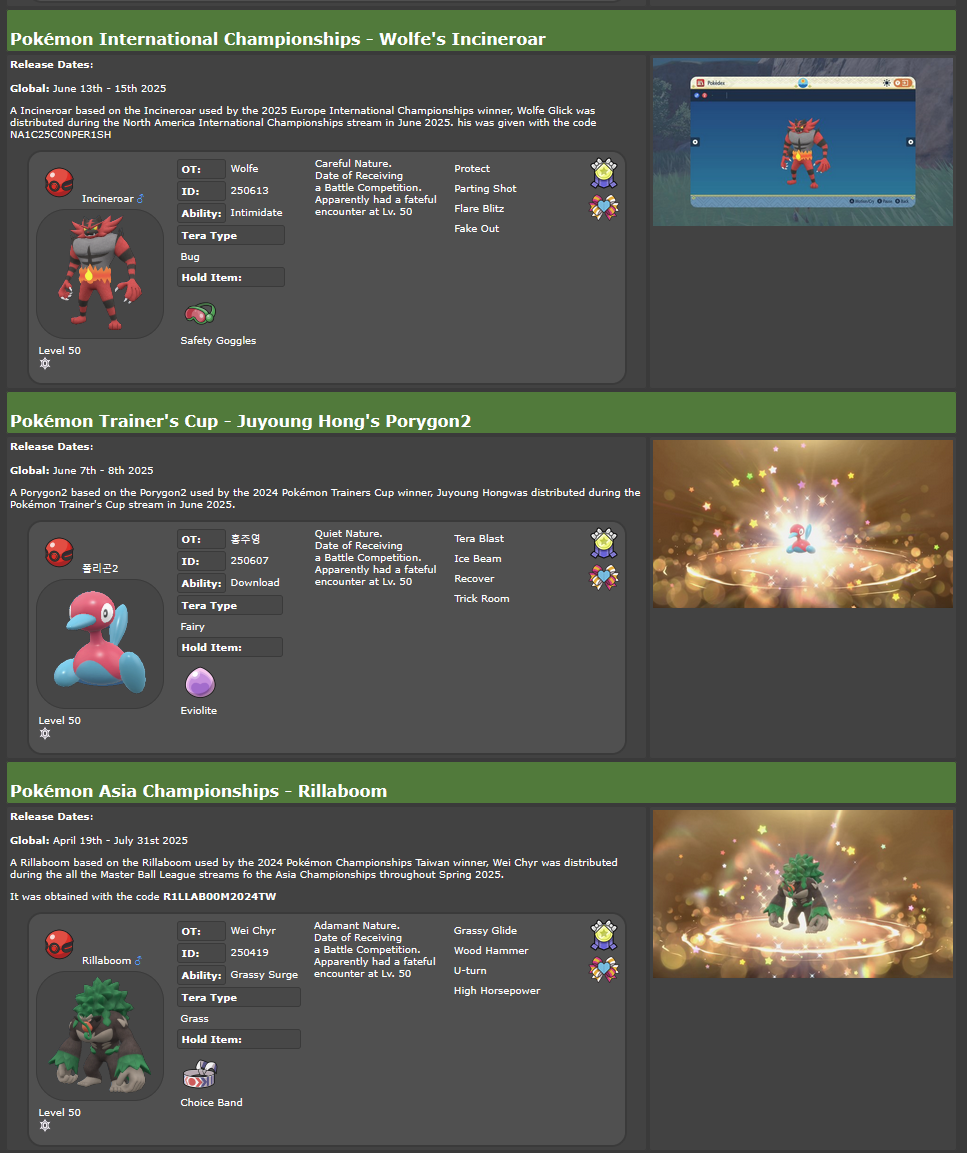
Rough notes from what I determined thus far Each entry in the mystery gift at x278 bytes. The steps to generate from an event Pokemon wc9 appear to be 1. Copy wc9 to hex editor 2. Replace first 4 empty bytes with time32_t | first 8 bytes in the gift entry are 4 byte time32_t and 4 empty bytes 3. Next 4 bytes match wc9 bytes 4. Remove the next 0xC bytes and replace them with the bytes "06 00 01 00" | this operation should be truncating size 5. Remove last 0x48 bytes The total block seems to hold 32 entries and when you have exceeded that then the last entry will be erased The last 0x340 bytes of the block appear to remain constant between blocks so don't need to interact with that Haven't verified the steps to generate entries from items or clothing wc9 files yet Here is an example of converting recent Porygon event from wc9 to mystery gift entry 1020 SV - 홍주영 Porygon2.wc9 -> porygon 2 mock mystery gift data
-
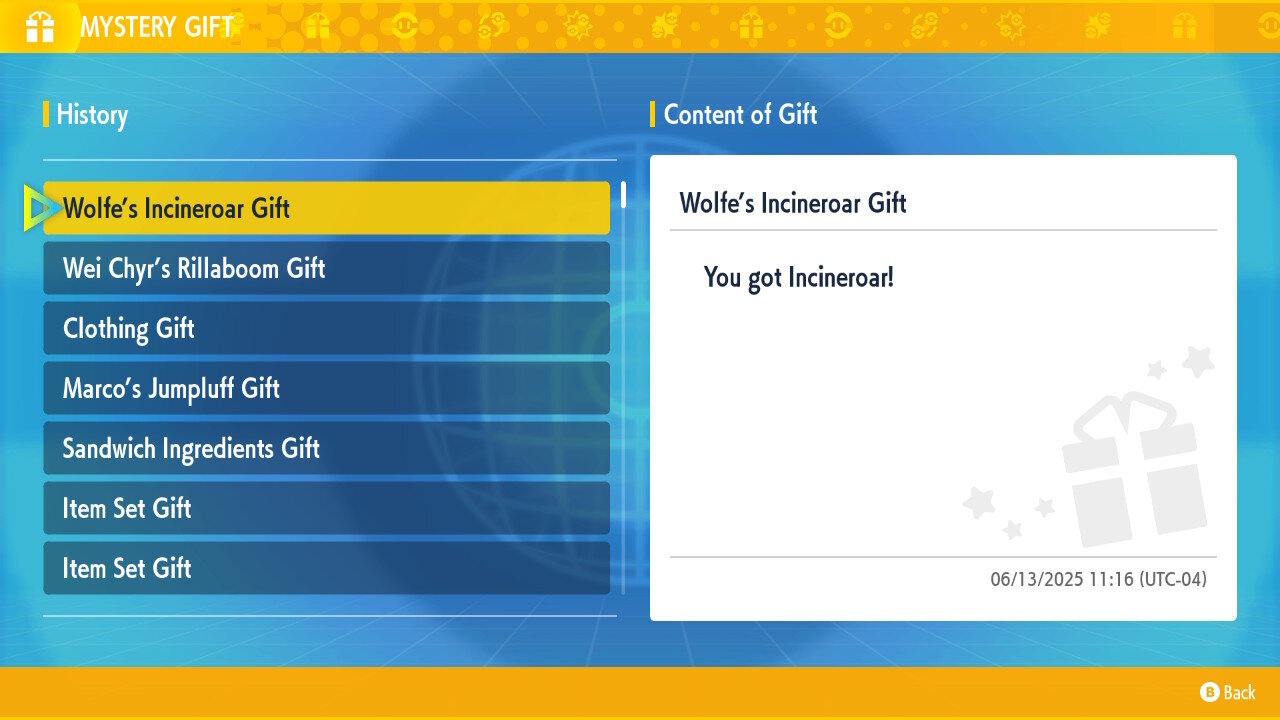
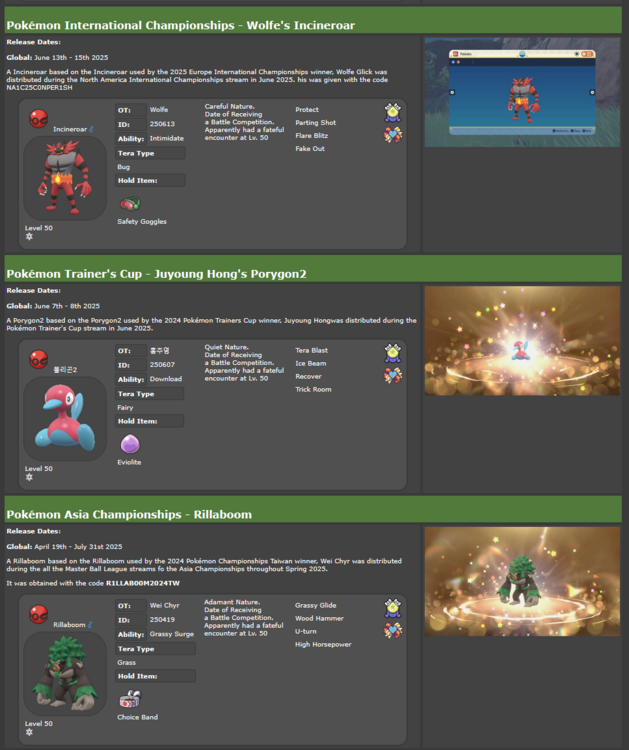
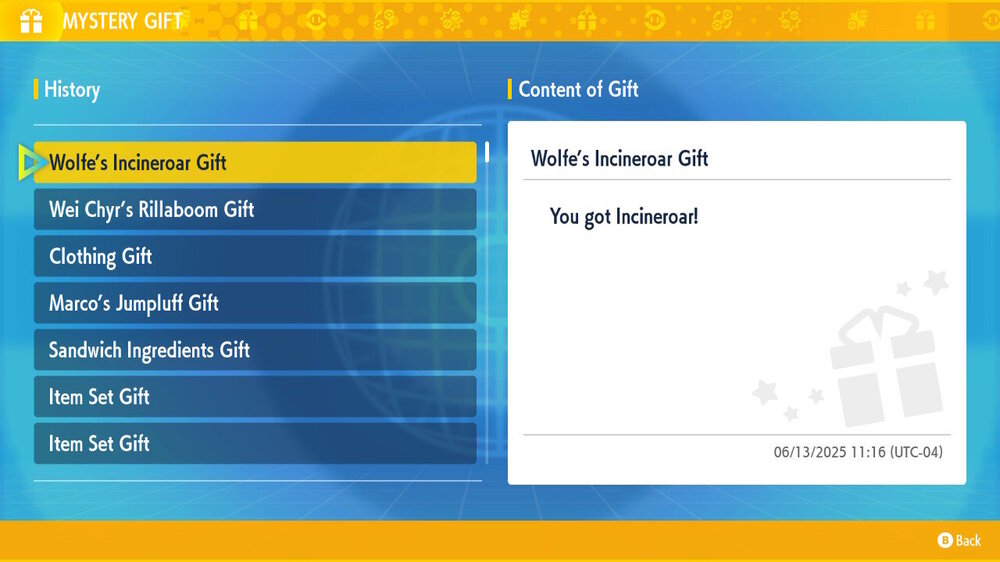
I want to kinda look into the mystery gift block in Scarlet and Violet and figure it would be best to get some examples from other users to try to figure out which data is based on the event, game version, redeem time, etc. So if anyone can provide their *Object KMysteryGift (Key: 99E1625E) from their save it would be useful It would be best if you have the recent events data (examples below) so and also a screenshot of the mystery gift history times (example below) so I can have an idea of what the data should be.
-
If you are on the latest stable release then those errors are because the mystery gift database wouldn't be updated to included it. So you can try the Latest Dev Build and see if the errors still appear while using that version.
-
[PKHeX Plugin] Dynamax Adventure Reset Issues/Requests/Discussion
foohyfooh replied to Darkfiggy's topic in Saves - Tools
The original author hasn't updated their plugin in a while so it isn't compatible with the latest version of PKHeX. I have a fork of it which should be compatible with the latest release -
It is possible that the Sysbot is clearing the existing Home Tracker when it is trading to you and thus preventing it from entering back Home.
-
What version of PKHeX are you using? Because I am able do open your save on fresh download of 24.05.05 from the downloads page.
-
Here is the edited save main
-
Open the save file in PKHeX and go to the SAV tab For the start date, click on the Trainer Info and it has a date picker for you For clearing the Pokédex, click on the Pokédex and there is a modify button which allow you to set that you have seen none
-
That looks like save state; which isn't supported by PKHeX. You need to save in game and get the save file from the emulator you used.
-
Currently there is a rules-repo on GitHub but it is missing most of the Sword and Shield data. Could people please download this plugin PluginPile.SwShRulesExporter.dll and add it to their plugins folder? Then open PKHeX and click Tools>SwSh Download Rules Exporter>Export From bak Folder. This will give you a swsh_rules.zip file in the the PKHeX folder which you can upload to here. Note that if PKHeX hangs and becomes unresponsive during this process that is just because it is going through the whole bak folder and it should complete with a popup message. Thanks for your assistance in this endeavour and hopefully we can preserve all the rules. Edit: Updated plugin to flag if no rules were found