Leaderboard



Popular Content
Showing content with the highest reputation on 02/17/25 in Posts
-
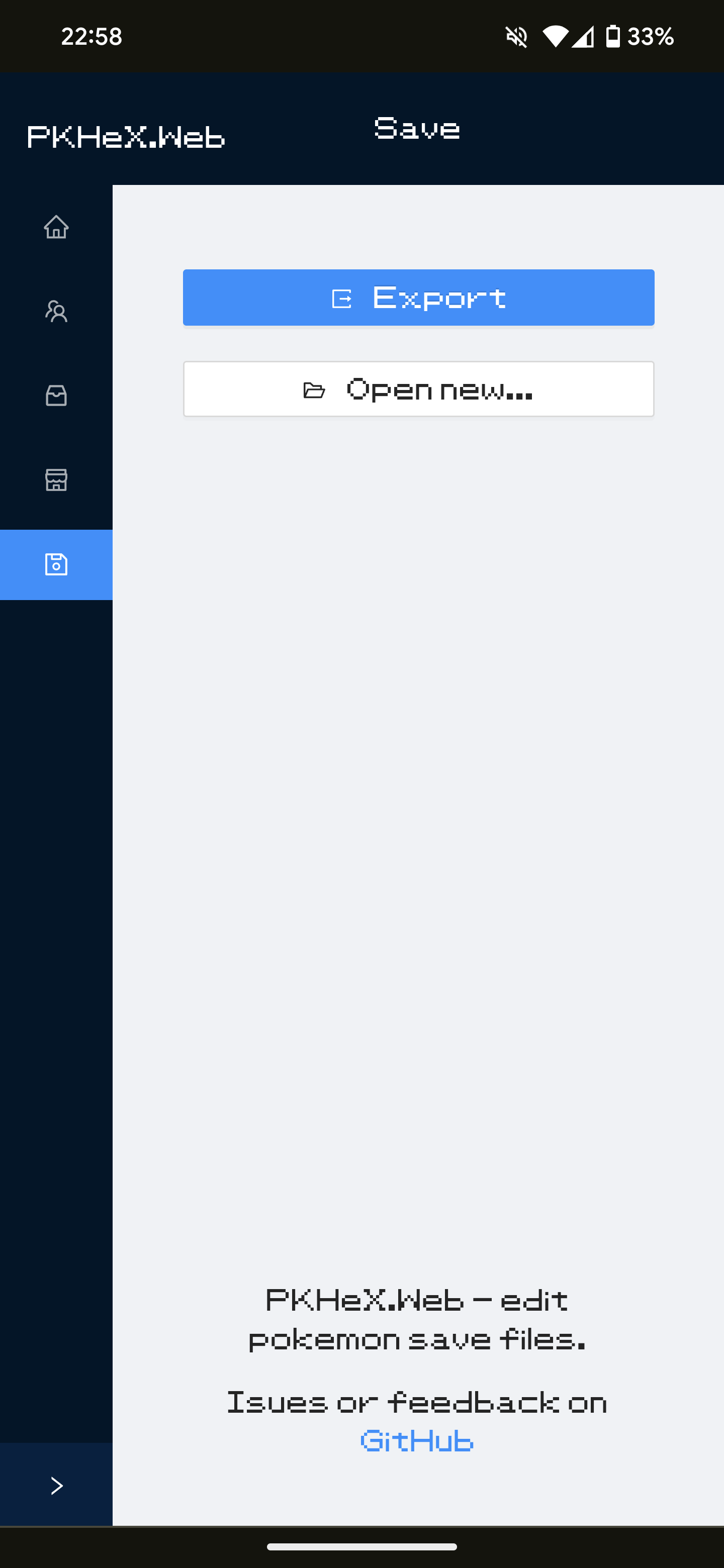
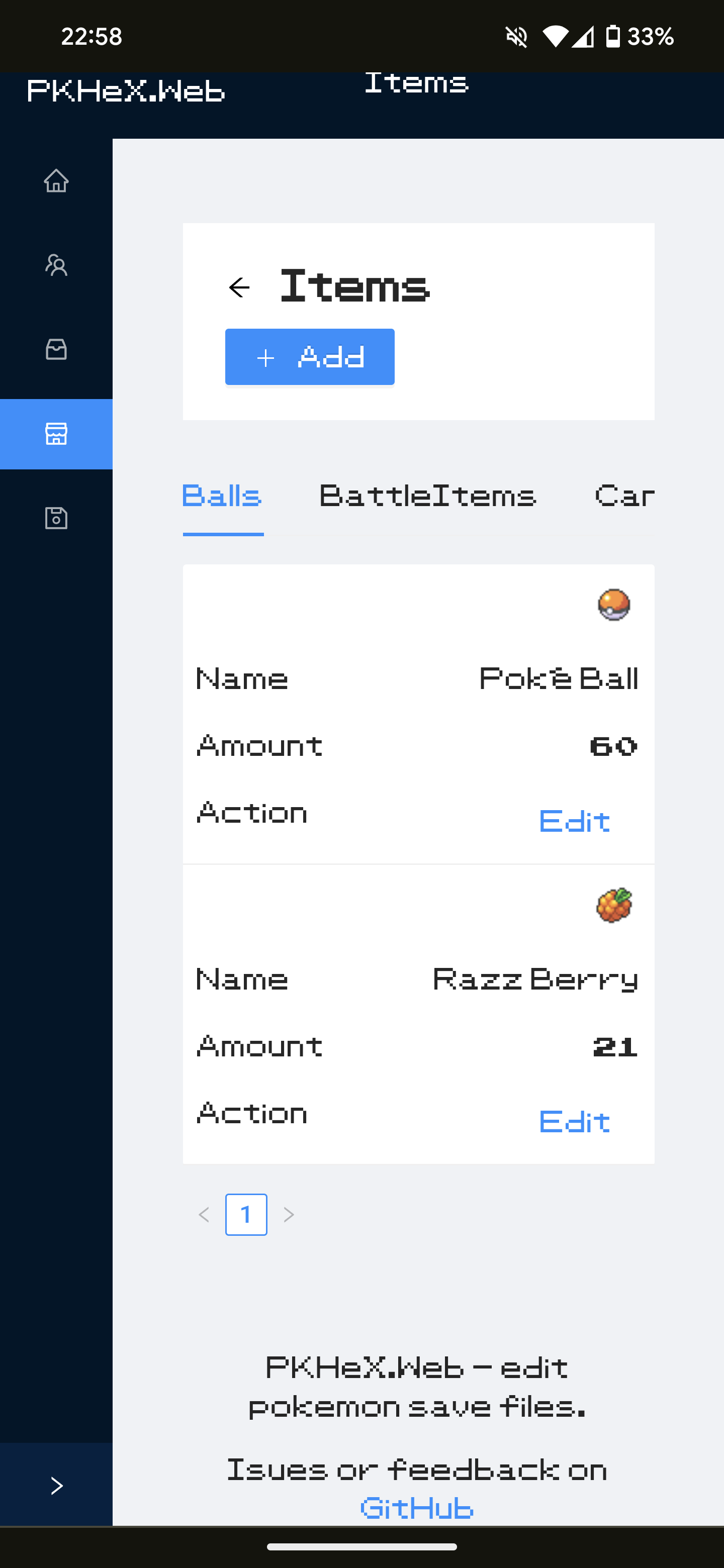
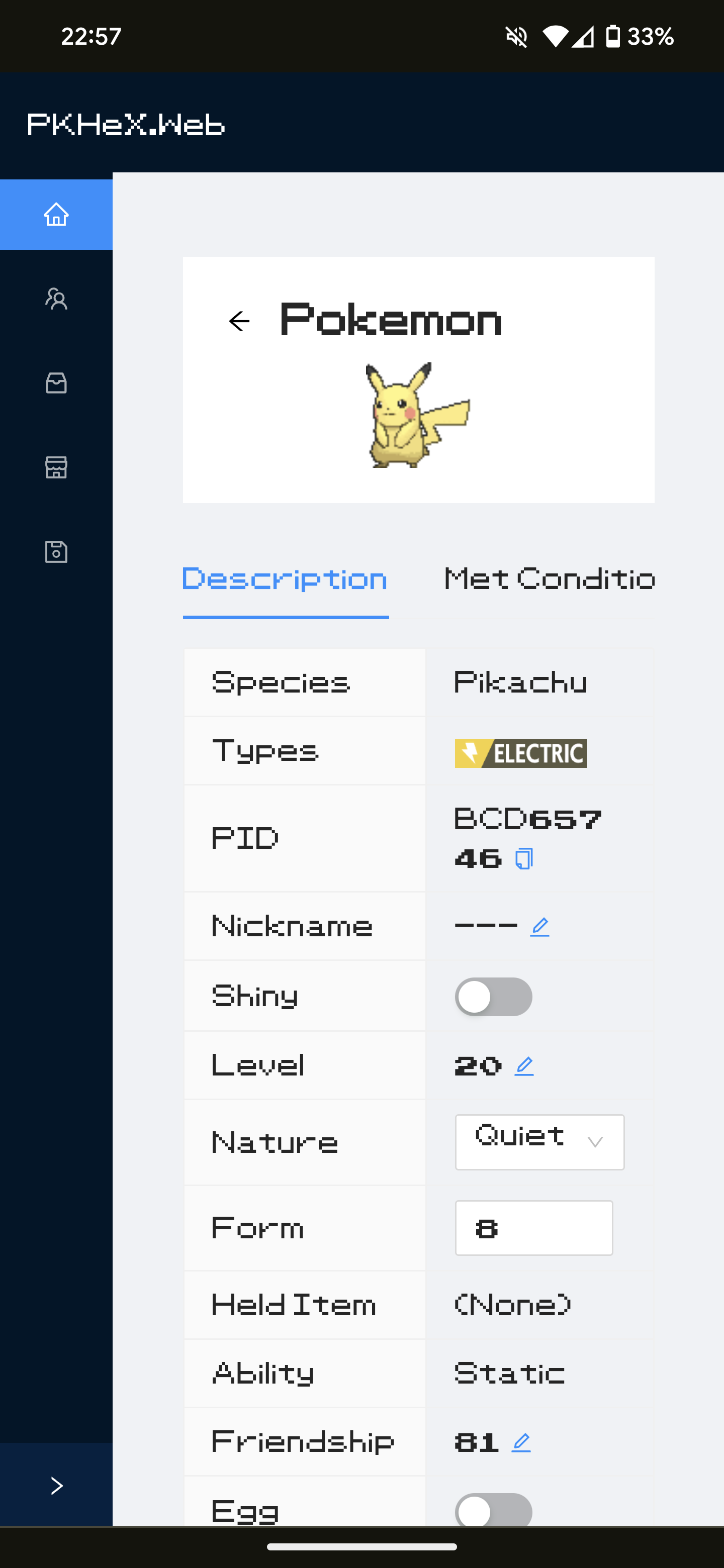
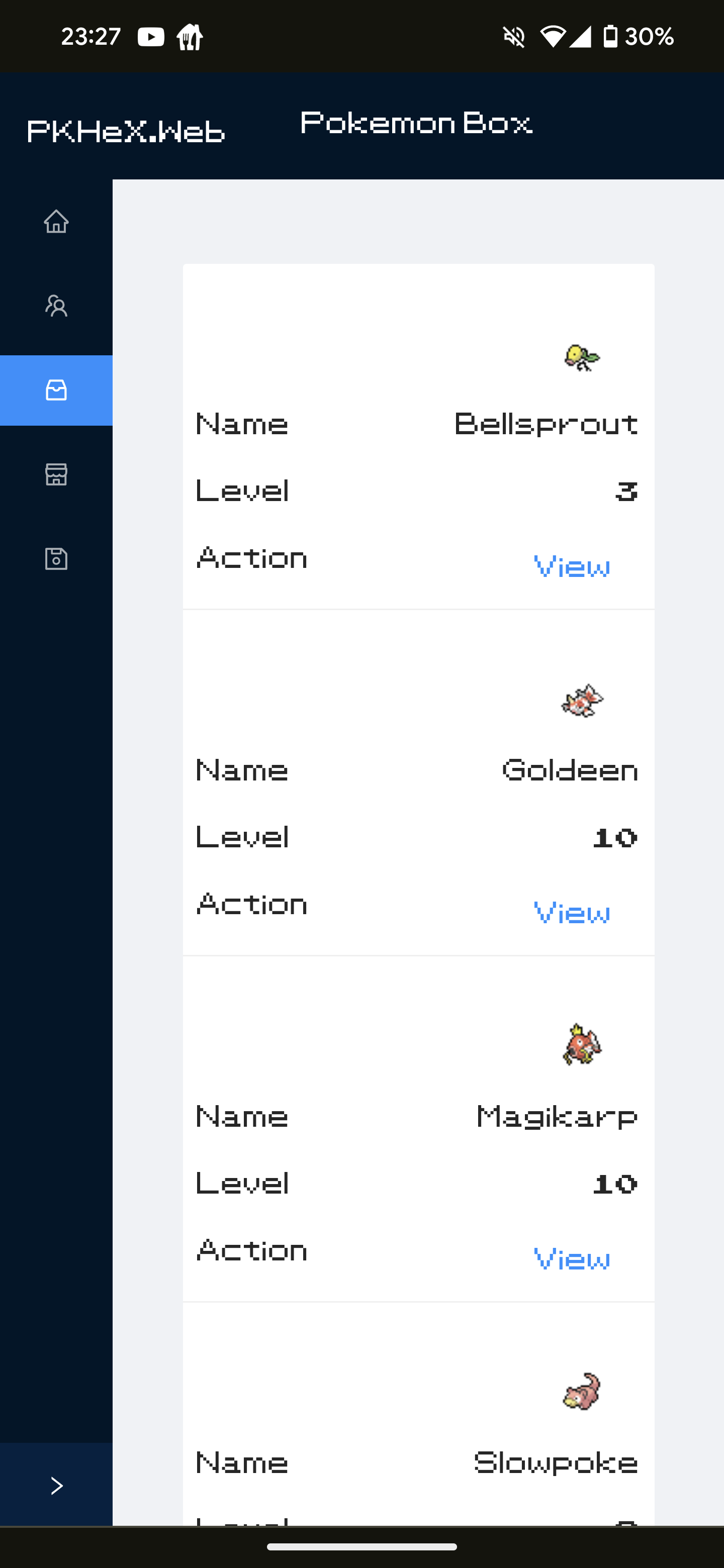
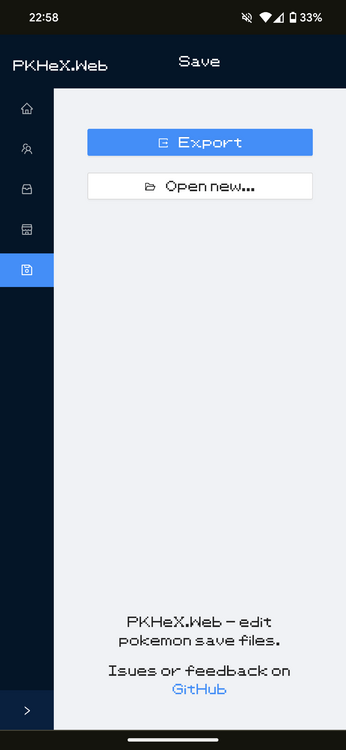
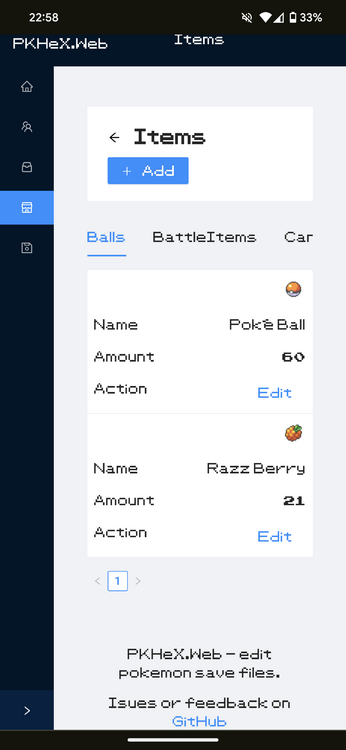
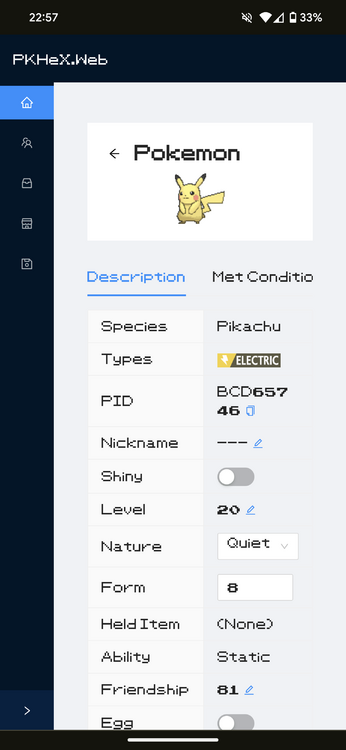
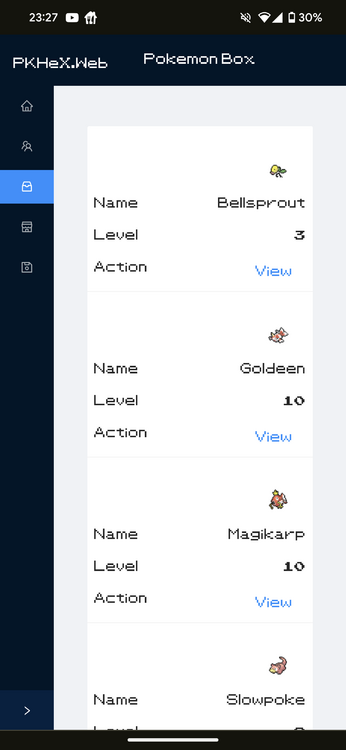
After a bit of effort I put recently on writing a terminal app to edit pokemon save files in any platform (Windows/Linux/MacOS), making it accessible to install with a simple terminal command, I realized that some of it could actually be ported to a nice UI accessible on the browser. If you want to jump right into it, go to: https://pkhex-web.github.io I finally released this working version with a couple of features fully funcional: Open/Export save files Visualize trainer data Add/Remove items Add Pokemons from the encounter database Edit Pokemons (party/box) Legality warning Extendable with plug-ins Auto legality mode plug-in I'm trying as much as I can to make it responsible to work on big screens or mobile-ready, but there may be some aspects that are broken (if you find any, let me know on GitHub) The repository is the same of the CLI for now: https://github.com/arleypadua/PKHeX.CLI If you like what you see, share your feedback or issues here: https://github.com/arleypadua/PKHeX.CLI/issues Again, none of it would be possible without the efforts put into making PKHeX.Core, so kudos for the team.
 1 point
 -
I cannot thank you enough for this, Mr. Padua!!! An excellent service for all fellow pokemon fans1 point
-
Did you set the Pokémon back to the slot once you were done making changes?1 point
-
Just in case anyone is curious. The actual command would look like: .Met_Day=$1,28 .Met_Month=$1,12 .EggMetDate=$suggest Took me a bit to understand it...lol1 point