Leaderboard



Popular Content
Showing content with the highest reputation on 11/06/22 in Posts
-
F.A.Q. Q) Is this legit? A) Legit means no external tools, hacking and/or glitch abusing are used. At best, Pokémon obtained in this way can be legal. Do note that trading Pokémon obtained this way without proper disclosure might be considered scam. Q) Can I follow this tutorial with a clean, non-hacked Switch unit? A) No, Atmosphere CFW is required. Q) Can I follow this tutorial while being offline or with my EmuNand/Emulator? A) No, this requires you to be online and connected to Nintendo official servers. Q) Can I follow this tutorial without an NSO (Nintendo Switch Online) paid subscription? A) Yes, Mystery Gift features don't require NSO. Q) Do I risk a ban by using faked BCATs? A) No one has ever been banned for using SGDM-forged BCAT packages. The method is similar to save file backup/restoration, and so far, there have been no ban reports for that either. If you're too worried to proceed, simply avoid following this tutorial. As always, we take no responsibility if anything happens. Q) Why can't I add more than one (1) wondercard per time to Let's Go Pikachu/Eevee BCAT? A) The game would only pull the first card on the BCAT list. There would be no point in allowing users to add more cards. Q) Why does the tool flags some of my wondercards with a yellow warning mark or with a red esclamation mark? A) The tool marks wondercards as invalid in these cases: Q) Can I edit the wonder records receiving date? A) Yes, by editing the internal/network clock using tools like switch-time. However, how to use the tool is outside the scope of this guide. If you plan to use it, please make sure to stay within legal date ranges and bounds. Setting out of bounds dates may brick your system. We don't take any responsibility if anything happens. Q) Can I edit the Met Date for received Pokémon in Pokémon Legends Arceus and Pokémon Scarlet/Violet? A) Same answer as point 8. .....4 points
-
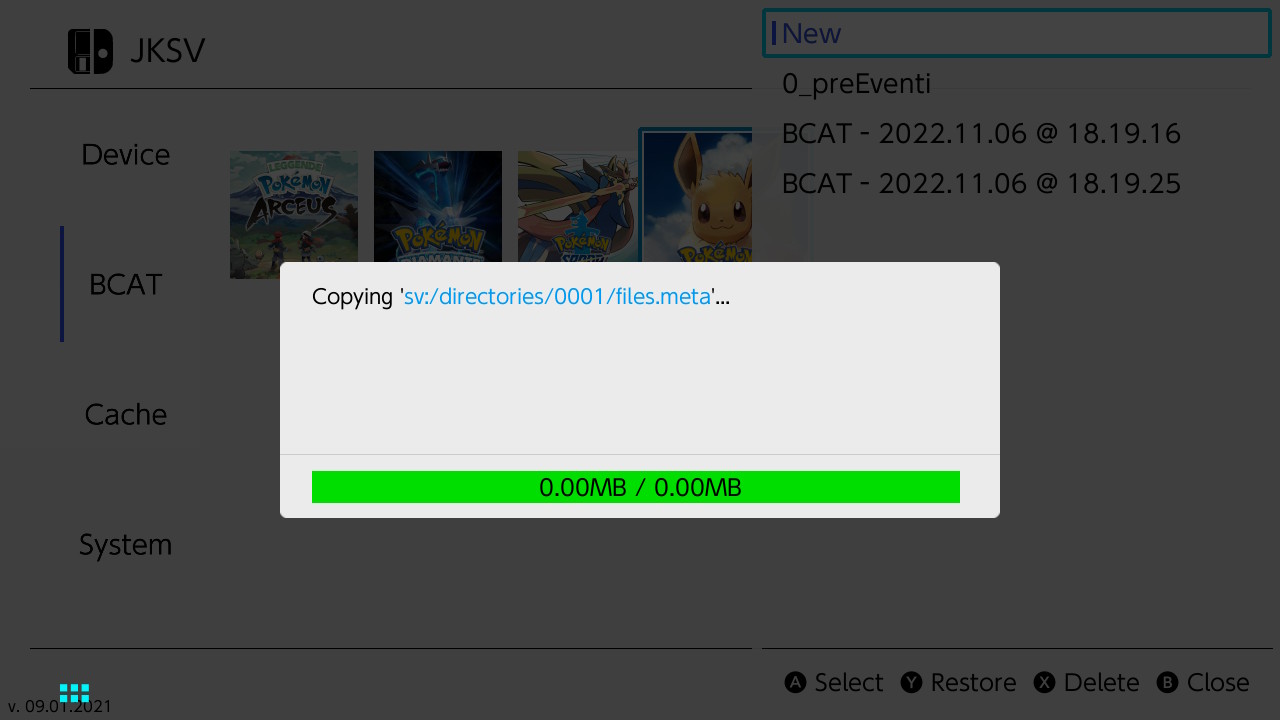
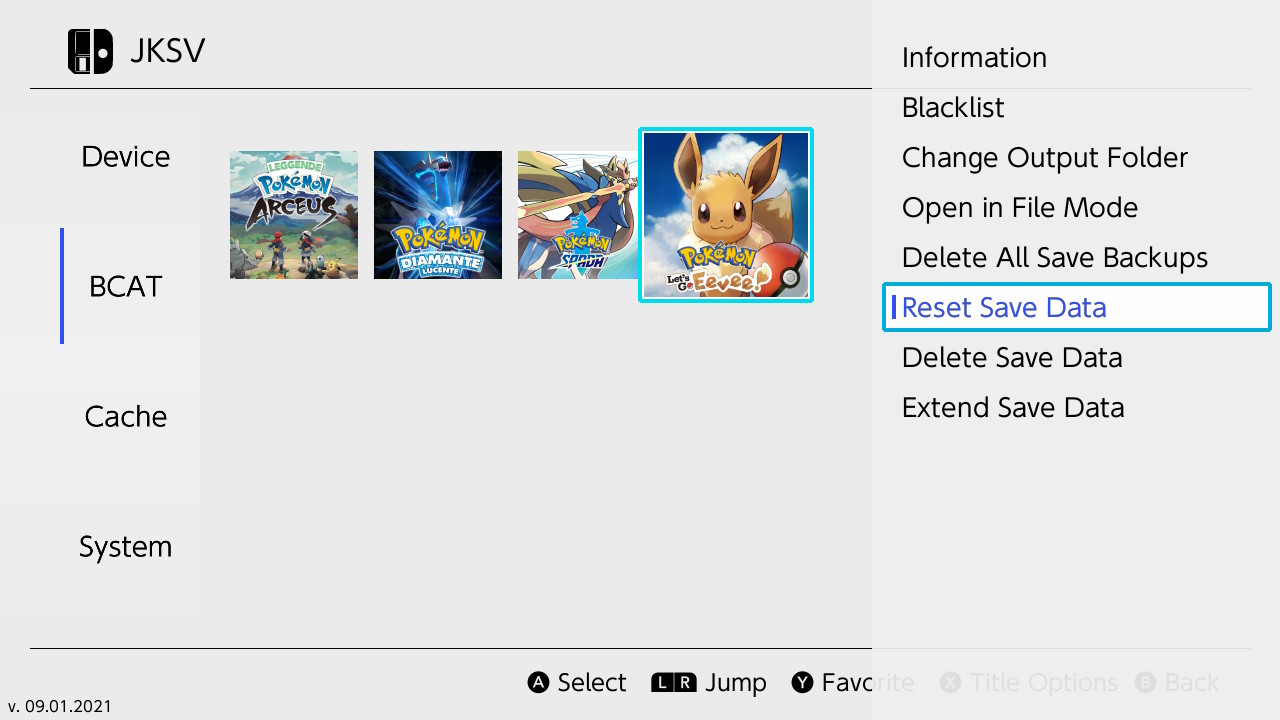
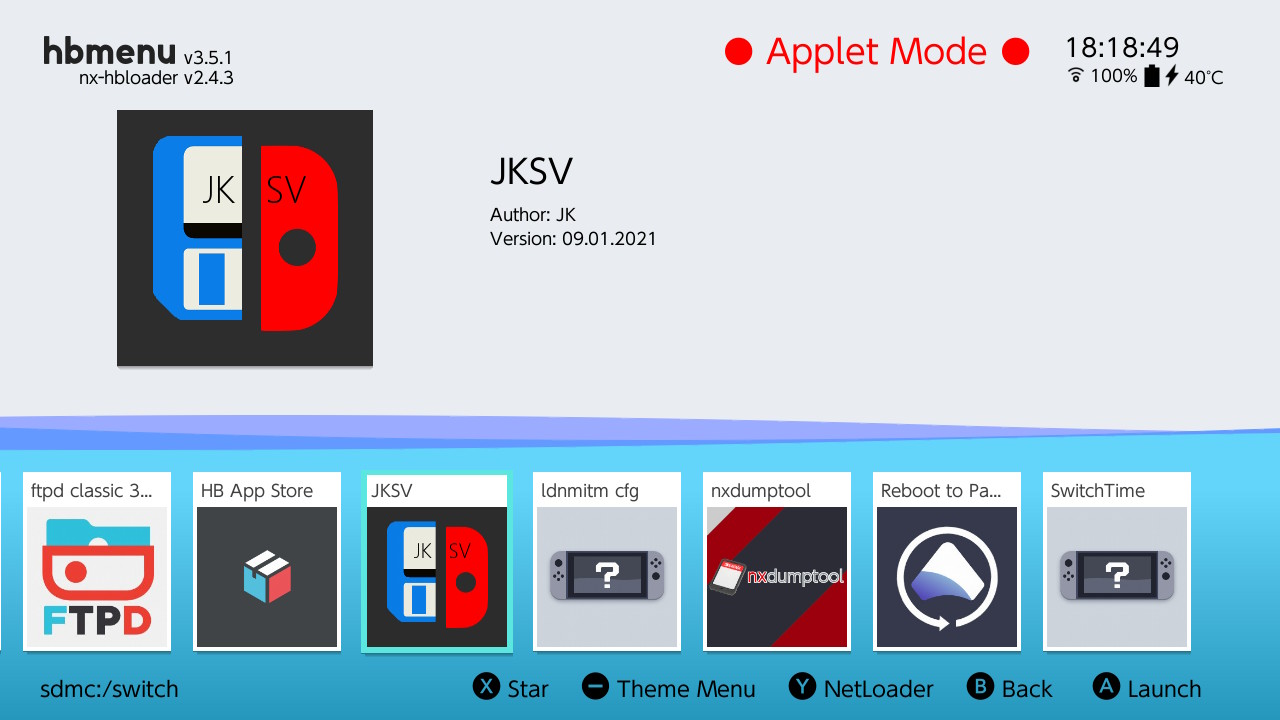
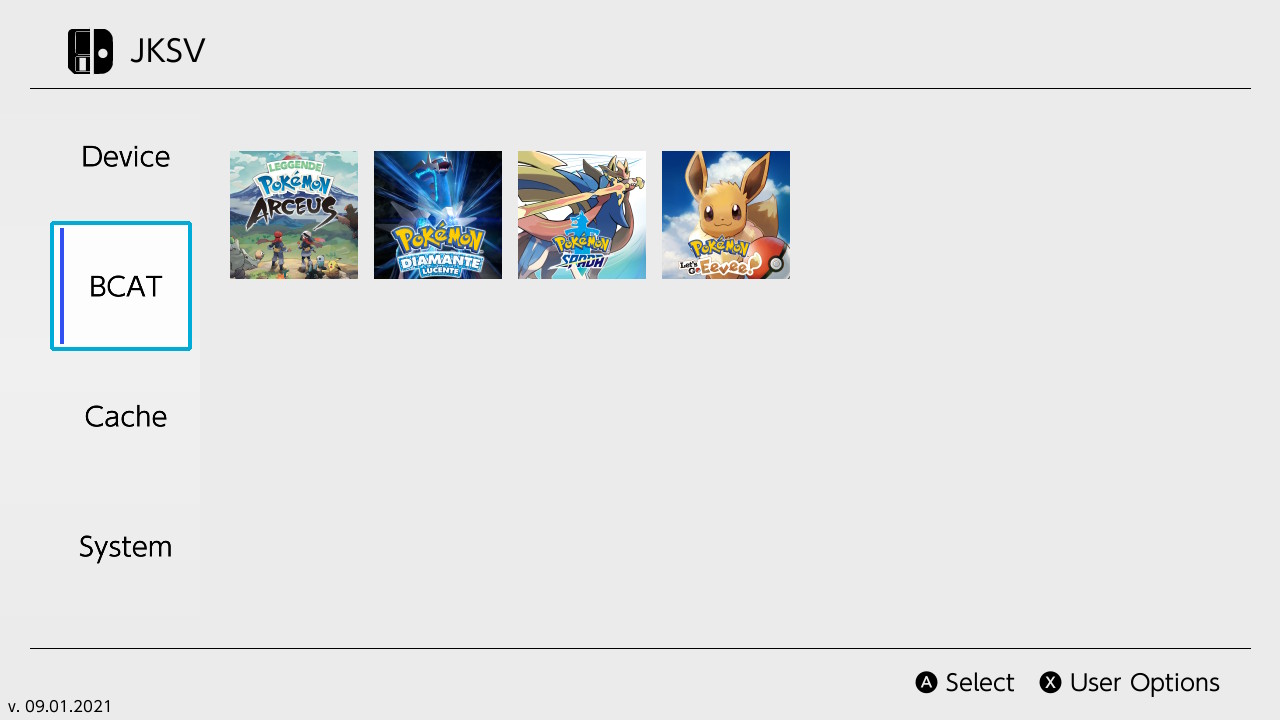
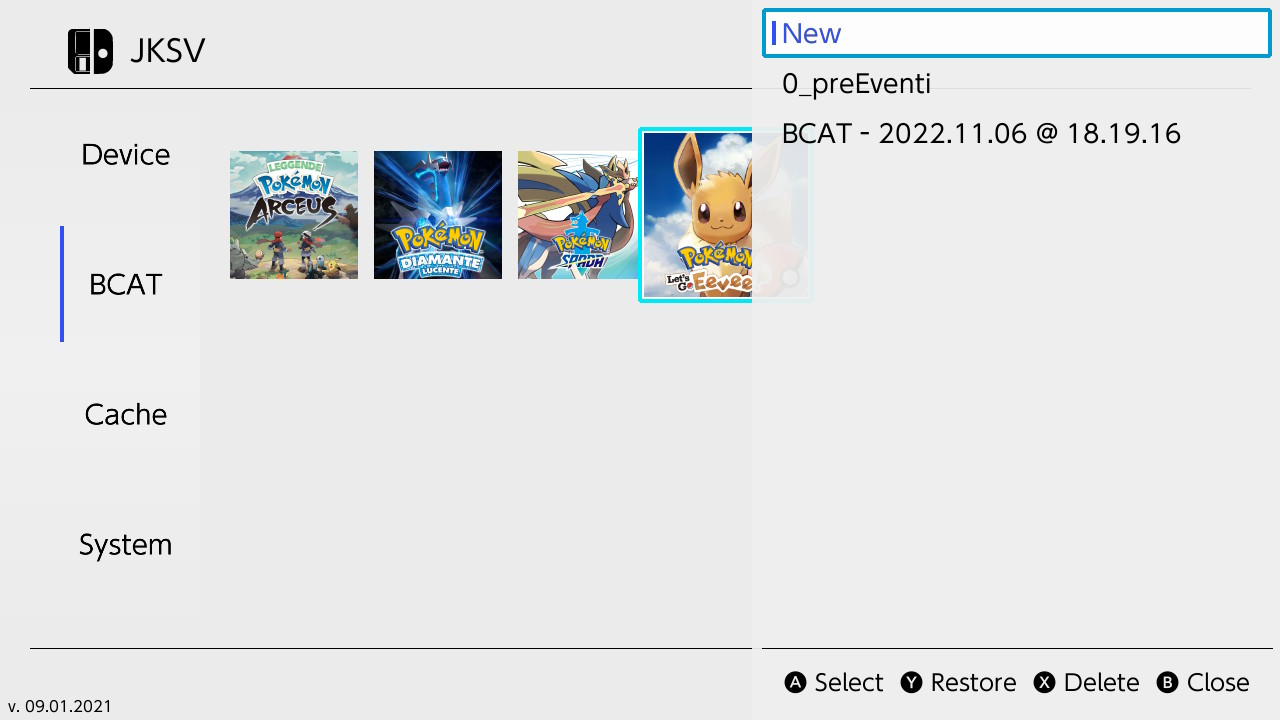
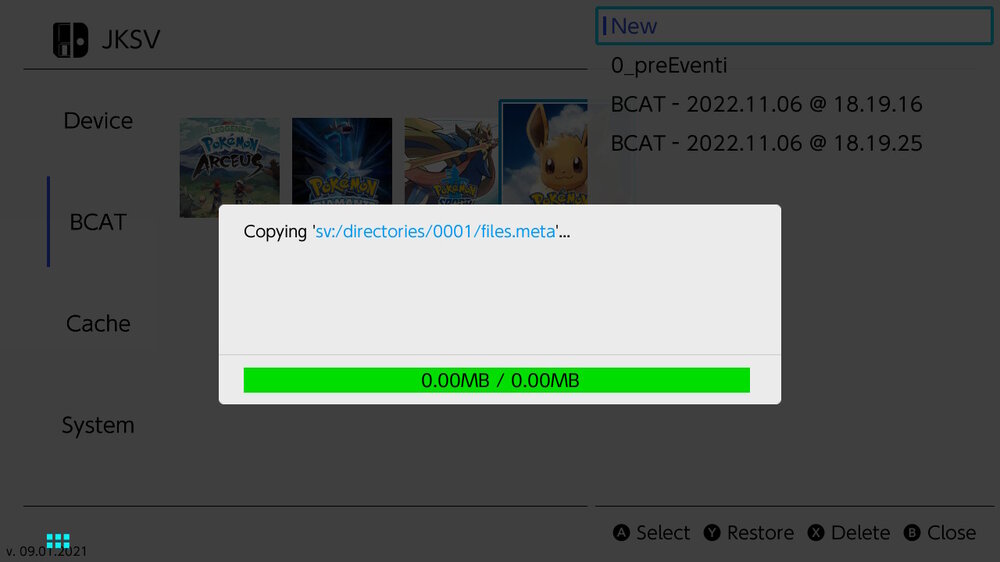
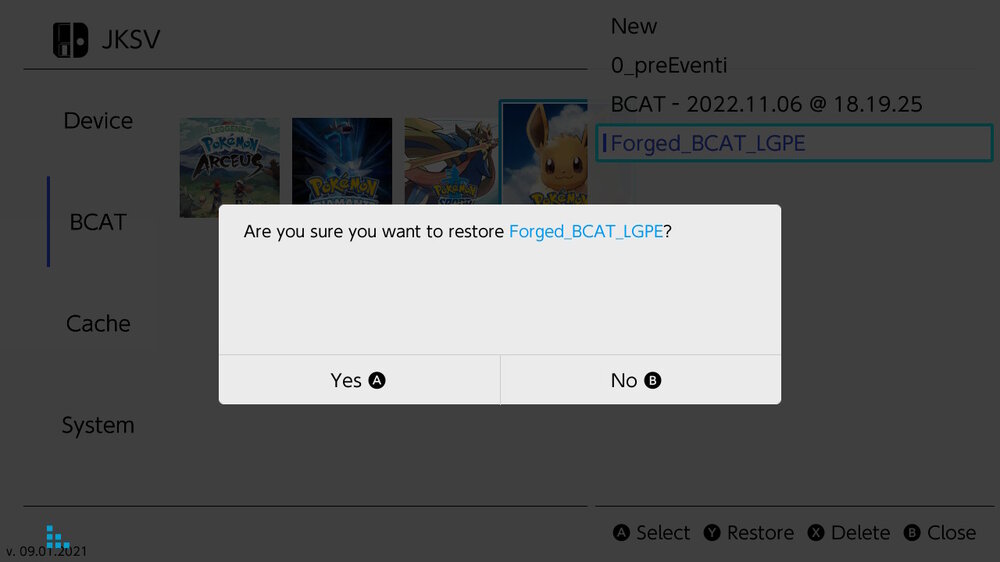
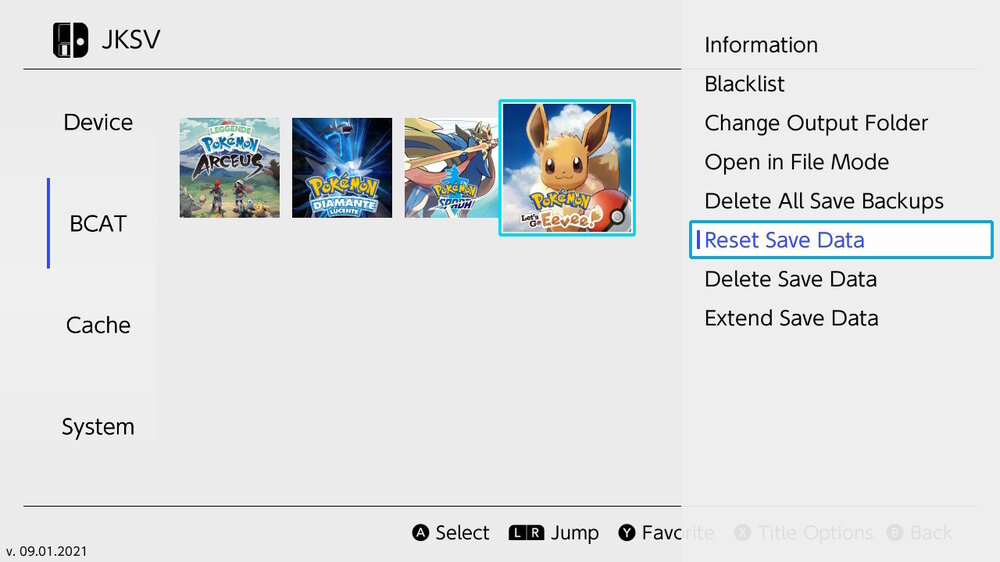
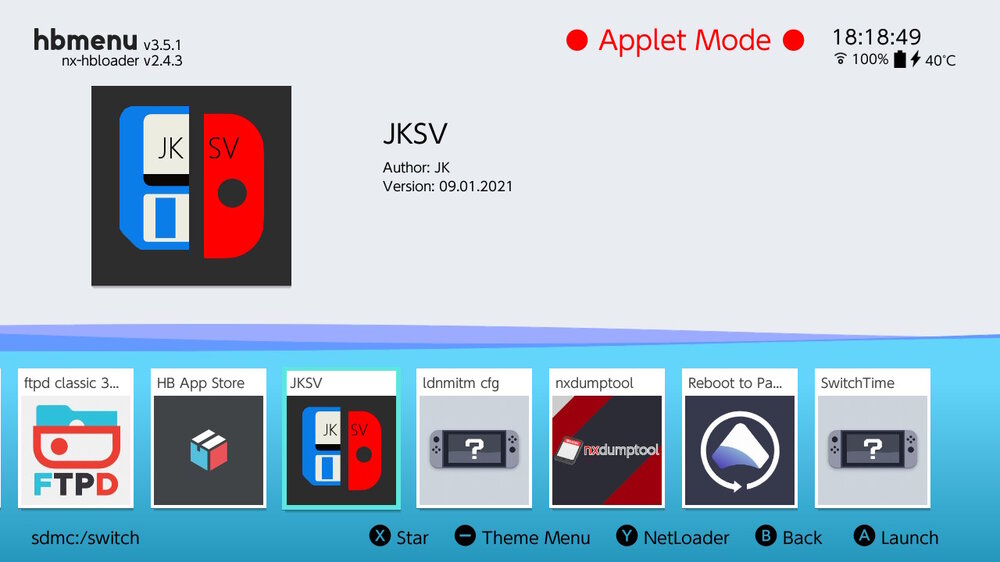
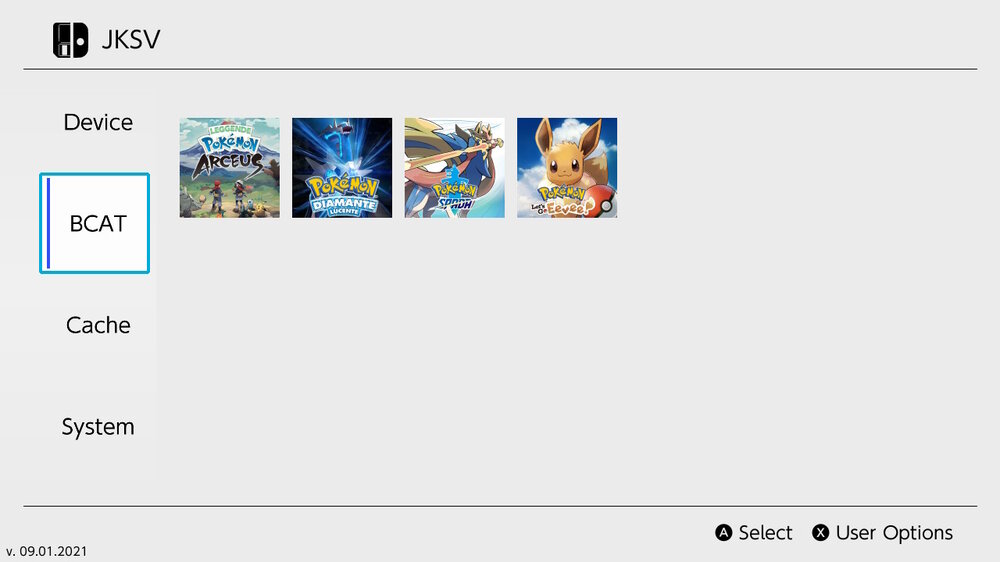
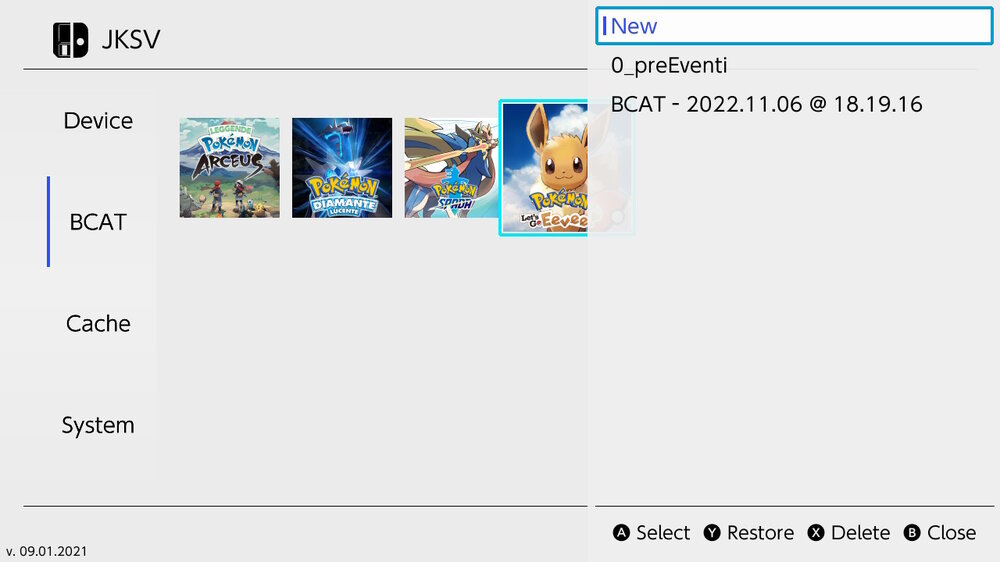
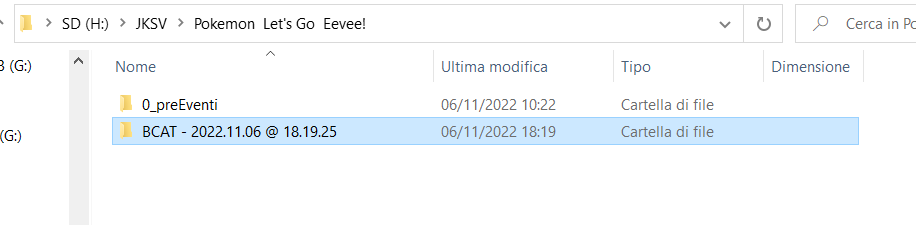
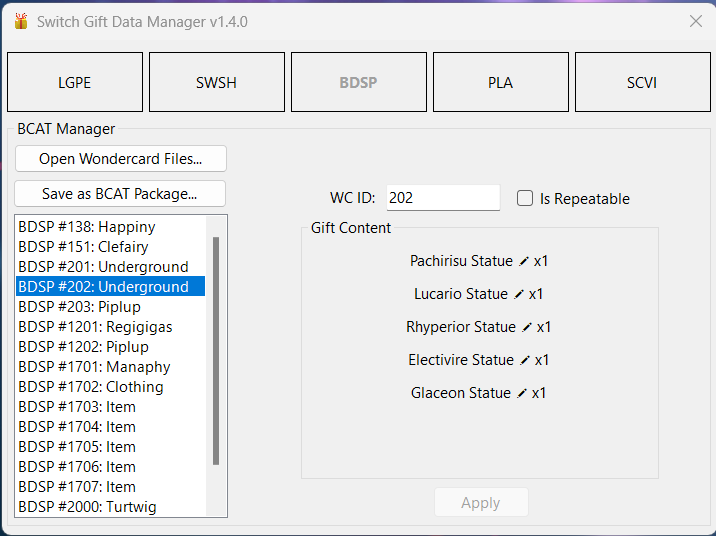
GitHub Source Code Download Latest Release About This tool aims to make past Mystery Gift event contents back again in all the Pokémon games for Nintendo Switch. Since those games won't allow event injection in the SAV file, this tool creates a forged BCAT package, injectable with homebrews like JKSV. This allows wondercards to be redeemed through the In-Game Mystery Gift Menu. The use of this tool does not involve hacking the game ROM nor hacking the game SAV. Video example: Compatible files Let's Go Pikachu and Let's Go Eevee wondercard full files (.wb7full) Sword and Shield wondercard files (.wc8) Brilliant Diamond and Shining Pearl wondercard files (.wb8) Legends Arceus wondercard files (.wa8) Scarlet & Violet wondercard files (.wc9) Legends Z-A wondercard files (.wa9) BCAT wondercard files, either with mutiple or single wondercards (no file format extension) Compatible games Pokémon Let's Go Pikachu and Eevee Pokémon Sword and Shield Pokémon Brilliant Diamond and Shining Pearl Pokémon Legends Arceus Pokémon Scarlet and Violet Pokémon Legends Z-A Disclosure Neither I nor the Project Pokémon staff takes any responsibility for possible adverse outcomes or bans due to the use of this tool. Use at your own discretion. N.B: Some BCAT files contain sensible console-specific informations, which you should keep safe. Don't share your BCAT to others! Usage Tutorial The following tutorial refers to the GUI version of the program. The .CommandLine app is currently just a simple script that calls the .Core functions and can run on any popular OS. Its usage is similar to the Windows Form app and should be fairly intuitive. Ensure you have the required .NET Desktop Runtime 9.0.x correctly installed Download the latest tool release from GitHub Dump your game's BCAT with JKSV and keep some copies somewhere safe Open the Switch Gift Data Manager tool and select your game of choice Import wondercard files of your choice (by drag & drop or by clicking the `Open Files` button) Eventually edit the wondercard id (WCID) if you have invalid WCs and click `Apply` Click the `Save as BCAT Package` button and select your dumped BCAT folder in the "Source BCAT Path" section. The path must lead to the folder containing the files "directories.meta", "etag.bin", "list.msgpack", "na_required", "passphrase.bin" [N.B: if your dumped BCAT only has the "passphrase.bin" file, it means it was not initialized properly. Connect in-game and use any Mystery Gift feature at least once to initialize the BCAT. Downloading Wild Area News or Poké Portal News works too] Click the "Save" button A folder called "Forged_BCAT_{Game}" should appear next to your dumped BCAT (or in whatever path you selected in "Destination BCAT Path") Restore the forged BCAT with JKSV To redeem the old fashion events, open your game -> Menu -> Mystery Gift -> redeem via Internet When you're done, restore your original BCAT package with JKSV (not doing so may cause sync issues) N.B: BCAT Sync usually occurs between 12:00 AM (UTC) and 01:00 AM (UTC) if there is new BCAT content in the servers. I suggest to not follow this procedure during that timeframe to avoid a desync. If you experience a desync, follow one of these methods to resync: Open JKSV, select BCAT, hover over your game and press X to open the menu, then click `Reset Save Data`. Download the latest BCAT for your game from citrusbolt's website and add the missing files to your dumped BCAT, then restore it with JKSV. If you find any bug or you need support, please read carefully the FAQ section. Comment this post with your question if you still need help. Credits PNZeml for the CRC-16/CCITT-FALSE with lookup table implementation Kurt, Matt and all the PKHeX and pkNX devs and contributors for a lot of offsets and resources theSLAYER for his researches in the Sword and Shield fashion block and for the clothing names resources All the Events Gallery contributors for the archival efforts that made this possible
 3 points
 -
thank you so much for the explanation!1 point
-
The saves are not broken, it's a new feature of mGBA that adds RTC data to the end of the file. Use the dev build until the next stable release.1 point