ScoopDunk
-
Posts
11 -
Joined
-
Last visited
-
Days Won
1
-
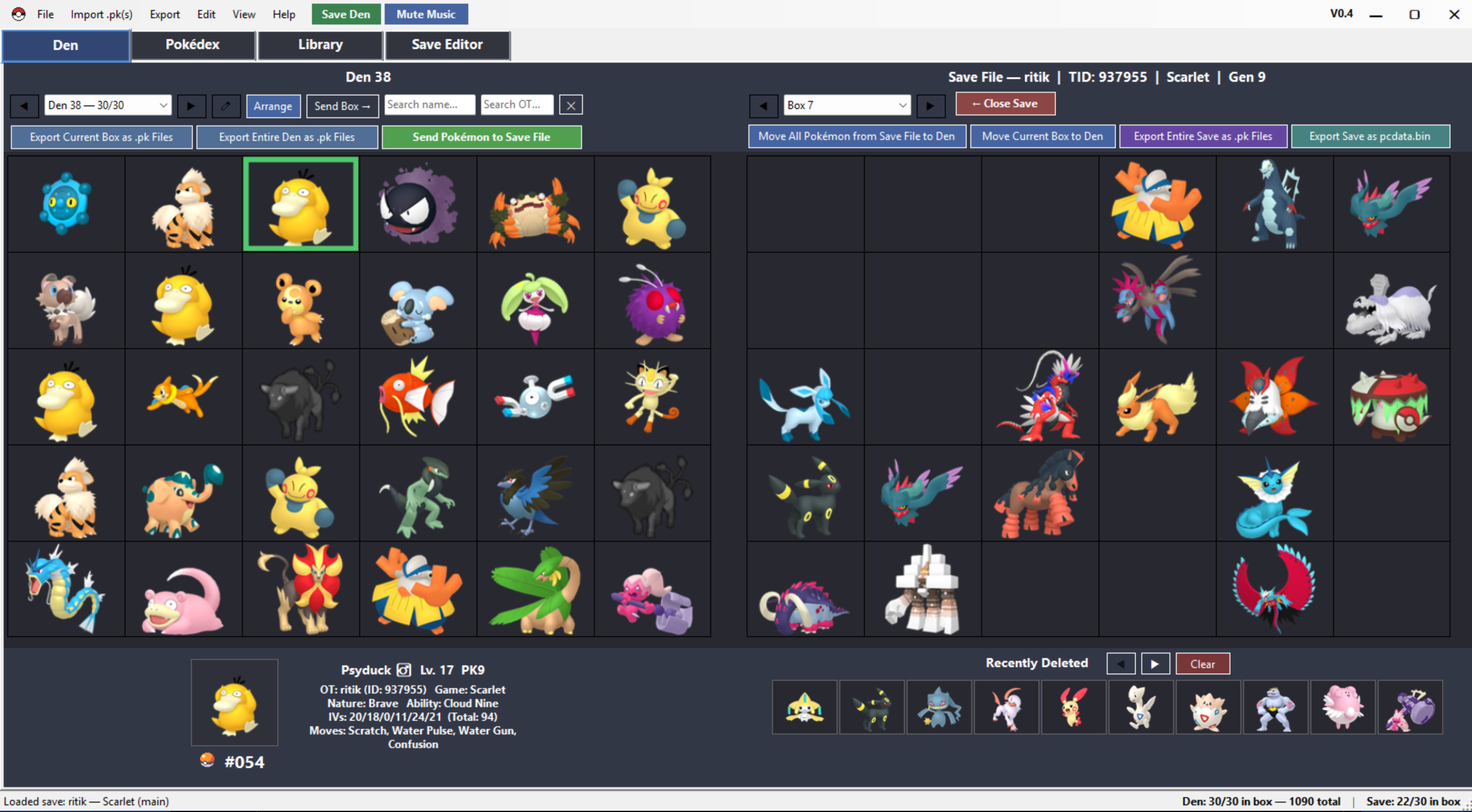
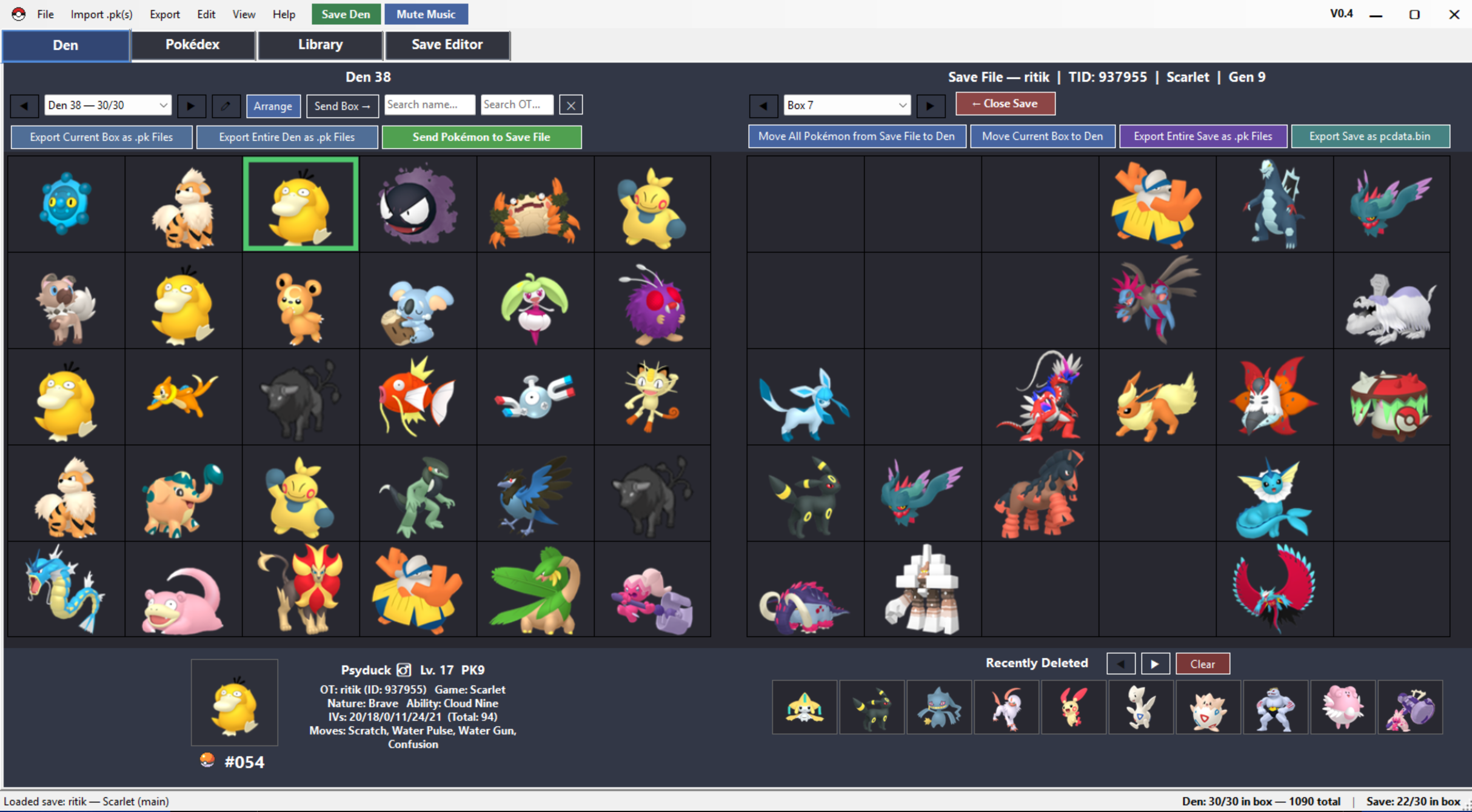
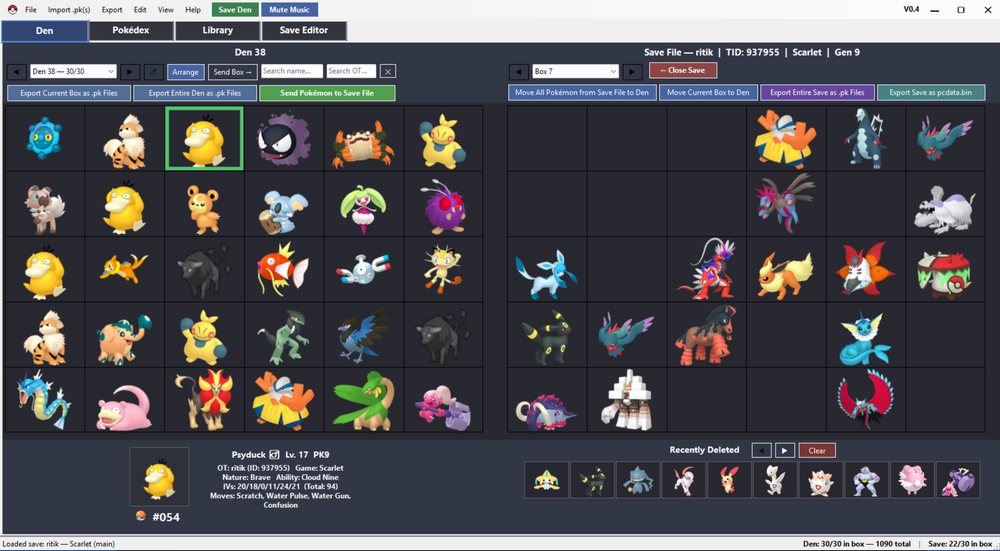
https://github.com/ScoopDunk/PKDen/releases/tag/V0.4 0.4 Released! General UI improvements. Some customization features added.
-
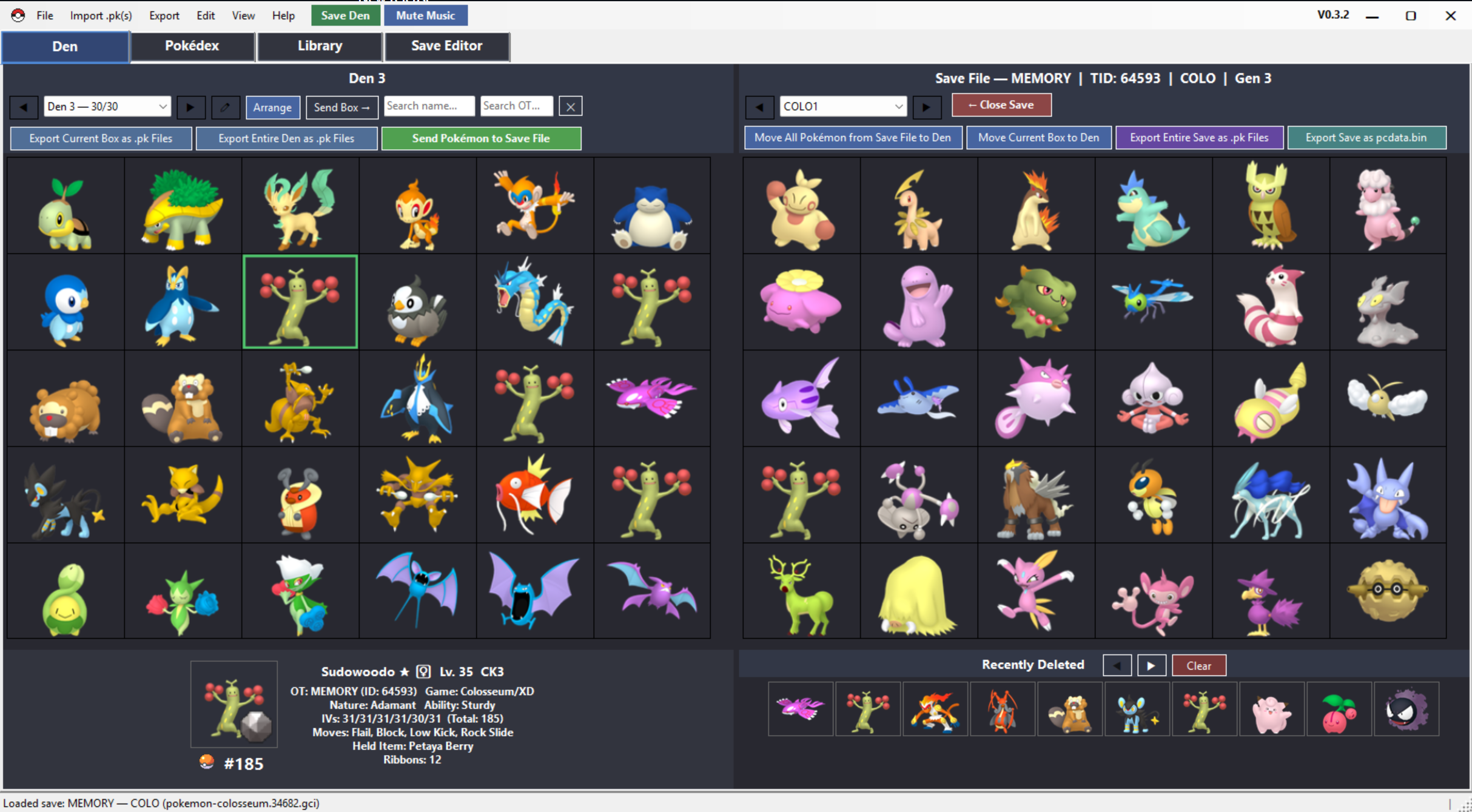
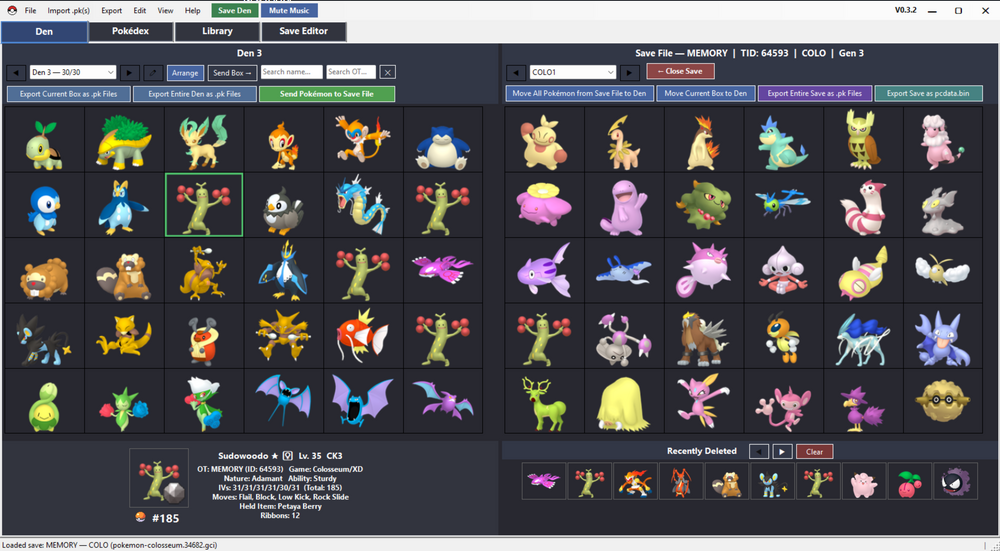
https://github.com/ScoopDunk/PKDen/releases/tag/0.3.2 This is likely going to be the last update for a while. This update introduces major changes and fixes in the handling of transferring pokemon to save files and general UI layout. Transferring Pokemon to save files hasn't been extensively tested, but general bugs and incompatibilities have been addressed. PKDens primary function as a PK organizer is the priority and has reached a level of maturity that a full release is on the horizon, but other functions, such as save editing and transferring Pokemon still need to be tested. However, if development stops I'm happy with the way the program stores and catalogues .pk files.
-
https://github.com/ScoopDunk/PKDen/releases/tag/V0.3.1 This update mainly focused on the programs handling of save data, importing, exporting, and editing files.
-
https://github.com/ScoopDunk/PKDen/releases/tag/V0.3 Semi-big release. Bug fixes, improved UI, and a few new features and options. The program is becoming a little more well-rounded, but it can only go so far as a basic storage manager. Not much can be added, but general functionality can definitely be improved. Report any bugs or problems here.
-
https://github.com/ScoopDunk/PKDen/releases/tag/V0.2.1 A decent update to PKDen. Lot's of small changes to improve ease of use. For the handful of people downloading, thank you! any feedback good or bad is appreciated.
-
https://github.com/ScoopDunk/PKDen/releases/tag/V0.2 New release. You can transfer Pokemon to your save file. New support for all the pokemon side games like XD:Gale of Darkness, Pokemon Stadium etc. Lots of general layout improvements as well.
-
Hello everyone, I see that PKDen has been removed from the downloads section. I didn't receive a notice from a moderator so I'll assume it was removed permanently. To download the latest version go to https://github.com/ScoopDunk/PKDen/releases/tag/V0.1.3 V0.1.3 now includes a Pokedex, higher resolution sprites, a save directory and more customization options.
-
Reserved for future updates. Lots of new features in 0.1.2. Any and all feedback is appreciated. Report any glitches or shenanigans here
-
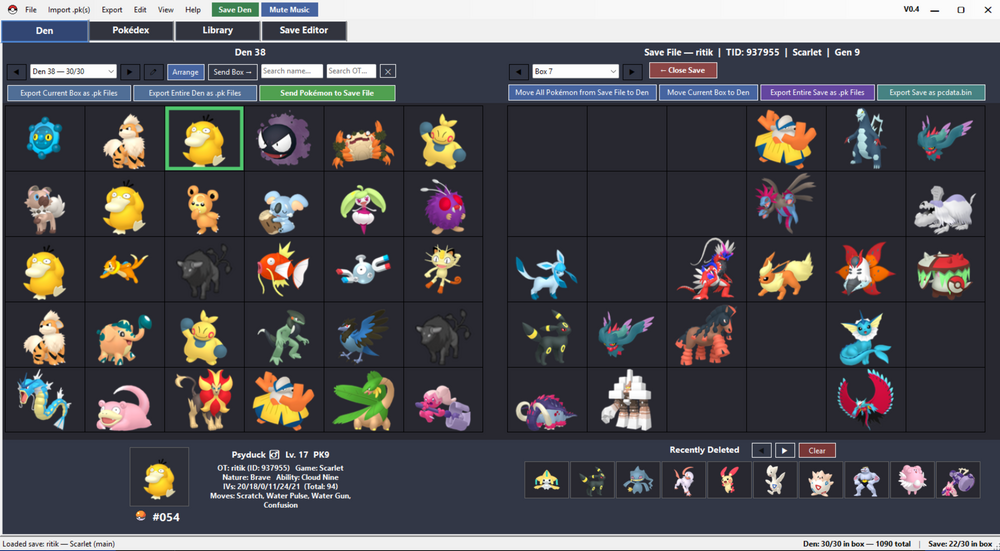
Current Version as of June 12, 2026: https://github.com/ScoopDunk/PKDen/releases/tag/V0.4 PKDen is a .pk file extractor, viewer, organizer, and backup tool for Pokémon data across all main-series games (Gens 1-9). The goal of this project is to have an easy to use local Pokémon storage system for all mainline Pokémon games. I am not a coder, I do not know how to program. Full disclosure: this project was only made possible by Claude AI. For years I wanted a simple PK viewer/pokemon storage solution that was similar to HOME/BANK. PKHEX has a database system, but it doesn't have the feel of an organizer. PKVault is quite good, but I wanted something a little more simple, without all the bells and whistles. PKDen is a very, very simple and easy to use program. Load your save files or .pk files, backup your Pokémon, organize them to your liking, export the .pk files as you please. Please report any issues or glitches or suggestions for improvement in this thread. PKDen hasn't been extensively tested. I've tested importing/exporting .pk files from every generation and every language, but I haven't done extensive testing with the loading of different gens/languages save files.
-
 ScoopDunk changed their profile photo
 -
Hello everyone. I have created a companion tool for use with Dolphin to make using Pokemon Box: Ruby and Sapphire easier. What does this program do? It solves two problems. In order for Dolphin to use your gba save file, the save file must be renamed with -2 at the end of it. The save file must also be in the same location as your rom file, which isn't always convenient. With this tool you simply drop your save file onto the program, drag and drop the image of the pokemon cartridge to your Dolphin's mGBA window, and your save file will automatically load into Dolphin/Pokemon Box. When you are done with Pokemon Box you can choose to update your original save by clicking finish. If you wish to keep your save file unaltered (clone your pokemon) simply exit the program without updating your original save file. In order for the program to work you must have the generations 3 pokemon games already downloaded. This program does not provide roms or isos. You must also do some setting up in Dolphin beforehand. What's behind the hood? When you drop your save file into PBEST, it creates a temporary .sav file with the correct name scheme dolphin looks for. This temporary save is placed in the roms folder. When you're finished, your original save file is updated, keeping it's original name and location. This program saves time by not having to manually edit sav files and placing them in the right locations. You also have the added bonus of launching Pokemon Box directly from this program. This program works with .sav and .srm files. When a save file is dropped into PBEST it is automatically backed up in a folder of your choosing with a date and timestamp in the title. This process is done right when you drop the file in. So if any shenanigans and tom foolery occurs with your save fille, you have a permanent backup that is created right away. The linked youtube video is a small demo. I have not released this tool yet, as there is still some testing to be done, but it is 90% there. Any ideas or feedback to improve the program is greatly appreciated.