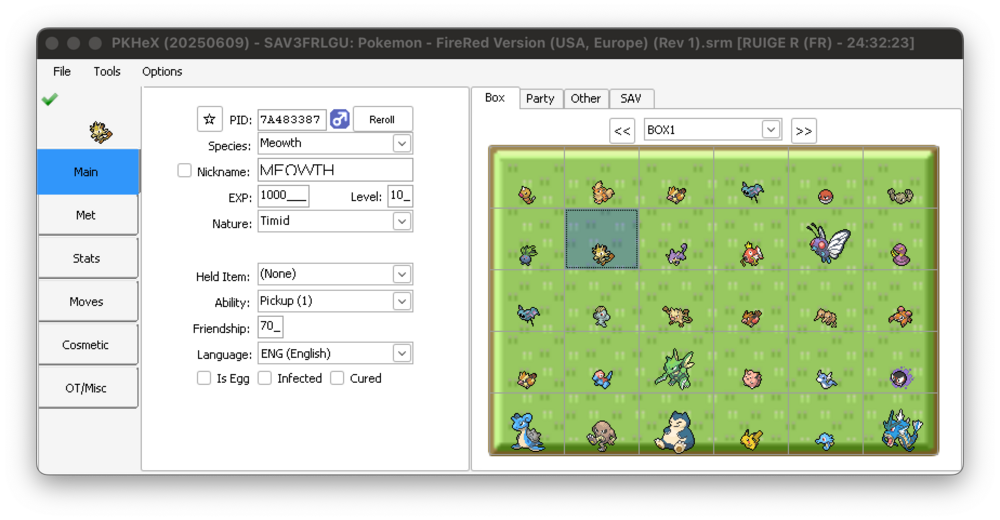
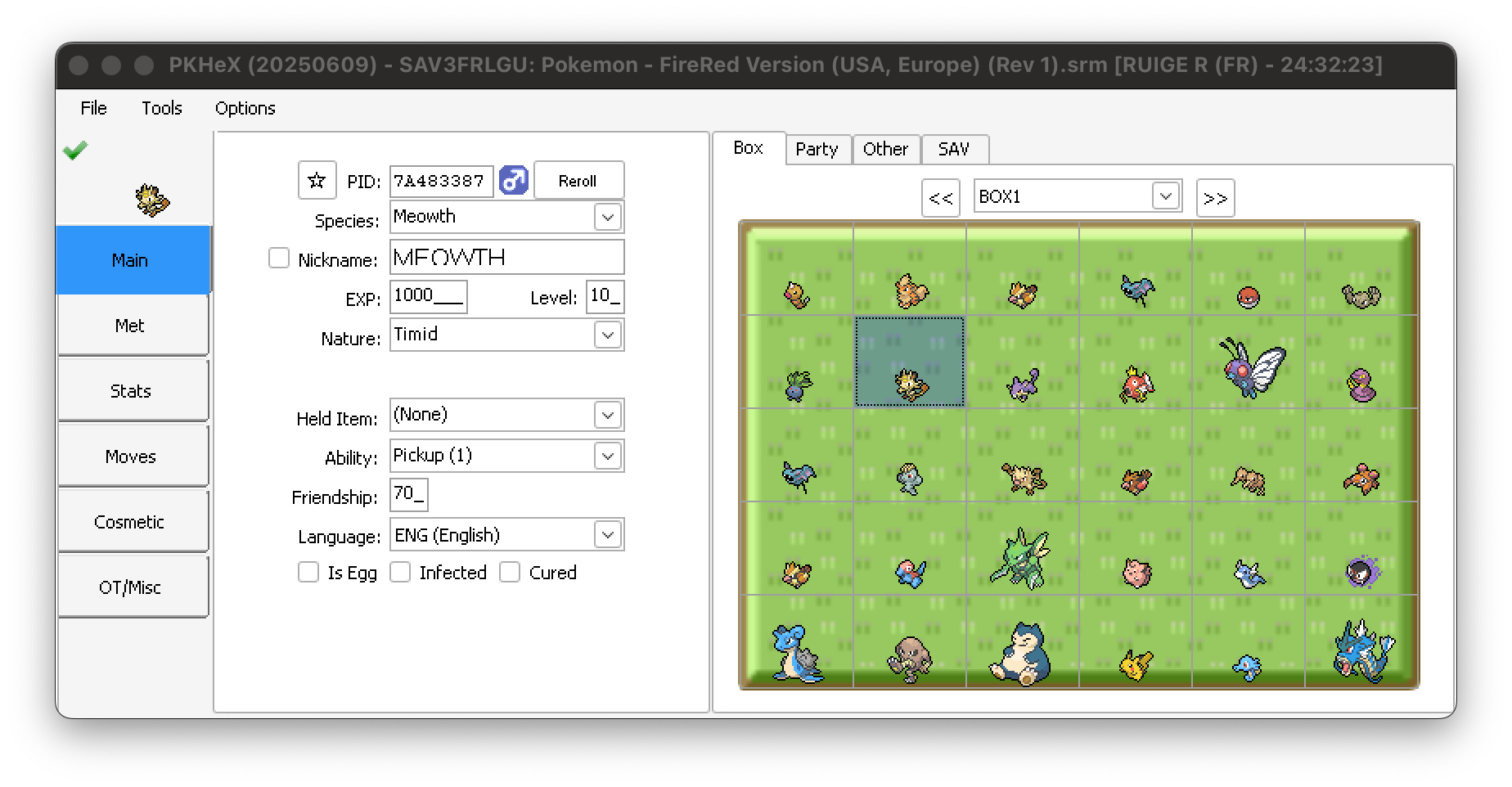
As this is the only hit on Google for this issue, I thought it would be a good idea to post how I got it running here.
Please note that I'm running PKHeX 20250609 on an M4 Mac (Sequoia 15.5), using CrossOver 25.0.1 (25.0.1.38570).
The issue appears to be caused by installing .Net from the "supported applications". Doing it manually appears to work fine.
Download .NET 9.0 Desktop Runtime (v9.0.7) - Windows x64 Installer
Open CrossOver
Click the install button on the bottom left
Click install "Install unlisted application"
Click install
In the popup
New Bottle...
Bottle Name: whatever you choose, I named mine PKHeX
New Bottle Type: Windows 10 X64
Select windowsdesktop-runtime-9.0.7-win-x64.exe
Click install in the .Net 9 installer
Right click your new Bottle in CrossOver and select "Open Drive"
In the Finder window that opens, double click the Program Files folder
Create a PKHeX folder
Double click the new folder
Drag in the PKHex.exe
Back to CrossOver
Make sure your new bottle is selected
Click "Run Command" (top right)
Command: Click Browse... & navigate & select to 'Program Files/PKHeX/PKHeX.exe'
Click "Save Command as a Launcher"
Click "Run"
I select "Yes" on the prompt for a Backup folder
Select a save on your Machine (mapped under My Computer -> Y:)
Everything appears to work, however the mouse over popups in your boxes and party can be wonky. You have to click elsewhere and move the mouse again to get them to pop up. I would consider this a very minor issue.