Giselus
-
Posts
10 -
Joined
-
Last visited
Content Type
Profiles
Pokédex
Portal
Technical Documentation
Pages
Tutorials
Forums
Events
Downloads
Gallery
Blogs
Everything posted by Giselus
-

The Most Complete Save File for Gen 3 - Pokemon BOX (EUR)
Giselus commented on Dararakz's file in User Contributed Saves
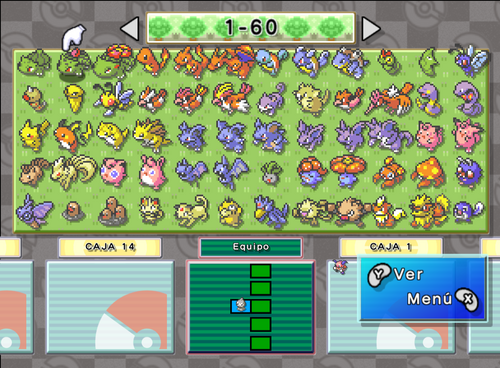 Nice job. I'm doing the same thing: gathering all gba, ds, and 3ds pokemon and sending them to HOME before the bank closes.
 -
Safe to add BDSP Ribbons without entering game?
Giselus replied to Tanzer's topic in Saves - Editing Help
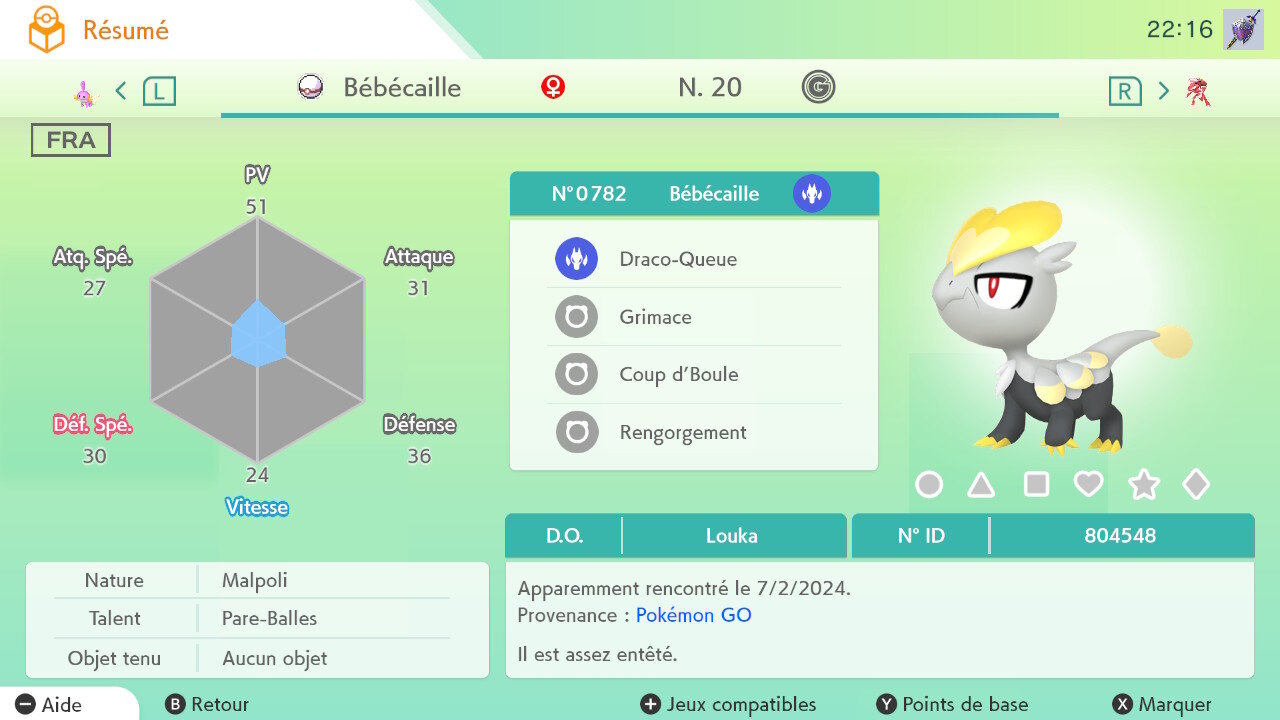
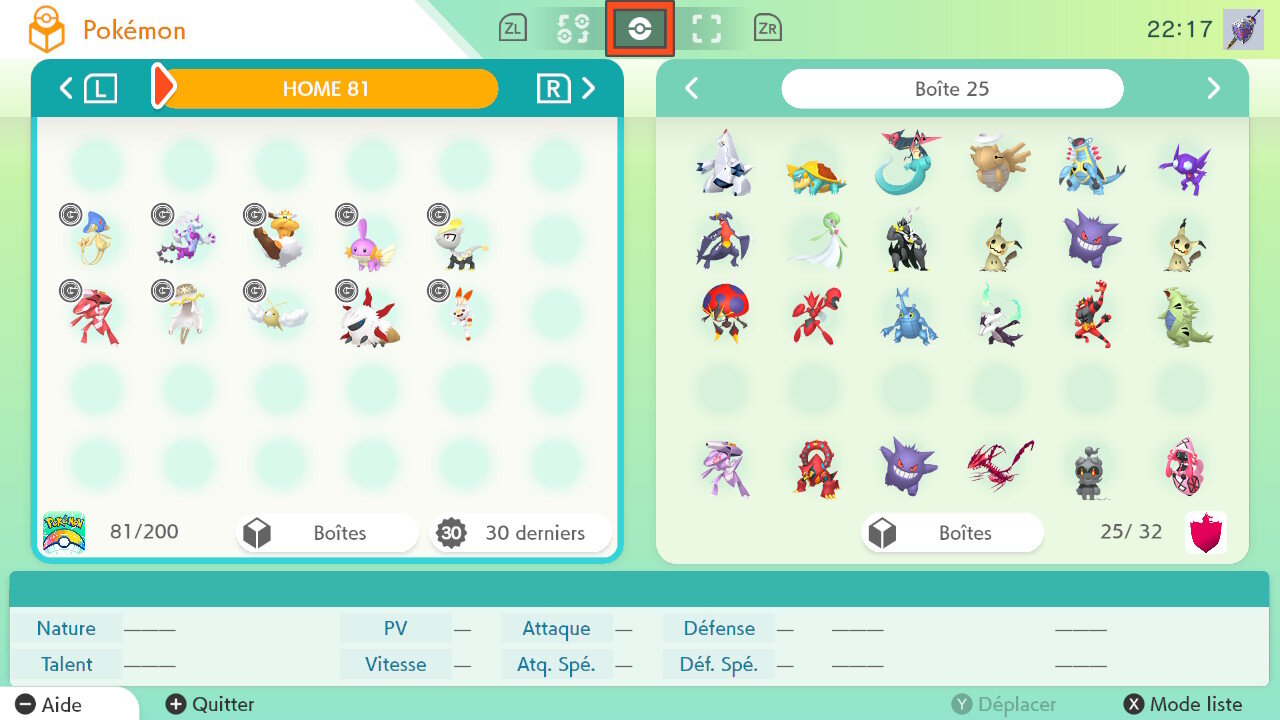
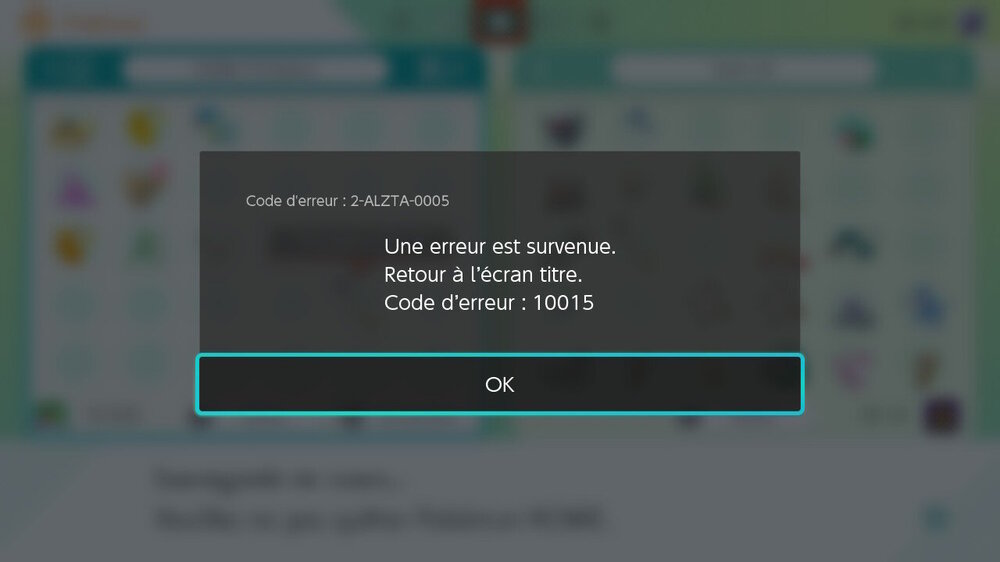
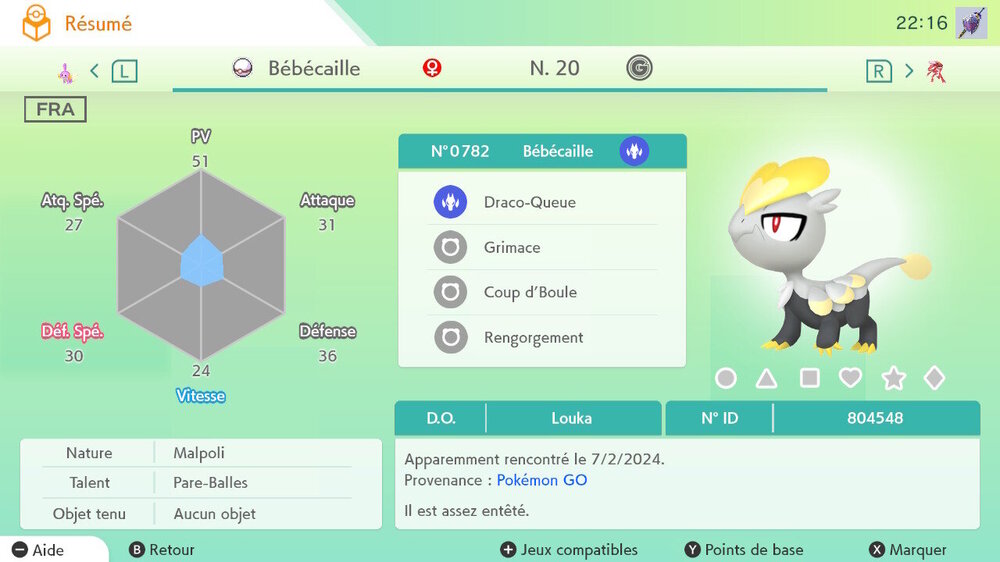
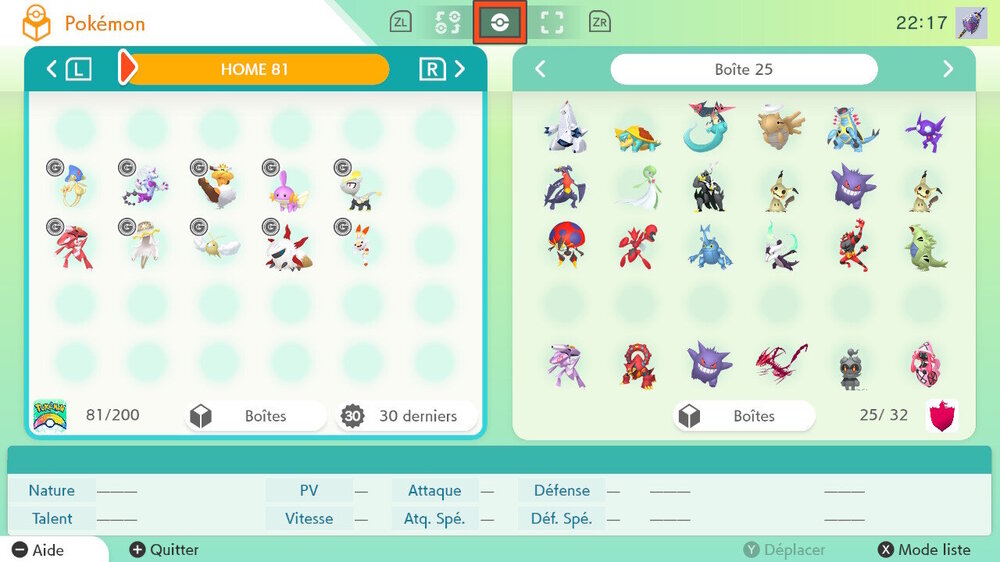
Definitely, he's asking for trouble. The home tracker is nothing to joke about. I paid the price for it. Sometimes the server lets illegal edits bypass the system. For instance, I successfully uploaded several generated Mons that contained unauthorized parameters, yet the server processed them without any errors: -In my pokemon Shield save, I made many Go pokemon that's mean with no tracker. Send them to Home -In every my games I put ribbons in several mons after they got their trackers. The mons were from pokebank. Later, after I took some pokemon down, the server wouldn't let me send them back. I HAVE ATTACHED SOME EXAMPLES Since I've been meticulously following the advice here, everything is going very well: boxdata Boîte 31.bin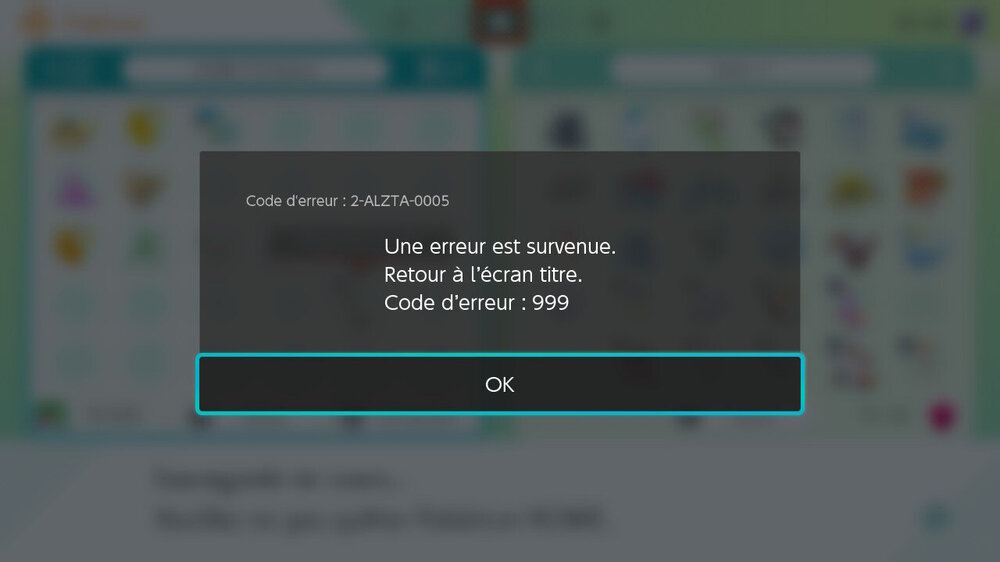
-
I was looking for a shiny ribbon master scizor too. I managed to create one myself. The file above doesn't have all the ribbons. Also, it has zero IVs in every stats. That's weird. Here my file . i think better one. IVs can be maximized with bottle caps. Adding two extras pokemon Mew, Heracross 0212 ★ - Scizor - 1C71209616F2.pk7 0151 ★ - Mew - 887B85EEF0AE.pk7 0214 ★ - Scarhino - 84DEB443E41C.pk7
-
I bought a new Windows PC. Since then, the Pkhex is blurry. When I optimize the DPI settings, that's better but the box editor is tiny. Now I found the solution. it's very simple: Use the same "Screen resolution" as in my old laptop: 1366x768 Right-click on an empty area of the desktop, then click on Display settings.... Now the Pkhex runs as usual. No blurry, no tiny.
-
Help with Invalid Ribbons: Contest and Battle Memory
Giselus replied to CastielWinchester's topic in Pokémon Legality
Use these commands in the batch editor should solve the issue. .HasBattleMemoryRibbon=False .HasContestMemoryRibbon=False -
Pokemon Scarlet and Violet All pokemon (FR)
Giselus commented on Giselus's file in User Contributed PKM files
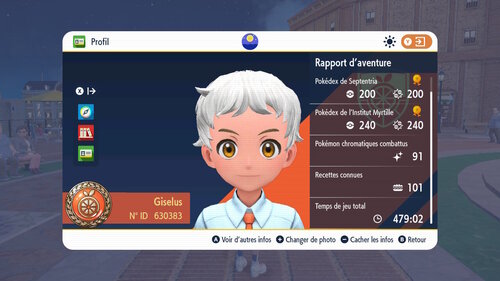 Sure. I did it.
 -
Pokemon Scarlet and Violet All pokemon (FR)
Giselus commented on Giselus's file in User Contributed PKM files
Hi, 3 pokemon are missing: Deoxys ,Hoopa and Cosmog. I'll definitely add them one day. Soon I hope. Edit: It's Done. -
-
-
Version 3.0.0
6592 downloads
Sharing my collection of pokemon for Scarlet and Violet. Many Pokemon are in rare ball: the 7 Apricorn Ball,Safari,Sport Ball, Beast Ball Adding two boxes with pokemon from HOME. Impossible to obtain in Paldea. These 2 boxes have pokemon with a"Home tracking" ps: I play in French language