

Leaderboard

Popular Content
Showing content with the highest reputation on 07/05/24 in Files
-
Version 0.3.0
1497 downloads
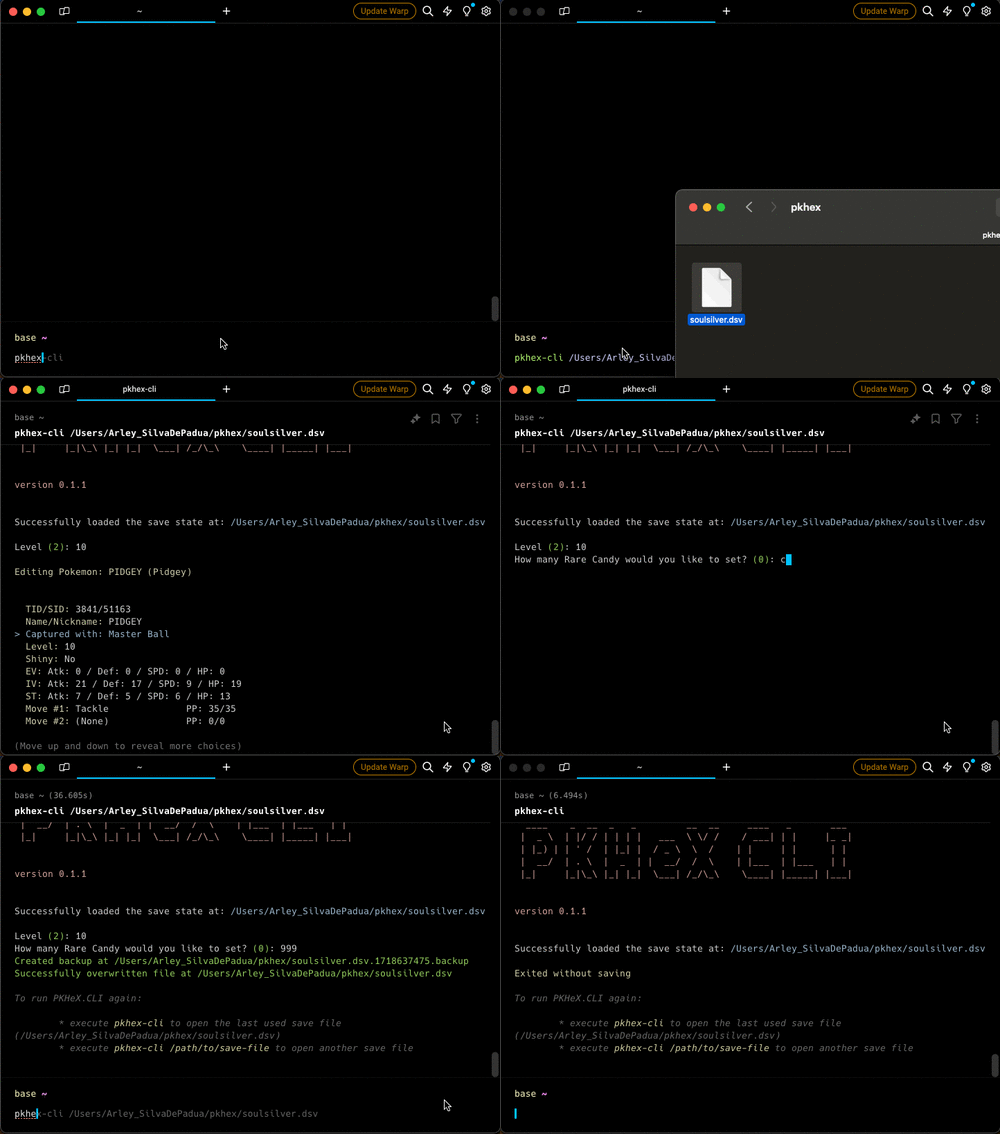
This is a cross platform Command Line Interface (CLI) tool for interacting with Pokémon save files. It provides various functionalities to manage and modify Pokémon save data. Features Load Save File: Load a Pokémon save file from a specified path. View Trainer Info: View information about the trainer in the save file. View/Edit Inventory: View and edit the inventory of the trainer. View/Edit Party: View and edit your party. View/Edit Pokemon Box: View and edit all pokemons in your box. Backups: When exiting the program, if changes were made, a backup will be created. Installation Homebrew brew tap arleypadua/homebrew-pkhex-cli brew install pkhex-cli Script curl -sL https://raw.githubusercontent.com/arleypadua/PKHeX.CLI/main/install.sh | sudo bash Compatibility with batocera PKHeX.CLI is compatible with batocera: Make sure you can access batocera with SSH. (Details here). Open an ssh session: ssh root@batocera the default password is usually linux run curl -sL https://raw.githubusercontent.com/arleypadua/PKHeX.CLI/main/install.sh | bash note that because we are accessing as root there's no need to run sudo bash You should be able to use it as stated here. Manual download Download the latest version for your system here Put the file somewhere that's visible from your PATH directory Verify the installation with pkhex-cli --version should print out PKHeX CLI: x.y.z Usage pkhex-cli /path/to/savefile.bin Command Line Options savefile: (Optional) The path to the save file. Defaults to "./data/savedata.bin". --version: Shows the version1 point